We use cookies to provide you with a stable, fast and enjoyable shopping experience.
Fast delivery
Many items in stock · Delivery time in your cart
For Windows
For your Windows PC
Create your own designs
From idea to embroidery file
Personal advice
By phone, with KAI or in store
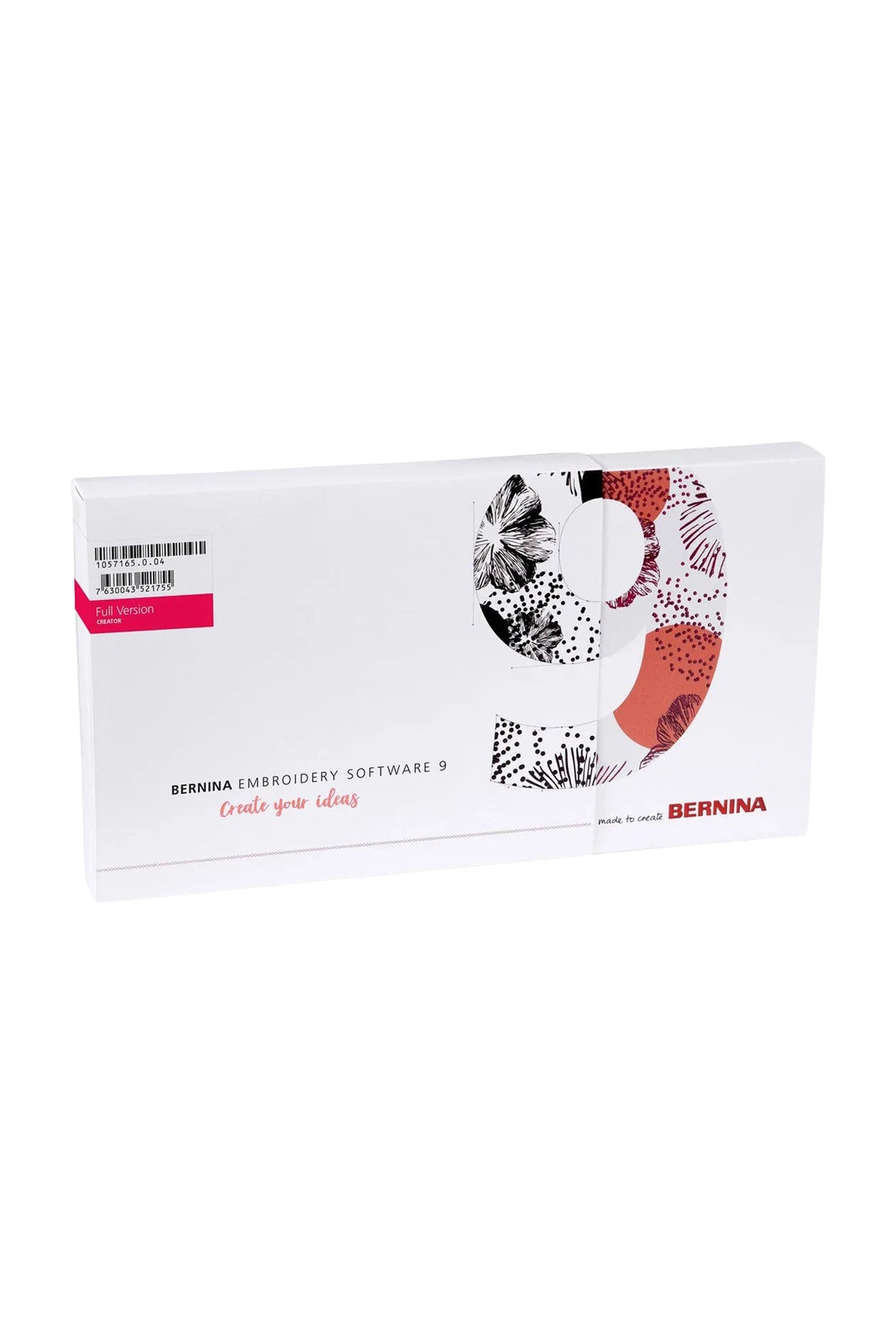
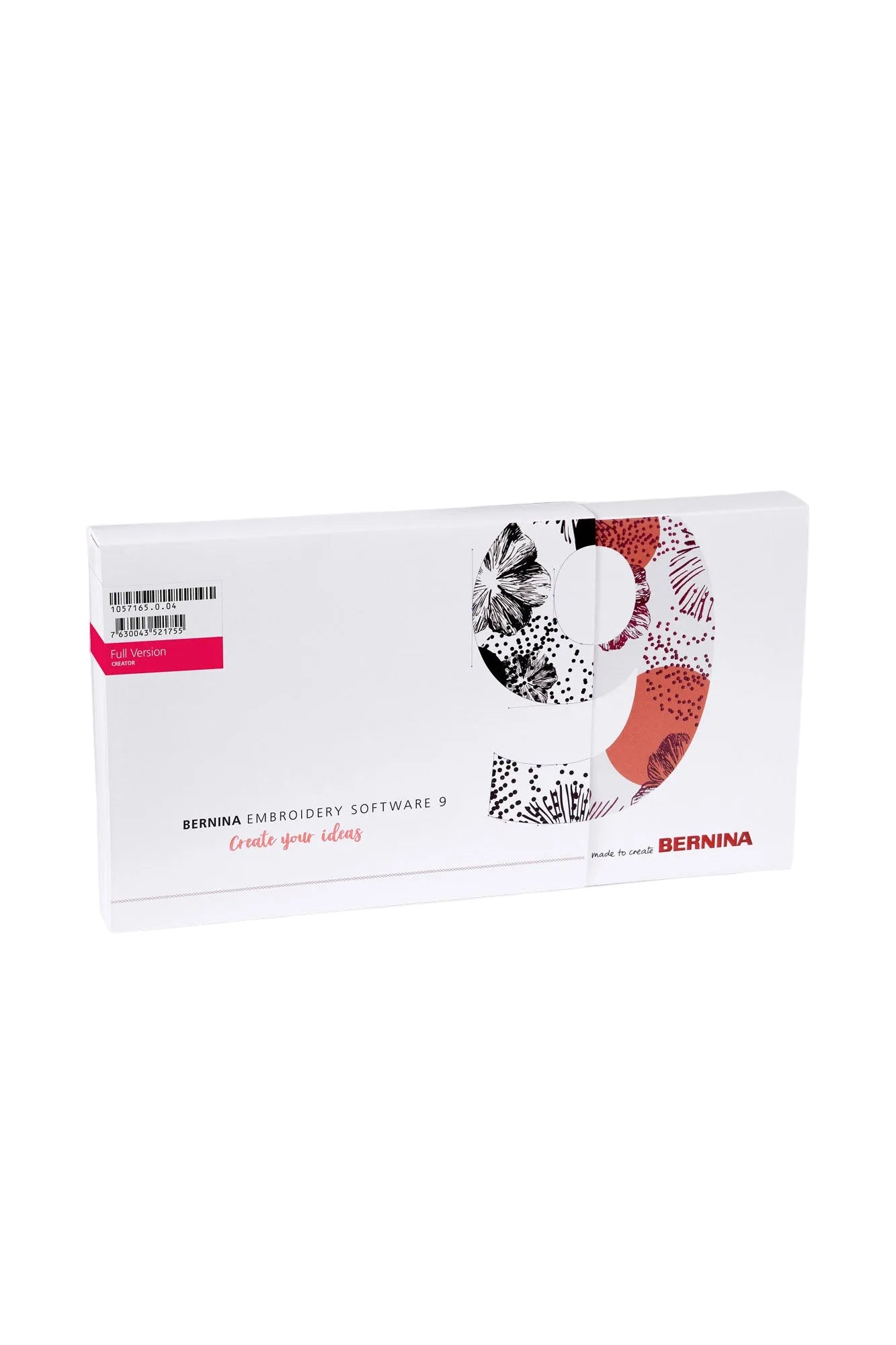
BERNINA V9 Creator embroidery software
4 Bewertungen
For Windows
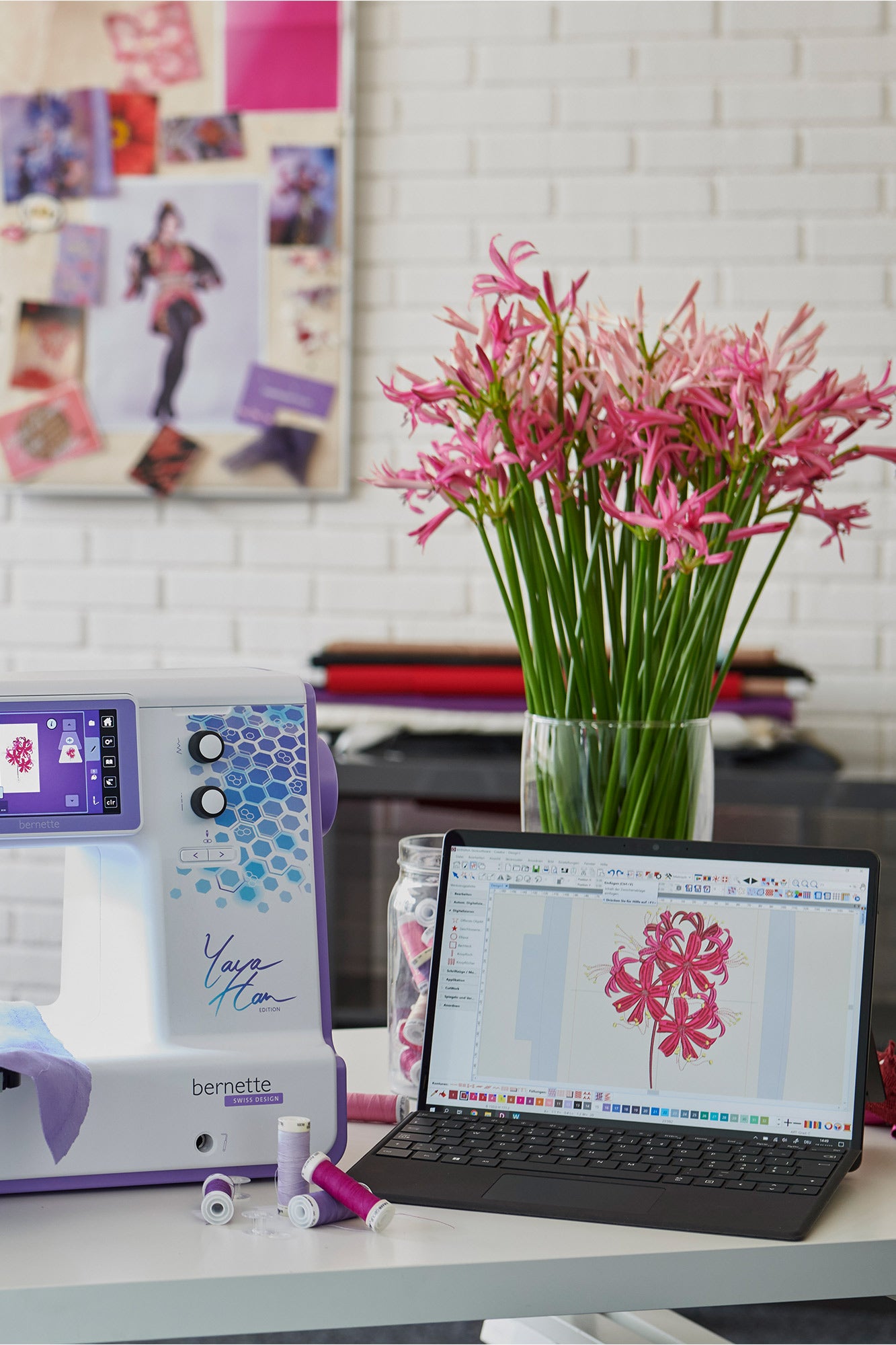
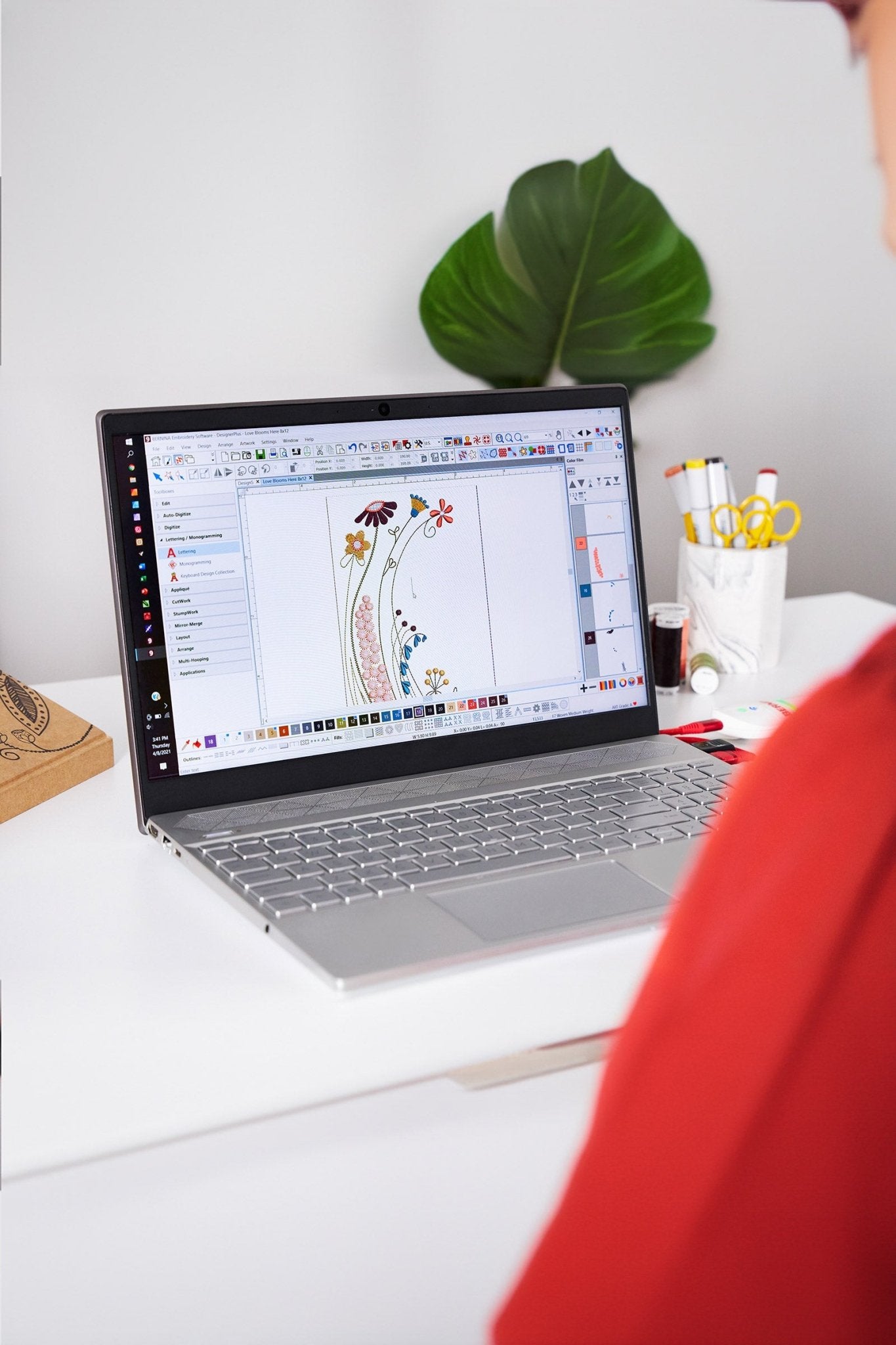
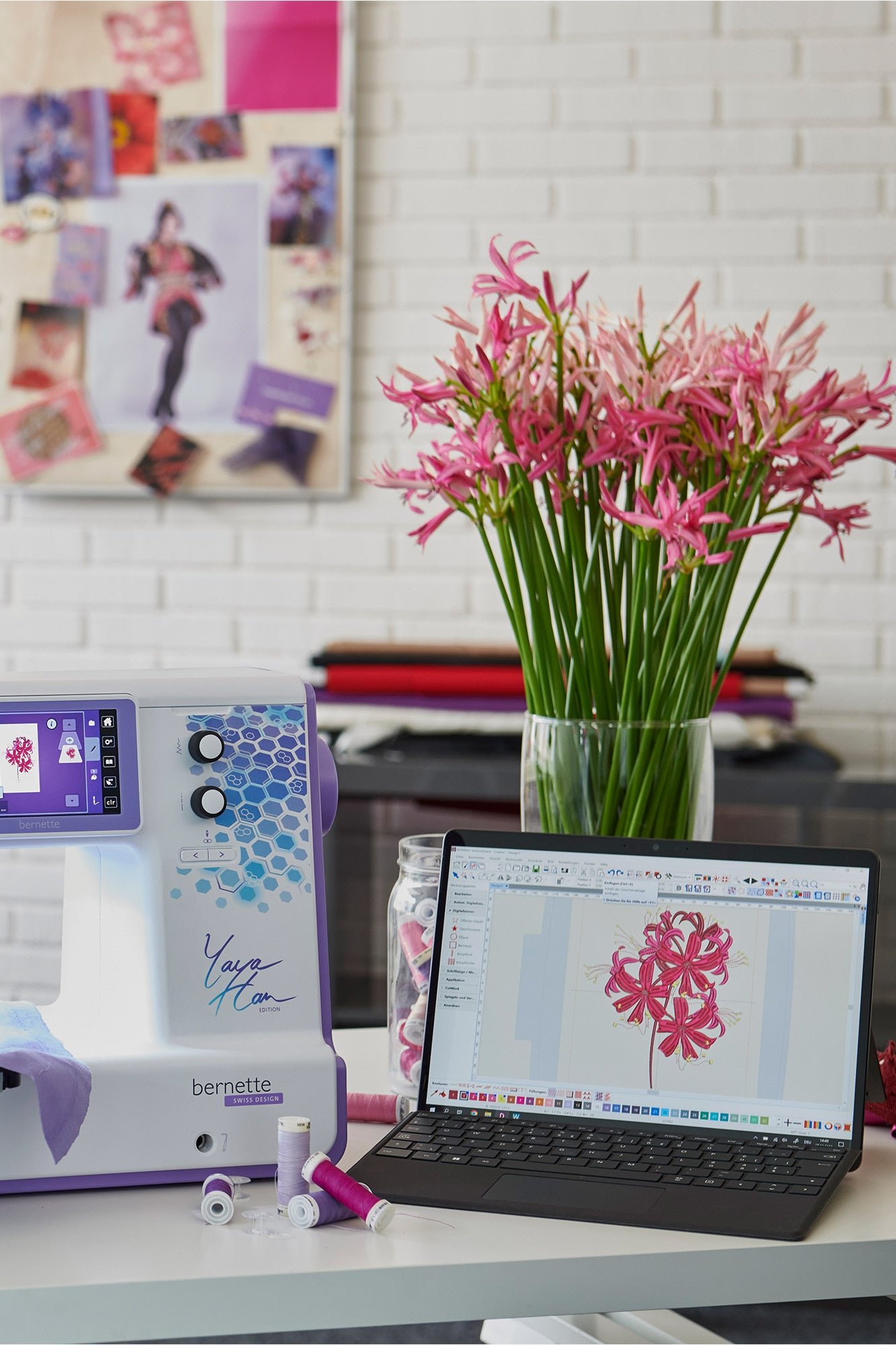
BERNINA V9 Creator is embroidery software for 64-bit Windows 10 and 11. Edit existing embroidery designs, create lettering and monograms, and digitise artwork with automatic and selected manual tools.
384 built-in embroidery designs
60 built-in embroidery fonts
Use TrueType and OpenType fonts
Automatic digitising, Magic Wand and PhotoSnap
Manual digitising tools and shapes
Combine, resize, rotate, mirror and reshape designs
Create appliqués and export cutting files as SVG or EXP
Open and save embroidery files in multiple formats
Transfer via USB; WiFi device sold separately
If your order contains this item, all items will be shipped together as soon as the complete order is available.
Does it fit your machines?
Tell us which machine you have. Then you'll see right here and on every other page whether an accessory fits.
You can conveniently finance your machine if you wish. When purchasing, select bank transfer as the payment method and, after your purchase, complete the form so that we can request financing for you from Creditplus Bank.
0% financing for selected machines
choose between 10 or 20 monthly instalments
a freely selectable deposit is possible
an optional final instalment is possible
debiting on either the 15th or 30th of the month
the bank usually responds very promptly
Important information
Financing only becomes binding after review and approval by Creditplus Bank. Creditplus terms and conditions apply.
Use our advice form and send us all relevant details about your requirements and budget. We’ll get back to you.
The beginning for more
With the Bernina V9 Creator embroidery software, you get fantastic, professional-level tools for creating embroidery files and embroidery fonts. And if you want more, you can upgrade later.
Your introduction to the world of professional embroidery files.
Your introduction to the world of professional embroidery files.
Product details
overview
The BERNINA V9 Creator embroidery software for your Windows PC is a lightweight version of the professional Wilcom embroidery software, used worldwide in embroidery and other industries. Numerous tools, integrated fonts, and ready-made embroidery designs are available for creating your own embroidery files and editing existing ones.
Characteristics
BERNINA V9 Creator is a modern, Windows-based embroidery software with an intuitive interface. It supports common embroidery file formats and offers tools for automated digitizing of fonts, images, and shapes. The software is delivered as a physical product and requires an active internet connection for BERNINA registration. No hardware dongle is required.
🔡Text and font functions
Use ofSystem fontsyour computer as embroidery fonts
Advanced text design (arcs, mirroring, spacing, alignment)
Automatic conversion of text into embroidery patterns
Monogram tools with custom templates
Spelling and adjusting individual letters (e.g. rotating, moving)
🎨Embroidery pattern creation & editing
Automatic digitization ofBitmap and vector graphics
What is the difference between the Creator and DesignerPlus versions?
The Creator version is the entry-level version of the Bernina V9 software. It lets you edit existing embroidery patterns, create your own lettering, and create simple designs. The DesignerPlus version offers additional professional features like PhotoStitch, 3D Lettering, CutWork, and Couching—ideal if you want to take it to the next level.
Is it possible to upgrade to the DesignerPlus version later?
Yes, you can upgrade to the Designer Plus version at any time. This simply extends your Creator license—all your saved projects will remain, and you'll have access to all the professional features.
5 stars: 4 (100%)
4 stars: 0 (0%)
3 stars: 0 (0%)
2 stars: 0 (0%)
1 star: 0 (0%)
L
Lukas
.
K
Katharina K.
.
C
Corina
.
H
Helge
.
Choosing a selection results in a full page refresh.