

How can we help you?
Frequently Asked Questions
FAQ
Here you'll find answers to the most frequently asked questions about machine embroidery, accessories, software, and our shop. Clearly explained, practical, and always there for you – so you can focus fully on your next project.

Maintaining Brother PR and VR Embroidery Machines: Daily Care Made Simple
Here's how to properly maintain Brother PR and VR embroidery machines: daily cleaning, oiling, needle replacement, and other maintenance steps—with the official Brother video guide and the appropriate PR service package.
Read moreabout Maintaining Brother PR and VR Embroidery Machines: Daily Care Made Simple

How to clean a sewing machine safely: step-by-step guide
Clean your sewing machine safely: remove lint, clean the hook area and oil only when the manual says so, with a clear step-by-step process.
Read moreabout How to clean a sewing machine safely: step-by-step guide
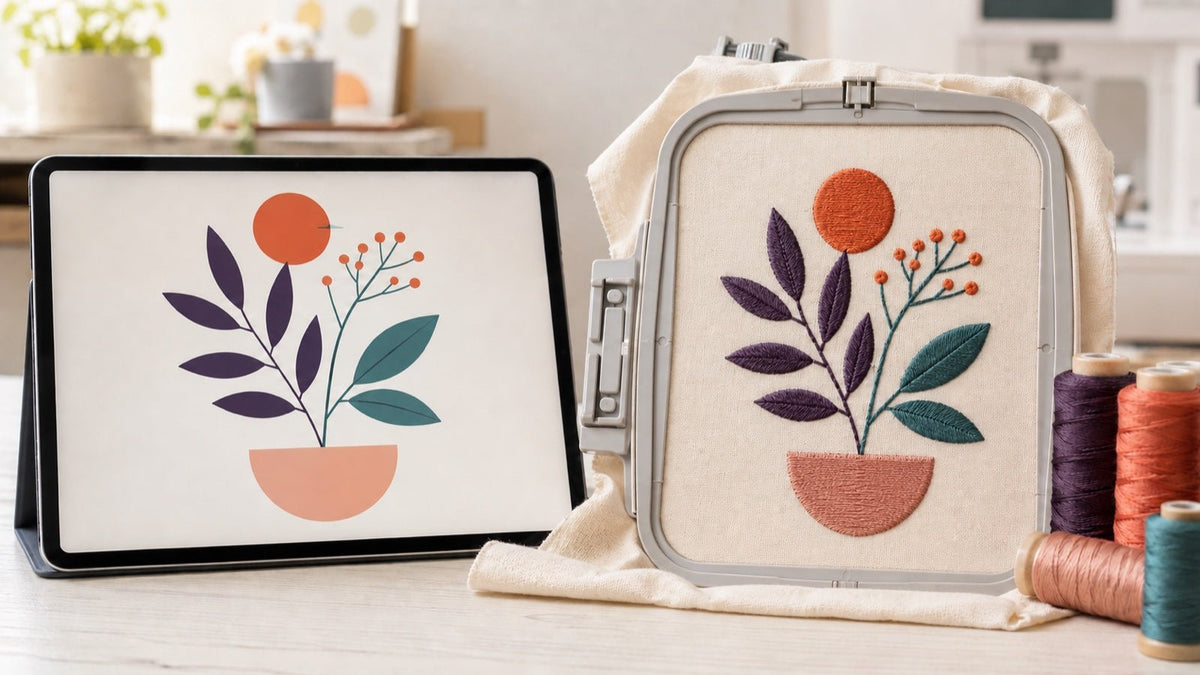
Convert an image to an embroidery file: JPG, PNG & SVG
Turn JPG, PNG, SVG or EPS artwork into an embroidery file: prepare it, digitise automatically or manually, export and test-stitch it.
Read moreabout Convert an image to an embroidery file: JPG, PNG & SVG
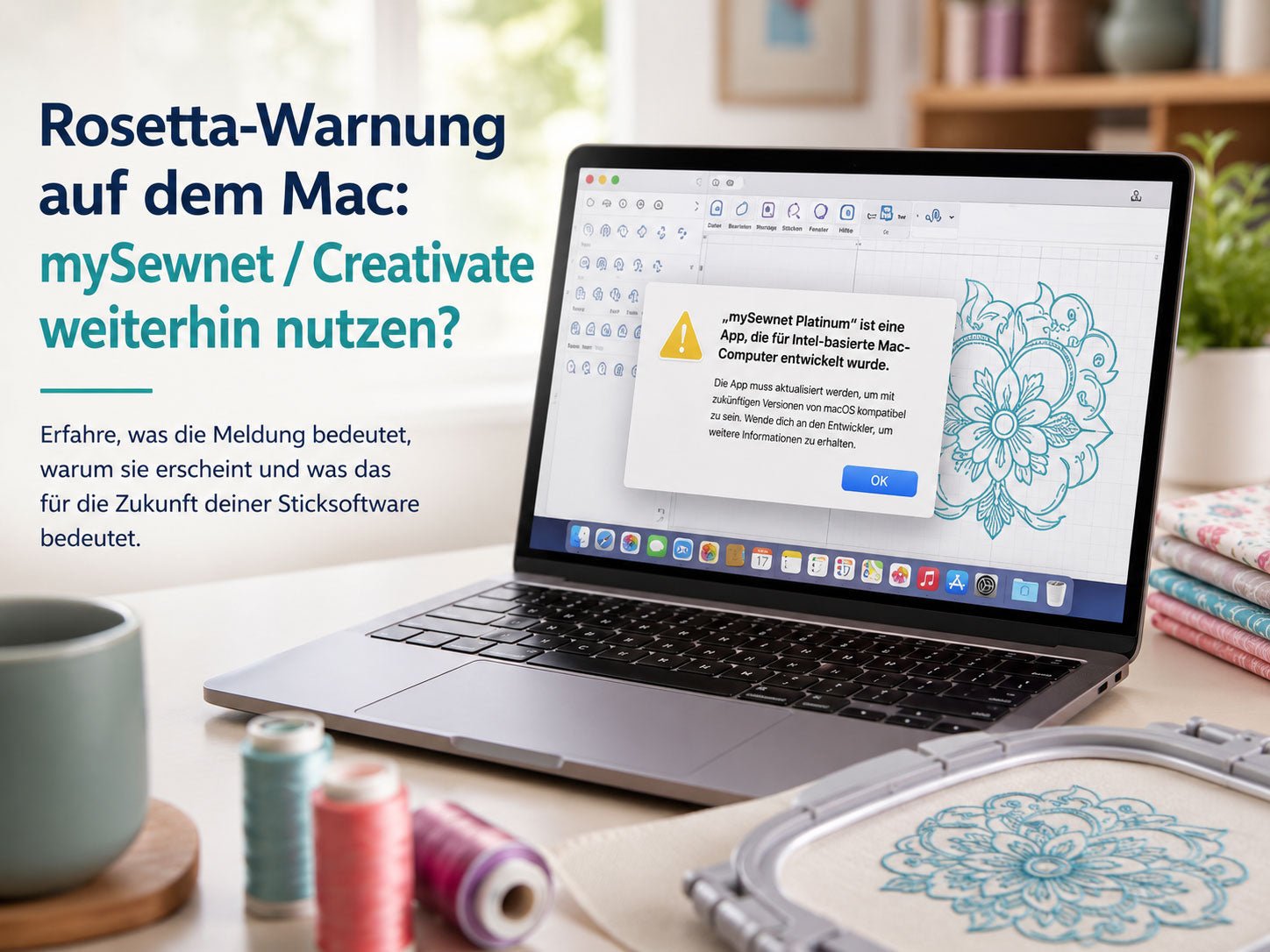
mySewnet and CREATIVATE on Mac: What does the Rosetta warning mean?
CREATIVATE continues to offer its embroidery software for Mac; the currently published minimum requirements state macOS Catalina or newer and Intel processors.
Read moreabout mySewnet and CREATIVATE on Mac: What does the Rosetta warning mean?
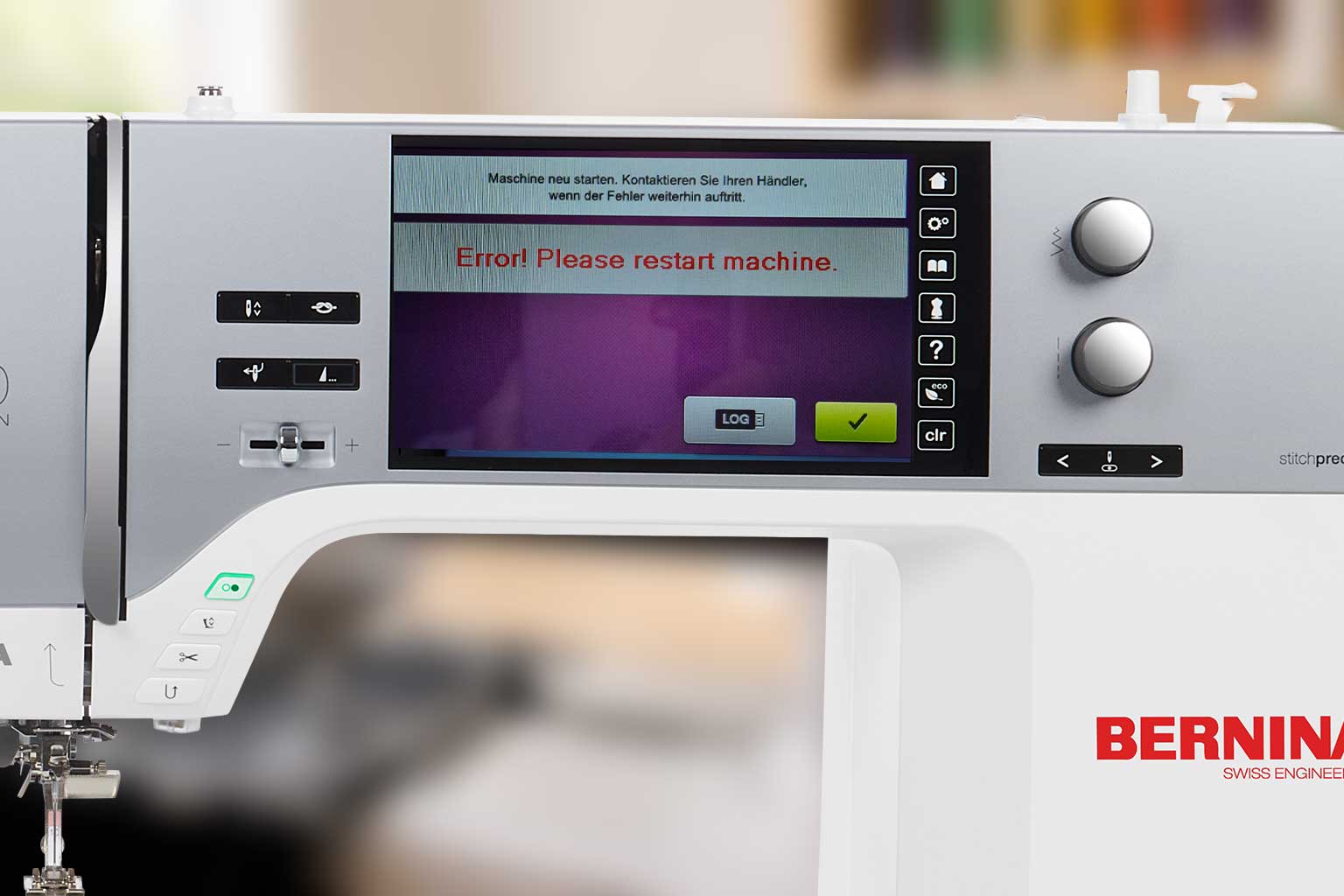
BERNINA Embroidery Machine Crashes with USB Stick: How to Fix the Problem
If your BERNINA embroidery machine restarts as soon as you insert a USB stick, this is often due to unsuitable or corrupted files on the stick. We will show you which files your machine needs and how to properly prepare the USB stick.
Read moreabout BERNINA Embroidery Machine Crashes with USB Stick: How to Fix the Problem
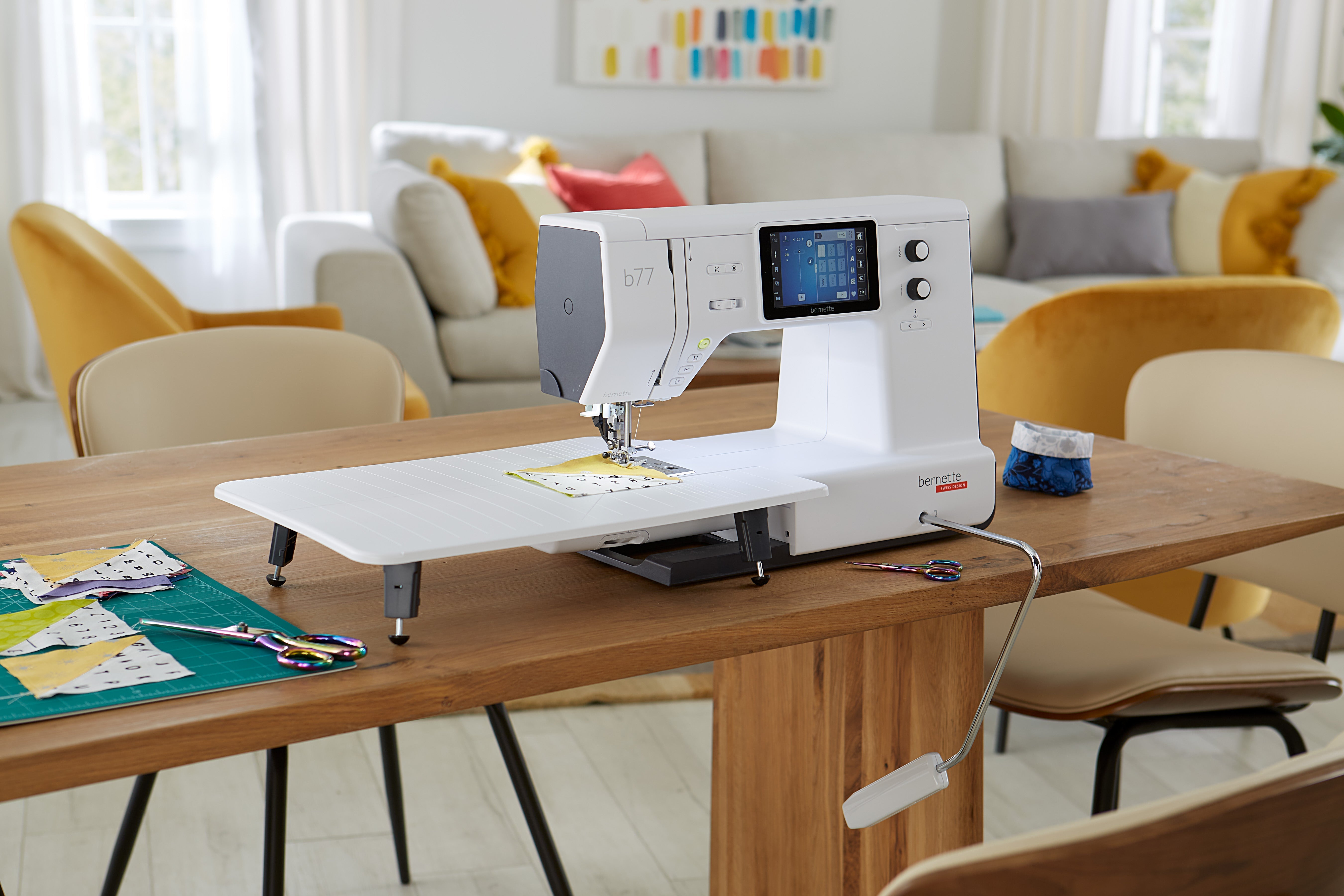
Raise presser foot with needle down position – bernette b77 and b79
With the bernette b77 and b79, you can set whether and how far the presser foot is raised when the needle is lowered. This makes it easier, for example, to turn the fabric and sew around corners.
Read moreabout Raise presser foot with needle down position – bernette b77 and b79
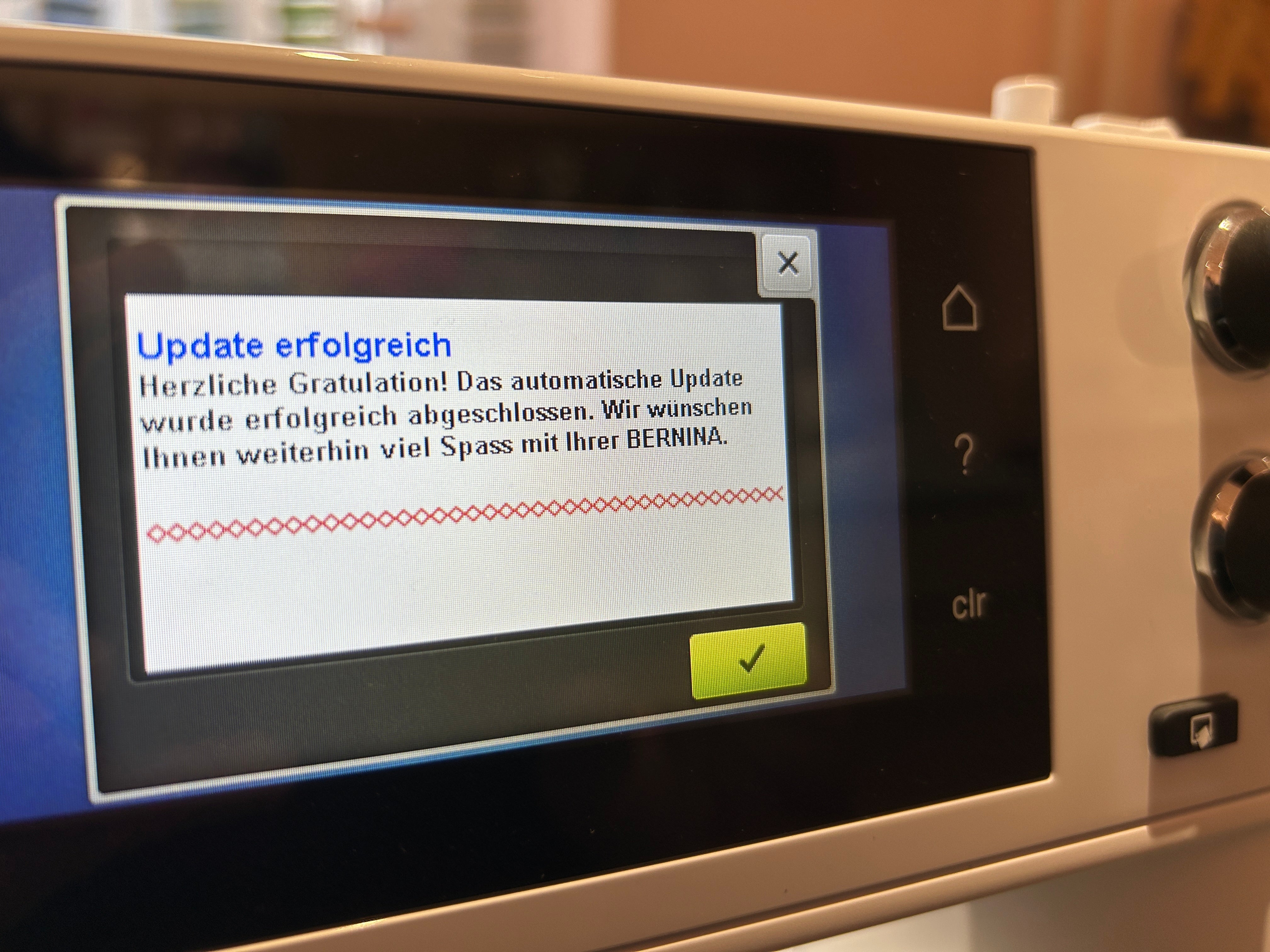
Firmware update for BERNINA 5 and 7 series
A firmware update at BERNINA is more than just bug fixing. Depending on the version, Bernina can use it to correct software bugs, refine functions, and add content/features (e.g., new stitches, additional embroidery designs, or support for accessories like embroidery hoops). An update is particularly worthwhile if you experience error messages, irregularities in the sewing/embroidery process, or compatibility issues (accessories, formats, designs) – or if Bernina unlocks new features.
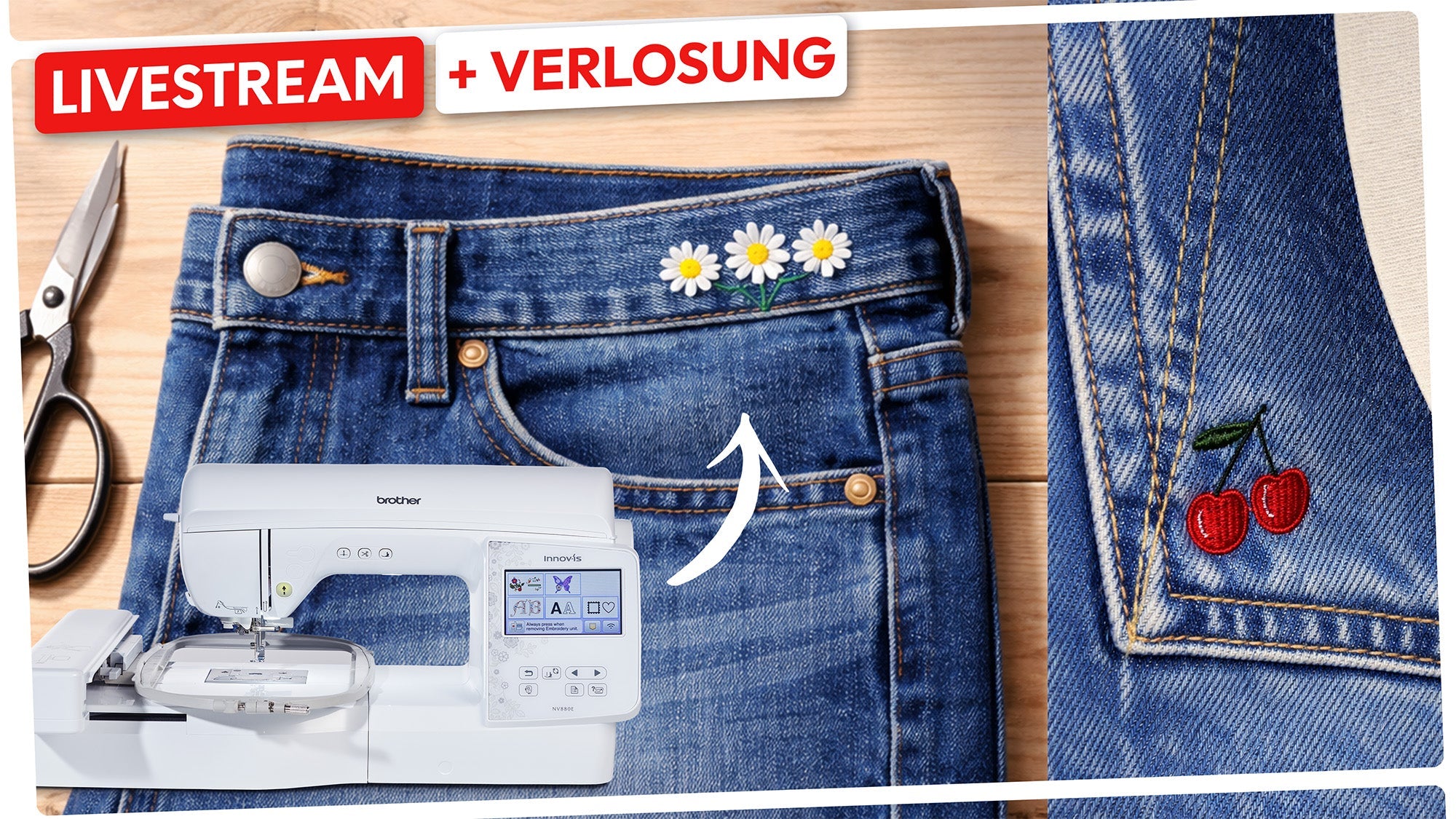
How to embroider jeans with an embroidery machine!
With a few tips & tricks and the right materials, you can easily and effectively personalize your jeans.
Read moreabout How to embroider jeans with an embroidery machine!
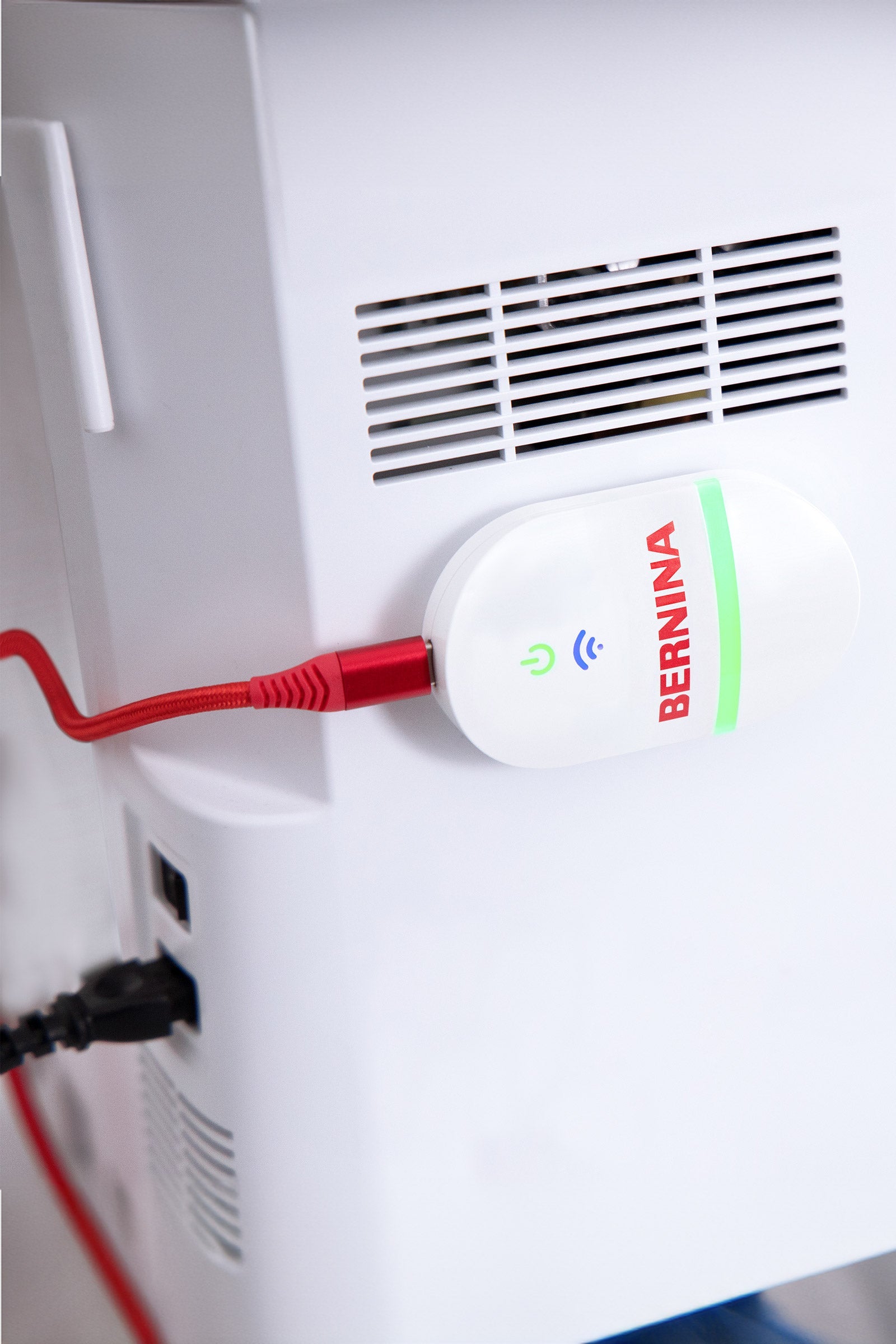
Connection drops with embroidery machines on Wi-Fi, e.g., Bernina WiFi
Modern embroidery machines are now Wi-Fi enabled. Nevertheless, connection drops are common in home networks, especially with BERNINA Wi-Fi devices, but also with machines from other manufacturers. In most cases, the cause is not the embroidery machine itself, but rather dual-band routers, automatic frequency switching between 2.4 GHz and 5 GHz, or router optimizations.
Read moreabout Connection drops with embroidery machines on Wi-Fi, e.g., Bernina WiFi
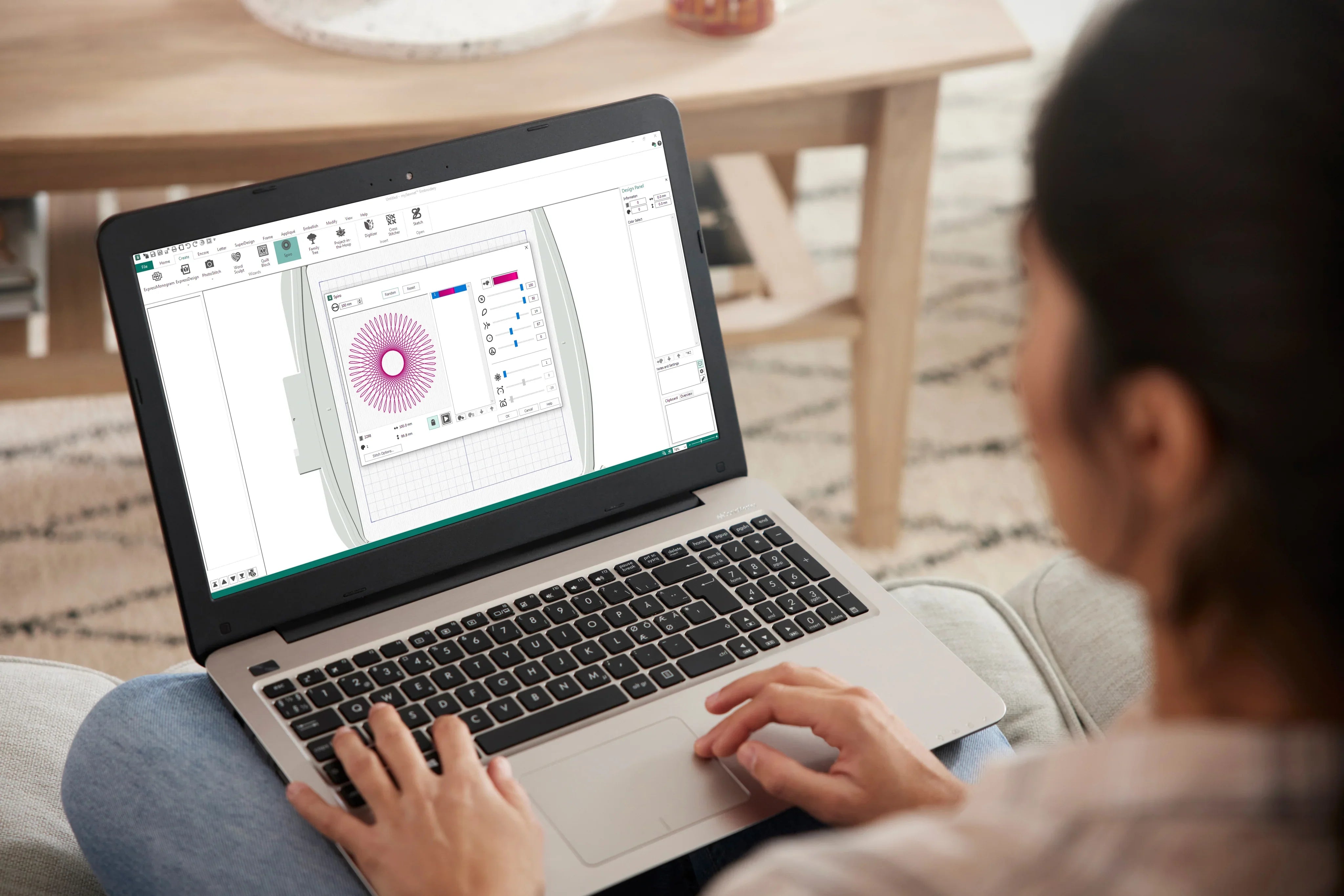
Premier+2 Sticksoftware can no longer be installed on a new computer.
Many users of the Premier+2 embroidery software are currently experiencing problems activating the software on new computers. This is because the manufacturer, VSM (Husqvarna Viking / PFAFF), has permanently shut down the activation servers. As a specialist retailer, we are equally unhappy about this situation, but we would like to summarize all the important information and possible solutions for you.
Read moreabout Premier+2 Sticksoftware can no longer be installed on a new computer.
Problems downloading digital products
Sometimes the download of your purchased embroidery files doesn't work right away. This is often due to browser settings or because the file has already been downloaded multiple times. Here you'll find the most common causes and solutions.
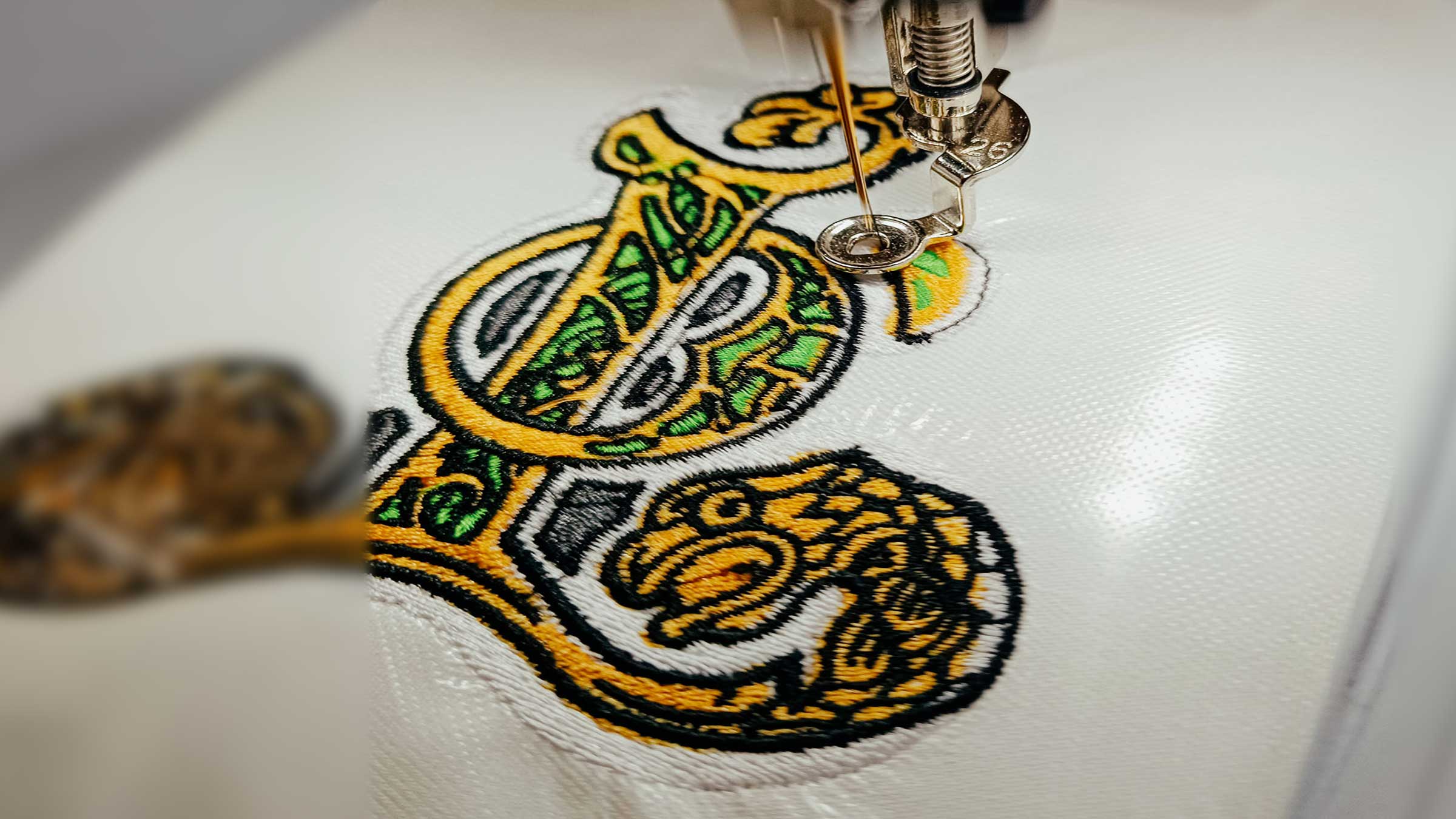
Distortion often results from the interaction of material, stabilisation, hooping, stitch sequence and density. It is therefore neither automatically just a stabiliser problem nor automatically a design fault.