We use cookies to provide you with a stable, fast and enjoyable shopping experience.
Software code by email
Usually within 24 hours · Mon–Fri
For Windows & Mac
Compatible with your computer
Personalise designs
Fonts, colours & designs
Personal advice
By phone, with KAI or in store
CREATIVATE Essential – Embroidery Software for Mac & Windows
28 Bewertungen
For Windows & Mac
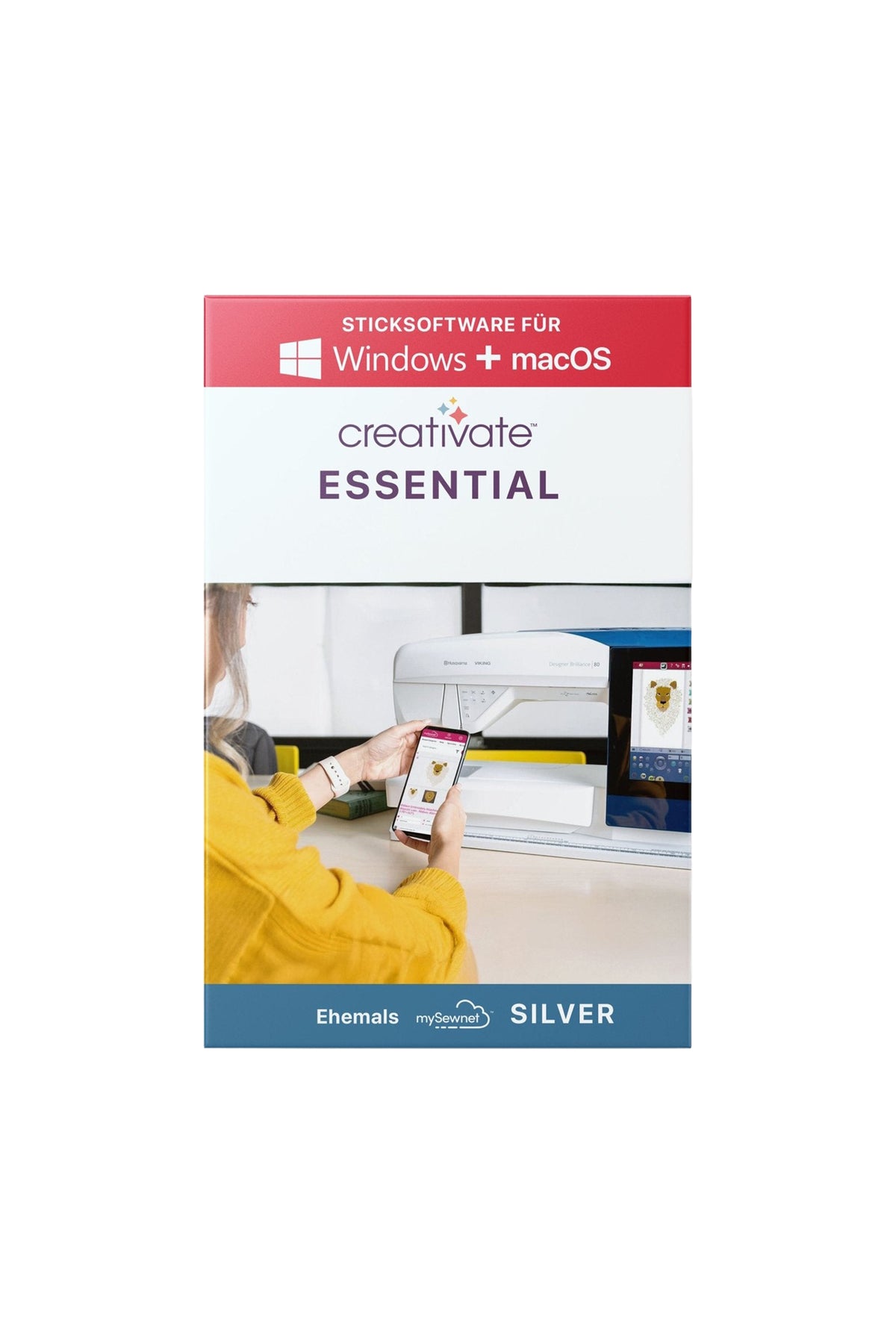
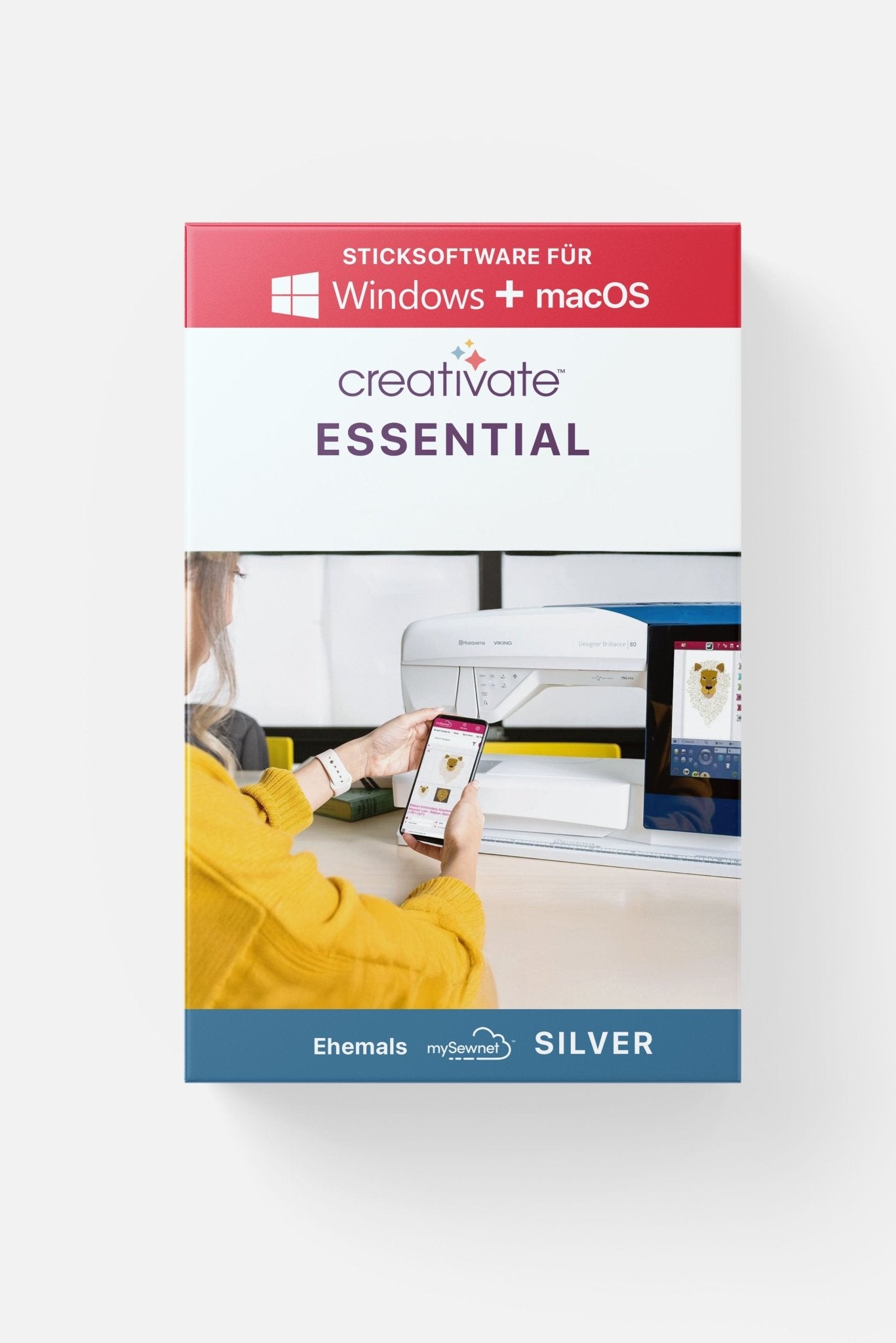
creativate™ Essential is the intuitive entry-level software for anyone who wants to manage, combine, or customize embroidery files. Compatible with Windows and Mac. Ideal for editing existing designs and taking the first steps into digital embroidery file creation.
CREATIVATE Essential – Embroidery Software for Mac & Windows
12-month subscription
Sale price79,00 €Regular price199,00 €
\n\n
Do you have any questions?
You can conveniently finance your machine if you wish. When purchasing, select bank transfer as the payment method and, after your purchase, complete the form so that we can request financing for you from Creditplus Bank.
0% financing for selected machines
choose between 10 or 20 monthly instalments
a freely selectable deposit is possible
an optional final instalment is possible
debiting on either the 15th or 30th of the month
the bank usually responds very promptly
Important information
Financing only becomes binding after review and approval by Creditplus Bank. Creditplus terms and conditions apply.
Use our advice form and send us all relevant details about your requirements and budget. We’ll get back to you.
Essential for everyone
Fonts, in particular, cannot be scaled on the embroidery machine. The Creativate embroidery software adjusts the stitches optimally.
If you want to create your own embroidery files, we recommend the Creativate Elite.
creativate™ Essential (formerly mySewnet™ Silver) is your entry into the digital world of embroidery. With this embroidery software, you can manage your embroidery files, edit motifs, adjust colors, and combine different designs into a new look. You can even add text with just a few clicks—perfect for personalizing projects.
You will receive a digital activation code from us to activate the software on up to two devices (Windows or macOS). The download is available directly from the manufacturer's website.
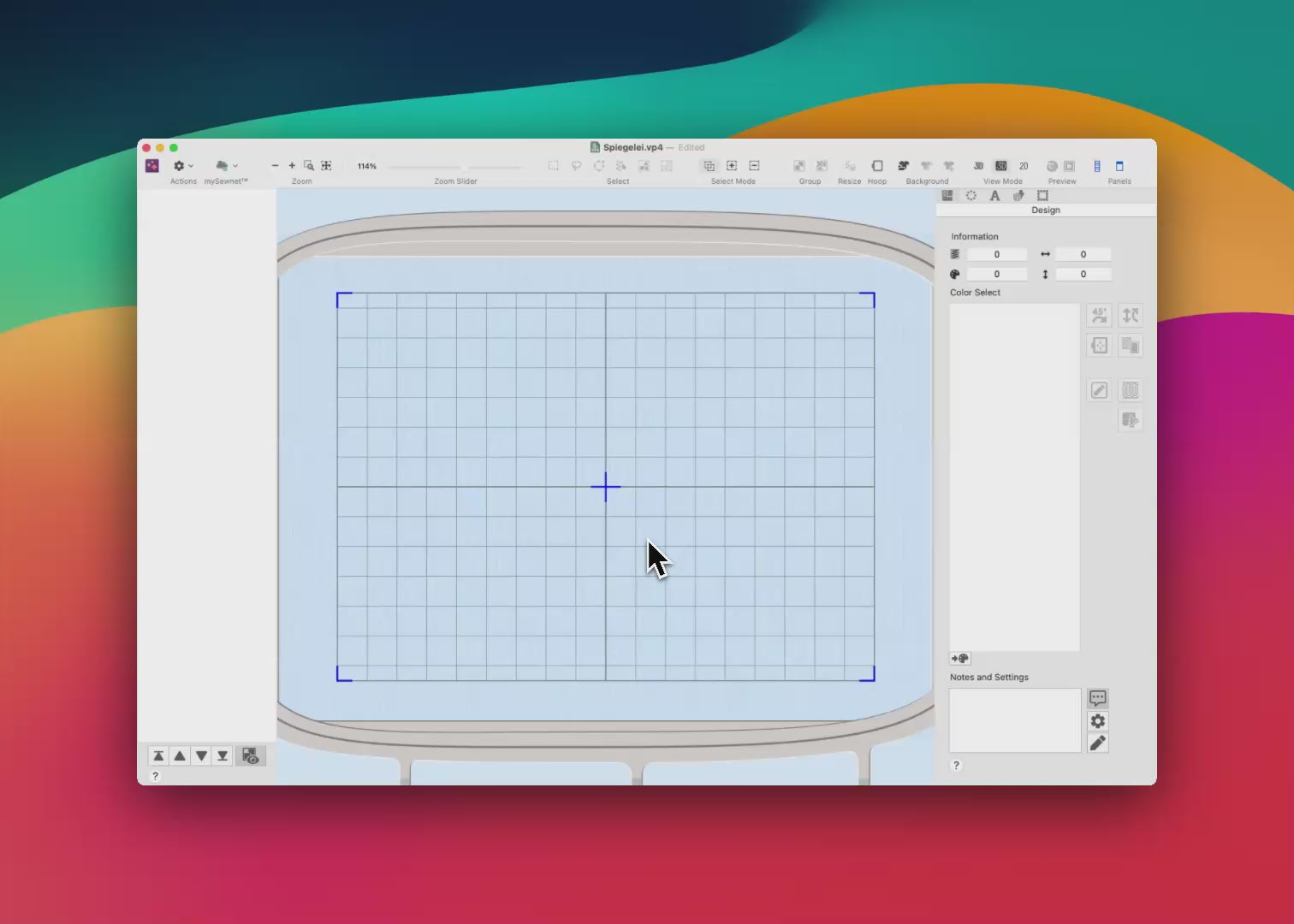
Whether you want to reduce the size of an existing design, mirror it, or add lettering, creativate™ Essential makes it easy. Thanks to the cloud functionality, you can send embroidery designs directly to compatible machines – wirelessly and conveniently. You can't create your own designs with this feature.
Edit embroidery files
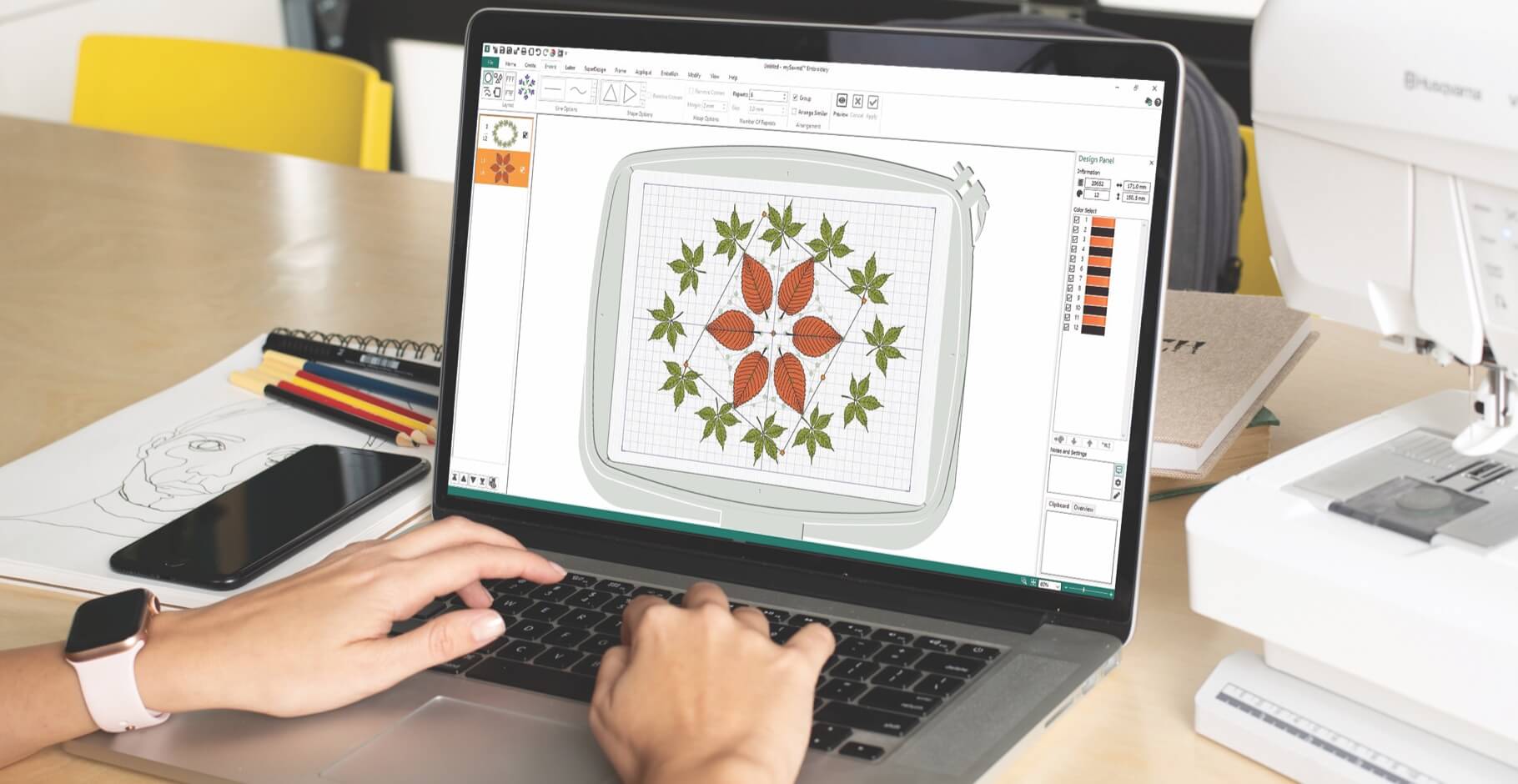
Insert and group embroidery files, duplicate, rotate, resize or resize with stitch adjustment
Change yarn colors
Convert
creativate Design Catalog (subscription only)
The software includes a large library of great embroidery files, super designs and fonts:
Over 240 embroidery fonts and 2000 super designs
Easy access to it, select fonts and generate text in them
A notice:The files from the design catalog can only be embroidered on mySewnet/creativate-enabled machines. Files may be purchased for use on other machines.
Additional functions
With theQuickFont Wizardyou can convert other fonts from your computer into embroidery files
So-calledEndless embroiderycan be generated by saving the start and end points so that the stitching continues when the hoop is re-attached and re-attached
WithEncoreparts of the motif can be duplicated to create mandala optics
Split Projectfor dividing embroidery designs into several sections
Characteristics
Compatible with Windows® 10/11 and macOS® (version 10.13 and later)
Activation possible on two devices simultaneously
No USB dongle required – activation via code, download from manufacturer’s website
Managing & editing embroidery files
Combine, mirror, scale, adjust color
Including fonts and text design
Compatible with all common file formats (including .vp3, .vp4, .pes, .jef, .exp, .dst, .hus)
WLAN transmission to creativate-compatible machines possible
creativate™ Vault access included
The following embroidery file formats can be opened with the software:
User interface language
On Windows, the user interface is also available in German. On Mac, the manufacturer does not provide a translation; the user interface is therefore available in English only.
Manufacturer information
Manufacturer / EU responsible person: VSM Deutschland GmbH
Address: An der RaumFabrik 34, 76227 Karlsruhe Contact: Email: info@vsmdeutschland.com
For anyone who's just starting out with embroidery or simply wants to edit existing files. No prior knowledge is required – the software is easy to understand and clearly laid out.
How do I transfer the embroidery files to my embroidery machine?
If your embroidery machine is Creativate-enabled (formerly mySewnet) – you can recognize this by a mySewnet logo on your Husqvarna VIKING, PFAFF, or Singer machine – you can transfer the files directly to the machine or cloud via Wi-Fi.
For all other embroidery machines, e.g. from Brother, Bernina, Janome, W6, Veritas, Bernette etc. you use a USB stick.
Sticksoftware für Mac & Windows mit umfassender Funktionalität. Die Kunden lobten die „großartige Software“ und fanden sie „einfach zu bedienen“. Die meisten heben exzellenten Service und Support hervor, einschließlich Unterstützung am Wochenende. Einige Käufer stellten Probleme bei der Installation fest, insbesondere für Anfänger. Die App weist gelegentlich Zuverlässigkeitsprobleme auf.
Es macht Spaß, damit zu arbeiten. Die Investition lohnt sich.
Alles hat super funktioniert. Die detaillierten Videos lieferten hervorragende Informationen.
Tolle Software, einfach zu bedienen.
5 stars: 26 (93%)
4 stars: 1 (4%)
3 stars: 0 (0%)
2 stars: 1 (4%)
1 star: 0 (0%)
R
Ruth B. (Kümmersbruck, DE)
12 Monate Abonnement
Super
Super Preis Dank 15% Rabatt
G
G.S. (Münster, DE)
VOLLKAUFVERSION
Gute Software
Gute Software, für das was ich möchte bin ich zufrieden
A
Anonym (Hagen, DE)
12 Monate Abonnement
Gut
Gut laufen
A
Anke G. (Paderborn, DE)
12 Monate Abonnement
Die Software ist echt Klasse
Die Software ist echt Klasse. Aber ich fand die Installation sehr schwer. Muss aber auch dazusagen das ich keine Computerexpertin bin.
S
Sabine S. (Schleswig, DE)
12 Monate Abonnement
Jahresabo Mysewnet
Ganz klar 5 Sterne +++.
Bevor ich hier den Kauf abgeschlossen habe, hatte ich viele Fragen.
Mir wurde sie noch am gleichen Tag beantwortet. Ganz verständlich, so daß man es auch versteht.
Es hat super geklappt.
Falls es nicht funktioniert hätte, hätte ich nochmals Hilfe bekommen.
Das gibt Sicherheit. Ich kaufe gerne wieder ein.
Vielen Dank
LG Sabine
A
Andrea M. (Trostberg an der Alz, DE)
VOLLKAUFVERSION
Alles super!!!! Super Service 🥰
Alles super!!!! Super Service 🥰
A
Anonym (Lübeck, DE)
12 Monate Abonnement
Das sticken funktioniert echt total gut
Das sticken funktioniert echt total gut, nur die App Creativate ist gewöhnlich und funktioniert nicht immer.
J
Janine B.
Sehr komplex. Es macht sehr viel Spaß damit zu arbeiten. Danke. Die Investition lohnt sich.
K
Karolina H.
.
C
Christine N.
Perfekter support auch am Wochenende. Vielen Dank
F
Franziska A.
Gerne wieder, Produkt wie erwartet und sie passende Beratung habe ich auch erhalten.
N
Nadine
Für meine momentanen Bedürfnisse beim Sticken genau das Richtige.
A
Anonym
Tolle Software, einfach zubedienen. Viele Grüße aus Btz.
J
Jessica M.
Sehr, netter und freundlicher Kontakt und sehr bemüht. Vielen Dank. ☺️
B
Brigitte S.
Vor dem Kauf hatte ich eine super Beratung von euch
K
Kerstin K.
.
M
Martina R.
Danke für die schnelle Hilfe beim Online-Seminar!
V
Vera
Super Angebot !
C
Carmen K.
Bin begeistert von der Software, schon einige Stickereien umgesetzt. Mein Lernprozess dauert aber noch an.
R
Rainer D.
.
A
Anonym
.
C
Christiane
Vielen Dank! Hat super geklappt mit der neuen Sticksoftware. Hab schon viele Sachen ausprobiert. Ihr seid weiter zu empfehlen. LG
M
Martina
.
K
Kerstin
Es hat alles super geklappt. Gerne wieder. Durch die ausführlichen Videos war ich sehr gut informiert.
K
Kerstin J.
Ich bin 100 Prozent zufrieden... hab mir nach Installation, die auch wirklich einfach ging,selbst für mich Anfänger... die Goldedition noch hinterher gekauft...man weiss ja nie....
G
Gabriele
.
H
Heidi
.
A
Anonym
.
S
Stephanie D.
Hallo die Sticksoftware die es auch im Abo gibt ist die auch auf deutsch oder nur englisch? Und welche empfehlt ihr nur um Schrift zusammen zufügen bzw. Bild und Schrift ?
Make ma!
Hallo Steffi, die CREATIVATE Sticksoftware von VSM / SVP (Singer, Viking, Pfaff) ist auf dem Windows PC auf Deutsch. Die Mac-Version hingegen ist nur auf Englisch, weil der Nutzerkreis einfach kleiner ist und sich eine Übersetzung nicht lohnt, daran hat sich seit 2016 (seitdem benutze ich die Software) nichts geändert. In meinen Videokursen rede ich aber Deutsch, sodass man auch mit der Mac-Version gut voran kommt.
Um lediglich Schrift und fertige Stickdateien zusammenzufügen, würde ich die Extra-Version wählen. Wenn du hingegen auch Stickdateien selber erstellen möchtest empfehle ich diese Version, die Elite.
Beste Grüße, Mark
Choosing a selection results in a full page refresh.