We use cookies to provide you with a stable, fast and enjoyable shopping experience.
Extra 12% off
Fast delivery
Many items in stock · Delivery time in your cart
2-year warranty, extendable to 4
Register for free
Trade-in available
Personal quote on request
14-day returns
Consumer online purchases · Exceptions apply
Personal advice
By phone, with KAI or in store
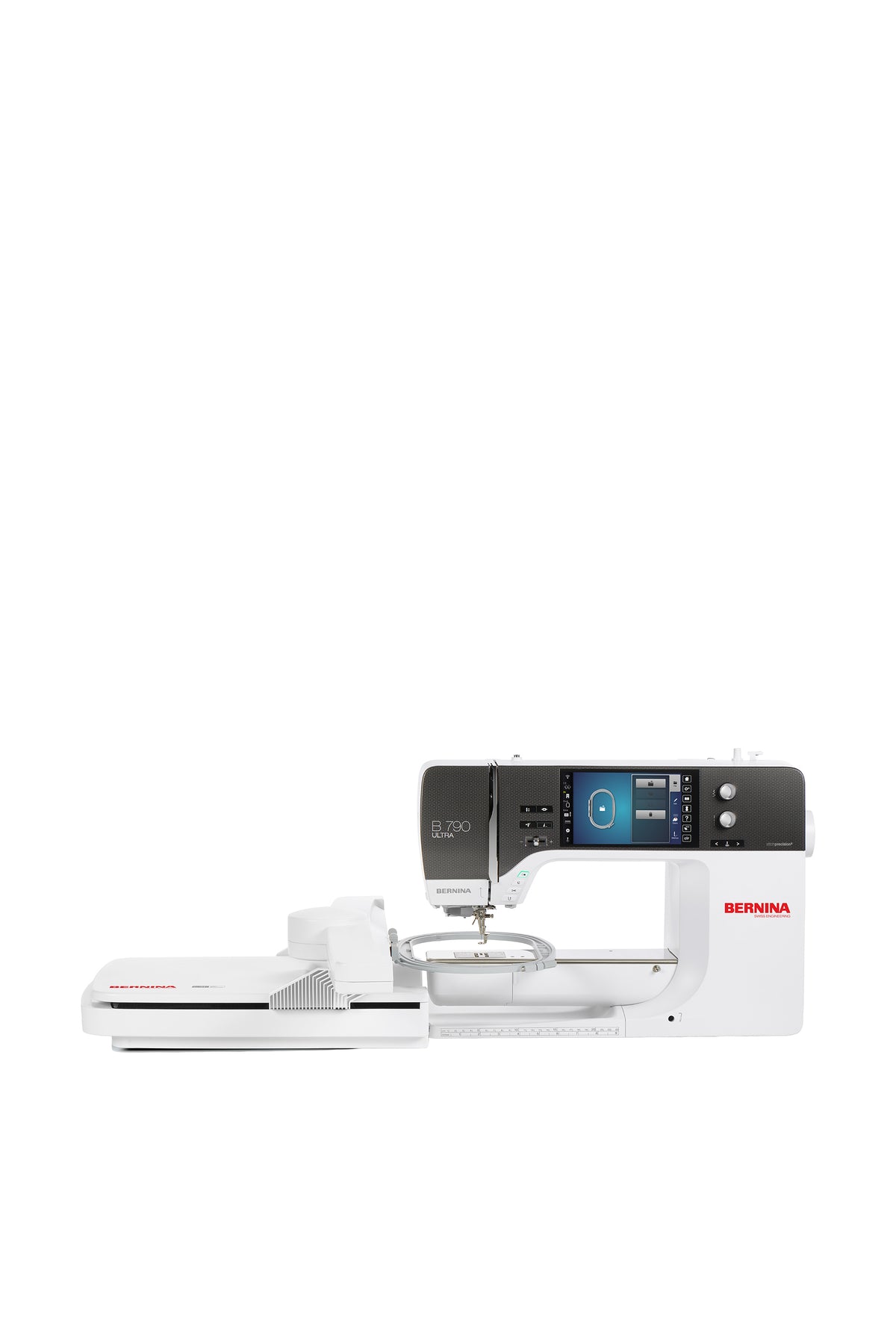
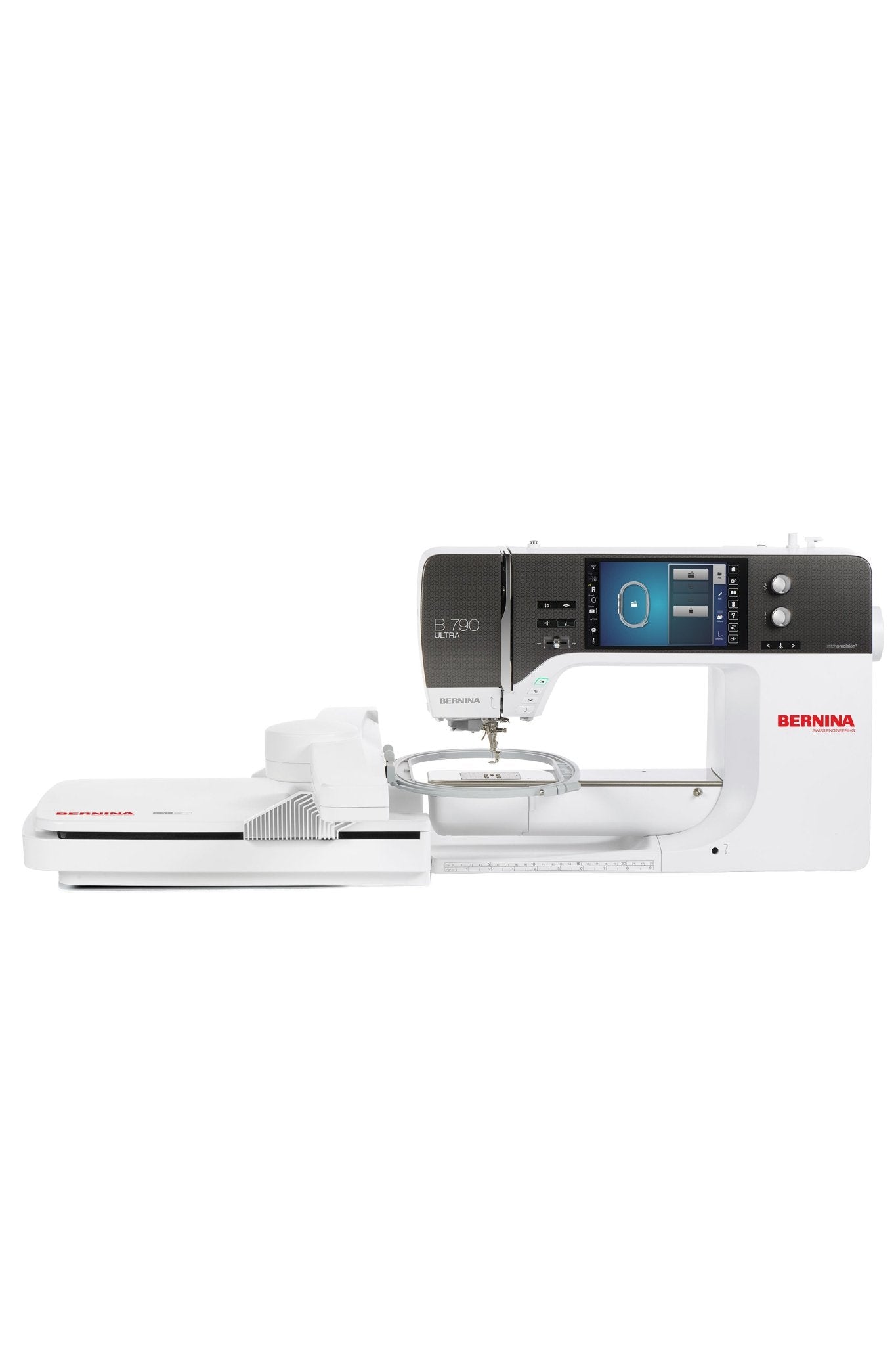
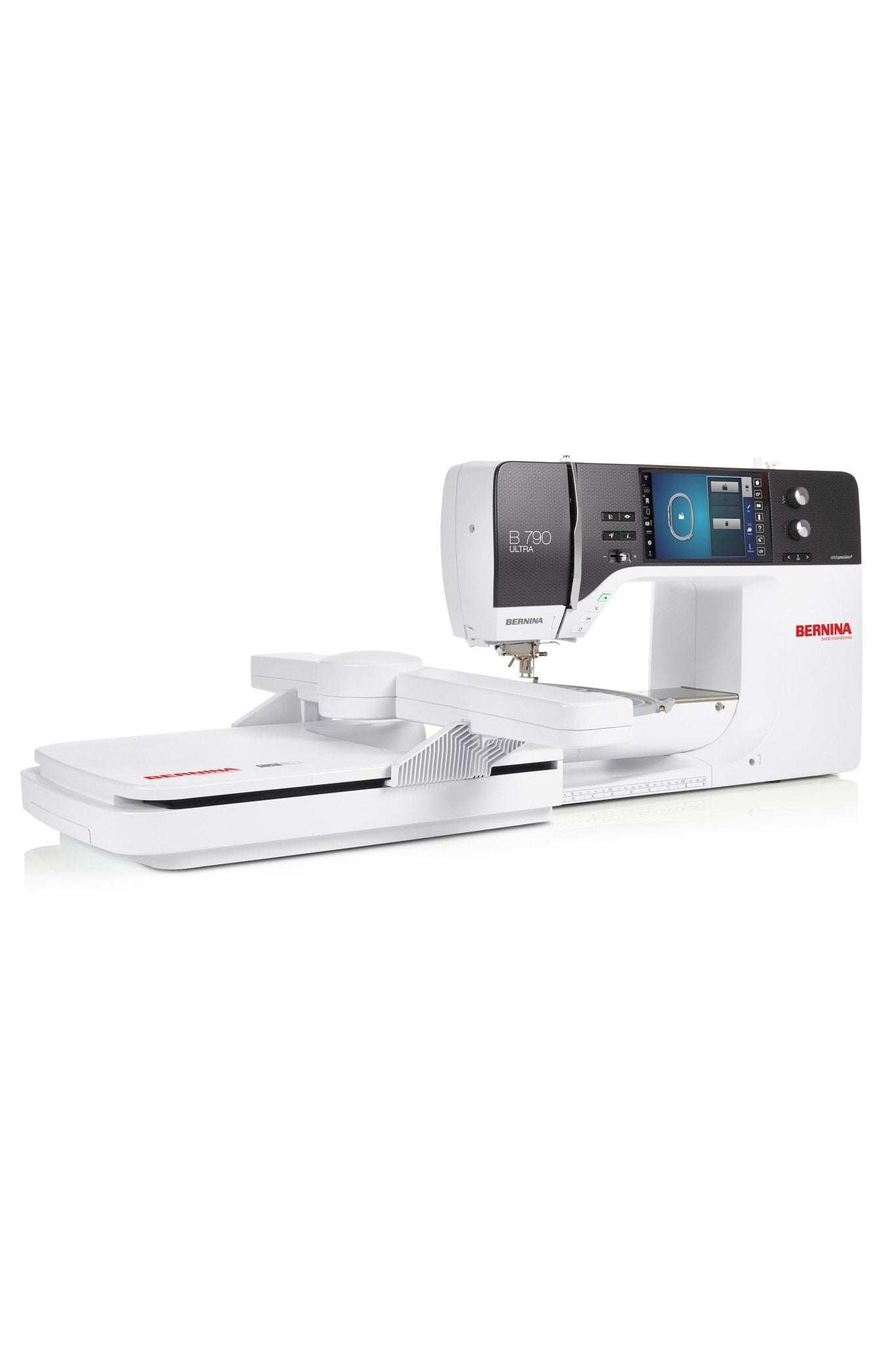
BERNINA 790 ULTRA with Embroidery Module L (SDT)
1 Bewertung
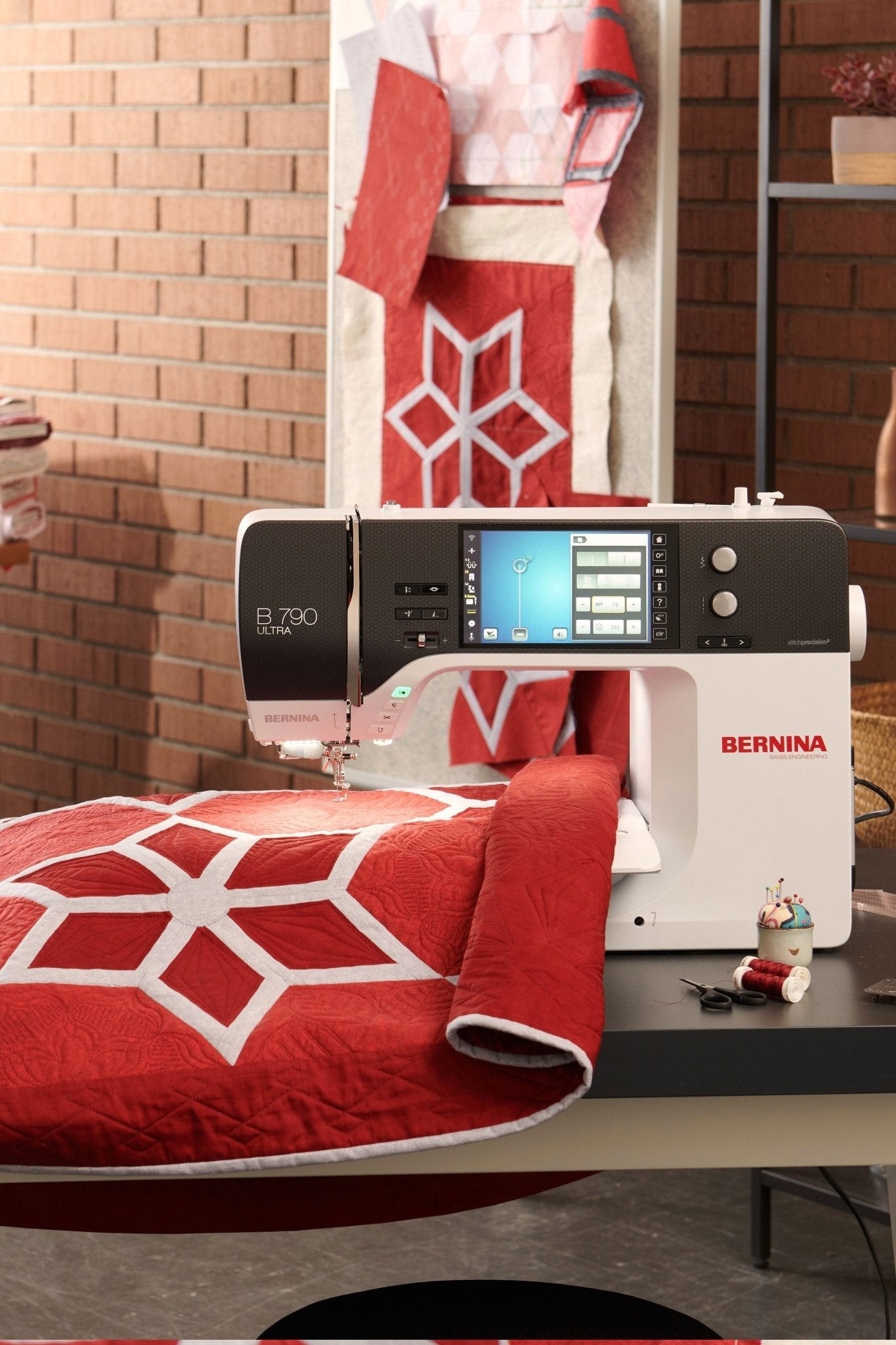
The BERNINA B 790 ULTRA, including the L embroidery module (SDT), combines precise sewing, creative quilting, and high-quality embroidery in one powerful, premium machine. With integrated BISR, automatic needle plate recognition, a high-precision laser, jumbo stitches, Wi-Fi, and extensive quilting functions, it offers plenty of freedom for big ideas. The Embroidery Module L with Smart Drive Technology ensures smooth movements, high precision, and comfortable embroidery—even on tubular projects.
The BERNINA 790 ULTRA is expected to be available in August/September 2026 and can be pre-ordered here
Embroidery Module L with Smart Drive Technology (SDT), including
Integrated BERNINA Stitch Regulator (BISR) for free-motion quilting and ruler work
BSR modes 1, 2, and 3 for even quilting stitches
BERNINA Dual Feed for even fabric feed
Jumbo bobbin with up to 70% more thread capacity
BERNINA looper for precise and quiet stitch formation
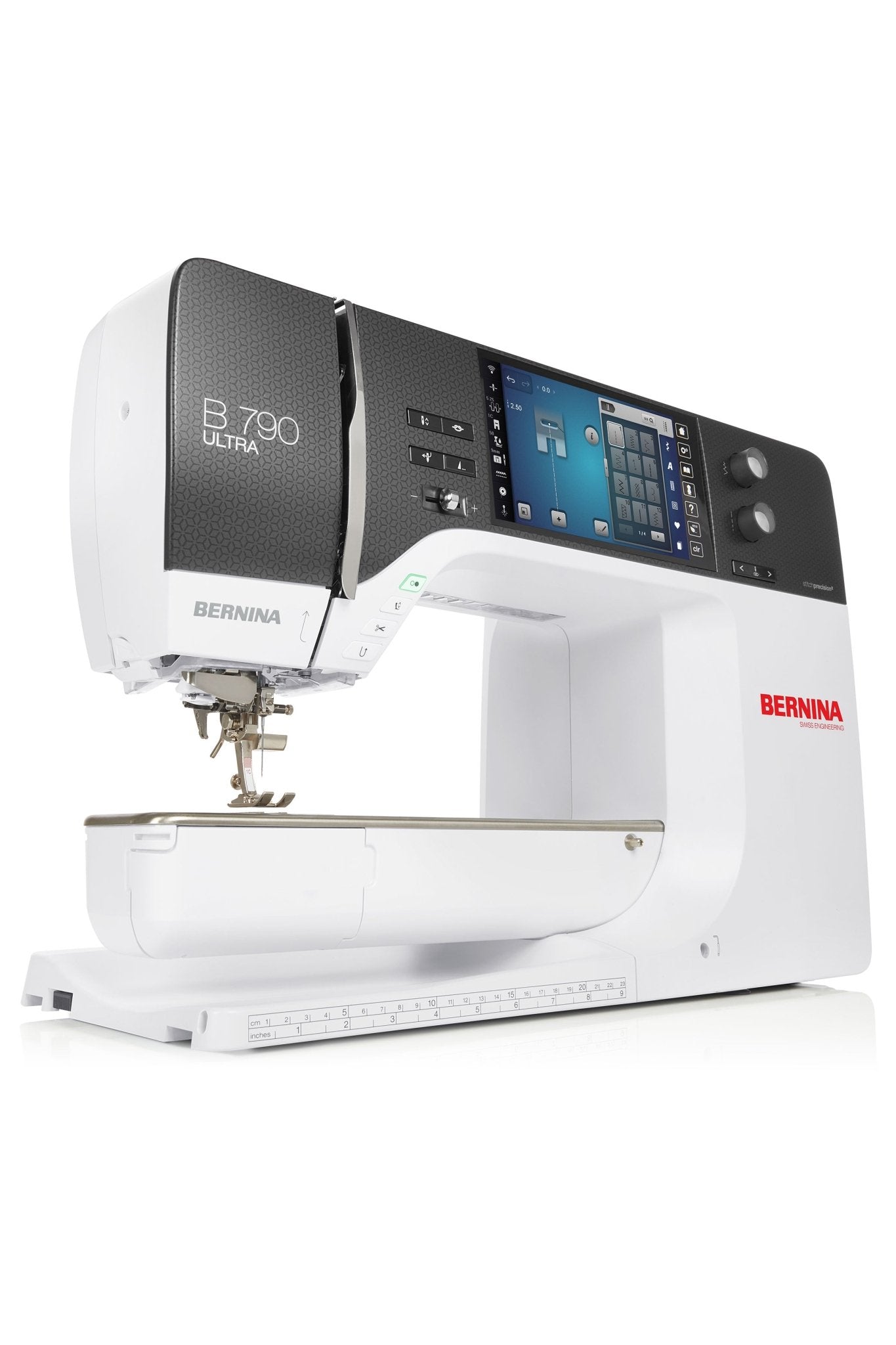
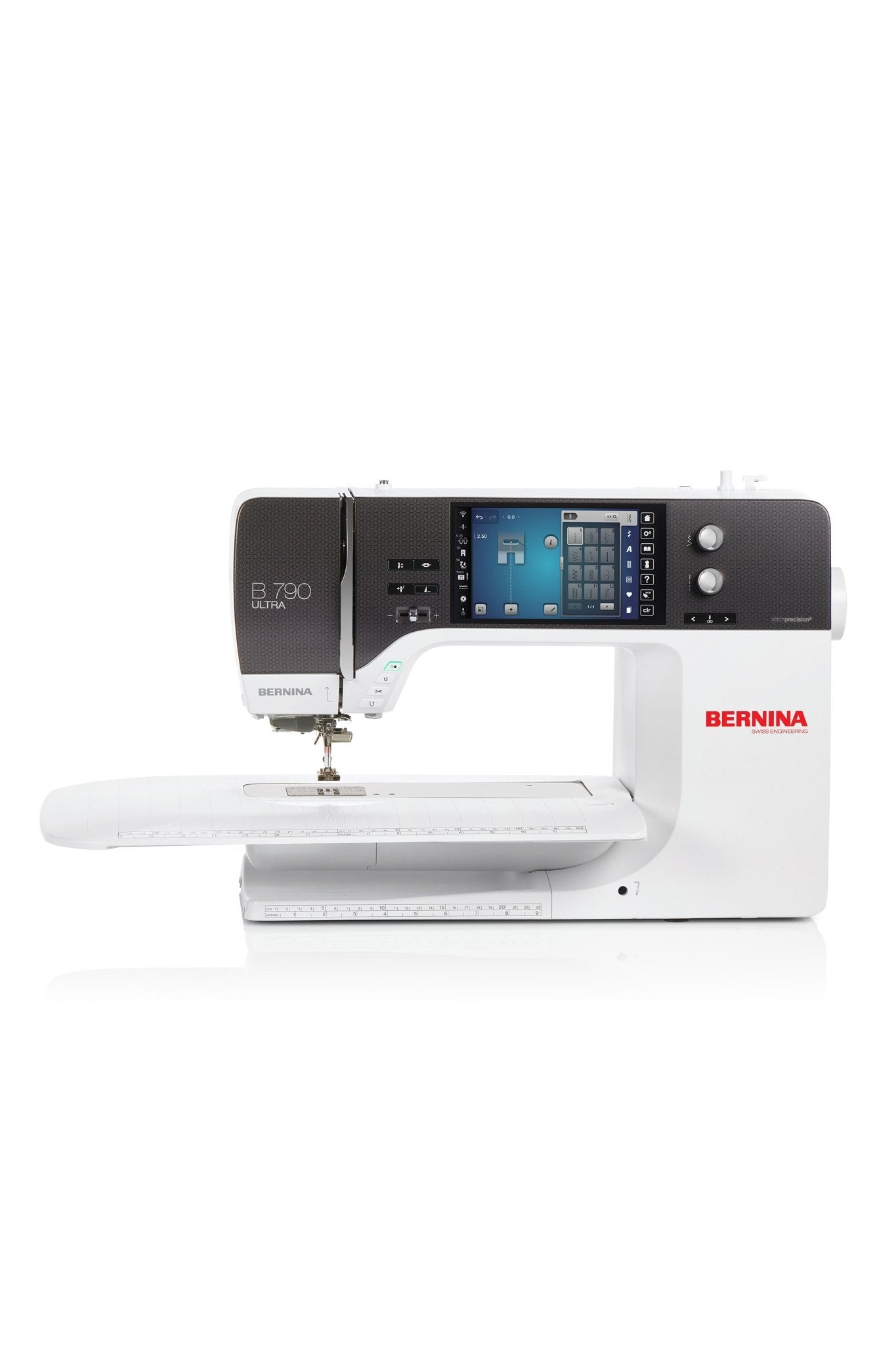
7-inch color touchscreen with Wi-Fi functionality
stitchprecision²technology for high-quality embroidery results
High-precision BERNINA laser and 2-, 3- and 4-point placement with morphing
Automatic needle plate detection with sensor needle plates
254 mm free arm to the right of the needle for large projects
Jumbo stitches up to 500% and extensive functions for computer-controlled quilting
If your order contains this item, all items will be shipped together as soon as the complete order is available.
We'll add this machine to your account
After your purchase, the BERNINA B 790 ULTRA will be listed in your account. From then on, you'll see for every accessory whether it fits.
On the displayed price. Applied automatically in the cart – no code needed. Cannot be combined with other promotions.
In stock
Couldn't load pickup availability
Pickup available at Ladengeschäft Hamburg
\n Usually ready in 1 hour\n\n
Fast delivery
Many items in stock · Delivery time in your cart
2-year warranty, extendable to 4
Register for free
Trade-in available
Personal quote on request
14-day returns
Consumer online purchases · Exceptions apply
Personal advice
By phone, with KAI or in store
You may also be interested in
BERNINA 790 ULTRA with Embroidery Module L (SDT)
9.999,00 €
\n\n
Financing
You can conveniently finance your machine if you wish. When purchasing, select bank transfer as the payment method and, after your purchase, complete the form so that we can request financing for you from Creditplus Bank.
0% financing for selected machines
choose between 10 or 20 monthly instalments
a freely selectable deposit is possible
an optional final instalment is possible
debiting on either the 15th or 30th of the month
the bank usually responds very promptly
Important information
Financing only becomes binding after review and approval by Creditplus Bank. Creditplus terms and conditions apply.
Use our advice form and send us all relevant details about your requirements and budget. We’ll get back to you.
A machine for sewing artistry, quilting precision, and endless embroidery ideas
The BERNINA B 790 ULTRA is designed for creative people who don’t think of their projects in terms of categories. It sews garments with precision, assists with free-motion quilting, creates custom quilt layouts, and embroiders detailed designs on a wide variety of fabrics. The integrated BISR provides greater confidence when quilting, the intelligent stitch plate recognition ensures the correct workflow, and the pinpoint-accurate laser facilitates precise placement. Together with the L Embroidery Module featuring Smart Drive Technology, it creates a modern creative system that combines technical precision with true creative freedom.
An artfully quilted blanket, a perfectly embroidered favorite piece, or a garment with extraordinary details: The BERNINA B 790 ULTRA guides you through your creative projects from the first sketch to the final stitch. It combines true precision with tangible comfort and gives you the freedom to express everything you want to with fabric, color, and thread. For creative people who don’t just want to sew—they want to design.
Product details
overview
The BERNINA B 790 ULTRA, including the L embroidery module with Smart Drive Technology, is a premium sewing, quilting, and embroidery machine for anyone who wants to bring their creative ideas to life without technical limitations. It combines a spacious work area, precise BERNINA stitch quality, and versatile convenience features with a powerful embroidery system for demanding projects.
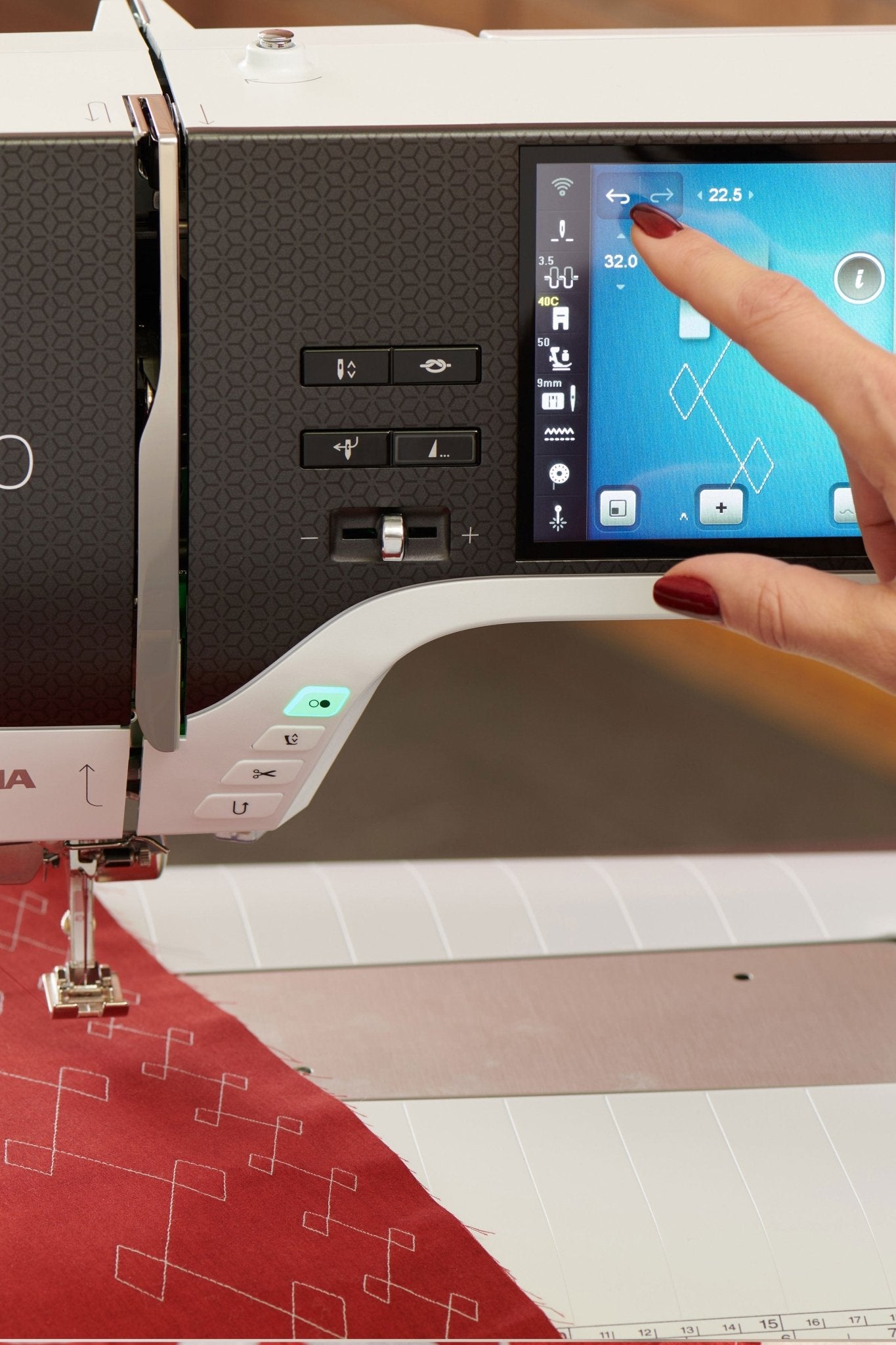
When sewing, the B 790 ULTRA supports you with BERNINA Dual Feed, a high-precision laser, an automatic needle threader, an automatic thread cutter, and cross-feed for sewing in various directions. You can design your own stitches right on the screen, and decorative stitch patterns and monograms can be impressively enlarged using the Jumbo Stitch function. Thanks to the Undo and Redo functions, every creative step remains traceable, even with complex stitch combinations.
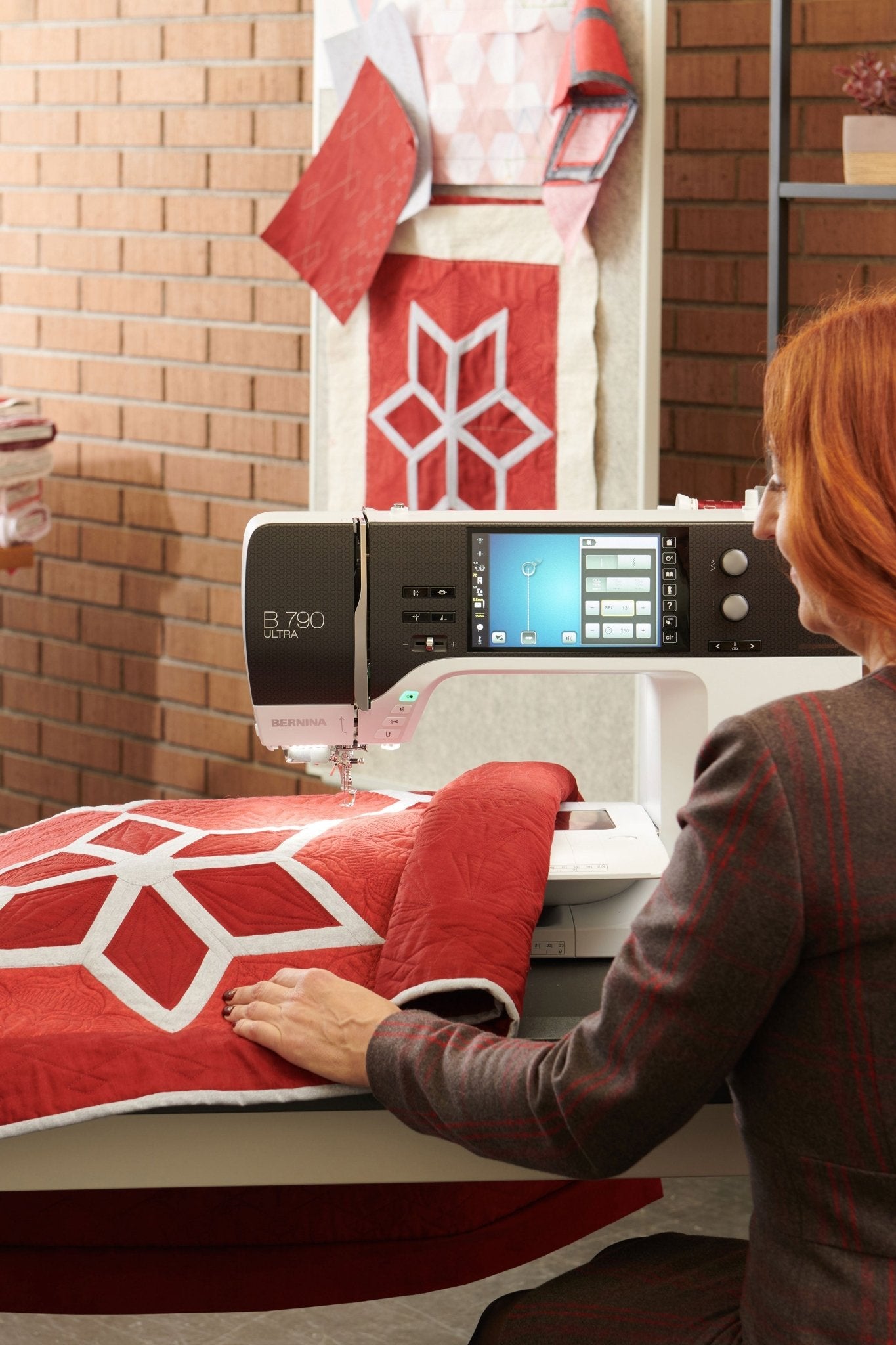
A key new feature is the integrated BERNINA Stitch Regulator, or BISR for short. When used with the included BISR stitch plate and a compatible BERNINA free-motion quilting foot, it ensures consistent stitch lengths during free-motion quilting—even with varying sewing speeds and when doing ruler work. This creates a particularly controlled, relaxed quilting experience, whether you’re practicing your first free-motion lines or creating large-scale quilt patterns.
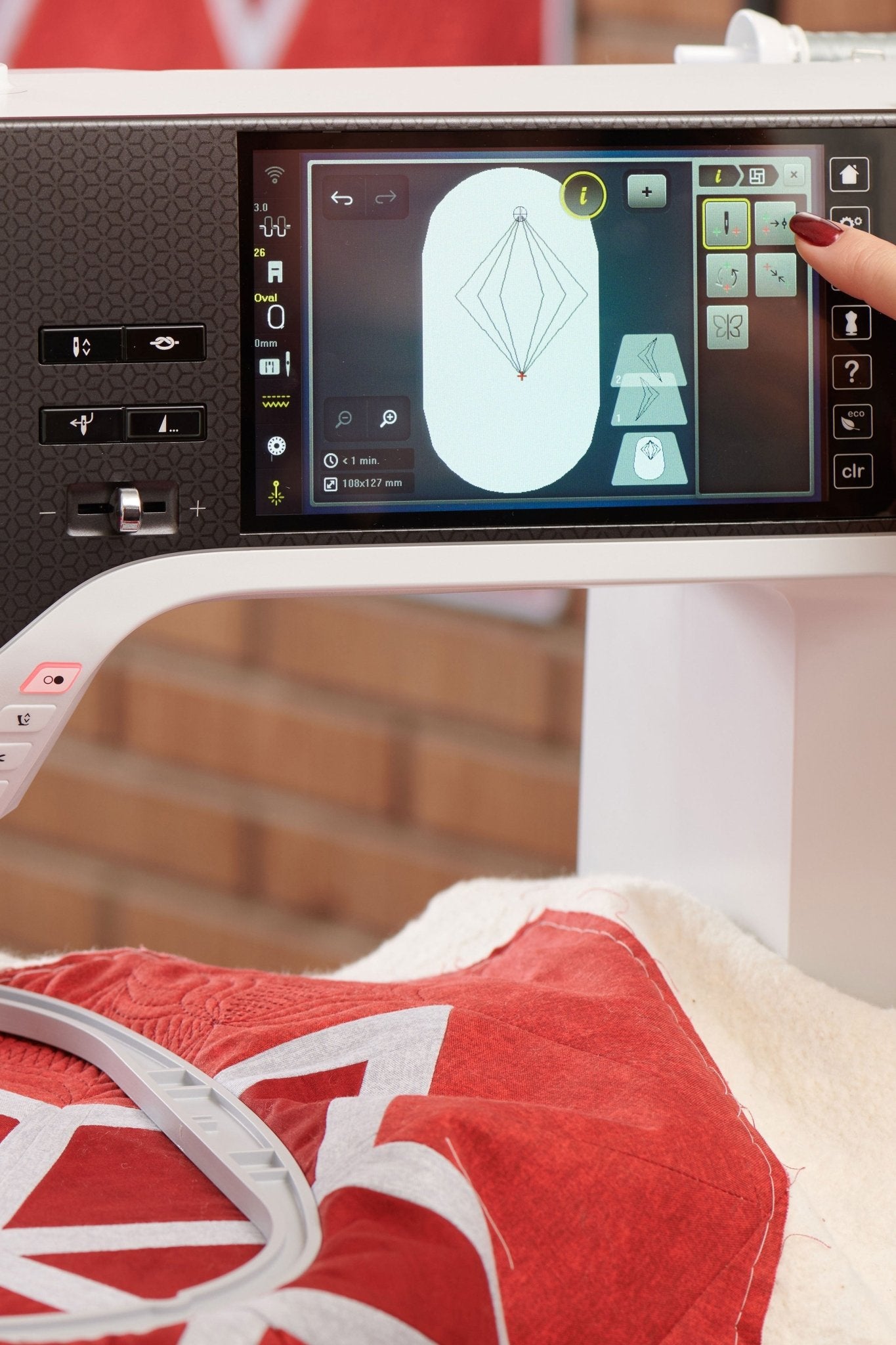
The B 790 ULTRA also opens up new possibilities for computer-controlled quilting. Quilt patterns can be positioned, scaled, adjusted, cropped, and combined. With 2-, 3-, and 4-point placement—including morphing—patterns can be precisely tailored to surfaces, corners, and special shapes. Your own quilting projects can be saved directly on the machine in BQM format and edited later.
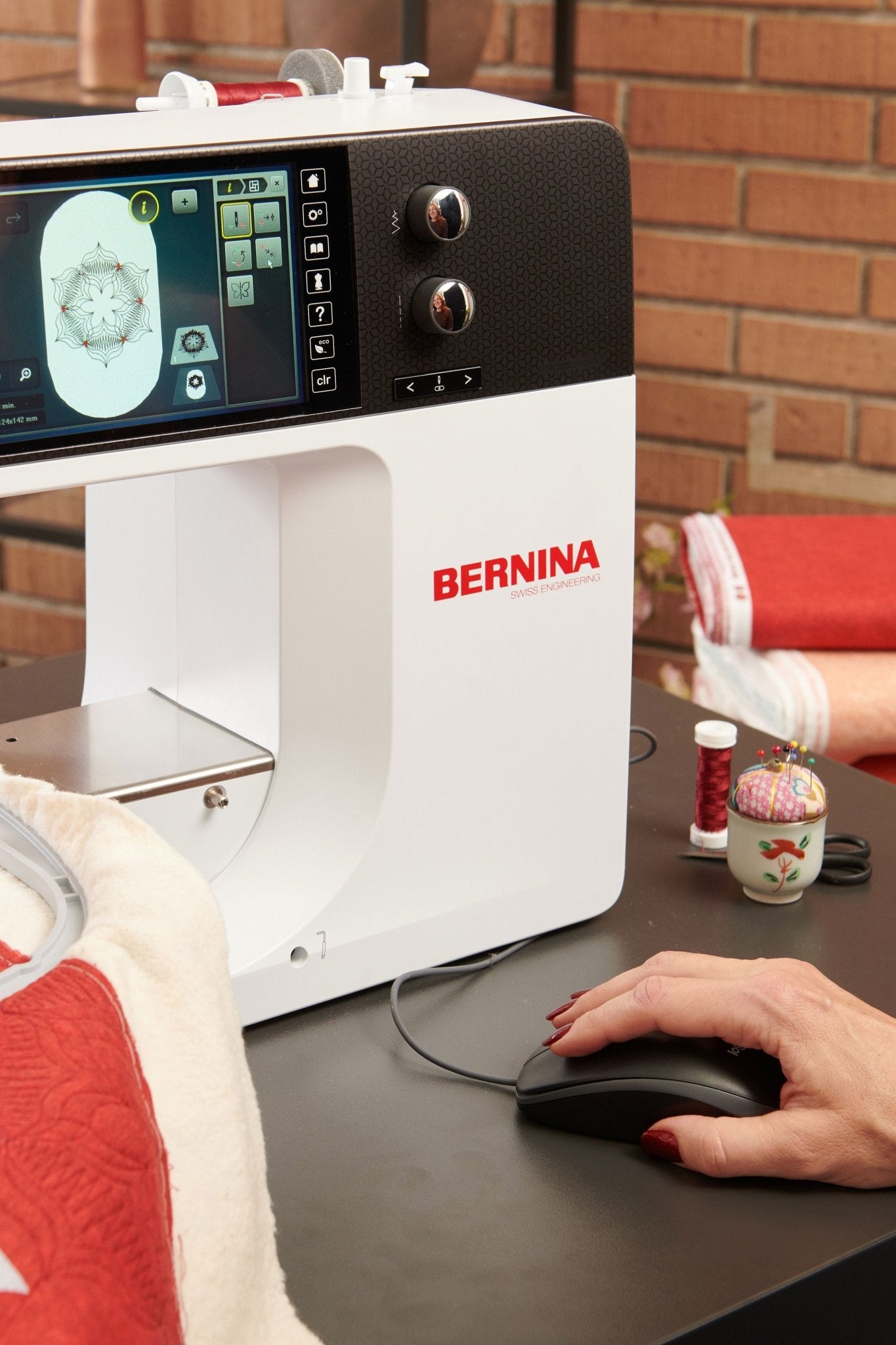
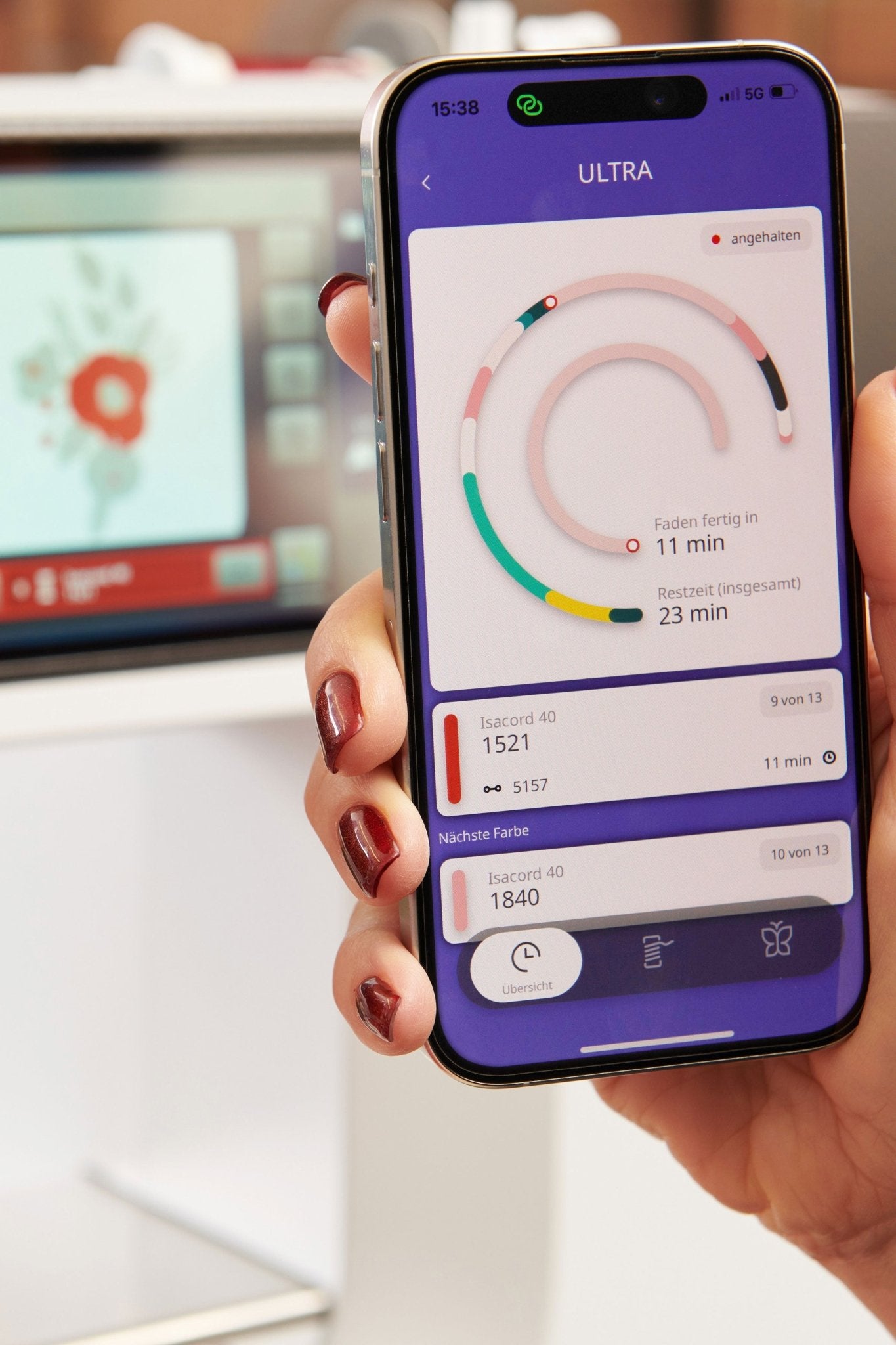
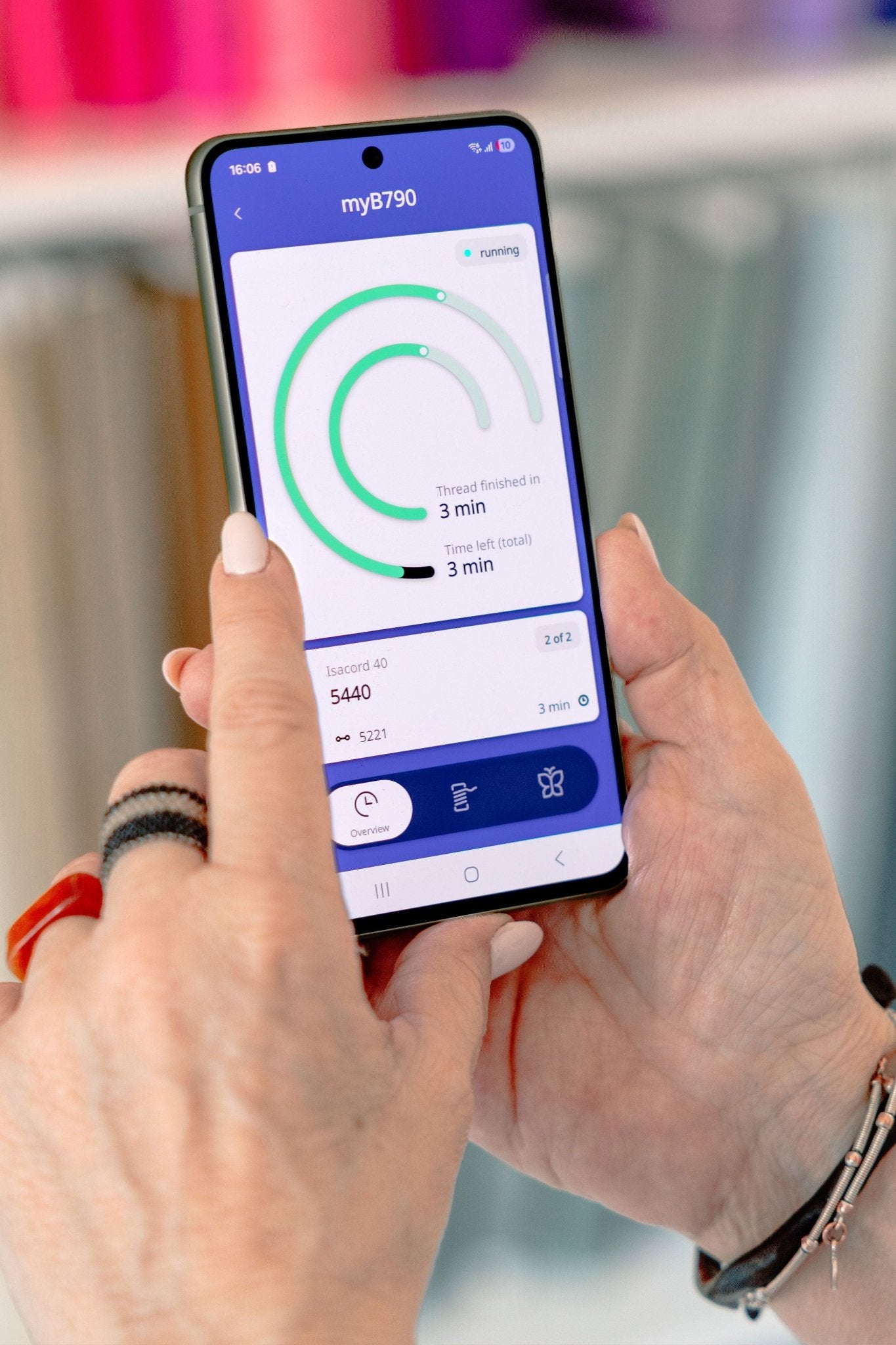
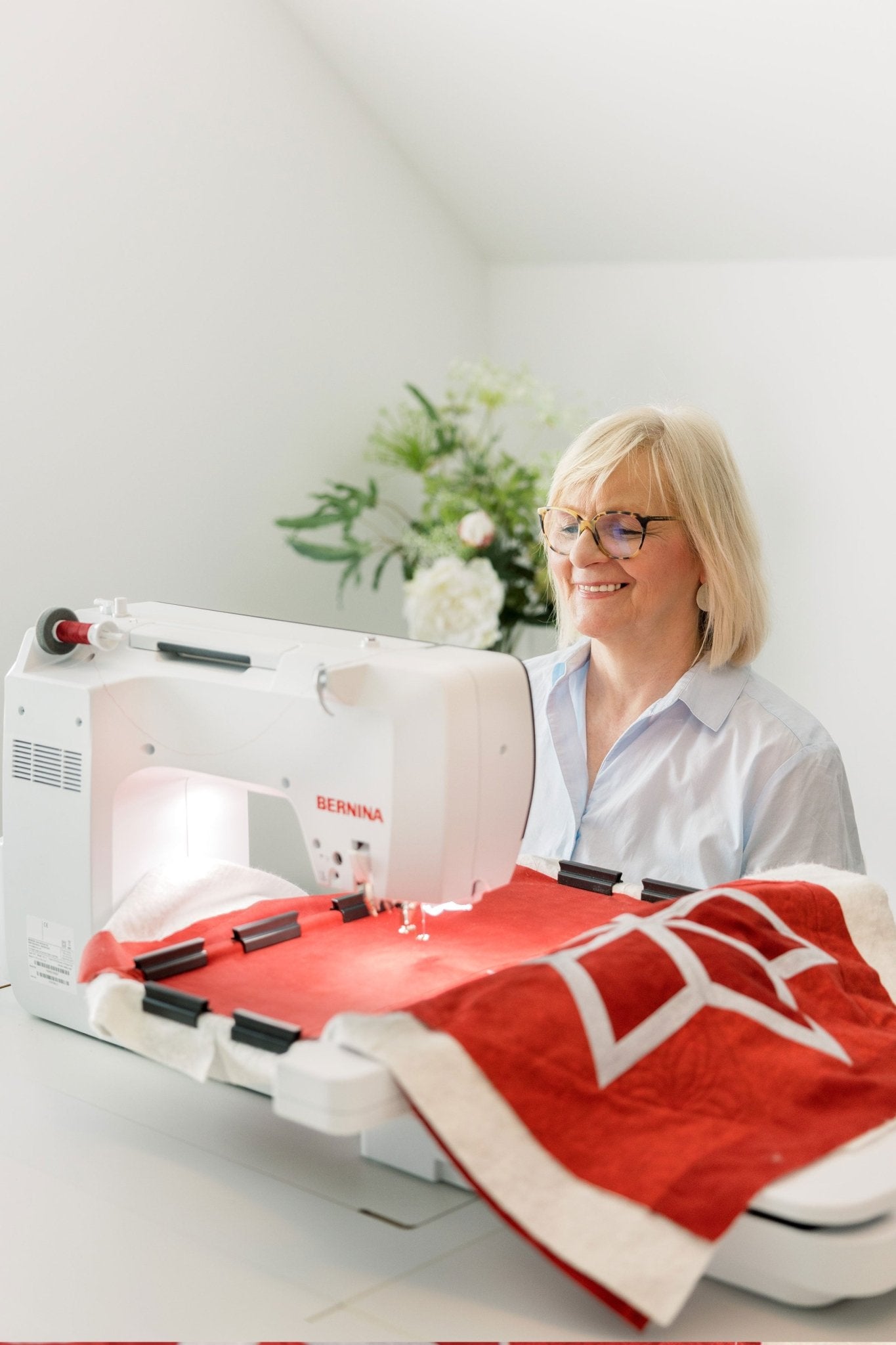
The included Embroidery Module L with BERNINA Smart Drive Technology ensures smooth movements, precise stitch patterns, and a particularly comfortable embroidery experience. The free-arm also makes it easier to embroider tubular projects such as shirts, sleeves, pant legs, or bags. Via Wi-Fi, embroidery designs can be transferred using the optional BERNINA Embroidery Software 9, and embroidery processes can be monitored with the BERNINA Stitchout app.
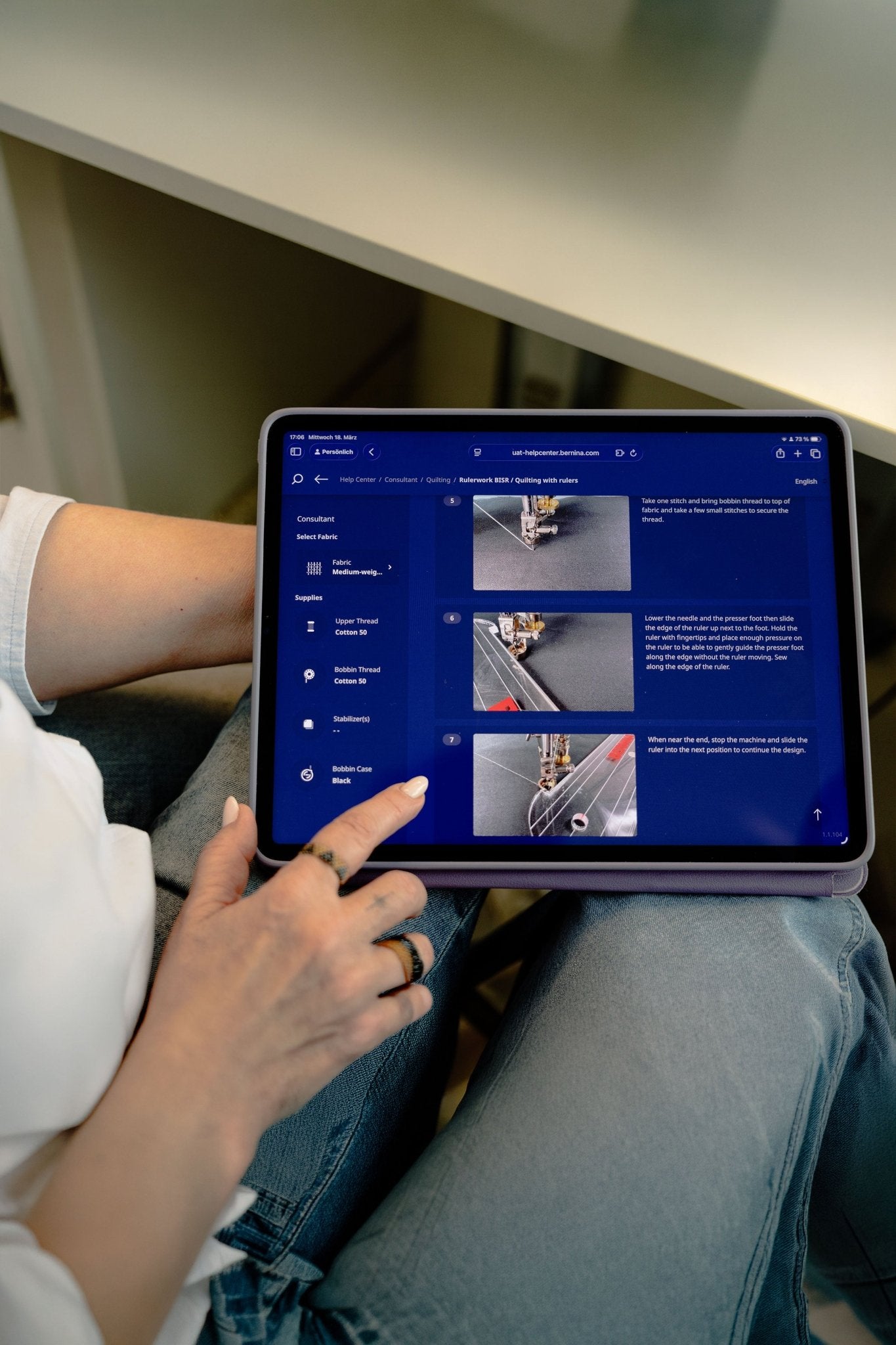
The centrally located color touchscreen makes operation intuitive. The built-in Help Center provides direct access to tutorials, the user manual, and advisory features. If needed, you can also access the Help Center on your smartphone or tablet via a QR code. The BERNINA B 790 ULTRA is thus a well-designed, all-in-one solution for sophisticated sewing, detailed embroidery, and modern quilting.
Characteristics
The BERNINA B 790 ULTRA is an exceptionally versatile creative system that seamlessly combines precise sewing, free-motion quilting, computer-controlled quilting, and embroidery. The integrated BERNINA Stitch Regulator ensures consistent stitches during free-motion quilting, while the automatic needle plate detection provides added safety and recognizes whichever sensor needle plate is in use. The high-precision laser indicates the needle’s entry point, making it easier to position, topstitch, and embroider with precision.
The Jumbo Stitch function allows you to enlarge selected stitch patterns and monograms for a particularly striking effect. The cross-feed opens up additional creative possibilities for multidirectional decorative stitches, and the Stitch Designer helps you develop your own patterns. The L embroidery module with Smart Drive Technology ensures smooth, quiet movement and high-quality embroidery results. The complete package is rounded out by Wi-Fi features, the Help Center, and extensive options for editing quilt and embroidery designs directly on the screen.
Application
The BERNINA B 790 ULTRA is ideal for high-quality sewing, quilting, and embroidery projects in a home creative studio. It is a versatile choice for clothing, home textiles, bags, patchwork, large-format quilts, appliqués, monograms, and detailed embroidery designs. Thanks to the free arm, tubular fabrics such as shirts, sleeves, pant legs, or children’s clothing can also be embroidered with ease.
For free-motion quilting, the BISR needle plate with sensor is used in combination with a suitable BERNINA free-motion quilting foot. For computer-controlled quilting, quilt patterns can be positioned directly on the screen, adjusted to fit specific areas, cropped, or combined into cohesive layouts. When embroidering, the precise positioning functions help align designs neatly on the fabric.
Manufacturer information
Manufacturer: Bernina Nähmaschinen GmbH Address: Ludwig‑Winter‑Straße 3, D‑77767 Appenweier, Germany
Contact: Email: contact@bernina.com (according to EU warehouse information)
This is what awaits you
Machine
Manual
Accessories
Specifications for product BERNINA 790 ULTRA with Embroidery Module L (SDT)
General functions and features
Manufacturer
BERNINA
Controls
Shows how the machine is primarily controlled, for example using buttons, dials or a touchscreen.
Dimensions of the machine when ready for use, without packaging. For combination machines, dimensions may be stated without and with the embroidery unit.
Without embroidery module: W 50.0 × D 20.0 × H 35.0 cm
Machine weight
14.5 kg
Embroidery unit weight
Weight of the separate embroidery unit without the machine or transport packaging.
6 kg
Usage counter
Displays stored usage data such as operating hours, stitch count or daily counter.
Stitch counter
Separate bobbin-winding motor
Allows a new bobbin to be wound while the machine is sewing or embroidering.
Yes
Updatable
According to the manufacturer, the machine’s firmware or software can be updated.
Yes
Sewing
Decorative stitches
Decorative sewing stitches for embellishing fabrics. Embroidery designs are not included.
755
Built-in sewing alphabets
Alphabets sewn using regular sewing stitches. They are not the same as embroidery alphabets.
11
Buttonhole types
Number of different buttonhole types that can be sewn using the sewing function.
18
Button sewing program
Special sewing program for attaching buttons by machine.
Yes
Maximum sewing speed
Highest sewing speed specified by the manufacturer, in stitches per minute.
1,000 stitches/min
Maximum stitch width
Greatest possible width of a zigzag or decorative stitch.
9 mm
Maximum stitch length
Greatest adjustable length of a straight stitch.
6 mm
Presser foot pressure adjustment
Controls how firmly the presser foot presses on the fabric. Adjustment helps with very fine, thick or stretchy fabrics.
Automatically electronic, manually adjustable
Needle stop up/down
Determines whether the needle stops in the raised position or in the fabric, for example when pivoting the project.
Button, foot control
Lateral needle positions
Number or range of selectable lateral needle positions for precise seam allowances.
11 needle positions
Twin-needle function
Allows parallel seams to be sewn with a twin needle, provided a suitable needle is fitted.
With security function
Automatic securing stitches
Automatically secures the beginning or end of a seam with locking or reverse stitches.
Programmable
Reverse sewing
Continuous and manual
Free arm for sewing
Makes it easier to sew closed or narrow items such as sleeves, trouser legs and cuffs.
Yes
Multi-directional feed
The machine can also move the fabric sideways or in several directions.
Multi-directional sewing
Mirror stitches
Mirrors suitable sewing stitches horizontally or vertically, where the respective direction is supported.
Horizontally and vertically
Pattern start/end
Moves directly to the beginning or end within a stitch sequence.
Pattern start and end
Create custom stitches
Allows custom sewing stitches to be created or edited individually.
Yes (Stitch Designer)
Save personal settings
Saves preferred machine settings for later reuse.
Yes
Stitch memory
Saves selected or combined sewing stitches for later reuse.
Available
Embroidery
Embroidery setup
Shows whether the embroidery function is built in or requires an included or optional embroidery unit.
Separate embroidery module L (SDT)
Maximum included embroidery area
Largest embroidery area that can be used immediately with the hoops included in the package.
255 × 145 mm
Included embroidery hoops
Usable embroidery areas of the hoops included with the machine. The dimensions given are not the outer dimensions of the hoop.
130 × 100 mm, 72 × 50 mm, and 255 × 145 mm
Number of included embroidery hoops
3
Built-in embroidery designs
Number of embroidery designs already stored in the machine.
610
Built-in embroidery alphabets
Alphabets produced as embroidery. They are not the same as sewn alphabet stitches.
21
Maximum embroidery speed
Highest embroidery speed specified by the manufacturer, in stitches per minute.
1,000 stitches/min
Automatic hoop recognition
The machine automatically detects the fitted embroidery hoop and takes its usable area into account.
Yes
Basting around embroidery design
Automatically bastes the fabric around the design or hoop area to stabilise it before embroidery.
Design and hoop outline
Border function
Helps align and repeat embroidery designs precisely to create continuous borders.
Yes
Drag-and-drop embroidery positioning
The embroidery design can be dragged directly to the desired position on the touchscreen using a finger.
Yes
Combine embroidery designs
Several embroidery designs can be combined into a single embroidery job.
Yes
Reduce colour changes
Automatically optimises the embroidery sequence so that fewer thread changes are required.
Yes
Free-arm embroidery
Allows closed or narrow textiles to be embroidered without completely opening them up.
Yes
Embroidery file formats
File formats that the machine can read directly and use for embroidery.
.DST, .EXP, .PES
Embroidery design transfer
Methods used to transfer embroidery files to the machine, for example a USB drive or Wi-Fi.
USB stick, Wi-Fi
Interface
Physical and wireless connections provided by the machine, for example USB or Wi-Fi.
USB port, Wi-Fi
Embroider without a computer
The machine can embroider built-in or imported designs without a permanently connected computer.