Applied automatically in the cart – no code needed. Cannot be combined with other promotions.
In stock, ready to ship
Couldn't load pickup availability
Pickup available at Ladengeschäft Hamburg
\n Usually ready in 1 hour\n\n
You may also be interested in
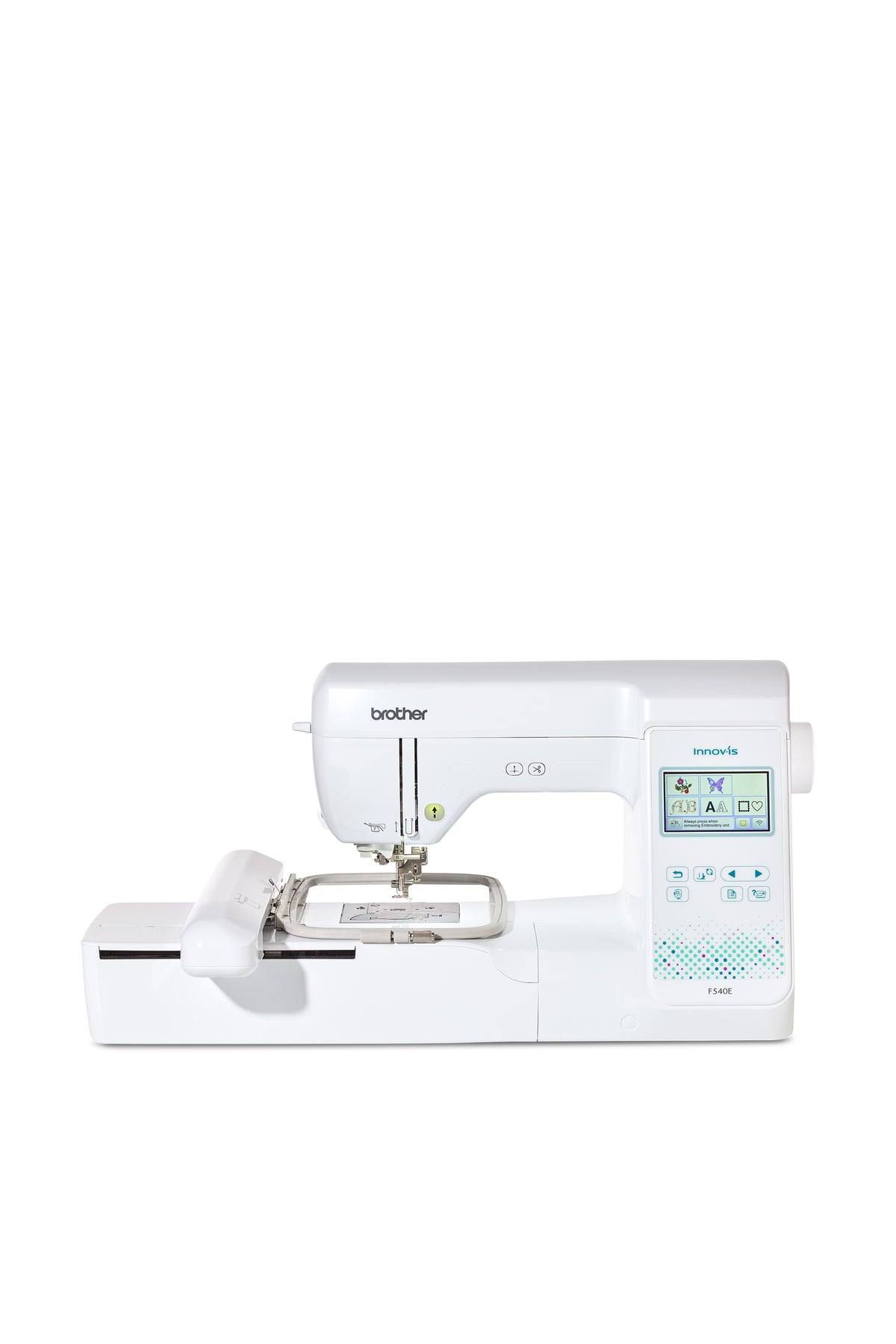
Brother Innov-is F540E Embroidery Machine
Sale price1.259,00 €Regular price1.399,00 €
\n\n
Financing
You can conveniently finance your machine if you wish. When purchasing, select bank transfer as the payment method and, after your purchase, complete the form so that we can request financing for you from Creditplus Bank.
0% financing for selected machines
choose between 10 or 20 monthly instalments
a freely selectable deposit is possible
an optional final instalment is possible
debiting on either the 15th or 30th of the month
the bank usually responds very promptly
Important information
Financing only becomes binding after review and approval by Creditplus Bank. Creditplus terms and conditions apply.
The Brother Innov-is F540E is an embroidery-only machine with a 180 × 130 mm area, colour touchscreen, 193 built-in designs and Wi-Fi connectivity.
Product details
overview
The Brother Innov-is F540E is an embroidery-only machine with a 180 × 130 mm area, colour touchscreen, 193 built-in designs and Wi-Fi connectivity.
Characteristics
180 × 130 mm embroidery area and included hoop
193 embroidery designs and 13 fonts
3.7-inch colour touchscreen
Up to 650 stitches/min with jump-stitch trimming
Wi-Fi, Artspira and USB
Application
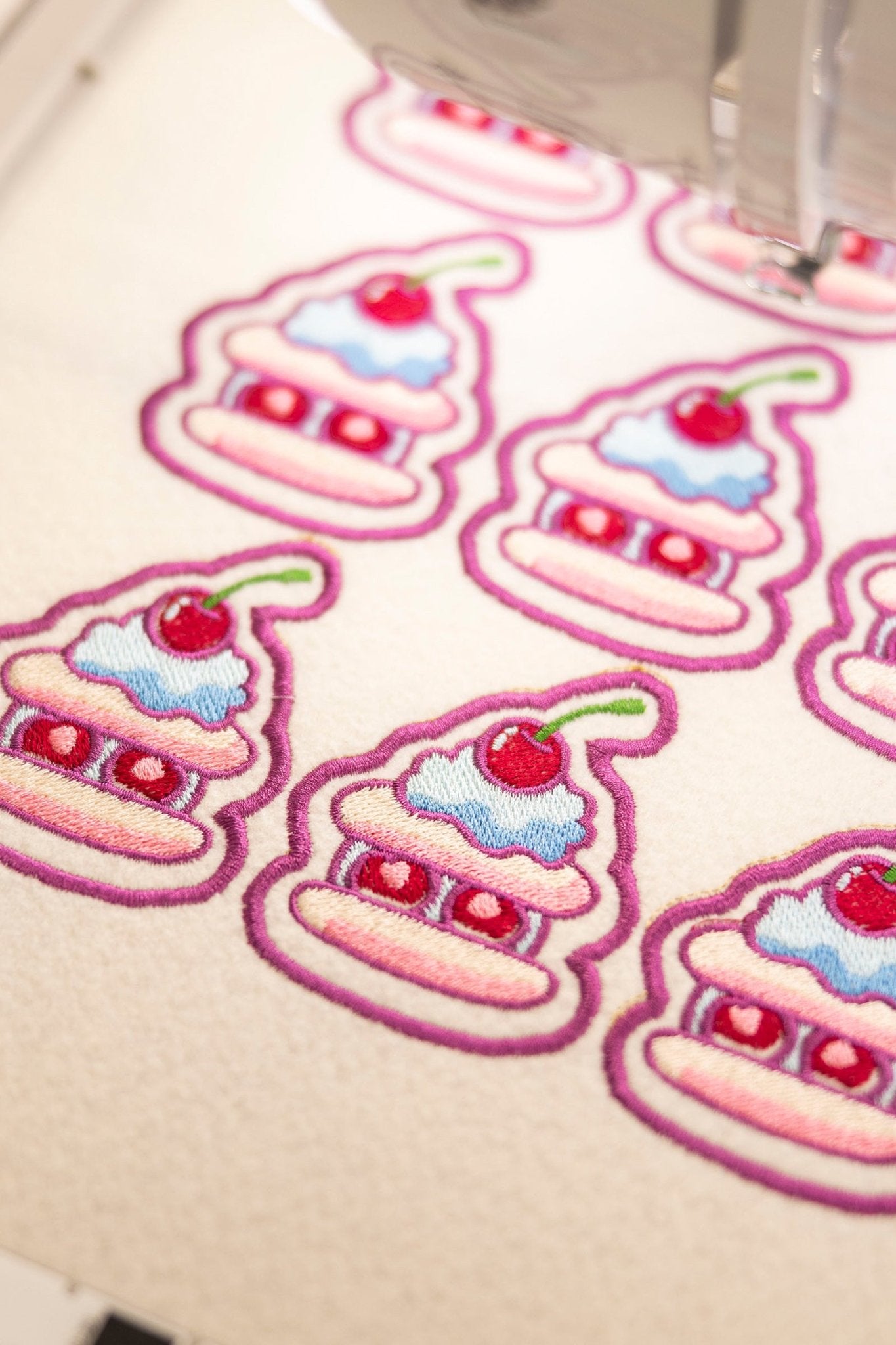
Perfect for personalising garments, bags, gifts and home textiles with lettering, appliqué and colourful designs.
Manufacturer information
Name: Brother Sewing Machines Europe GmbH
Address: Konrad-Adenauer-Allee 1-11, 61118 Bad Vilbel, Germany
Contact: Tel.: +49 (0)6101-9814-0, Email: info@brothersewing.eu
This is what awaits you
Manual
Machine
Accessories
Specifications for product Brother Innov-is F540E Embroidery Machine
General functions and features
Manufacturer
Brother
Controls
Shows how the machine is primarily controlled, for example using buttons, dials or a touchscreen.
Mechanical keys, touchscreen, app
Display type
Describes whether the machine has a monochrome or colour display.
Color display
Display size
Diagonal measurement of the machine’s built-in display in inches. Smartphone or tablet displays are not included.
3.7 inches
Touchscreen
Shows whether and how the machine display can be operated directly by touch.
Touchscreen
Sewing light
LED
Thread monitoring
Sensors indicate when the upper or bobbin thread breaks or is running low.
Upper and lower thread monitors
Needle threader
Helps guide the thread through the needle eye. Not to be confused with air threading for an overlock machine’s loopers.
Extra Comfort
Number of needles
Number of needles that can be used at the same time. This may vary depending on the operating mode.
1
Automatic thread cutter
Cuts the upper and bobbin threads automatically or at the touch of a button after sewing or embroidery.
Yes
Machine dimensions
Dimensions of the machine when ready for use, without packaging. For combination machines, dimensions may be stated without and with the embroidery unit.
W 44.4 × D 24.8 × H 30 cm
Machine weight
8
Embroidery
Embroidery setup
Shows whether the embroidery function is built in or requires an included or optional embroidery unit.
Embroidery module included
Maximum included embroidery area
Largest embroidery area that can be used immediately with the hoops included in the package.
180 x 130 mm
Maximum optional embroidery area
Largest embroidery area that can be used with an additionally available embroidery hoop.
300 x 130 mm
Included embroidery hoops
Usable embroidery areas of the hoops included with the machine. The dimensions given are not the outer dimensions of the hoop.
180 × 130 mm
Number of included embroidery hoops
1
Built-in embroidery designs
Number of embroidery designs already stored in the machine.
193
Built-in embroidery alphabets
Alphabets produced as embroidery. They are not the same as sewn alphabet stitches.
13
Maximum embroidery speed
Highest embroidery speed specified by the manufacturer, in stitches per minute.
650
On-screen design editing
Embroidery designs can be edited directly on the machine, for example in size, rotation or position.
Resize, rotate, flip
Combine embroidery designs
Several embroidery designs can be combined into a single embroidery job.
Yes
Reduce colour changes
Automatically optimises the embroidery sequence so that fewer thread changes are required.
Yes
Embroidery file formats
File formats that the machine can read directly and use for embroidery.
.PES
Embroidery design transfer
Methods used to transfer embroidery files to the machine, for example a USB drive or Wi-Fi.
USB stick, Wi-Fi (Artspira)
Interface
Physical and wireless connections provided by the machine, for example USB or Wi-Fi.
USB stick, Wi-Fi
Embroider without a computer
The machine can embroider built-in or imported designs without a permanently connected computer.