


Many items in stock · Delivery time in your cart

For your Windows PC

From idea to embroidery file

By phone, with KAI or in store
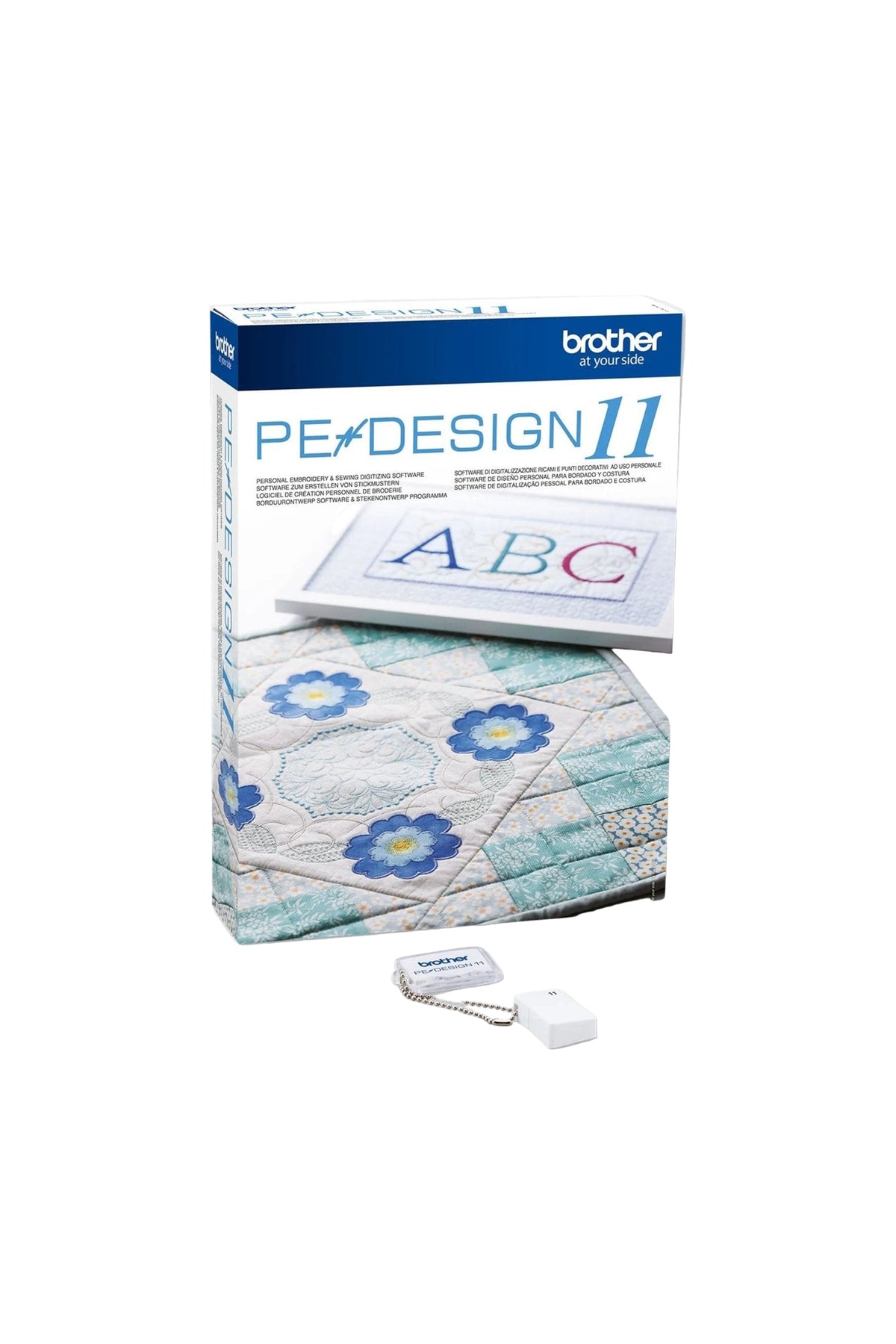
Brother PE Design 11 - Embroidery software
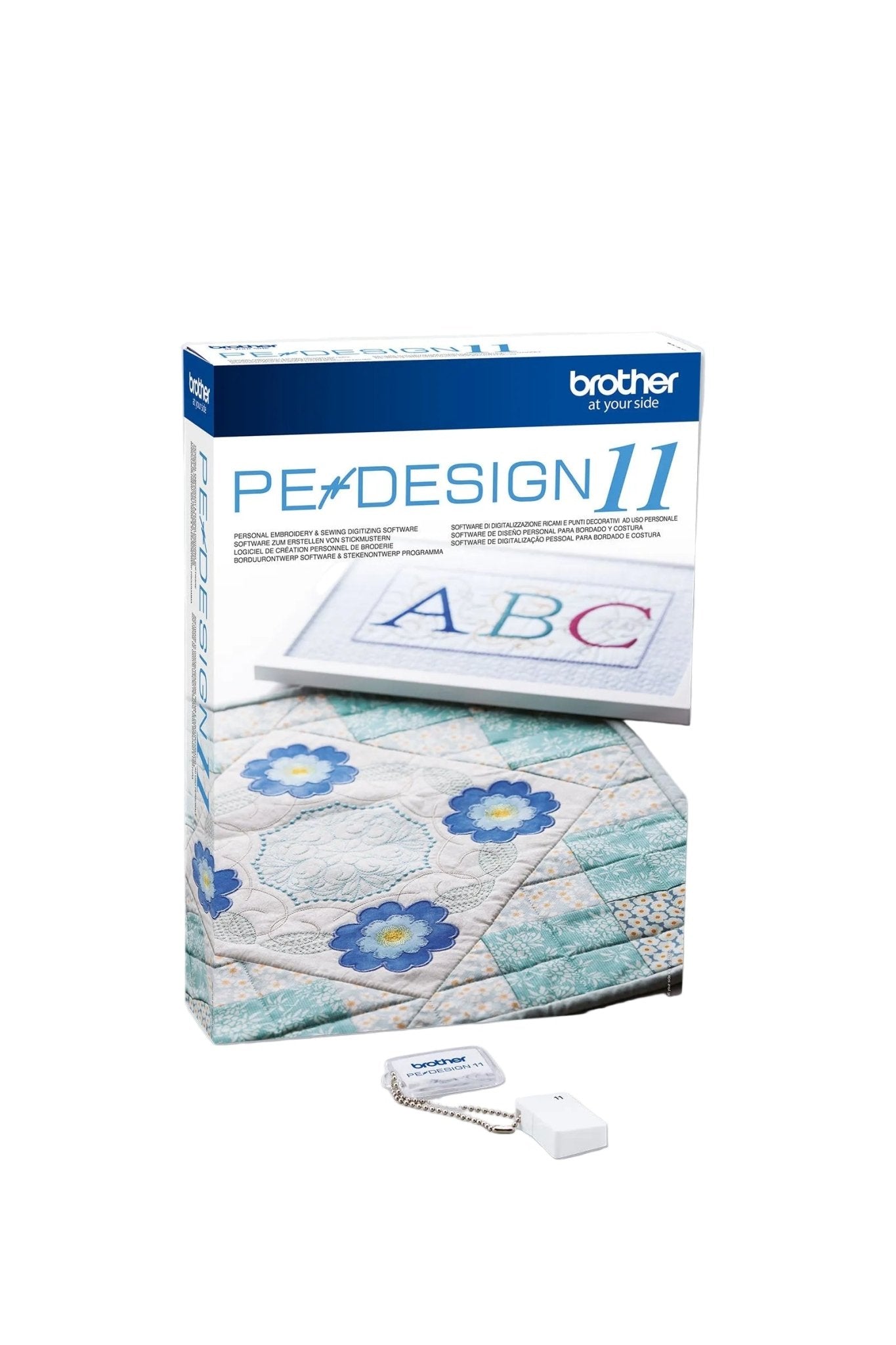
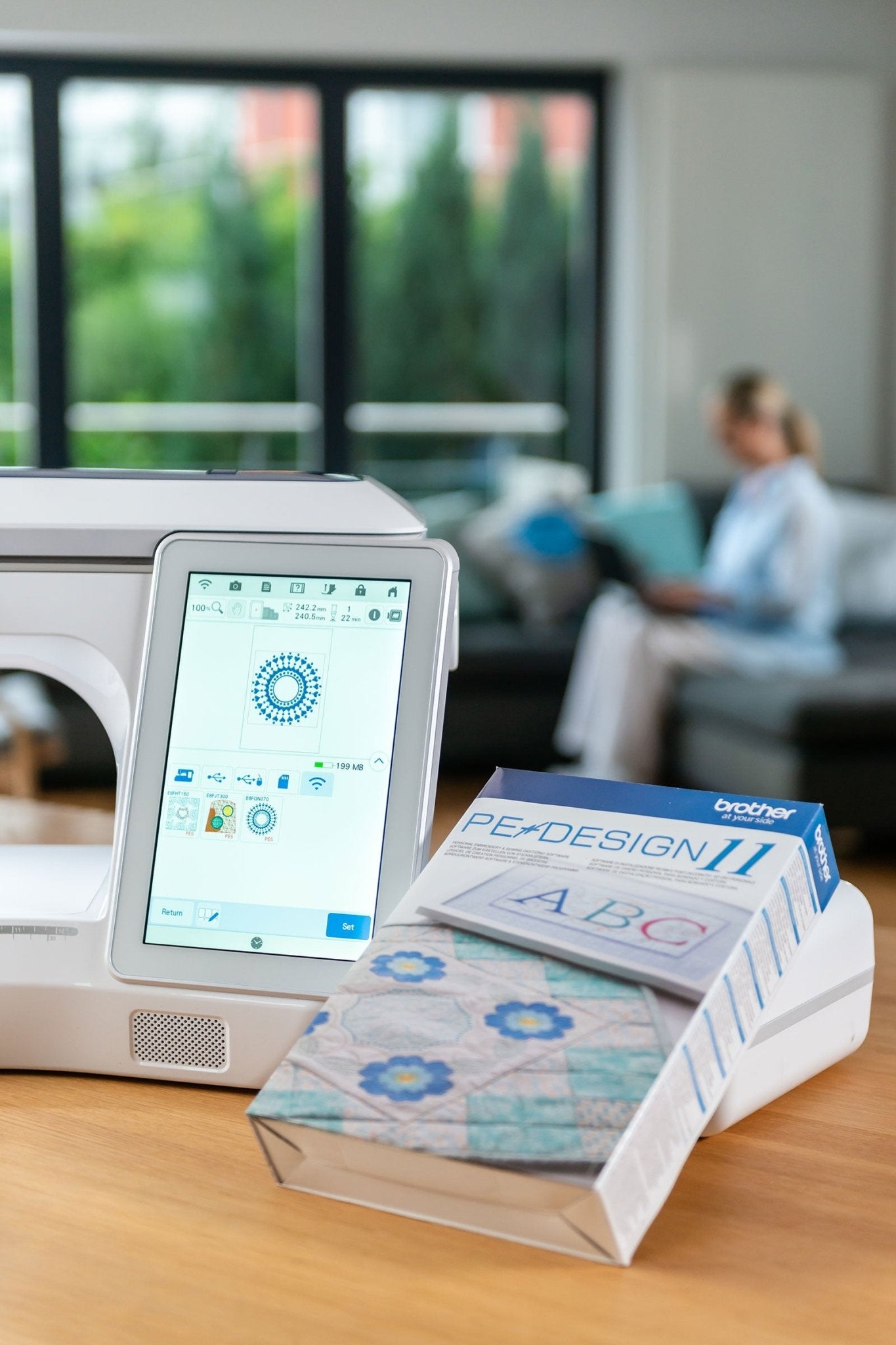
Brother PE-Design 11 is embroidery software for Windows that lets you design, digitise and edit embroidery patterns. Convert images into embroidery data and use 130 fonts, PhotoStitch, quilting fills and FCM import and export for ScanNCut projects.
If your order contains this item, all items will be shipped together as soon as the complete order is available.
Couldn't load pickup availability
Pickup available at Ladengeschäft Hamburg
\n Usually ready in 2-4 days\n\nMany items in stock · Delivery time in your cart
For your Windows PC
From idea to embroidery file
By phone, with KAI or in store
Also popular
Brother PE Design 11 - Embroidery software
If you have any questions, please feel free to contact us at any time. We will respond as quickly as possible – usually within 24 hours on business days.
-
Shipping information
Shipping is via DHL and is free within Germany for orders over €75 . 97% of all orders are delivered within 16 to 48 hours on working days.
-
Customer Support
Use this text to answer questions in as much detail as possible for your customers.
-
FAQs
Use this text to answer questions in as much detail as possible for your customers.
-
Contact Us
Use this text to answer questions in as much detail as possible for your customers.
Your design. Your rules. Your embroidery world.
Product details
overview
Characteristics
Application
Manufacturer information
This is what awaits you

Activation code

Shipping via DHL


FAQ
Further information in our frequently asked questions.