


Video course in German

Delivered digitally

By phone, with KAI or in store
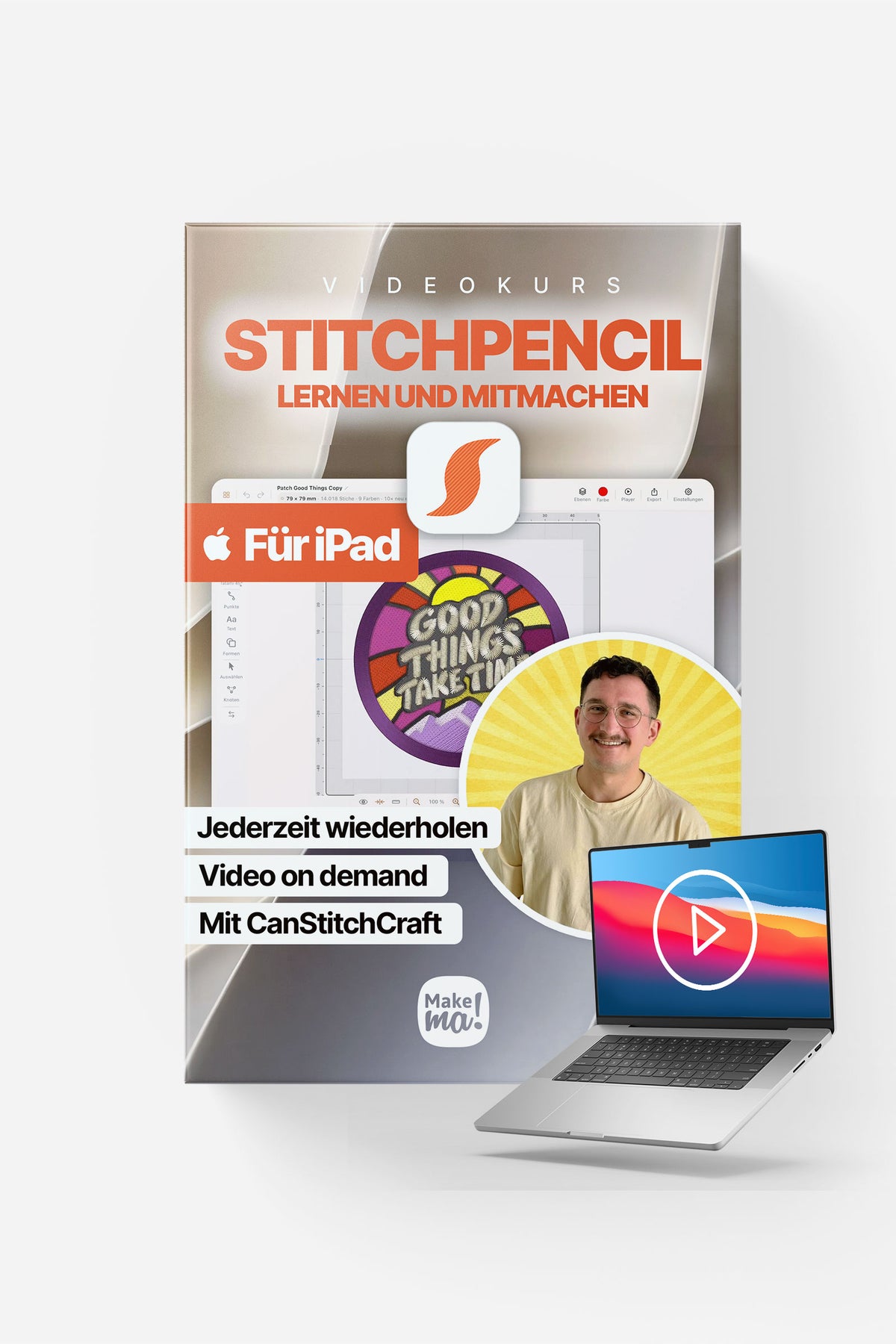
StitchPencil video course – create embroidery files on iPad
Would you like to turn your own ideas into embroidery designs directly on your iPad? In seven videos, tutor Can shows you how to set up a project in StitchPencil, create shapes and lettering, and prepare your design for your embroidery machine.
75 minutes 37 seconds of video – watch, pause and repeat at your own pace.
Language: The videos are in German. Optional subtitles are available in German, English, French, Spanish, Dutch, Danish, Italian and Japanese.
Course content
StitchPencil video course – embroidery designs on iPad
1 module · 7 lessons
StitchPencil step by step
Module 1 – Overview · Watch the free preview
What you will learn in this module
Get to know the StitchPencil interface and set up the app and your first embroidery project. This module takes you from the project gallery and workspace to the settings that affect your finished embroidery.
Find your way through the video
- 00:00 – Create a project: choose a design type, project name and embroidery hoop; save custom hoop sizes for future use.
- 01:24 – Explore the editor: the top bar, stitch and drawing tools, workspace, zoom and display bar.
- 02:28 – Understand the coordinate system: the origin is at the centre of the hoop.
- 02:49 – Display relief and line views, stitch directions and needle paths.
- 03:26 – Customise the app: appearance, Inspector explanations, Pencil and finger input, gestures, guides, toolbar side and sketch tool.
- 06:37 – Set design preferences: units, grid, hoop, colour changes, concealed connections, pull compensation and overlaps.
- 07:40 – Choose the target fabric: adapt settings for woven fabric, jersey, knitwear or fleece/terry cloth.
Your learning objective
You can create a new design in a suitable hoop, find your way around the editor and choose the basic settings for your project.
- Module 2 – Stitch types
- Module 3 – Vector editing
- Module 4 – Shapes and lettering
- Module 5 – Special effects
- Module 6 – Cross stitch
- Module 7 – Optimisation and export
Video course in German
Delivered digitally
By phone, with KAI or in store
Pairs well with
StitchPencil video course – create embroidery files on iPad
If you have any questions, feel free to contact us at any time. We’ll reply as soon as possible – usually within 24 hours on working days.
-
Shipping information
We ship with DHL, with free shipping within Germany on orders of 75 € or more. On working days, 97 % of all orders are delivered within 16 to 48 hours.
-
Customer Support
Use this text to answer questions in as much detail as possible for your customers.
-
FAQ
Use this text to answer questions in as much detail as possible for your customers.
-
Contact us
Use this text to answer questions in as much detail as possible for your customers.
Product details
Overview
How to use
What to expect

Video Course
