


Modern embroidery machines are now Wi-Fi enabled. Nevertheless, connection drops are common in home networks, especially with BERNINA Wi-Fi devices, but also with machines from other manufacturers. In most cases, the cause is not the embroidery machine itself, but rather dual-band routers, automatic frequency switching between 2.4 GHz and 5 GHz, or router optimizations.
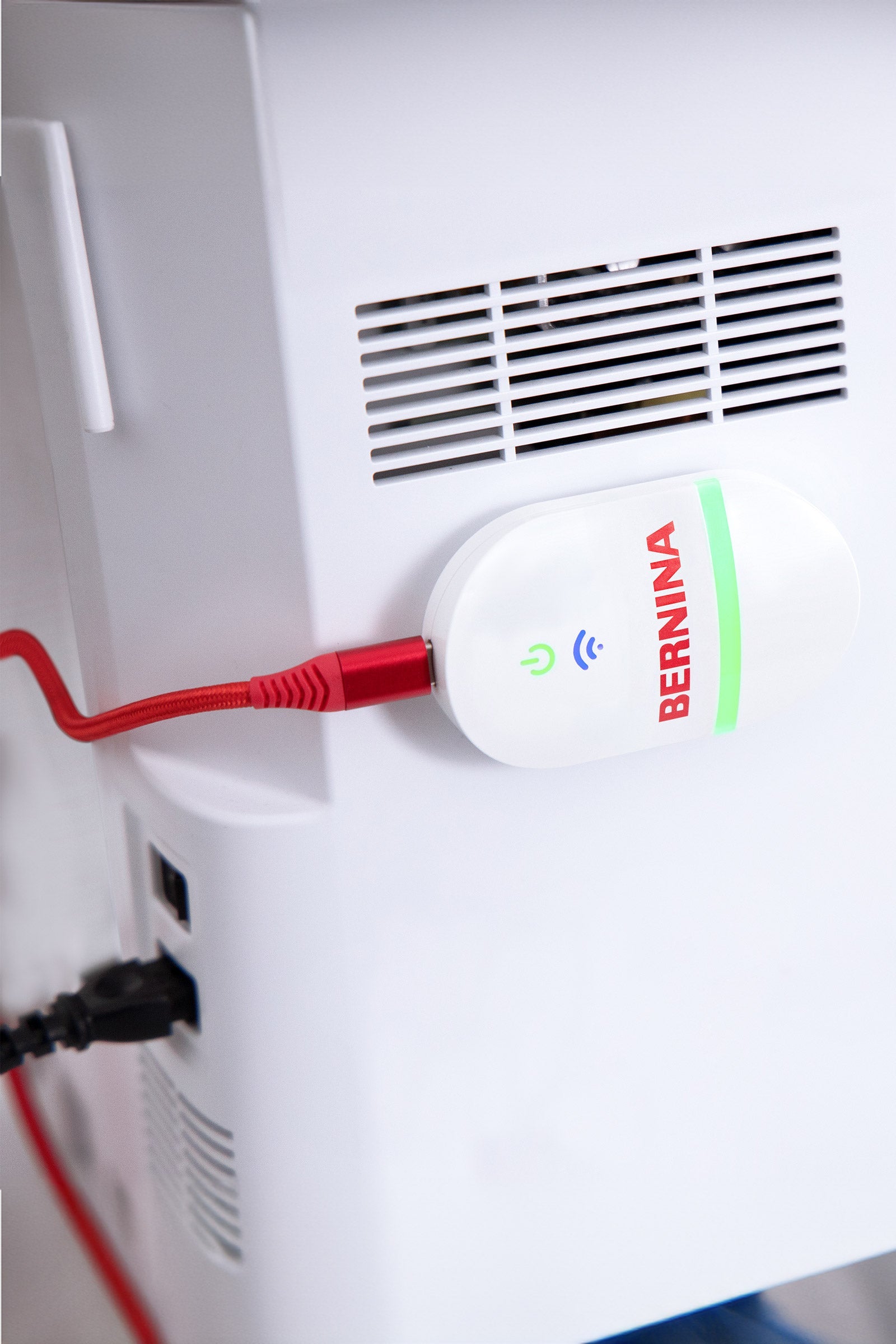
Table of contents
- 1. Why do embroidery machines experience connection drops when using Wi-Fi?
- 2. WiFi-enabled devices in the shop
- 3. My BERNINA WiFi device is not connecting reliably – what could be the reason?
- 4. Fritz!Box: 2.4 GHz or 5 GHz – which WLAN is better for embroidery machines?
- 5. Wi-Fi problems with USB stick software – typical symptoms
- 6. Wi-Fi enabled embroidery machines: These manufacturers are affected
- 7. Why Wi-Fi problems occur across manufacturers
- 8. Solution: Connect the embroidery machine to a stable 2.4 GHz Wi-Fi network.
- 9. Does this also work in a home network with a Fritz!Box?
- 10. Conclusion: Wi-Fi problems with embroidery machines are almost always network problems.
Why do embroidery machines experience connection drops when using Wi-Fi?
(Search intent: Embroidery machine WLAN connection drops)
Embroidery machines do not transmit large amounts of data via Wi-Fi, but mainly:
- Tax information
- Status messages
- small embroidery files or synchronization data
That's precisely why they are sensitive to brief connection interruptions , such as those that frequently occur in modern home networks – for example, due to:
- automatic frequency change
- Mesh optimizations
- “Smart Connect” features
What is unproblematic for smartphones can already lead to a failure on embroidery machines.
WiFi-enabled devices in the shop
{"layoutMobile":2,"layoutDesktop":3,"buttonAlign":"Center","buttonText":"To Product","productTitle":{"hue":213,"saturation":0,"brightness":0,"alpha":1},"priceColor":{"hue":0,"saturation":1,"brightness":0},"discountPrice":{"hue":356,"saturation":0.74,"brig htness":1},"buttonColor":{"hue":213,"saturation":0,"brightness":0,"alpha":1},"textBottomColor":{"hue":0,"saturation":0,"brightness":1},"activeTitleButton":false,"moreProduct":"View all","moreProductUrl":"makema.de","rowNumber":1,"dynamicProductId":[{"id":"gid://shopify/Product/14991516336503","title":"BERNINA V9 WiFi devicecurrencyCodeEURamountMax299.0amountMin299.0price299.00compareAtPrice349.00imagesUrlhttps://cdn.shopify.com/s/files/1/0919/2954/3031/files/BERNINA-Wifi-Device-7630043521762.jpg?v=1750951310&width=600urlStore/products/bernina-v9-wifi-geraetaltImageBERNINA WiFi device for wireless transfer of embroidery files from the V9 embroidery software to your embroidery machine with USB connection"},{"idgid://shopify/Product/14991522595191titleBrother Innov-is NV 880E","currencyCode":"EUR","amountMax":"1619.0","amountMin":"1619.0","price":"1619.00","compareAtPrice":"1899.00","imagesUrl":"https://cdn.shopify.com/s /files/1/0919/2954/3031/files/brother-NV880E-stickmaschine.jpg?v=1761819573&width=600","urlStore":"/products/brother-innov-is-nv880e","altImage":"Brother Innov-is NV880E Embroidery Machine Front"},{"id":"gid://shopify/Product/14991522824567","title":"Brother Innov-is M340ED","currencyCode":"EUR","amountMax":"799.0","amountMin":"799.0","price":"799.00","compareAtPrice":"899.00","imagesUrl":"https://cdn.shopify .com/s/files/1/0919/2954/3031/files/brother-M340ED.jpg?v=1750951277&width=600","urlStore":"/products/brother-innov-is-m340ed","altImage":"Brother Innov-is M340ED embroidery machine"}],"typeSearch":"product","device":"desktop","decimalsPrice":2,"aspectRatio":"3 / 4","isAutoPlay":false,"isNavigation":false,"isPriceDisplay":false,"rowDynamic":"mot","activeDecimals":false,"positionPrice":true,"currencyCodeCustom":"$","cssContent":"","componentName":"Creativate 3 Versions","componentId":"DynamicProduct-hq5II3fiCl0P","updatedAt":"2025-07-12T12:52:46.047Z","createdAt":"2025-07-12 T12:52:46.047Z","type":"DynamicProduct","activeDynamicProd":true,"hidden":false,"locked":false,"blockName":"Product"}


The Bernina WiFi device, compatible with Bernina embroidery software V9, also works on embroidery machines from other manufacturers.
My BERNINA WiFi device is not connecting reliably – what could be the reason?
(Search intent: BERNINA WiFi device not connecting)
The BERNINA WiFi device requires a constant 2.4 GHz connection .
However, many routers transmit 2.4 GHz and 5 GHz under the same WLAN name and automatically switch between the frequencies.
This change results in the following:
- the connection is briefly interrupted
- the embroidery software loses the device
- the WiFi device is only sporadically reachable
This then manifests itself as seemingly "unreliable" behavior.
Fritz!Box: 2.4 GHz or 5 GHz – which WLAN is better for embroidery machines?
(Search intent: Fritzbox 2.4 GHz 5 GHz Stickmaschine)
Routers like the Fritz!Box from AVM work with dual-band WLAN by default.
5 GHz – fast, but sensitive
- higher speed
- shorter range
- more prone to malfunctions
- frequent channel changes
2.4 GHz – slower, but stable
- greater range
- improved wall penetration
- robust against disturbances
- constant connection
The following applies clearly to embroidery machines:
Stability is more important than speed.
2.4 GHz is technically perfectly adequate – and significantly more reliable.
Wi-Fi problems with USB stick software – typical symptoms
(Search intent: Stick software WLAN problem)
- Connection suddenly drops
- Embroidery machine disappears from the software
- WiFi device is not permanently detected
- A restart only helps in the short term.
- The blue Wi-Fi LED is not constantly lit.
These symptoms occur particularly often when routers automatically switch between 2.4 GHz and 5 GHz.
Wi-Fi enabled embroidery machines: These manufacturers are affected
(Search intent: WiFi embroidery machine, embroidery machine WiFi problems)
WiFi problems are not a manufacturer-specific issue , but basically affect all WiFi-enabled embroidery machines in the home network.
The following are particularly frequently affected:
- BERNINA – with external WiFi device or integrated WLAN function
- Brother – e.g., Innov-is series with WLAN & Design Database Transfer
- Husqvarna VIKING – Cloud & mySewnet connectivity
- PFAFF – WiFi-enabled creative models
- SINGER – modern embroidery machines with Wi-Fi functionality
- Veritas – e.g. Florence with integrated Wi-Fi connection
Regardless of the manufacturer , identical problems arise when the WLAN configuration is incorrect.
Why Wi-Fi problems occur across manufacturers
All of the embroidery machines mentioned have one thing in common:
- Wi-Fi is only for communication , not for performance.
- They depend on constant, continuous connections.
- Automatic router optimizations are counterproductive.
Band steering, mesh optimization, or smart connect functions therefore lead to the same error patterns across all brands.
Solution: Connect the embroidery machine to a stable 2.4 GHz Wi-Fi network.
(Search intent: Setting up stable BERNINA WLAN)
Proven approach:
-
Separate the 2.4 GHz and 5 GHz bands in the router.
(assign two different Wi-Fi names) - Connect the embroidery machine or WiFi device exclusively via 2.4 GHz.
- Disable automatic Wi-Fi optimizations
- Check embroidery software is up-to-date
(e.g. Creator V9.3 or newer) - Test your firewall or antivirus software and set exceptions.
This configuration has proven to be the most stable in practice.
Does this also work in a home network with a Fritz!Box?
(Search intent: Embroidery machine Fritzbox WLAN problem)
Yes. Very reliable, in fact.
The only important thing is:
- separate Wi-Fi frequencies
- no automatic tape change
- fixed assignment to the 2.4 GHz network
When operated in this way, WLAN-enabled embroidery machines run stably and continuously in Fritz!Box networks.
Conclusion: Wi-Fi problems with embroidery machines are almost always network problems.
(Search intent: cause of WLAN problems with embroidery machine)
Connection interruptions are not a machine error .
They are caused by modern router automation systems that are unsuitable for embroidery machines.
2.4 GHz instead of 5 GHz means:
- Fewer cancellations
- stable connection
- relaxed working
Not faster – but more reliable .
Browse magazine & FAQ
More articles
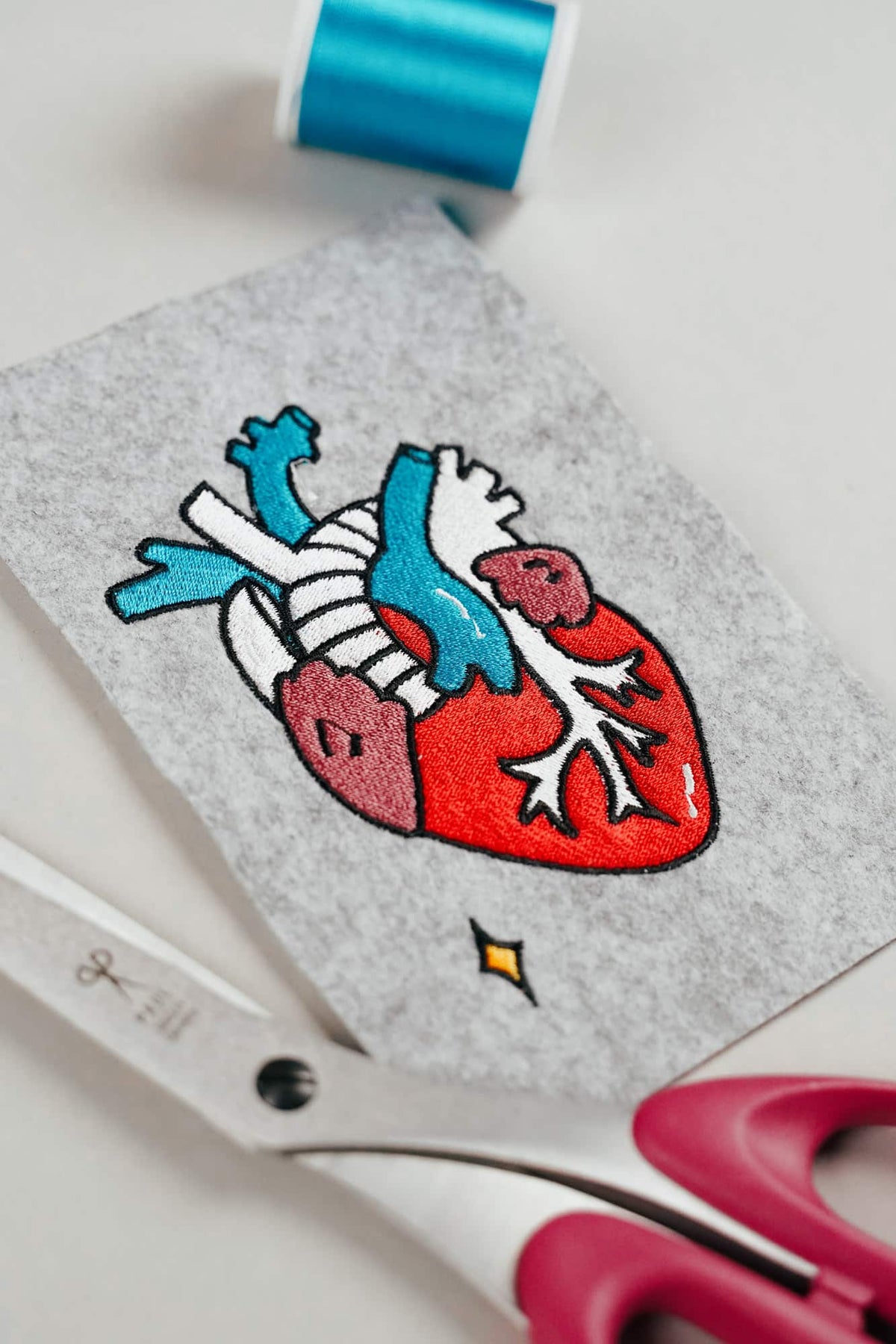
AI embroidery designs look great – but as embroidery files, they're often completely useless
AI images often look like perfect embroidery, but are frequently unsuitable as a template for a real embroidery file. We'll show you which mistakes to avoid with AI-generated motifs, how to formulate better prompts, and how to recognise well-digitised embroidery files.
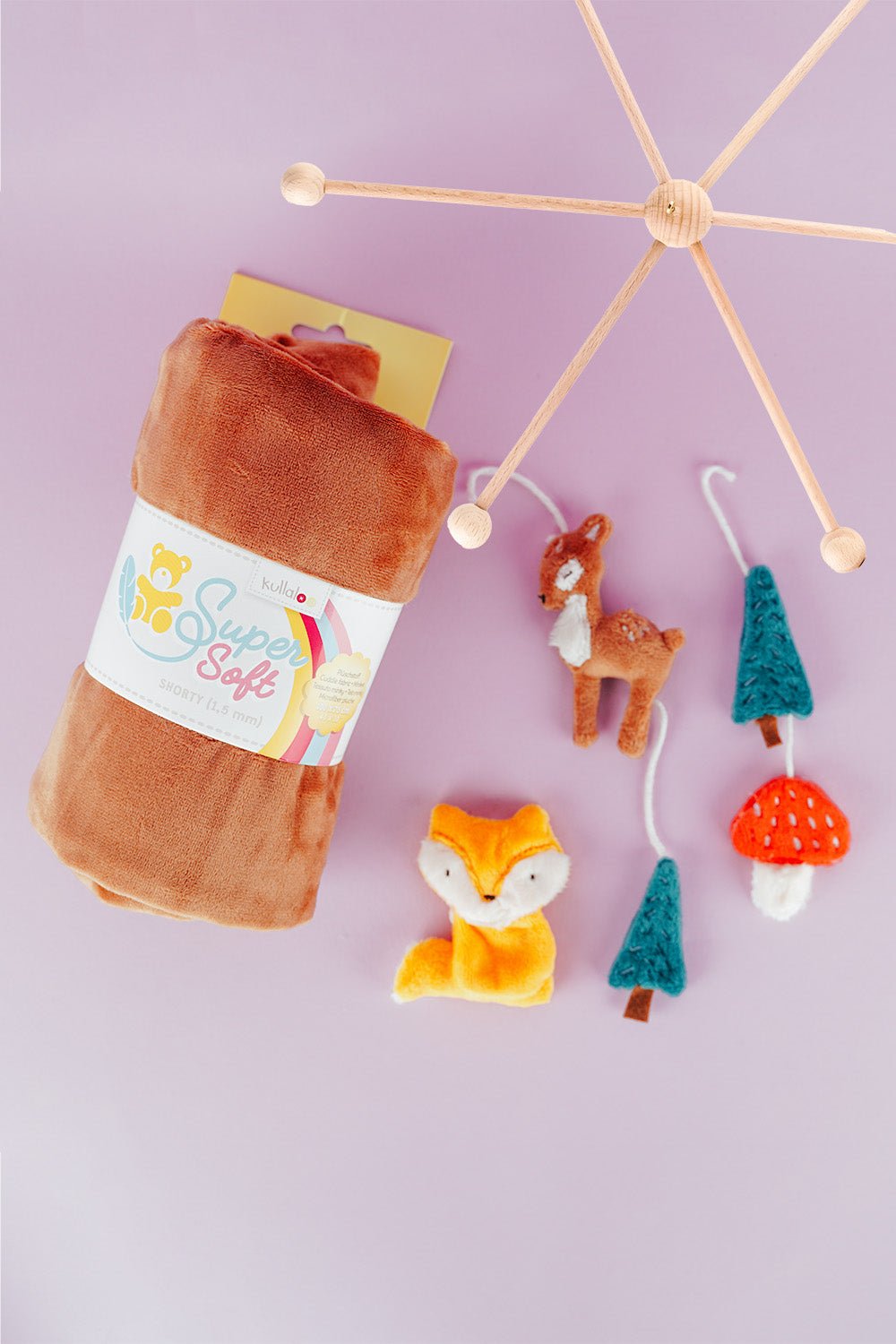
Embroider a woodland mobile: ITH ornaments step by step
Embroider fox, deer, fir tree and mushroom in a 10 × 10 cm hoop, then turn them into a woodland mobile or garland.
Read moreabout Embroider a woodland mobile: ITH ornaments step by step
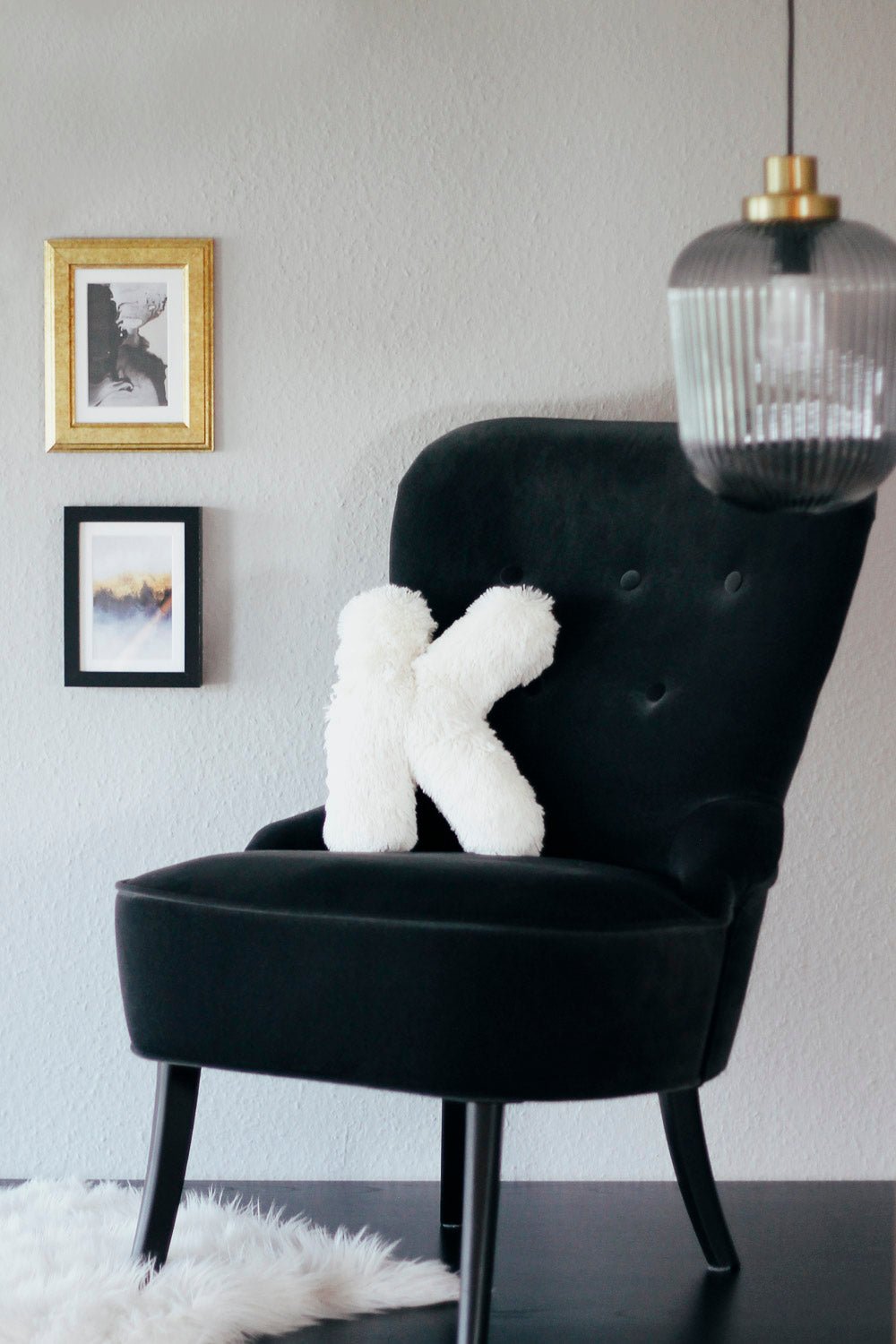
Sew an alphabet cushion: personal pillows from A to Z
Sew an alphabet cushion with neat curves, even filling and a hidden ladder stitch, using a digital pattern that includes every letter from A to Z.
Read moreabout Sew an alphabet cushion: personal pillows from A to Z
Split:
Premier+2 Sticksoftware can no longer be installed on a new computer.
How to embroider jeans with an embroidery machine!
1 comment
Leider hat bei mir alles nicht funktioniert. Bernina schrieb, an meinem Router läge es nicht.
Ich hatte festgestellt, dass sich das Gerät, obwohl grün / blau leuchtete, auch nicht bei den Google pixel anmeldete, oder erkannt wurde. Sonst hatte das Smartphone immer eingeschaltete Geräte erkannt und nachgefragt, ob es verbinden soll.
Leider hab ich das Ding aber nicht mehr, da es mir für unterwegs viel zu schwer war und ich da auch keinen Kleincomputer brauche. Daher kann ich die letzten Vorschläge von Bernina auch nicht mehr überprüfen oder durchführen.
Frust pur.