

Many people buy "just any" version – and only later realize that they're missing precisely the one function: "creating an embroidery file from a photo" or "digitizing embroidery files completely on their own." With this overview, the decision is made in 60 seconds.
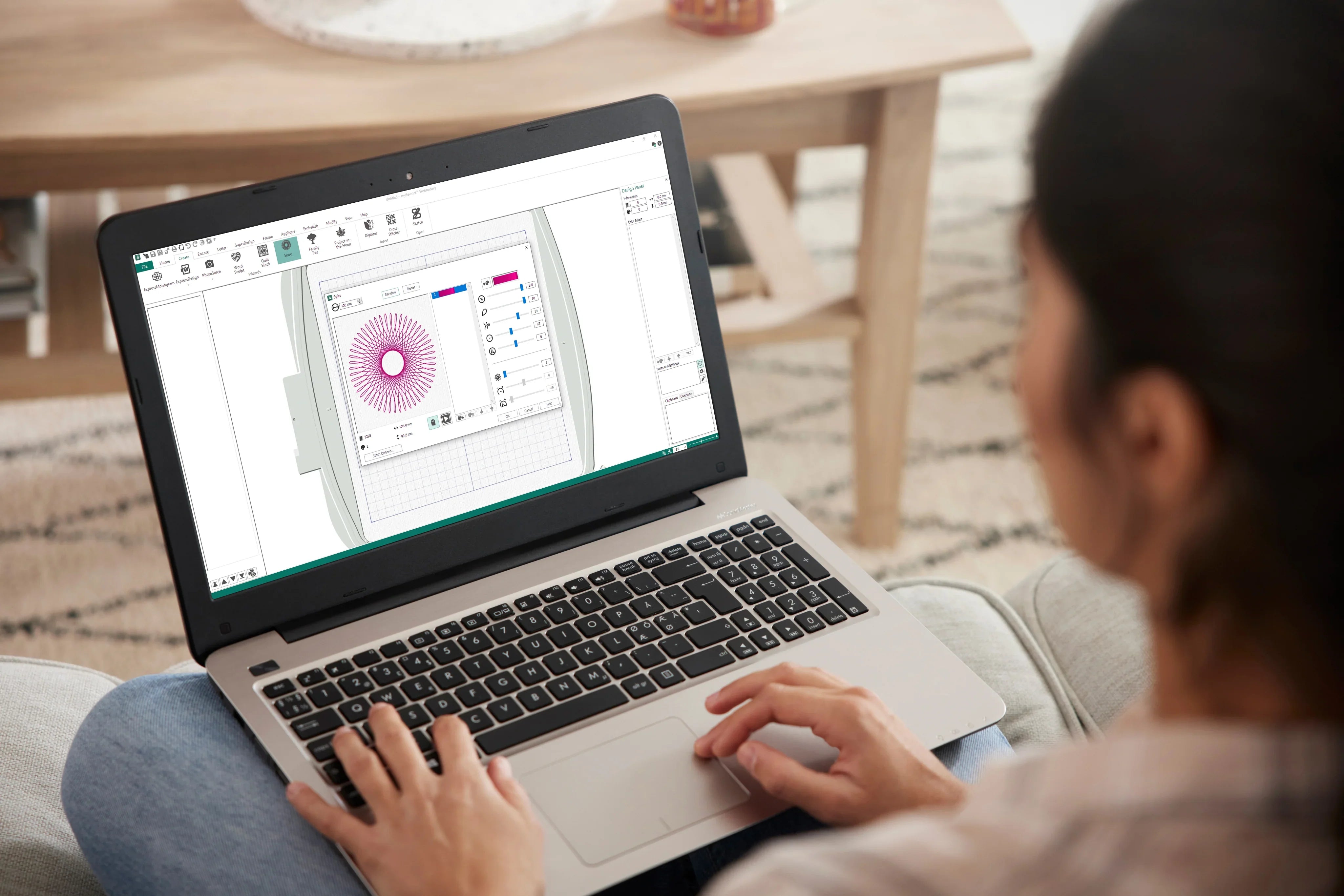
Important information beforehand: Mac & Windows, subscription & one-time purchase
Creativate runs on macOS (including Apple Silicon/M processors) and Windows. The license can be activated on two computers simultaneously. You can get Creativate as a subscription (12 months in advance) or as a one-time purchase (via activation code).

Do you want to create embroidery designs entirely yourself? Then I recommend Creativate Elite .
Who is each version intended for?
Creativate Essential – for everyone who uses, combines and neatly prepares embroidery files
Essential is ideal if you want to organize, combine, and cleanly export existing embroidery designs for your machine. Perfect if you want to work professionally with ready-made files without digitizing them.
Creativate Essential can:
- Prepare the embroidery frame for embroidery
- Combine existing embroidery designs, group colors
- Working with 240+ fonts (including scaling)
- More quilting features: Customize borders & edging
- Essential Embroidery Design Wizards
- 650+ frames, borders & flourishes for embroidery designs
- 2 GB Vault storage
- Export to many formats: .PES, .DST, .JEF, .VP3, .EXP, .XXX and many more.

Want to create embroidery files for any embroidery machine? Export to .PES, .DST, .VP3, .JEF, .EXP, .XXX, etc.
Creativate Extra – for “photo to embroidery file” and quick conversions (without fine-tuning)
Extra is the right choice if you want to do something with images/photos – but without deep manual editing. You get automatic tools like PhotoStitch and automatic digitizing, plus creative text functions.
Creativate Extra (everything Essential can do, plus):
- Automatic digitization of logos/graphics (without real editing/optimization tools like in Elite)
- PhotoStitch (create embroidery files from photos)
- Import fonts from PC
- Express Monogram (1–3 letters)
- Word Sculpt (words in shapes, e.g. heart)
- Filled or bordered quilt blocks in many shapes
- Application functions for applications
Key point: Extra is "Transform & get creative quickly".
Creativate Elite – for “creating embroidery files completely yourself” and true professional control
Elite is the version for those who truly want to digitize their designs: creating their own embroidery files from scratch, optimizing them cleanly, and selectively editing existing designs. When customers say, "I want to do this properly myself"—that's Elite.
Creativate Elite (everything that can do extra, plus):
- Digitizing: designing, creating and optimizing your own embroidery files
- Stitch Editor: Selectively edit/optimize stitches of existing embroidery files
- Cross Stitch (Cross Stitch Features)
Key principle: Elite is "self-created & perfected".
Quick decision: Which version suits which need?
-
"I just want to use/compile embroidery files and write names on them."
→ Creative Essential -
"I want to quickly create an embroidery file from photos/graphics (automatic is sufficient for me)."
→ Creative Extra - "I want to create embroidery files entirely myself and professionally improve existing files."
→ Creative Elite
Comparison table: Essential vs. Extra vs. Elite
| function | Essential | Extra | elite |
| Combine embroidery designs, group colors | ✔ | ✔ | ✔ |
| 240+ fonts + scaling | ✔ | ✔ | ✔ |
| Import fonts from PC | – | ✔ | ✔ |
| Frames/Borders/Frills (650+) | ✔ | ✔ | ✔ |
| Wizards (Basic) | ✔ | ✔ | ✔ |
| Enhanced creative features (Monogram, Word Sculpt) | – | ✔ | ✔ |
| Application functions | – | ✔ | ✔ |
| PhotoStitch (photo → embroidery file) | – | ✔ | ✔ |
| Automatic digitization (logo/graphic → USB drive) | – | ✔ | ✔ |
| "Real" digitizing (fully manual creation & optimization) | – | – | ✔ |
| Stitch Editor (selective stitch editing) | – | – | ✔ |
| Cross Stitch | – | – | ✔ |
| Export formats (.PES .DST .JEF .VP3 etc.) | ✔ | ✔ | ✔ |
| 2 GB Vault storage | ✔ | ✔ | ✔ |
{"layoutMobile":2,"layoutDesktop":3,"buttonAlign":"Center","buttonText":"To Product","productTitle":{"hue":213,"saturation":0,"brightness":0,"alpha":1},"priceColor":{"hue":0,"saturation":1,"brightness":0},"discountPrice":{"hue":356,"saturation":0.74,"brig htness":1},"buttonColor":{"hue":213,"saturation":0,"brightness":0,"alpha":1},"textBottomColor":{"hue":0,"saturation":0,"brightness":1},"activeTitleButton":false,"moreProduct":"View all","moreProductUrl":"makema.de","rowNumber":1,"dynamicProductId":[{"id":"gid://shopify/Product/14991336472951","title":"CREATIVATE™ Elite","currencyCode":"EUR","amountMax":"899.0","amountMin":"199.0","price":"899.00","compareAtPrice":"1799.00","imagesUrl":"https://cdn.shopify.com/s/files/1/0919/2954/3031/files/creativate-elite-sticksoftware-fuer-mac-windows-9102796.png?v=1787464815&width=600","urlStore":"/products/sticksoftware-creativate-elite","altImage":"CREATIVATE Elite embroidery software for Mac & Windows"},{"id":"gid://shopify/Product/14991336309111","title":"CREATIVATE™ Extra","currencyCode":"EUR","amountMax":"499.0","amountMin":"149.0","price":"149.00","compareAtPrice":"279.00","imagesUrl":"https://cdn.shopify.com/s/files/1/0919/2954/3031/files/sticksoftware-creativate-extra-ehem-mysewnet-gold-fuer-mac-windows-7568182.png?v=1787464816&width=600","urlStore":"/products/creativate-extra","altImage":"CREATIVATE Extra embroidery software for Mac & Windows"},{"id":"gid://shopify/Product/14991334867319","title":"CREATIVATE™ Essential","currencyCode":"EUR","amountMax":"299.0","amountMin":"79.0","price":"79.00","compareAtPrice":"199.00","imagesUrl":"https://cdn.shopify.com/s/files/1/0919/2954/3031/files/sticksoftware-creativate-essential-ehem-mysewnet-silver-fuer-mac-windows-9635333.png?v=1787464817&width=600","urlStore":"/products/creativate-essential","altImage":"CREATIVATE Essential embroidery software for Mac & Windows"}],"typeSearch":"product","device":"desktop","decimalsPrice":2,"aspectRatio":"3 / 4","isAutoPlay":false,"isNavigation":false,"isPriceDisplay":false,"rowDynamic":"mot","activeDecimals":false,"hidden":false,"locked":false,"positionPr ice":true,"currencyCodeCustom":"$","componentId":"DynamicProduct-hq5II3fiCl0P","type":"DynamicProduct","activeDynamicProd":true,"blockName":"Product"}


Browse magazine & FAQ
More articles
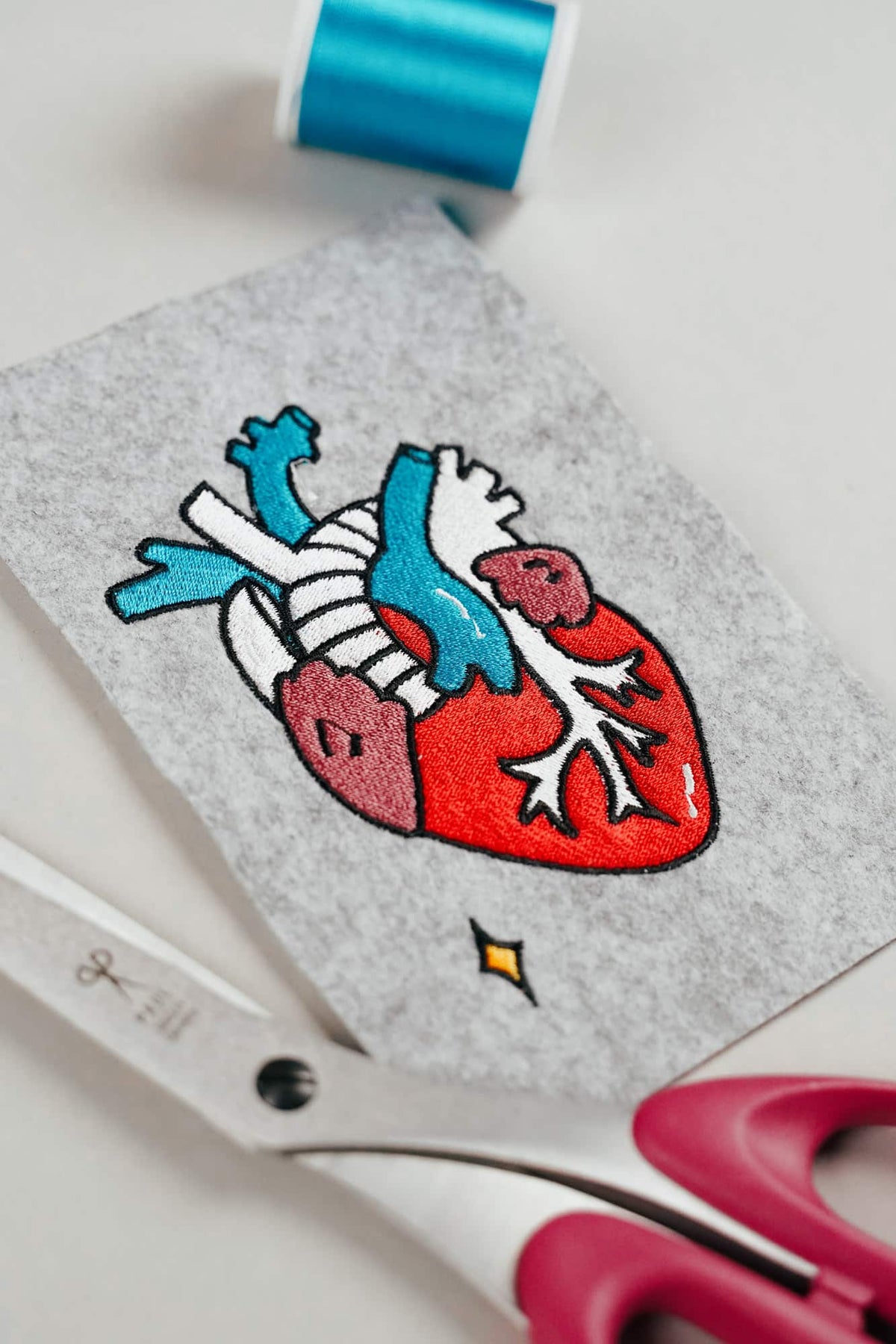
AI embroidery designs look great – but as embroidery files, they're often completely useless
AI images often look like perfect embroidery, but are frequently unsuitable as a template for a real embroidery file. We'll show you which mistakes to avoid with AI-generated motifs, how to formulate better prompts, and how to recognise well-digitised embroidery files.
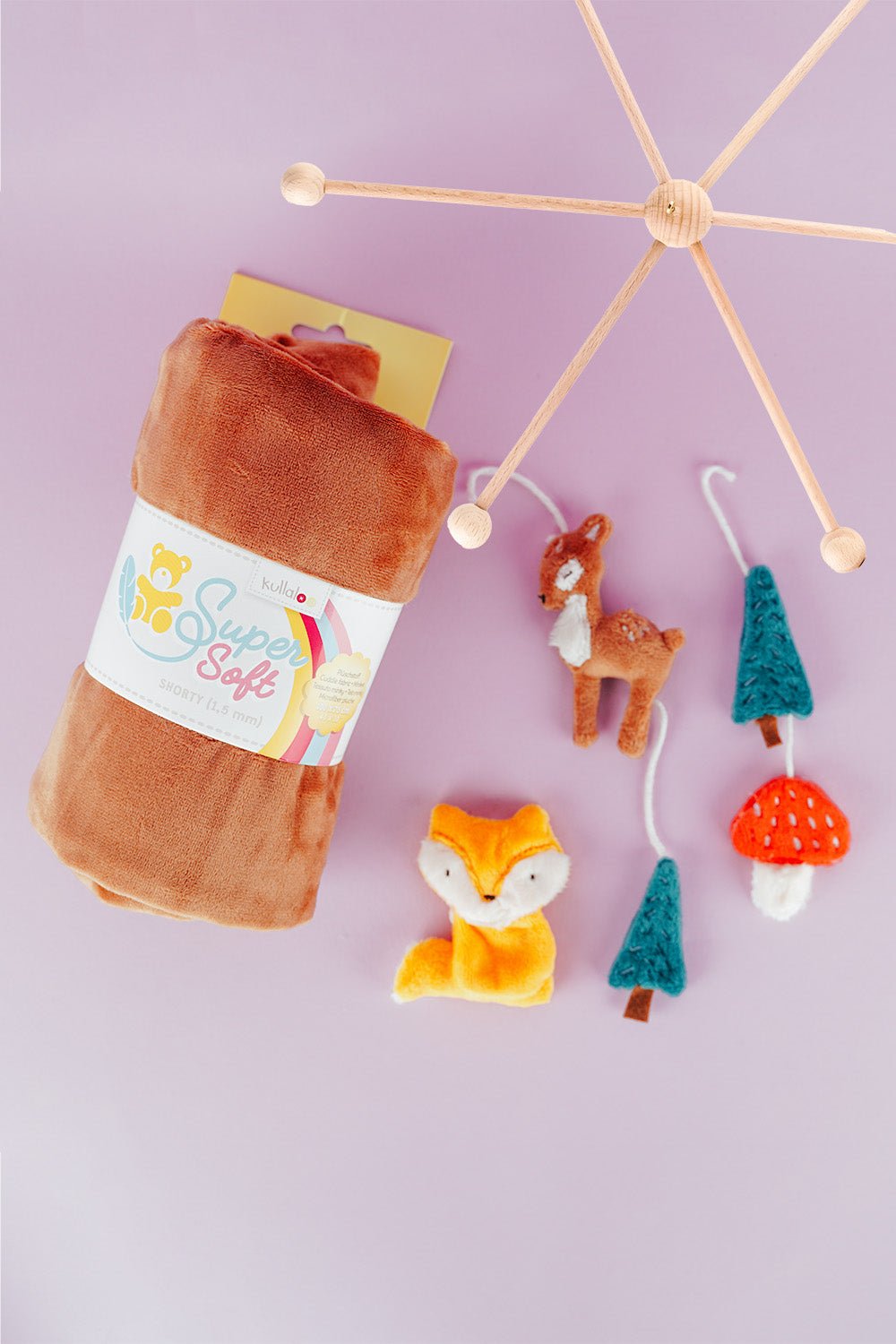
Embroider a woodland mobile: ITH ornaments step by step
Embroider fox, deer, fir tree and mushroom in a 10 × 10 cm hoop, then turn them into a woodland mobile or garland.
Read moreabout Embroider a woodland mobile: ITH ornaments step by step
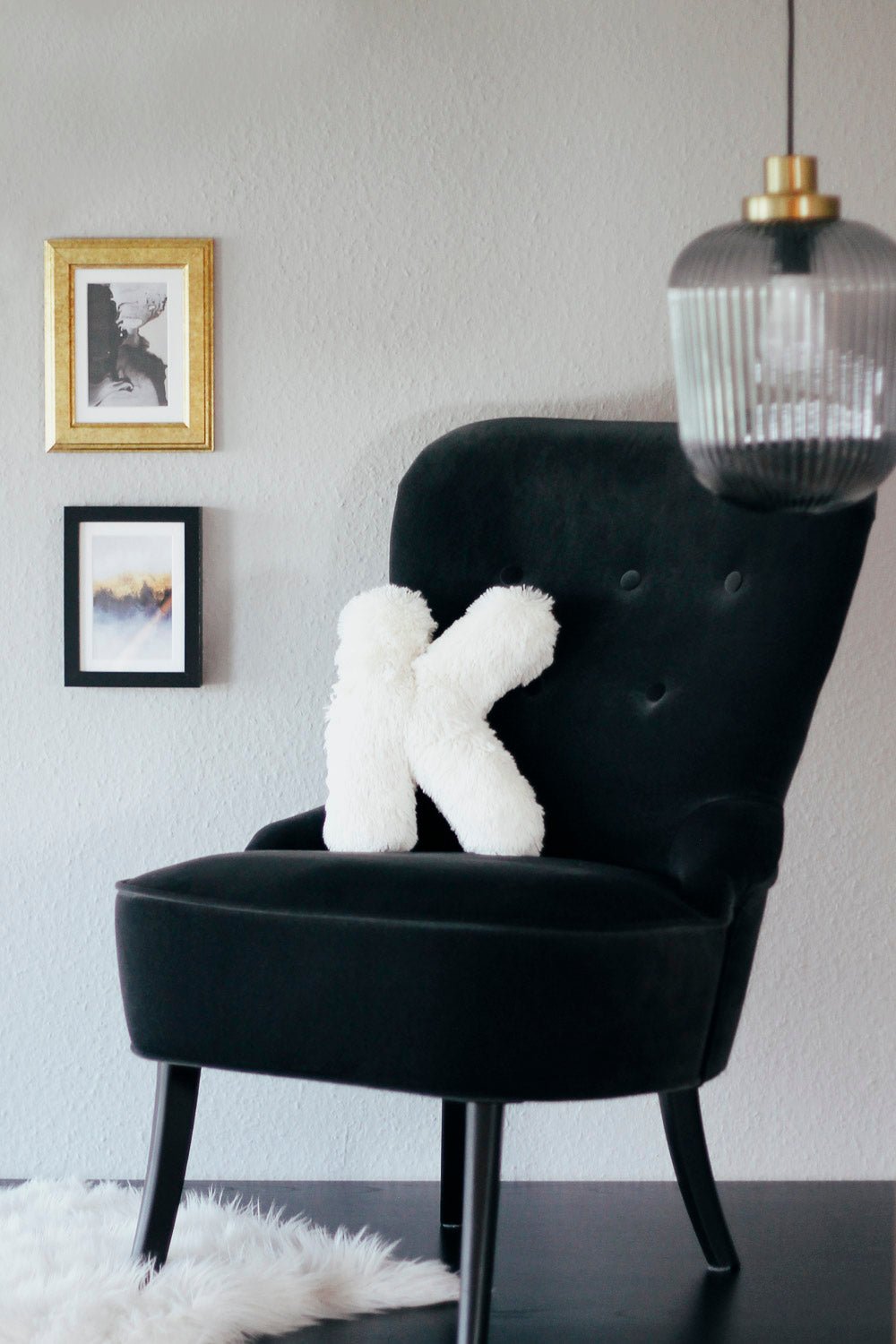
Sew an alphabet cushion: personal pillows from A to Z
Sew an alphabet cushion with neat curves, even filling and a hidden ladder stitch, using a digital pattern that includes every letter from A to Z.
Read moreabout Sew an alphabet cushion: personal pillows from A to Z
Split:
Rayon or polyester embroidery thread: a practical comparison
You really need this when you start sewing.