


Which embroidery software is the best?
There is no single best embroidery software. For a Mac, CREATIVATE is usually the obvious choice. Those who want to digitize manually with particular precision under Windows and work with native .EMB files will find a very powerful solution in BERNINA V9 DesignerPlus . Brother PE-DESIGN PLUS2 is an understandable introduction to photo, appliqué, and ScanNCut projects; BE EmbroideryStudio, on the other hand, is aimed at professional logo and production workflows.
Find the right solution in minutes
Which embroidery software suits you?
We check your system, previous licence, required features and budget, then recommend only software and licence options that truly fit.
 Grafik mit KI erstellt
The embroidery software advisor is being prepared. Please try again later.
Your personal selection
This software suits you
The main recommendation respects your budget. Alternatives intentionally show other price or capability levels.
Embroidery software compared
The original comparison between mySewnet Platinum and BERNINA V9 has been expanded because today’s software ranges include several feature levels. The table therefore compares the key systems and ways of working rather than just two product names.
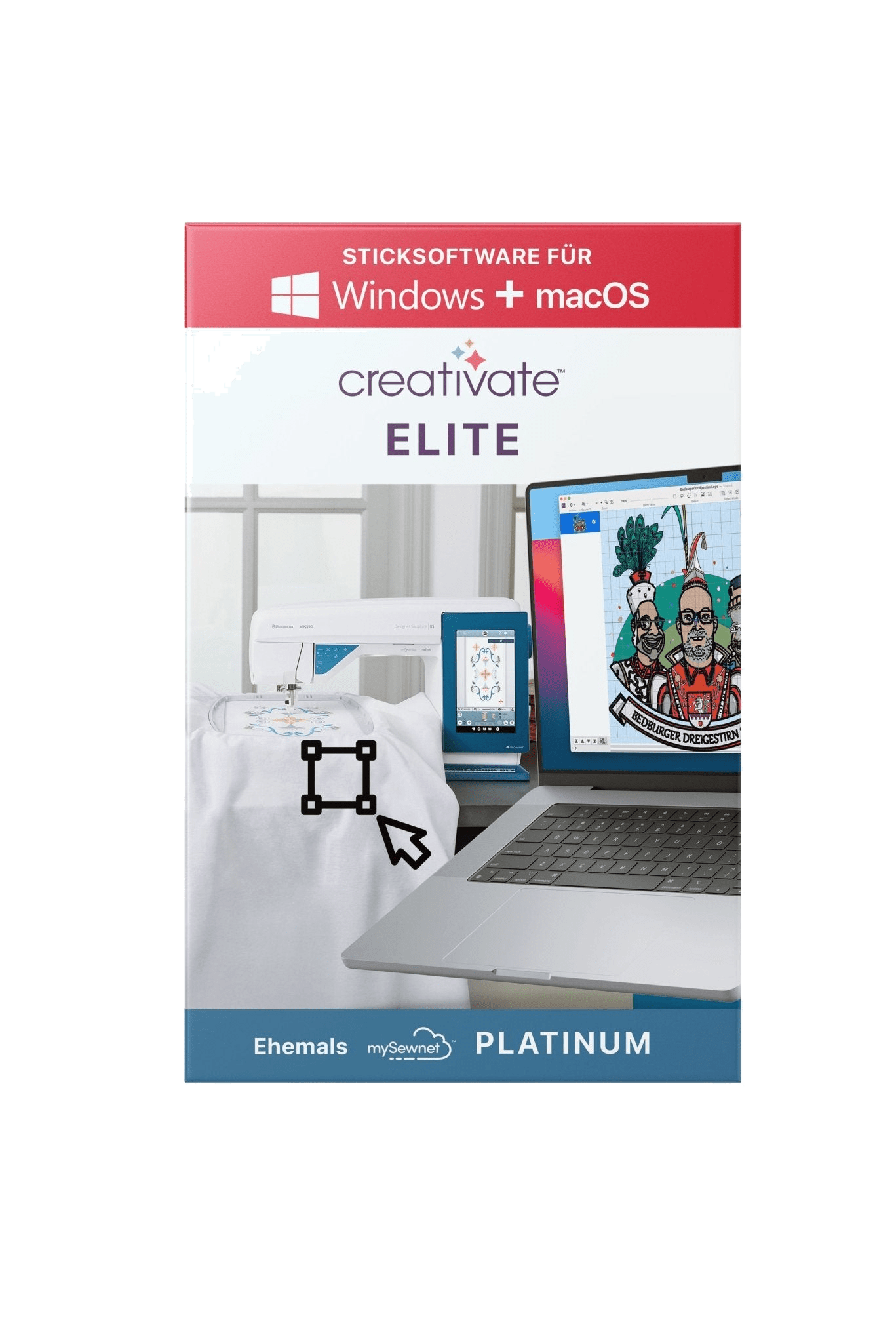
CREATIVATE
For Windows and macOS, with three feature levels and subscription, perpetual and upgrade options. Especially suitable for a guided creative workflow and the CREATIVATE/mySewnet ecosystem.
BERNINA V9
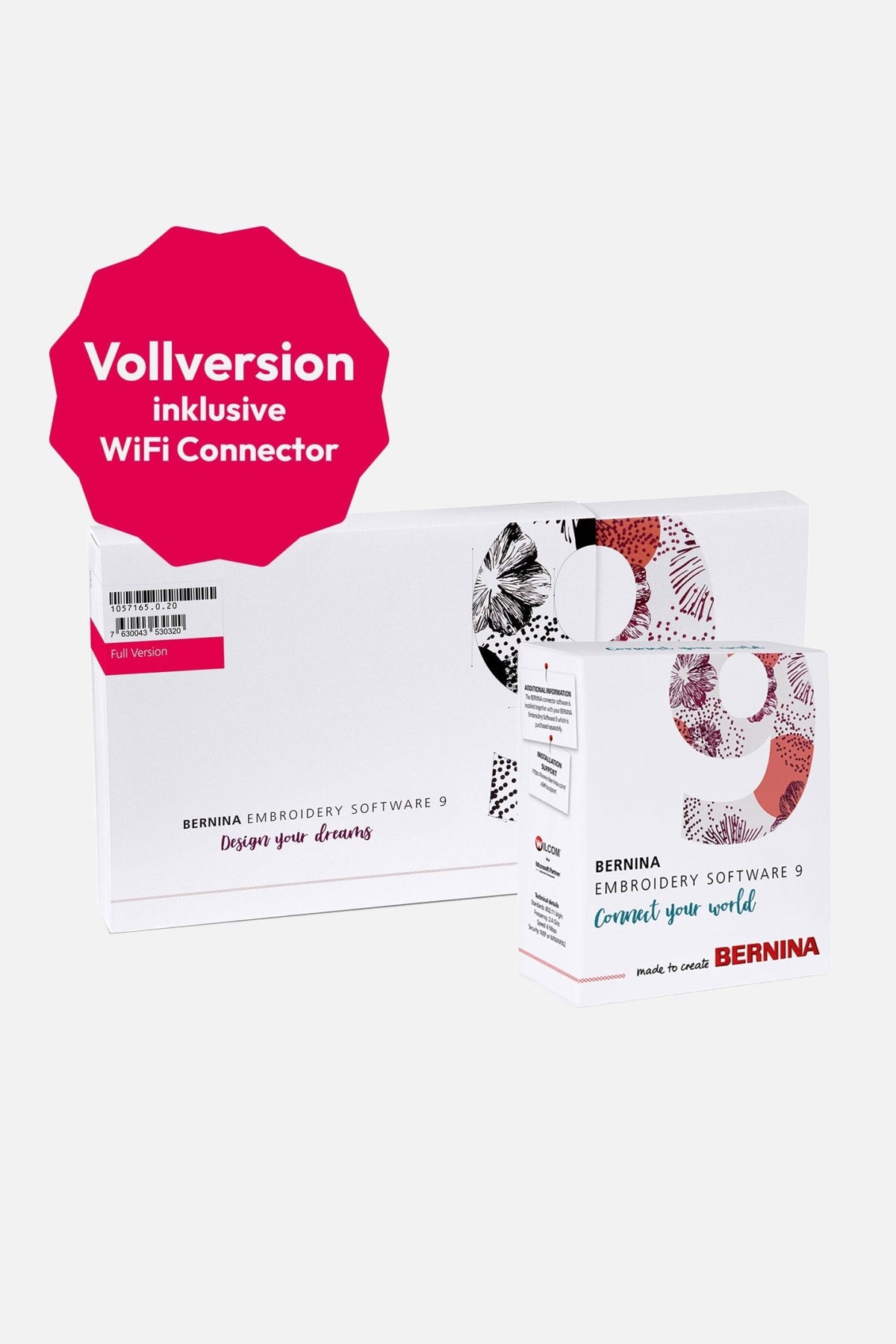
For Windows and sold as a perpetual licence. Creator covers advanced editing and initial digitising tools; DesignerPlus adds the comprehensive Wilcom-based professional toolset.
Brother
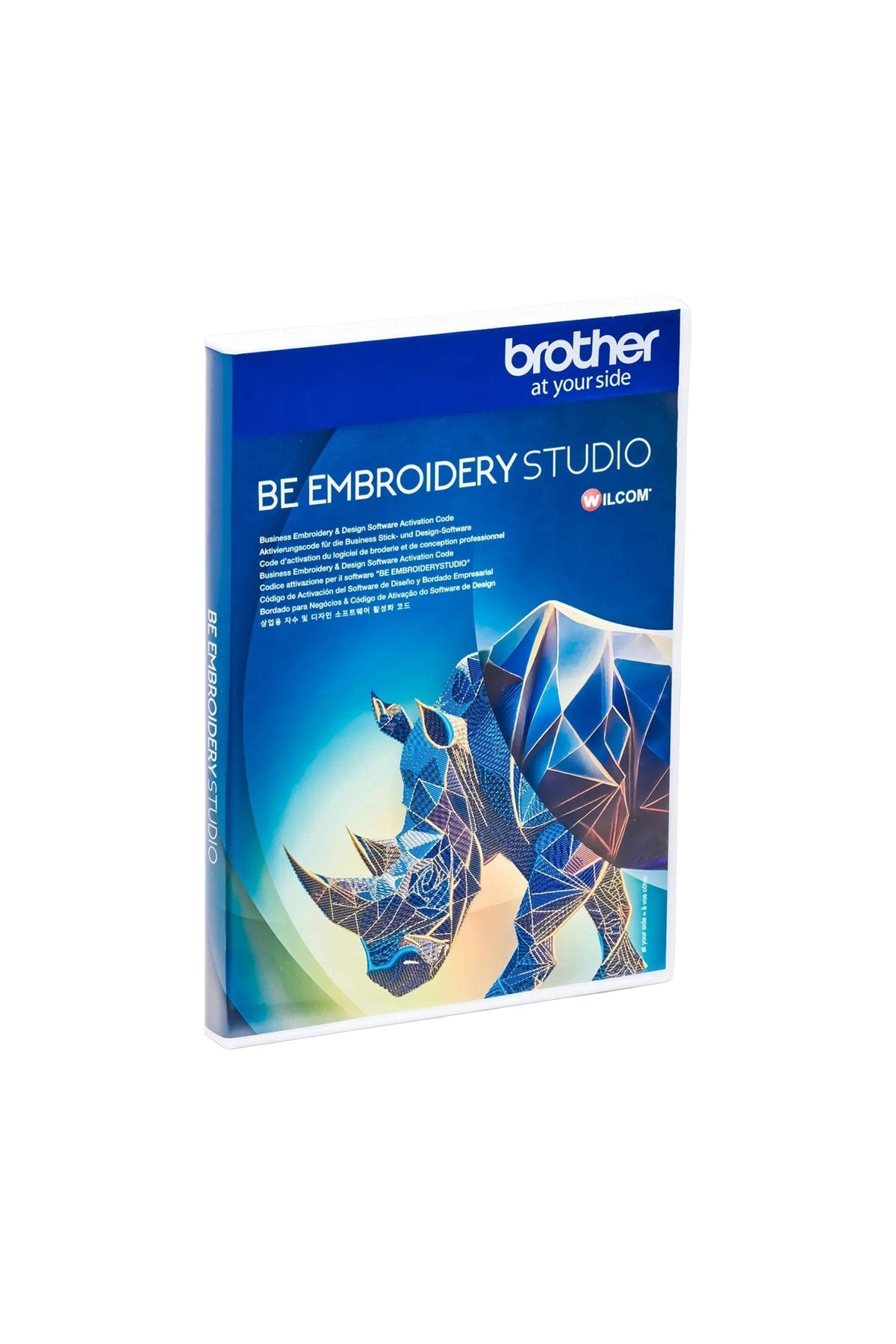
For Windows. PE-DESIGN PLUS2 makes it easier to get started, while BE EmbroideryStudio focuses on logos, team names and recurring customer jobs.
CREATIVATE, BERNINA V9 and Brother at a glance
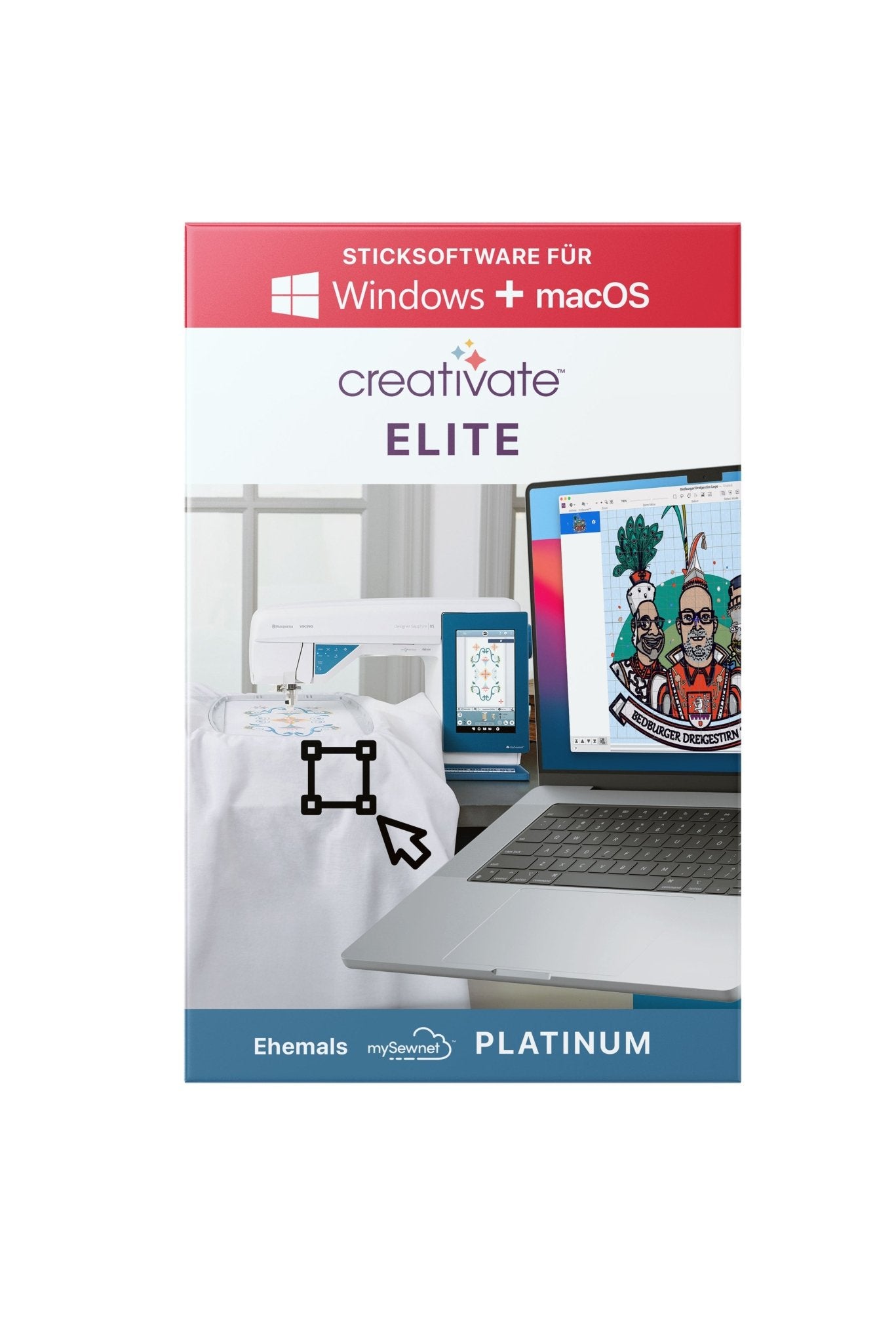
12-month subscription
Full version (without prior software ownership)
12-month subscription
Full version (without prior software ownership)
Windows and macOS; the Mac interface is currently in English
Windows
Windows; BE EmbroideryStudio requires Windows 11 and, according to the manufacturer, 32 GB RAM
Subscription, perpetual or upgrade depending on level
Perpetual and upgrade versions
Perpetual licence
From basic editing through to full digitising in Elite
Creator with limited manual digitising; DesignerPlus with comprehensive control
PLUS2 for basic tasks; BE Studio for professional logos and production
Creative workflow, automation, cloud tools and Mac support
Wilcom technology, .EMB and precise object and stitch control
Brother/ScanNCut workflow or professional lettering
Exports many common formats; direct cloud functions mainly with compatible machines
Brand-independent export; Wi-Fi transfer depends on hardware and WiFi Connector
File format and transfer method must match the machine
Guided start with increasing depth up to Elite
More manual control and therefore more training
From beginner-friendly to clearly professional
Important information about older names
CREATIVATE Elite is the successor name to mySewnet Platinum, and CREATIVATE Extra follows mySewnet Gold. If you already own PREMIER+ 2 or an older mySewnet licence, enter that licence in the advisor: a less expensive upgrade may be suitable instead of a full version.
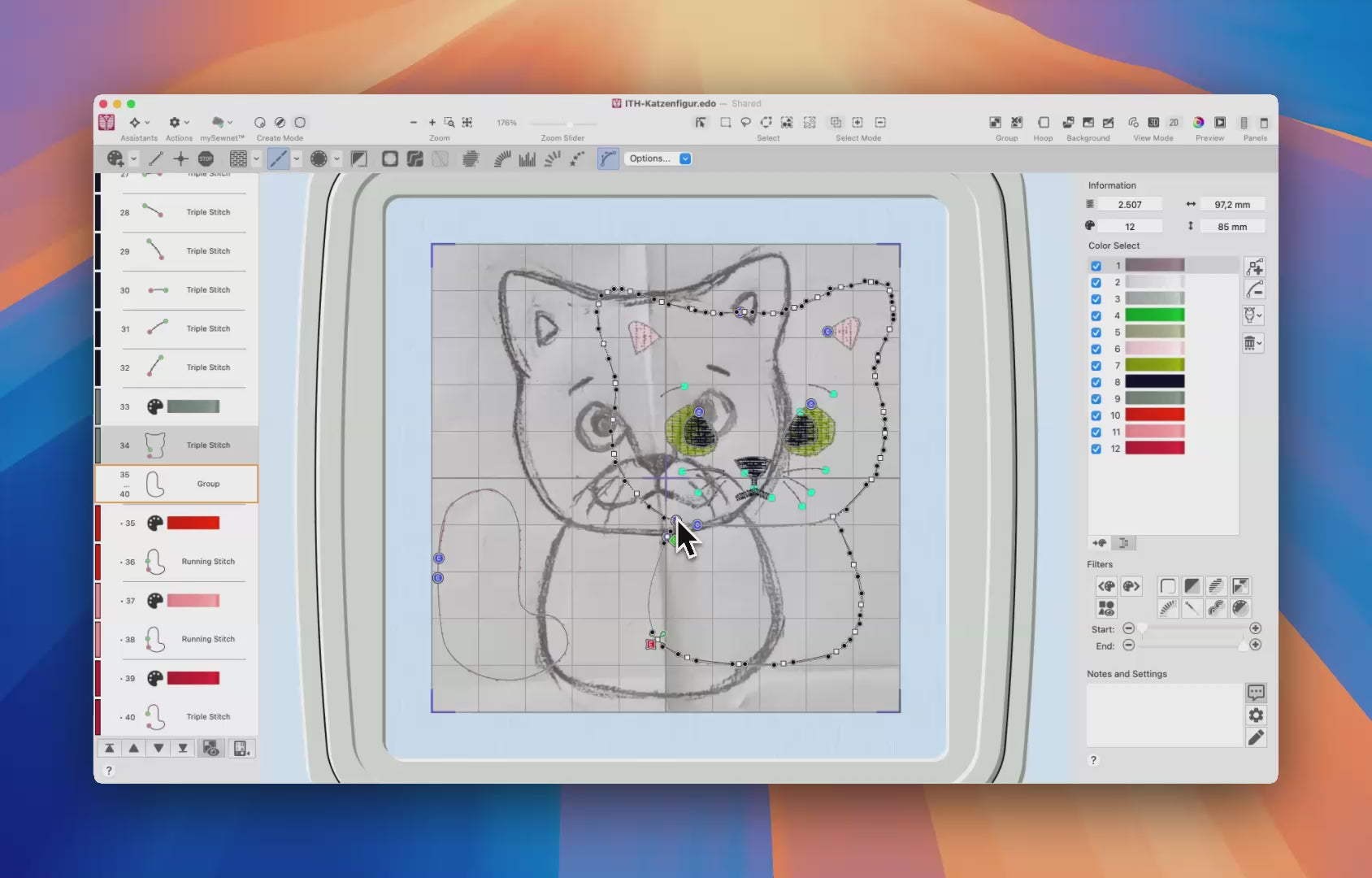
CREATIVATE: flexible on Windows and Mac
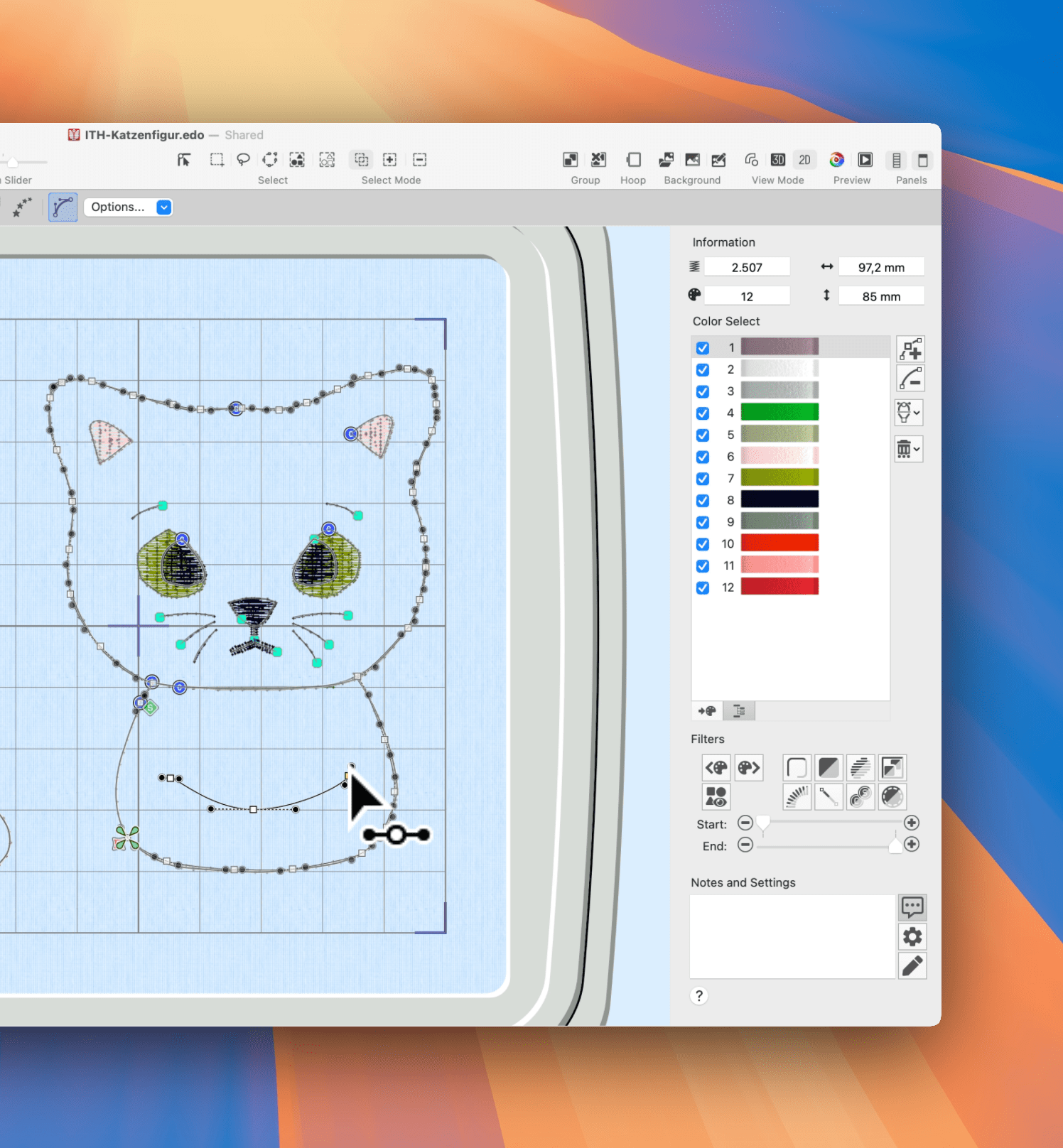
The strength of CREATIVATE lies in the combination of creative assistants, library, cloud functions, and broad format support. Files can be exported for many machine brands. However, direct cloud or Wi-Fi workflow depends on the machine used. With the subscription, you purchase twelve months of use without automatic renewal via Make ma!; with the purchase version, the acquired functional status remains permanently usable.
CREATIVATE Essential
For existing designs, lettering, combinations and adjustments. A good choice if you want to create without needing full manual digitising yet.
CREATIVATE Extra
Adds more automation for photos, monograms, appliqué and advanced adjustments. A useful middle ground between simple editing and complete digitising.
CREATIVATE Elite
The all-in-one level for original embroidery files, detailed stitch editing, cross stitch and complex projects. It runs on Windows and Mac; the Mac interface is currently English.

BERNINA V9: precise control with Wilcom technology
BERNINA V9 works with the native Wilcom .EMB format and offers very finely controllable digitizing objects. This is particularly valuable for logos, satin stitches, and repeatable customer orders. The software is exclusively available for Windows and requires more training than a highly guided workflow. Exporting for machines from other manufacturers is generally possible; however, the format, hoop size, and transfer method must still match the target machine.
BERNINA V9 Creator
For advanced editing, automatic digitising and an introduction to manual digitising tools. Creator is often enough if you do not require the complete specialist and professional feature set.
BERNINA V9 DesignerPlus
For full manual digitising, detailed object control, special effects, quilting, cross stitch and large projects. The full version includes the WiFi device.
Brother: from an easy start to professional logos
Brother PE-DESIGN PLUS2
An accessible Windows option for photo embroidery, appliqué, ScanNCut and basic format editing. A larger package is more suitable for complete manual digitising.
Brother BE EmbroideryStudio
A professional solution for logos, team names, kiosk workflows and repeat orders. It is designed for Windows 11 and powerful hardware and is usually excessive for occasional hobby projects.
Subscription, perpetual version or upgrade?
Choose the licence model only after establishing the required functions and system compatibility. A subscription lowers the initial cost and is useful when you want to test the software intensively or keep using the current feature set. A perpetual licence is predictable and remains usable at the purchased version. Upgrades can offer excellent value but require an exact qualifying licence. The advisor therefore enables direct purchase of upgrade products only after you confirm the matching previous version.
Frequently asked questions about embroidery software
Which embroidery software is suitable for beginners?
CREATIVATE Essential and Brother PE-DESIGN PLUS2 are often accessible for editing, lettering and combining finished designs. A larger level may make sense if you want to digitise comprehensively later. Your operating system, willingness to learn and project goal are decisive.
Which is better: CREATIVATE Elite or BERNINA V9 DesignerPlus?
CREATIVATE Elite offers Windows and Mac support, creative assistants and cloud features. BERNINA V9 DesignerPlus provides particularly deep manual control and the Wilcom/EMB workflow on Windows. The better choice depends on your computer and preferred working style.
Which professional embroidery software is suitable for logos?
BERNINA V9 DesignerPlus and Brother BE EmbroideryStudio are strong choices for precise, repeatable logo and customer work. CREATIVATE Elite can also fully digitise and is particularly interesting when macOS support is required.
Can I use the software with another machine brand?
Often, yes. The file format read by your machine, its maximum hoop size and the transfer method are what matter. Brand-specific cloud and Wi-Fi features do not automatically work across brands.
Is there good free embroidery software?
Free programs can cover individual tasks such as format conversion or simple editing, but usually do not replace a complete digitising package with support. First decide which functions you actually need rather than choosing solely on price.
What is the difference between BERNINA V9 Creator and DesignerPlus?
Creator covers advanced editing, automatic digitising and limited manual digitising. DesignerPlus adds the complete professional toolset, including special effects, Quilter and Cross Stitch.
Is CREATIVATE the same as mySewnet?
CREATIVATE is the current brand name for the former mySewnet software range. Elite succeeds Platinum and Extra succeeds Gold. An upgrade may suit older licences, so enter your exact previous licence in the advisor.
Can I use embroidery software on a Mac?
CREATIVATE is available for Windows and macOS; its Mac interface is currently English. BERNINA V9 and the Brother programs compared here are Windows software. For newer Apple chips, also check the manufacturer’s current approval.
Our conclusion
Do not begin with the longest feature list. Start with your operating system, project goal and the degree of control you need; then consider licence model, previous licence and budget. The embroidery software advisor follows this order and provides a main recommendation plus useful alternatives without making you pay for functions you will not use.
Our conclusion
Do not begin with the longest feature list. Start with your operating system, project goal and the degree of control you need; then consider licence model, previous licence and budget. The embroidery software advisor follows this order and provides a main recommendation plus useful alternatives without making you pay for functions you will not use.