


If your BERNINA embroidery machine restarts as soon as you insert a USB stick, this is often due to unsuitable or corrupted files on the stick. We will show you which files your machine needs and how to properly prepare the USB stick.
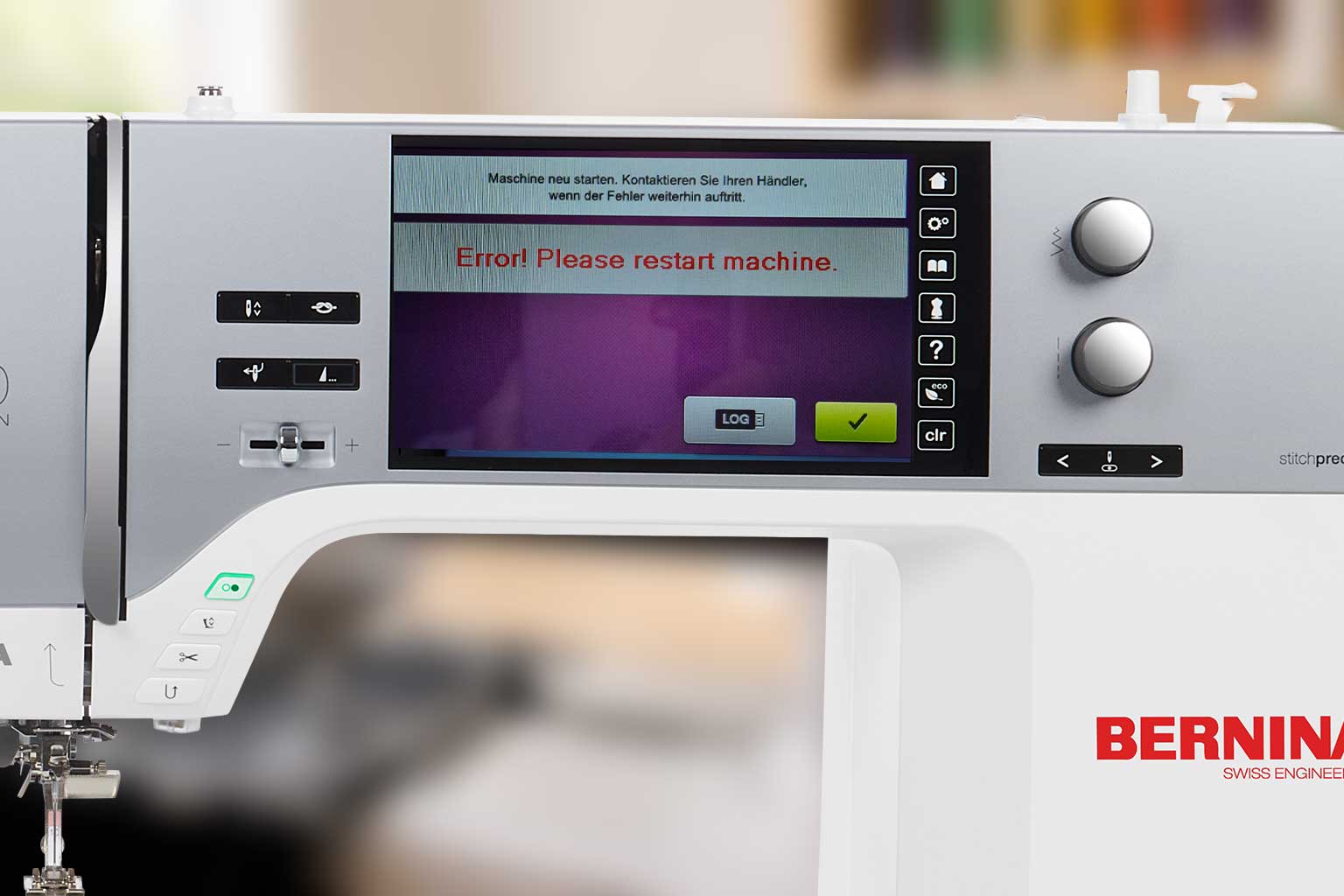
If your BERNINA embroidery machine crashes or restarts when you plug in a USB stick, the cause is often the content of the stick. Not every file on it is intended for or readable by the machine.
Most such problems can be avoided with a properly prepared USB stick.
Table of contents
- The quick solution
- Why does the machine restart with the USB stick?
- Only copy suitable BERNINA files to the stick
- Format USB stick correctly
- Caution with files from Mac
- Do not use embroidery files directly from the ZIP folder
- Keep file names simple
- If the machine continues to crash
- Briefly summarized
The quick solution
Format a USB stick as FAT32 and only save the embroidery files you really want to use on your BERNINA.
For BERNINA, we recommend the .EXP file format. A complete BERNINA embroidery file usually consists of three files with identical names:
- .EXP – the actual embroidery file
- .INF – information on colors and embroidery data
- .BMP – preview graphic for the machine's display
Example:
Logo.exp Logo.inf Logo.bmp
These three files belong together and should always be copied to the USB stick jointly.
Why does the machine restart with the USB stick?
Embroidery machines search the USB stick for files and previews when it is plugged in. If there are damaged, incomplete, or files intended for other embroidery machines on it, the machine may encounter problems when reading.
This happens particularly often if there are many different formats on the stick, for example:
- .PES for Brother
- .VP3 for PFAFF or Husqvarna VIKING
- .JEF for Janome
- .DST for industrial embroidery machines
- old, incompletely unzipped downloads
- files with unusual special characters in the name
- hidden system files from Mac or Windows PC
A single problematic data set can be enough for the machine not to react correctly when reading the stick.
Only copy suitable BERNINA files to the stick
For troubleshooting, we recommend an empty USB stick with only a single, tested embroidery file in BERNINA format.
To do this, copy only:
Filename.exp Filename.inf Filename.bmp
to the stick and then test it on the machine.
If that works, you can gradually add more designs. This way you can quickly find out if a specific file or download is causing the problem.
Format USB stick correctly
The USB stick should be formatted as FAT32. Other file systems like NTFS do not work reliably on many embroidery machines.
Also make sure:
- Whenever possible, use a simple USB stick without encryption or security software.
- Small to medium storage capacities often work more reliably than very large sticks.
- Back up important files before formatting, as this will delete all content.
- Only remove the stick after you have correctly ejected it from the computer.
Caution with files from Mac
If you use a Mac, additional, invisible files can be created when copying to USB sticks. These often start with ._, for example:
._Logo.exp
This is not another embroidery file, but a Mac system file. Some embroidery machines can be confused by such files.
Therefore, check the USB stick for additional files and remove them before using it on the embroidery machine. This is particularly important if a stick was prepared on a Mac and then causes problems on the machine.
Do not use embroidery files directly from the ZIP folder
Many purchased embroidery files are downloaded as a ZIP file. This file must first be completely unzipped.
Never copy the ZIP file itself to the USB stick. First open it on your computer and then only copy the corresponding .EXP, .INF, and .BMP files to the stick.
Keep file names simple
Use short, clear file names without special characters, emojis, or very long descriptions.
Well suited:
Logo_10cm.exp Heart_Red.exp Name_Marie.exp
Better to avoid:
Logo for Summer Collection 2026!!!.exp Heart ❤️ new.exp File_final_final_really_final.exp
If the machine continues to crash
If your BERNINA restarts even with a freshly formatted USB stick and only a single tested .EXP file, try a different USB stick.
If the problem persists, also check:
- Is the machine on the current firmware version?
- Does another USB stick work without problems?
- Does the machine start normally without a USB stick?
- Does the problem only occur with a specific embroidery file?
Then the cause could be a defective USB stick, a problem with the file, or in rare cases, the machine's USB port.
Briefly summarized
For reliable transfer, you should use a FAT32-formatted USB stick and only save the appropriate BERNINA files on it:
.EXP = Embroidery file .INF = Color information .BMP = Preview on the display
The more organized the stick is, the more reliably your embroidery machine can read the files.
Browse magazine & FAQ
More articles
AI embroidery designs look great – but as embroidery files, they're often completely useless
AI images often look like perfect embroidery, but are frequently unsuitable as a template for a real embroidery file. We'll show you which mistakes to avoid with AI-generated motifs, how to formulate better prompts, and how to recognise well-digitised embroidery files.
Embroider a woodland mobile: ITH ornaments step by step
Embroider fox, deer, fir tree and mushroom in a 10 × 10 cm hoop, then turn them into a woodland mobile or garland.
Read moreabout Embroider a woodland mobile: ITH ornaments step by step

Sew an alphabet cushion: personal pillows from A to Z
Sew an alphabet cushion with neat curves, even filling and a hidden ladder stitch, using a digital pattern that includes every letter from A to Z.
Read moreabout Sew an alphabet cushion: personal pillows from A to Z
Split:
Raise presser foot with needle down position – bernette b77 and b79
mySewnet and CREATIVATE on Mac: What does the Rosetta warning mean?