

With the bernette b77 and b79, you can set whether and how far the presser foot is raised when the needle is lowered. This makes it easier, for example, to turn the fabric and sew around corners.
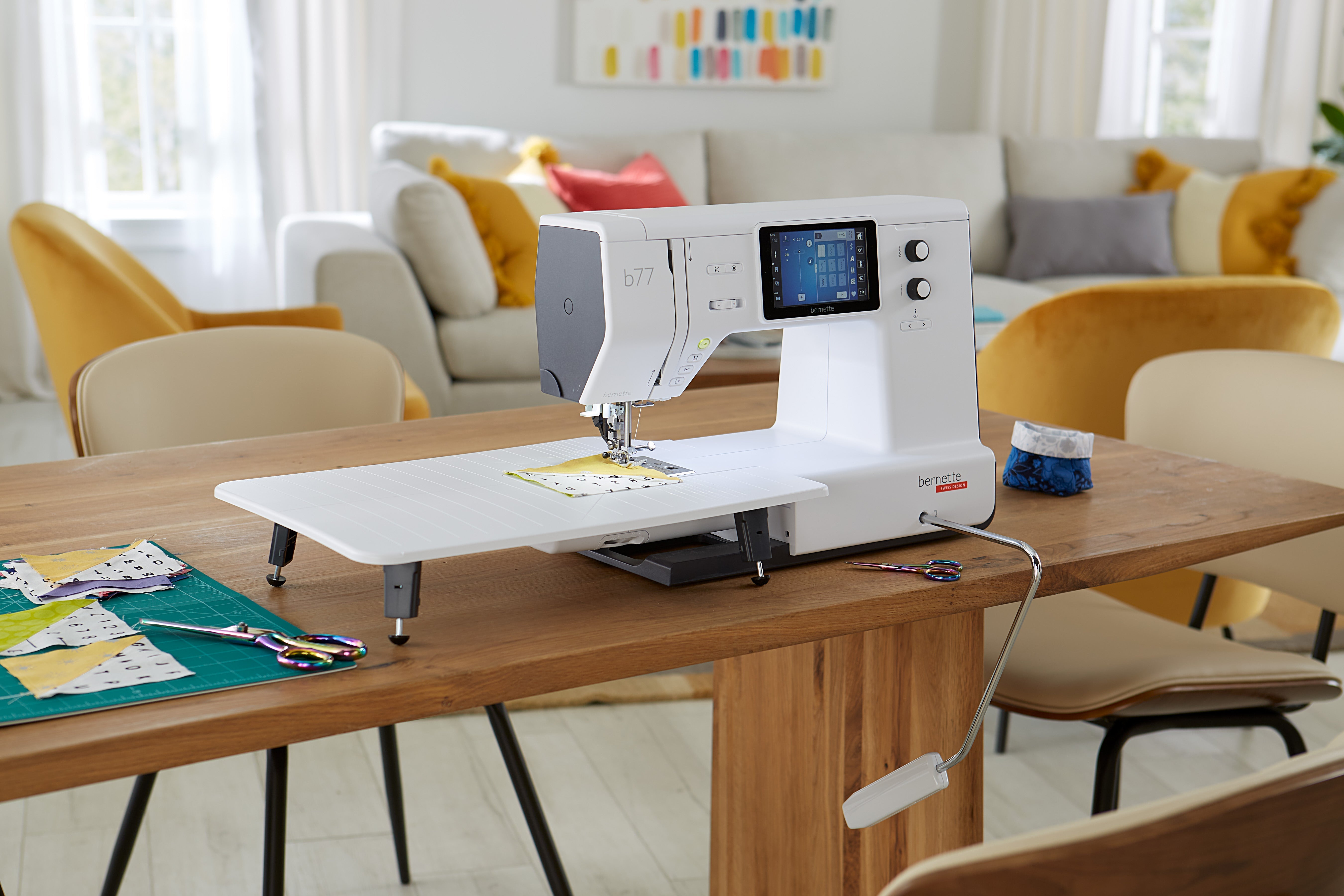
Why doesn't the presser foot lift when the needle is down?
Usually, there is no defect. The automatic hover position of the presser foot when the needle stop is activated must first be switched on in the machine settings.
To do this, open:
Settings → Sewing → Program Keys and Icons → Needle Up/Down
Activate the Presser foot position with needle stop down there and then select the desired height. Depending on the firmware, the names of the icons may vary slightly. The official instruction manual describes both the activation of the hover position and the selection of the presser foot height.
Which presser foot height should I choose?
You can choose between two settings:
2 mm: for precise guiding, turning and quilting
6 mm: for more space with thicker fabric layers
When working with a ruler foot, the hover position must be a maximum of 2 mm to avoid collision with the needle holder.
What can I do if the setting is missing?
For machines manufactured or delivered from 2026 onwards, the function is already activated. For older bernette b77 and b79 models, we recommend a firmware update 9.X.X to unlock this and other new functions.
The current firmware and installation instructions can be found in the bernette support area. The b79 update is installed via USB stick through the machine settings; for the b77, you can contact your specialist dealer if necessary.
In the video, we show you step by step which settings you need to make on your bernette b77 or b79.
Browse magazine & FAQ
More articles
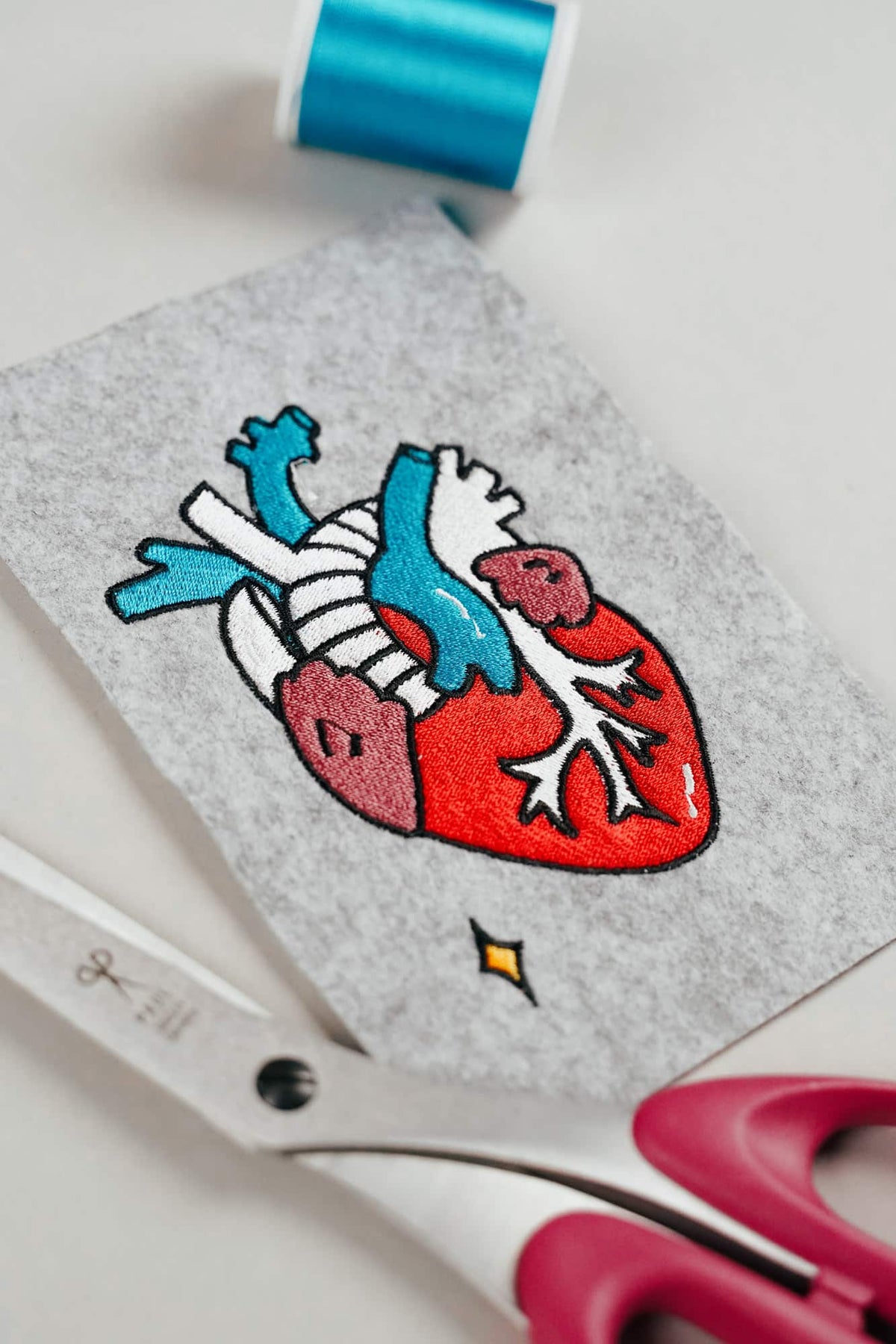
AI embroidery designs look great – but as embroidery files, they're often completely useless
AI images often look like perfect embroidery, but are frequently unsuitable as a template for a real embroidery file. We'll show you which mistakes to avoid with AI-generated motifs, how to formulate better prompts, and how to recognise well-digitised embroidery files.
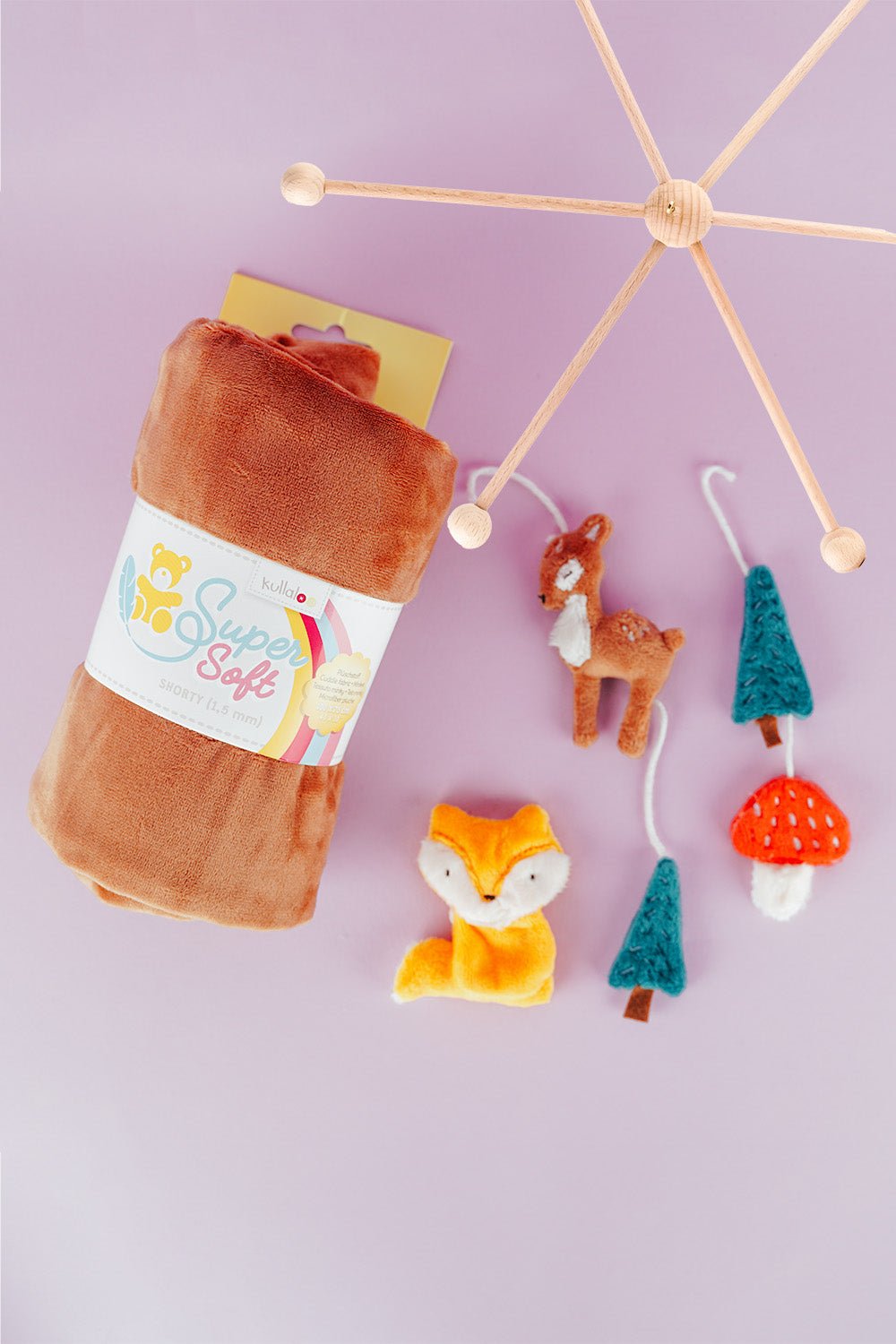
Embroider a woodland mobile: ITH ornaments step by step
Embroider fox, deer, fir tree and mushroom in a 10 × 10 cm hoop, then turn them into a woodland mobile or garland.
Read moreabout Embroider a woodland mobile: ITH ornaments step by step
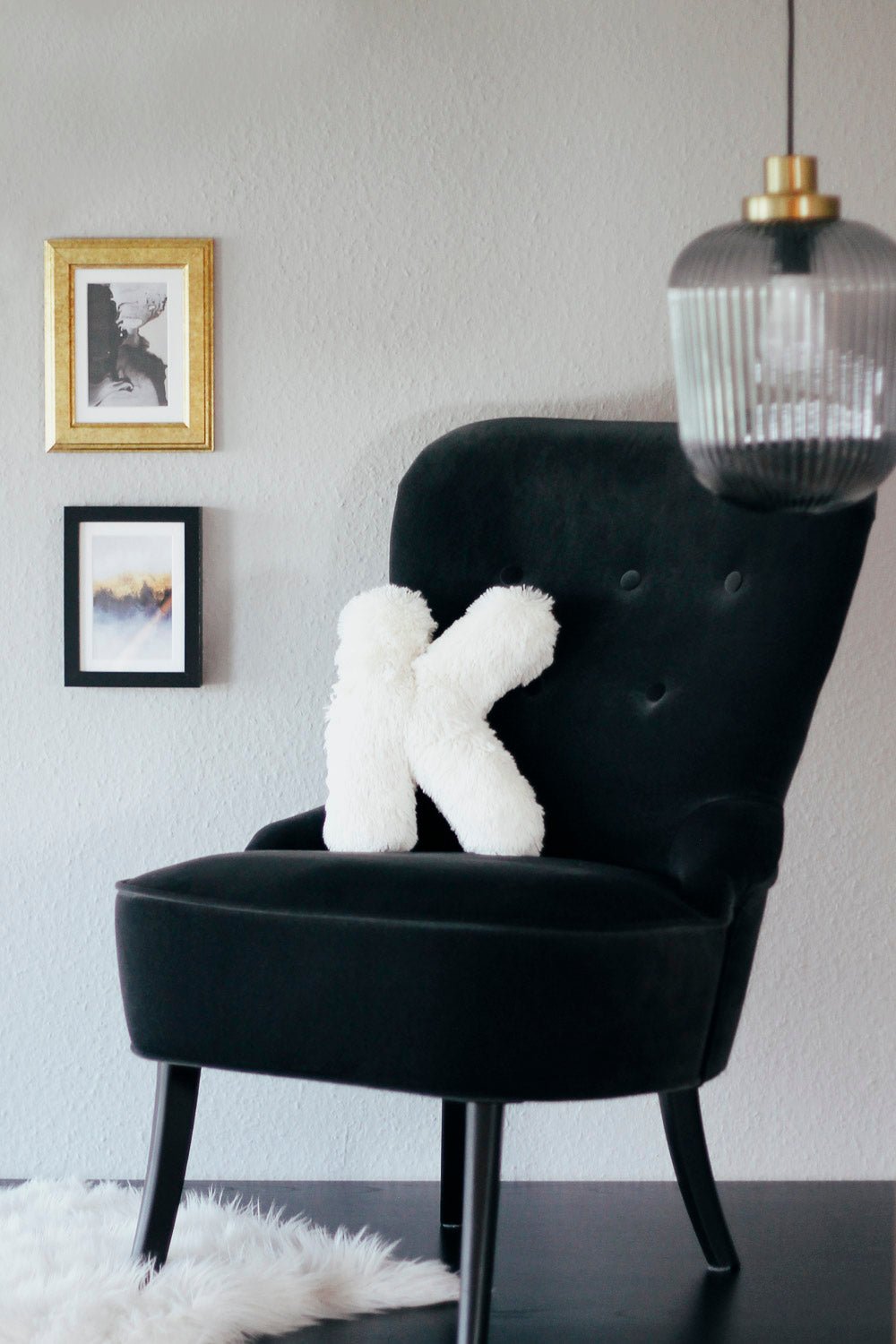
Sew an alphabet cushion: personal pillows from A to Z
Sew an alphabet cushion with neat curves, even filling and a hidden ladder stitch, using a digital pattern that includes every letter from A to Z.
Read moreabout Sew an alphabet cushion: personal pillows from A to Z
Split:
Firmware update for BERNINA 5 and 7 series
BERNINA Embroidery Machine Crashes with USB Stick: How to Fix the Problem