

- 0 commentson Download Bernina V9 embroidery software
- by Mark Angilowski
Download Bernina V9 embroidery software
- 0 commentson Download Bernina V9 embroidery software
- by Mark Angilowski
Did you purchase the Bernina V9 embroidery software from us and would like to install the latest version? Here you'll find the official download link and all the information you need to install the latest software version.
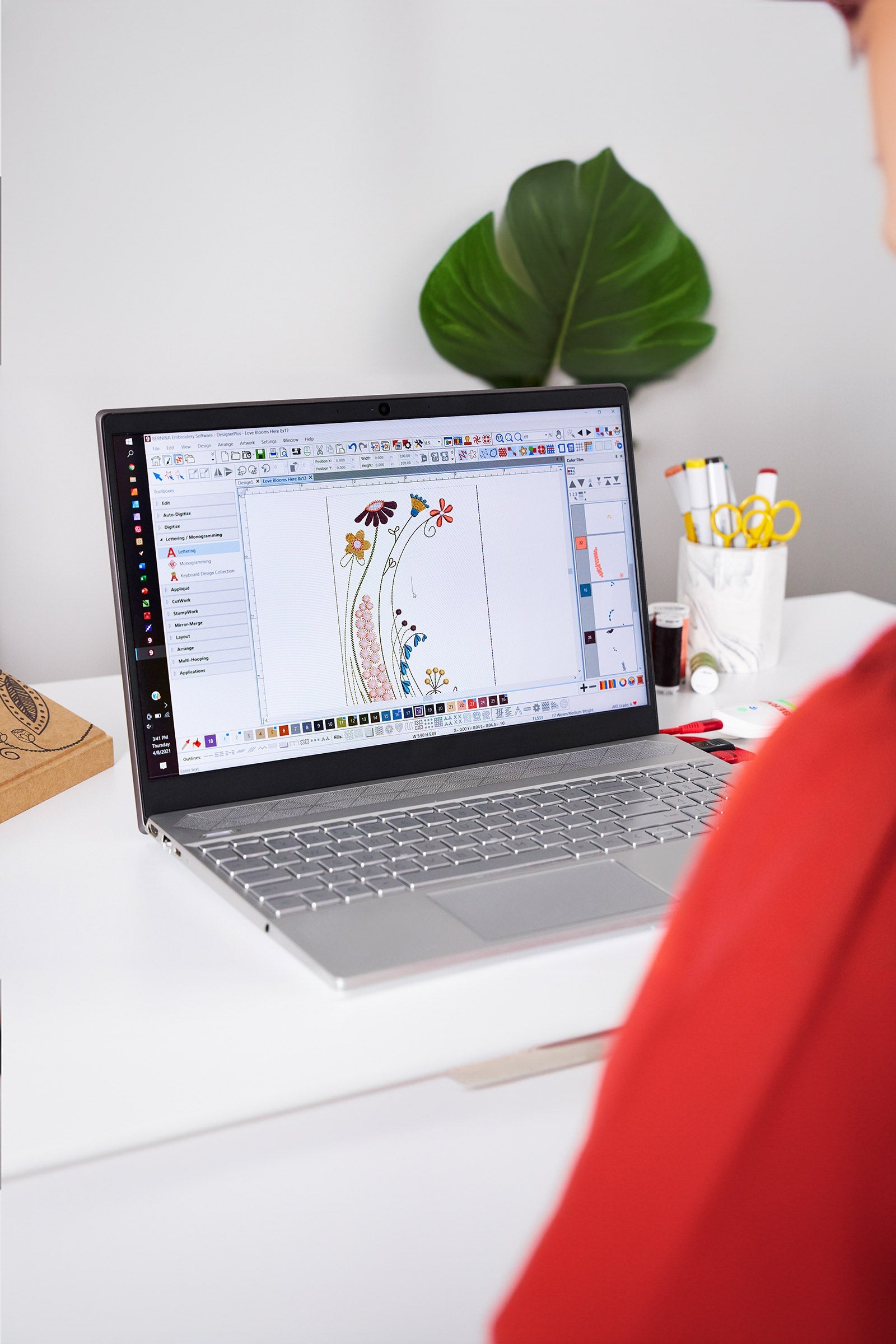
This article is intended for customers who have already purchased a license for the Bernina V9 embroidery software – either as Creator or DesignerPlus . If you would like to reinstall the software or set it up on another device, you can find the appropriate installation file here.
The download always includes the latest full version of the Bernina V9 embroidery software. The range of functions depends on your activated license. After installation, you can log in directly with your existing Bernina login or enter your activation code.
You can download the installation file for the Bernina V9 embroidery software from the official Bernina website. The download includes both the trial version and the full version – the key is which license key you enter during activation.
👉 Click here to download the official Bernina V9 Creator embroidery software
👉🏻 Click here to download the official Bernina V9 Designer Plus embroidery software
Please have your license key, which was sent to you upon purchase, ready. The software can be used on up to two devices simultaneously. You can switch devices by deactivating and reactivating the software.
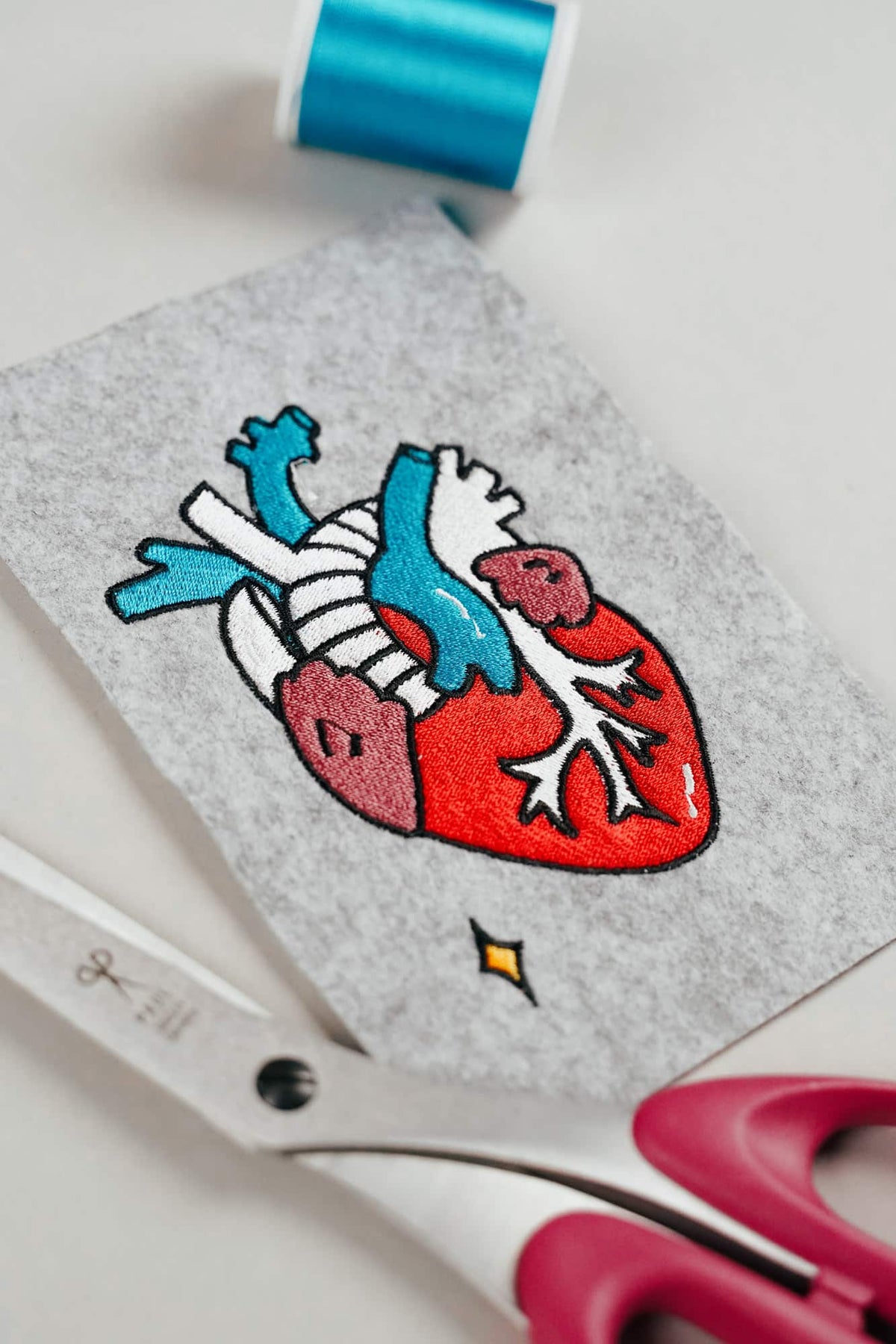
AI embroidery designs look great – but as embroidery files, they're often completely useless
AI images often look like perfect embroidery, but are frequently unsuitable as a template for a real embroidery file. We'll show you which mistakes to avoid with AI-generated motifs, how to formulate better prompts, and how to recognise well-digitised embroidery files.
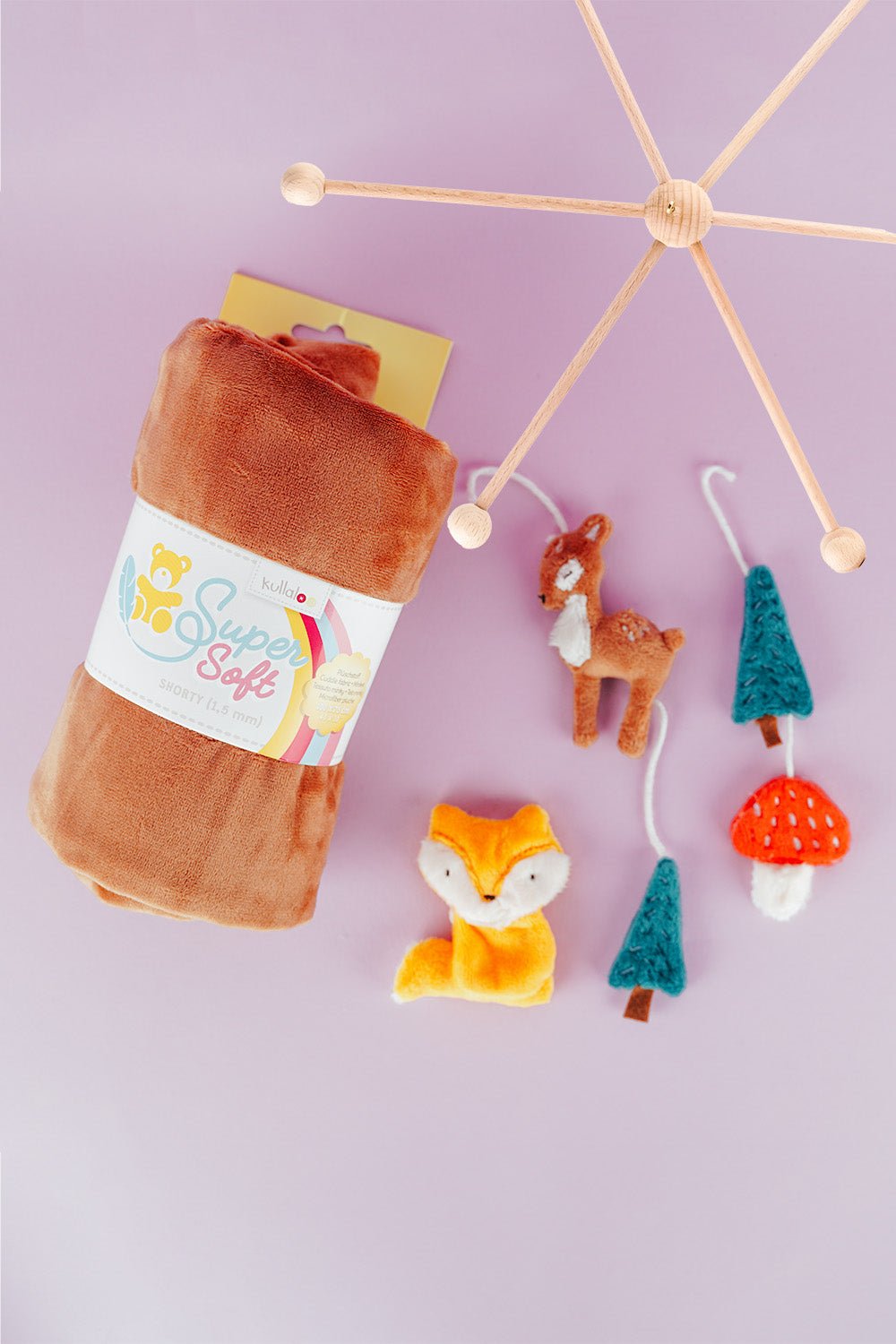
Embroider a woodland mobile: ITH ornaments step by step
Embroider fox, deer, fir tree and mushroom in a 10 × 10 cm hoop, then turn them into a woodland mobile or garland.
Read moreabout Embroider a woodland mobile: ITH ornaments step by step
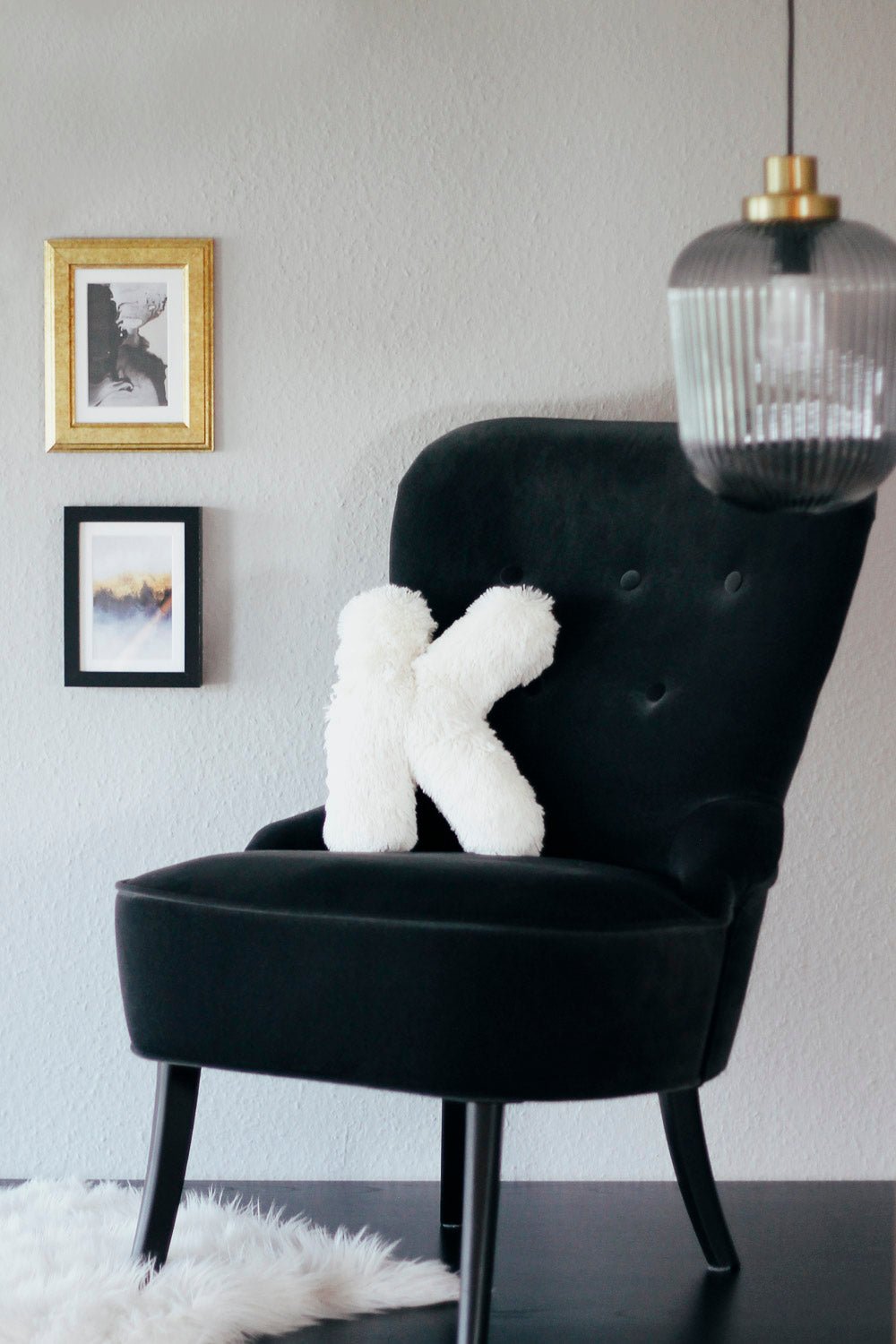
Sew an alphabet cushion: personal pillows from A to Z
Sew an alphabet cushion with neat curves, even filling and a hidden ladder stitch, using a digital pattern that includes every letter from A to Z.
Read moreabout Sew an alphabet cushion: personal pillows from A to Z


Split:
Free 30-day trial version of the Bernina V9 embroidery software
Cancel Creativate subscription – How to end your software subscription