

If you no longer wish to use your Creativate (formerly mySewnet) subscription, you can cancel it yourself at any time. Here's how to cancel your subscription step by step – regardless of the software package and operating system.
1. What is Creativate?
Creativate is the cloud-based embroidery software from VSM (Pfaff, Husqvarna Viking, Singer), which has been operating under a new name since spring 2025. It replaces mySewnet and offers tools for designing, editing, and managing embroidery designs – on a subscription basis.
2. Notice periods at a glance
The notice period depends on your chosen subscription model:
- Monthly subscription: can be canceled at any time, ends at the end of the current month
- Annual subscription: cancel before expiry, ends automatically at the end of the annual subscription
A partial refund is generally not given in the event of early termination.
3. Cancel your Creativate subscription – here’s how
Step-by-step instructions:
- Go to the website: www.creativate.com
- Log in with your account.
- Navigate to Account > Subscriptions.
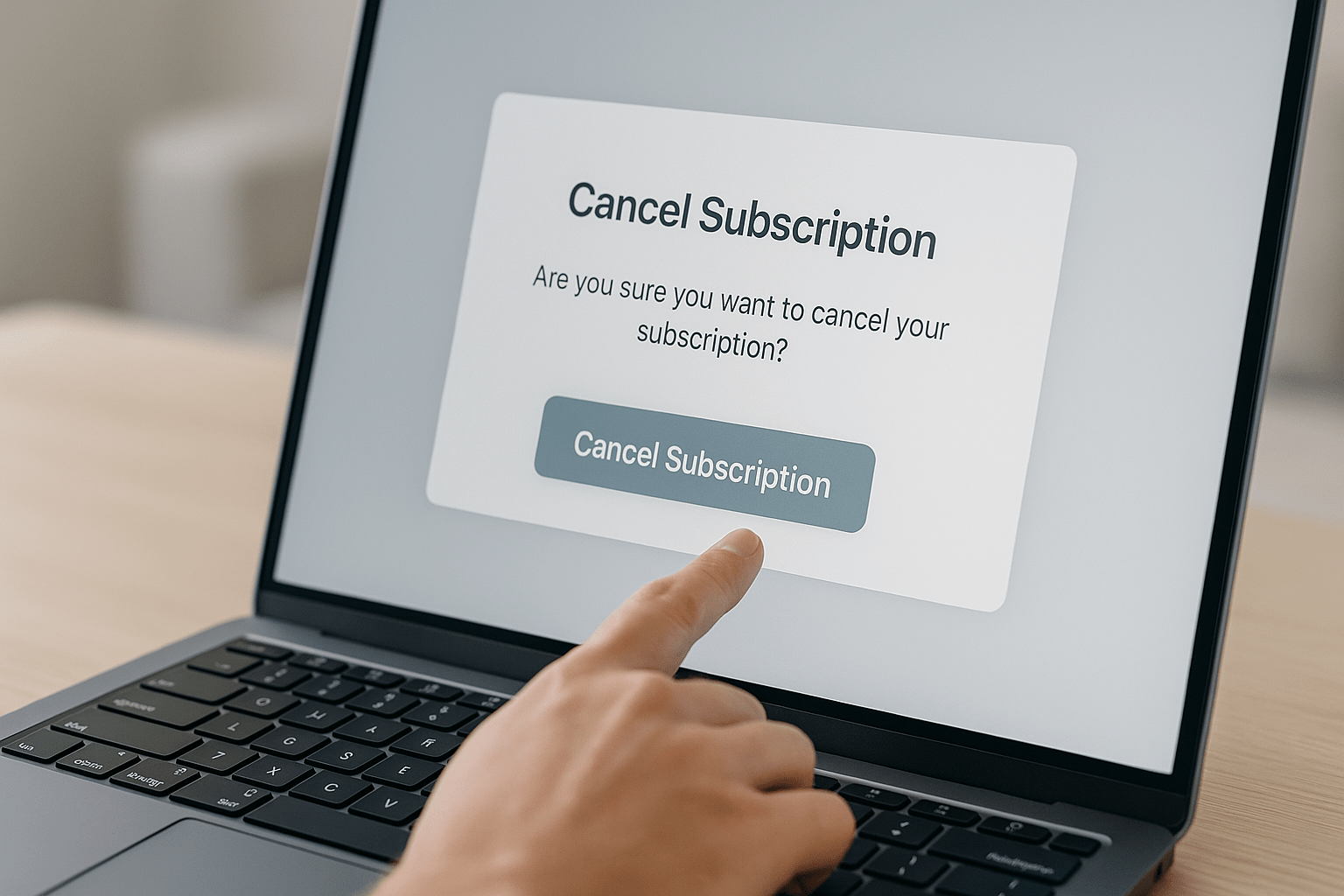
- Click on “Cancel Subscription.”
- Confirm the cancellation.
Note: Cancellation must be made while logged in. Cancellation by email or phone is not permitted.
4. Check the cancellation confirmation
After successfully canceling, you should receive a confirmation email. Be sure to check your spam folder. You can view the status of your license at any time under "Subscriptions."
5. Frequently asked questions about canceling your subscription
Can I also cancel my subscription via makema.de?
No, the subscription is purchased and managed directly by Creativate. As a reseller, we have no access to your subscription.
What happens to my saved embroidery designs?
Your cloud content will remain available until the end of the subscription term. After that, access will be restricted unless renewed.
Can I rejoin after termination?
Yes. You can start a new subscription or switch between subscription levels at any time. As a reseller, you can purchase annual licenses from us at a significantly lower price.
How do I cancel if I no longer have access to my account?
In this case, contact Creativate Support using the form on support.creativate.com .
Will my account be completely deleted?
No. The cancellation only affects the subscription. Your user account will remain active unless you explicitly request deletion from the manufacturer.
{"layoutMobile":2,"layoutDesktop":3,"buttonAlign":"Center","buttonText":"To Product","productTitle":{"hue":213,"saturation":0,"brightness":0,"alpha":1},"priceColor":{"hue":0,"saturation":1,"brightness":0},"discountPrice":{"hue":356,"saturation":0.74,"brig htness":1},"buttonColor":{"hue":213,"saturation":0,"brightness":0,"alpha":1},"textBottomColor":{"hue":0,"saturation":0,"brightness":1},"activeTitleButton":false,"moreProduct":"View all","moreProductUrl":"qj7jnf-up.myshopify.com","rowNumber":1,"dynamicProductId":[{"id":"gid://shopify/Product/14991336472951","title":"CREATIVATE™ Elite","currencyCode":"EUR","amountMax":"899.0","amountMin":"199.0","price":"899.00","compareAtPrice":"1799.00","imagesUrl":"https://cdn.shopify.com/s/files/1/0919/2954/3031/files/creativate-elite-sticksoftware-fuer-mac-windows-9102796.png?v=1787464815&width=600","urlStore":"/products/sticksoftware-creativate-elite","altImage":"CREATIVATE Elite embroidery software for Mac & Windows"},{"id":"gid://shopify/Product/14991336309111","title":"CREATIVATE™ Extra","currencyCode":"EUR","amountMax":"499.0","amountMin":"149.0","price":"149.00","compareAtPrice":"279.00","imagesUrl":"https://cdn.shopify.com/s/files/1/0919/2954/3031/files/sticksoftware-creativate-extra-ehem-mysewnet-gold-fuer-mac-windows-7568182.png?v=1787464816&width=600","urlStore":"/products/creativate-extra","altImage":"CREATIVATE Extra embroidery software for Mac & Windows"},{"id":"gid://shopify/Product/14991334867319","title":"CREATIVATE™ Essential","currencyCode":"EUR","amountMax":"299.0","amountMin":"79.0","price":"79.00","compareAtPrice":"199.00","imagesUrl":"https://cdn.shopify.com/s/files/1/0919/2954/3031/files/sticksoftware-creativate-essential-ehem-mysewnet-silver-fuer-mac-windows-9635333.png?v=1787464817&width=600","urlStore":"/products/creativate-essential","altImage":"CREATIVATE Essential embroidery software for Mac & Windows"}],"typeSearch":"product","device":"desktop","decimalsPrice":2,"aspectRatio":"3 / 4","isAutoPlay":false,"isNavigation":false,"isPriceDisplay":false,"rowDynamic":"mot","activeDecimals":false,"hidden":false,"locked":false,"positionPrice":true,"currencyCodeCustom":"$","activeDynamicProd":true,"blockName":"Product"}


Browse magazine & FAQ
More articles
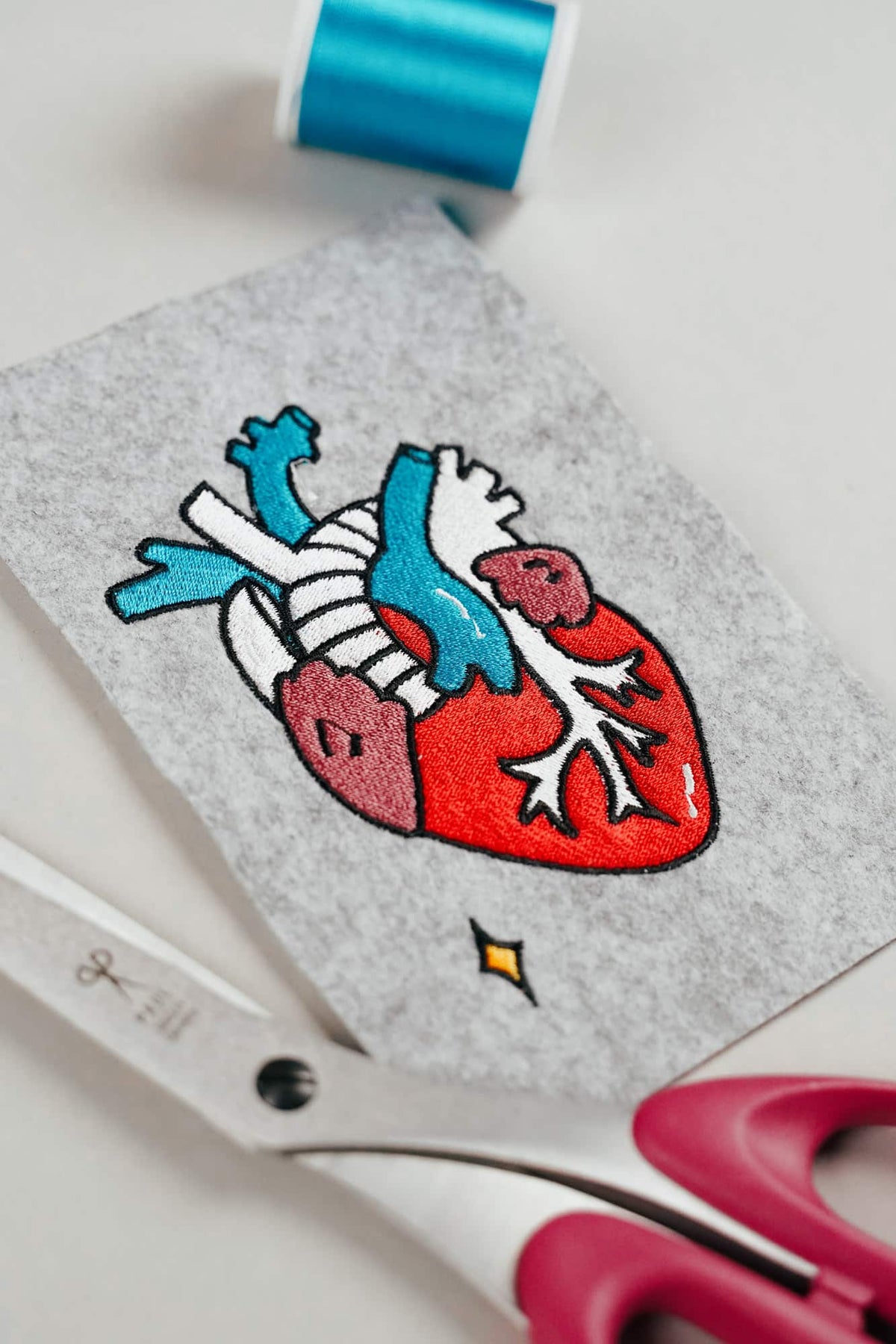
AI embroidery designs look great – but as embroidery files, they're often completely useless
AI images often look like perfect embroidery, but are frequently unsuitable as a template for a real embroidery file. We'll show you which mistakes to avoid with AI-generated motifs, how to formulate better prompts, and how to recognise well-digitised embroidery files.
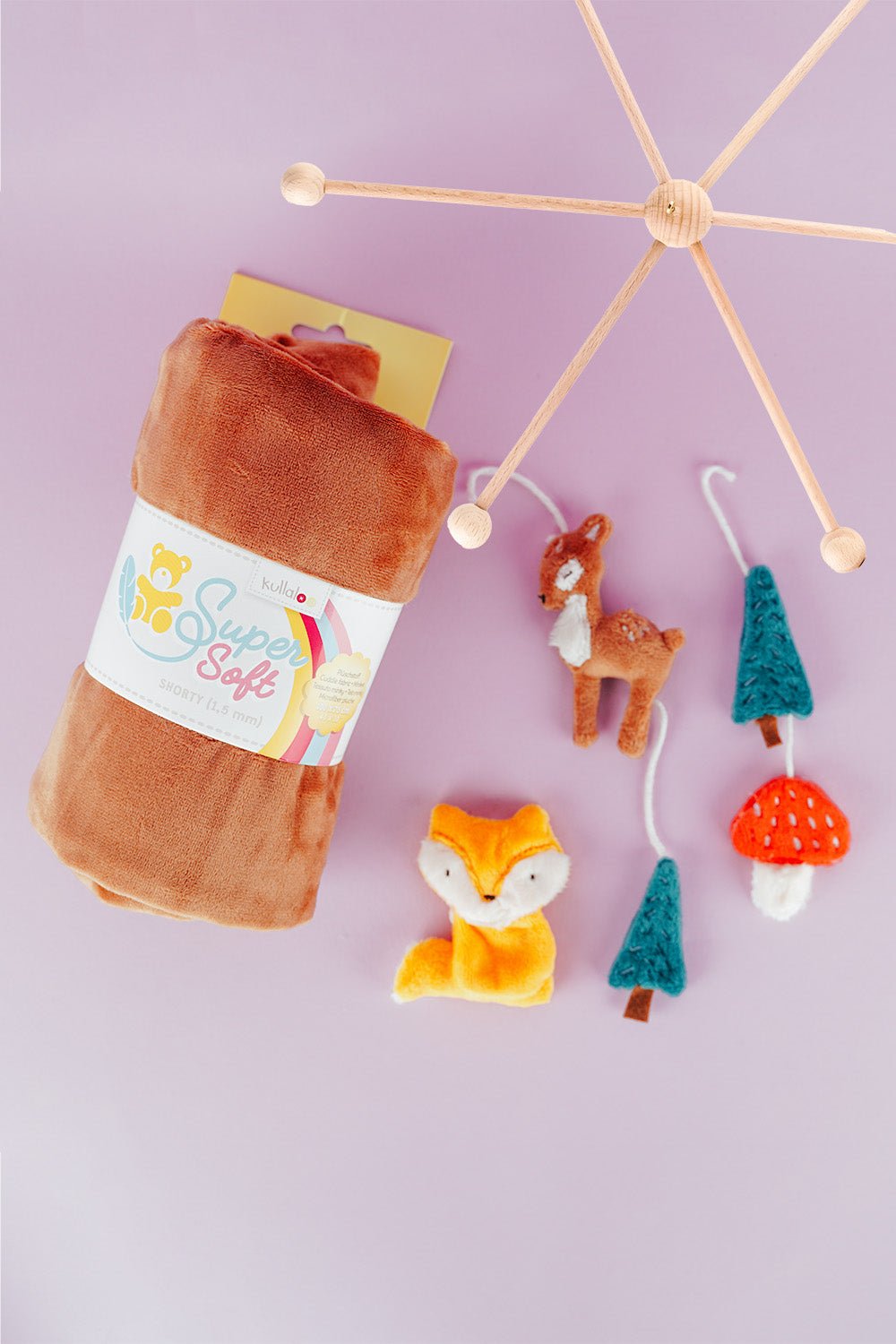
Embroider a woodland mobile: ITH ornaments step by step
Embroider fox, deer, fir tree and mushroom in a 10 × 10 cm hoop, then turn them into a woodland mobile or garland.
Read moreabout Embroider a woodland mobile: ITH ornaments step by step

Sew an alphabet cushion: personal pillows from A to Z
Sew an alphabet cushion with neat curves, even filling and a hidden ladder stitch, using a digital pattern that includes every letter from A to Z.
Read moreabout Sew an alphabet cushion: personal pillows from A to Z
Split:
Download Bernina V9 embroidery software
Install and activate CREATIVATE