

How can we help you?
Frequently Asked Questions
FAQ
Here you'll find answers to the most frequently asked questions about machine embroidery, accessories, software, and our shop. Clearly explained, practical, and always there for you – so you can focus fully on your next project.
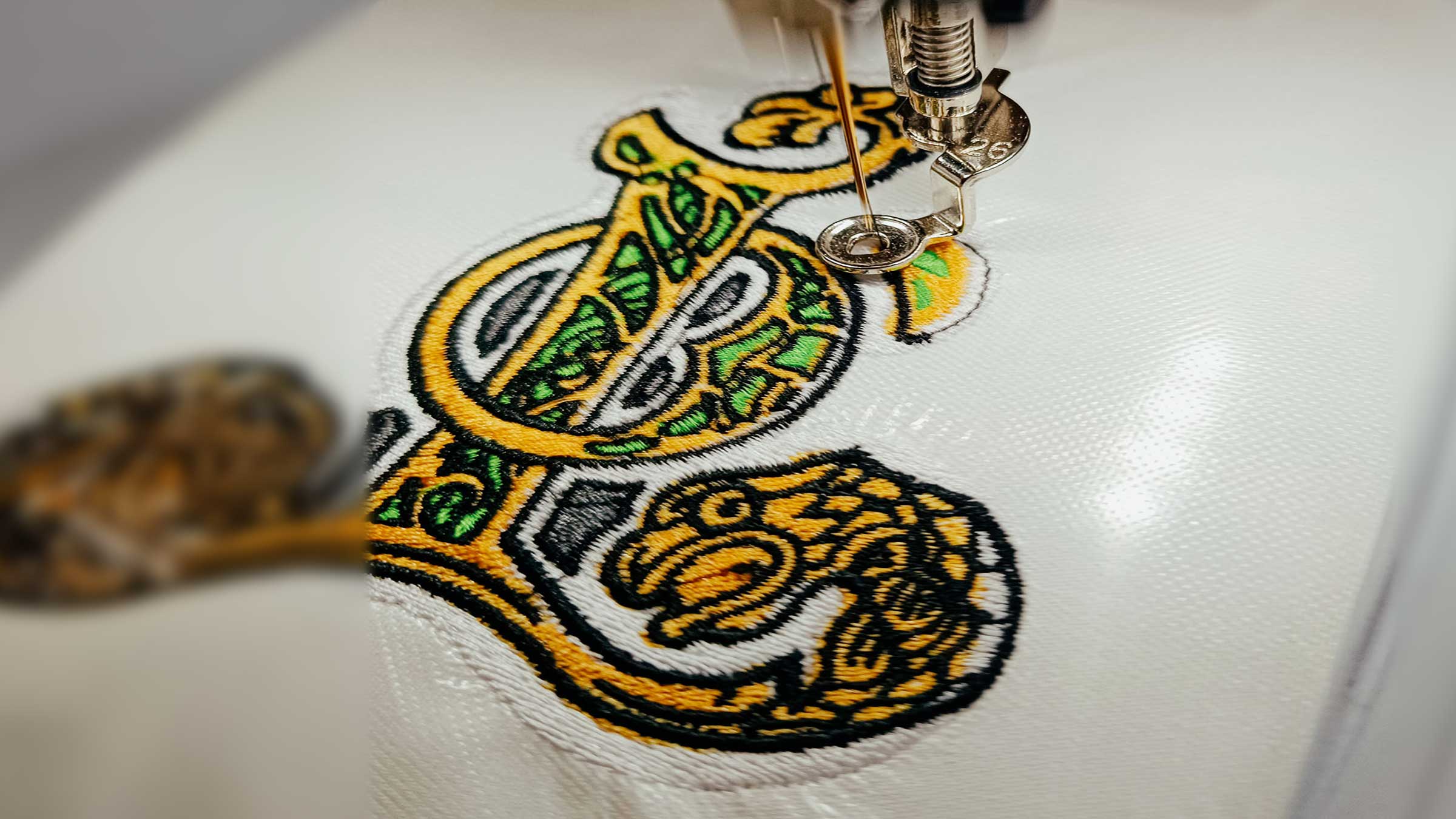
Distortion often results from the interaction of material, stabilisation, hooping, stitch sequence and density. It is therefore neither automatically just a stabiliser problem nor automatically a design fault.
Free embroidery files: safe downloads for PES, VP3 and EXP
Read moreabout Free embroidery files: safe downloads for PES, VP3 and EXP
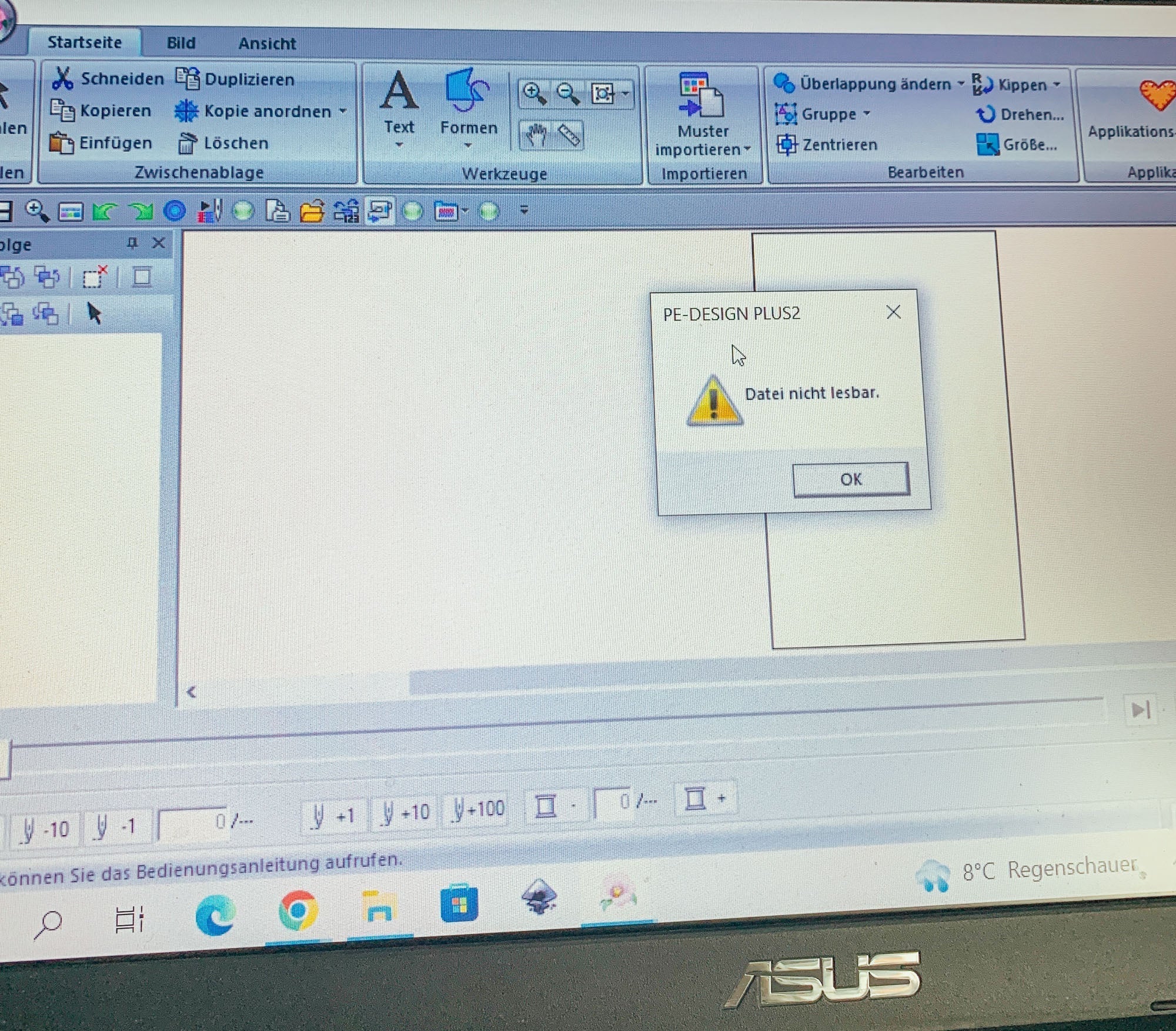
Why can't I open my PES embroidery file in PE Design?
If you try to open a PES embroidery file with Brother PE Design and an error message appears, it's usually due to a version incompatibility. Here's what causes this and how to fix the problem.
Read moreabout Why can't I open my PES embroidery file in PE Design?
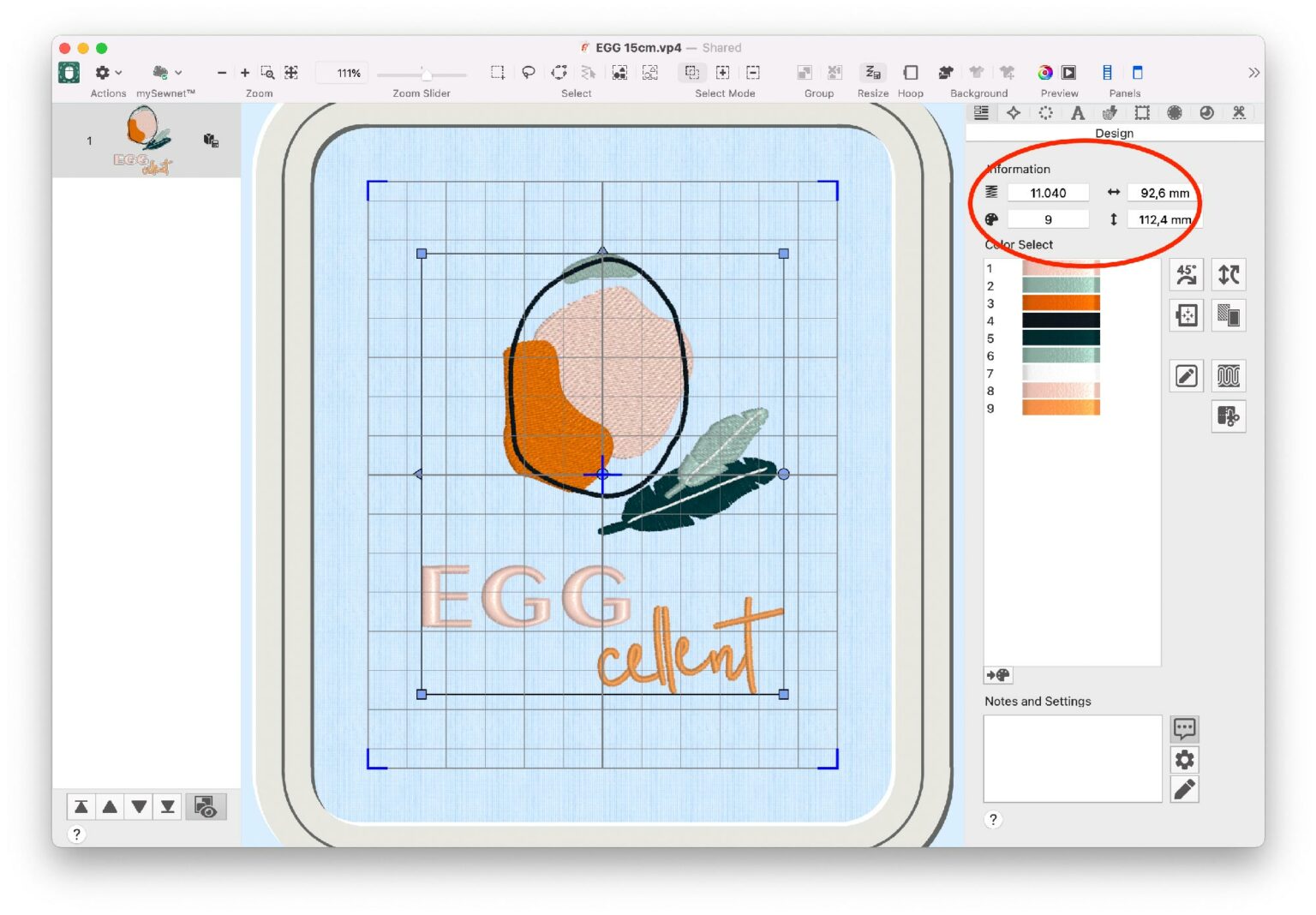
How can I scale embroidery files?
Many embroidery machines allow you to scale embroidery files by ± 20%. However, this doesn't adjust the stitch count, which can lead to messy results. Learn how to correctly enlarge or reduce embroidery files—with and without software.
Which file format does my embroidery machine use?
The correct embroidery file format depends on the exact machine model, not only on the brand. This guide explains PES, EXP, JEF, VP3 and DST and what to check before transferring a design.
Read moreabout Which file format does my embroidery machine use?
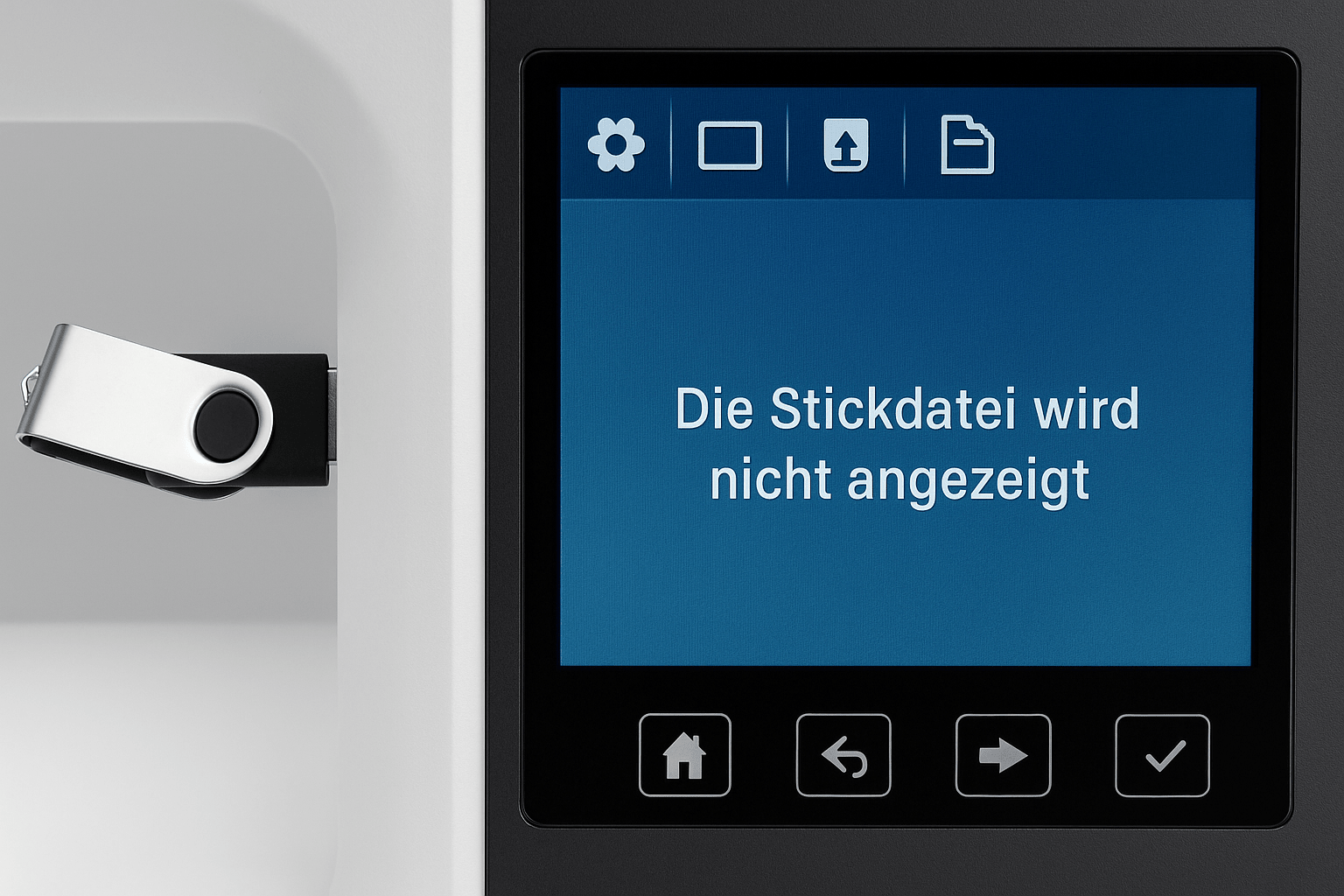
Embroidery file is not displayed
If your embroidery file isn't displaying on your machine, it's usually due to an unsuitable format, an incorrect save location, or a corrupted file. Here's what to look for and how to fix the problem step by step.
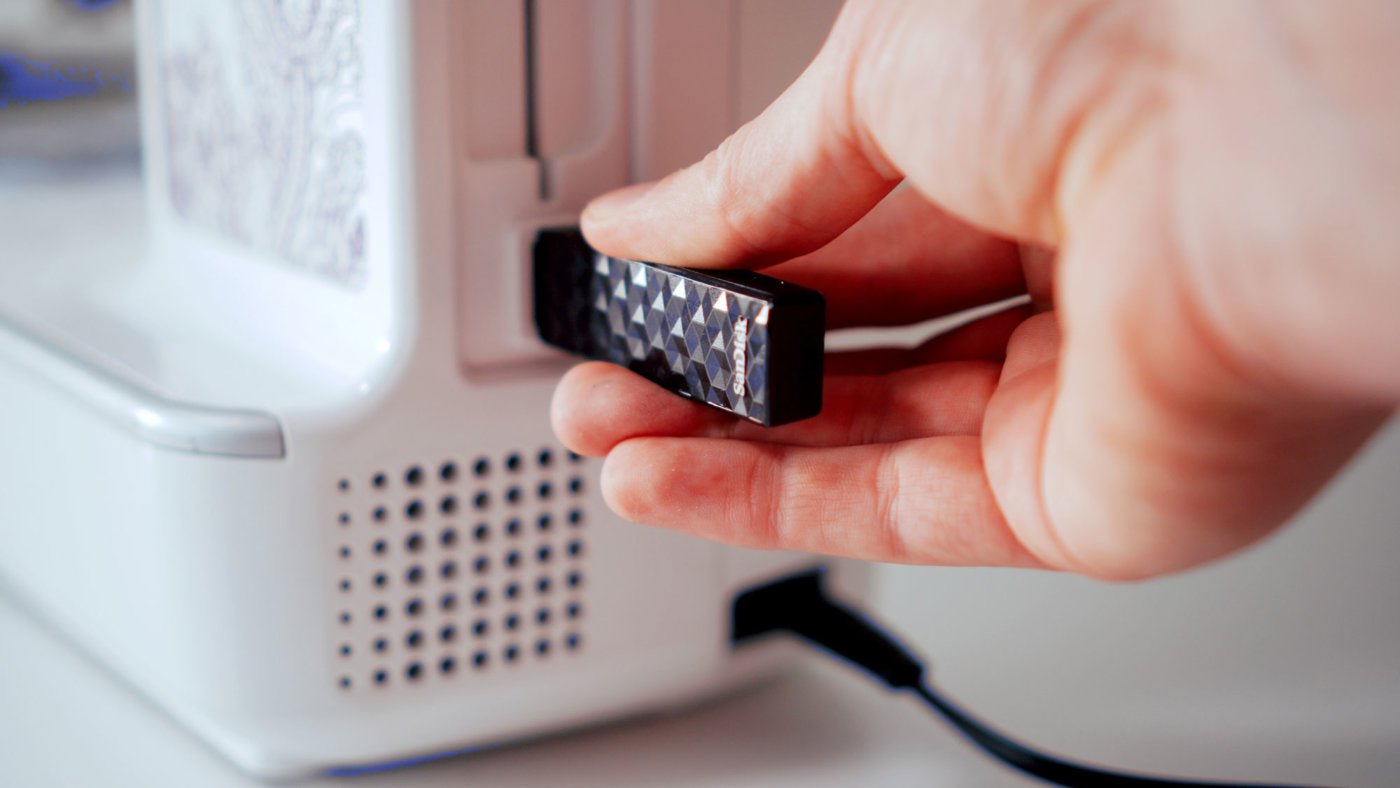
How to transfer embroidery files to your machine
USB drive, Wi-Fi, a manufacturer app or cable: the right transfer method depends on your machine model. This guide helps you choose and gives you a safe checklist.
Read moreabout How to transfer embroidery files to your machine
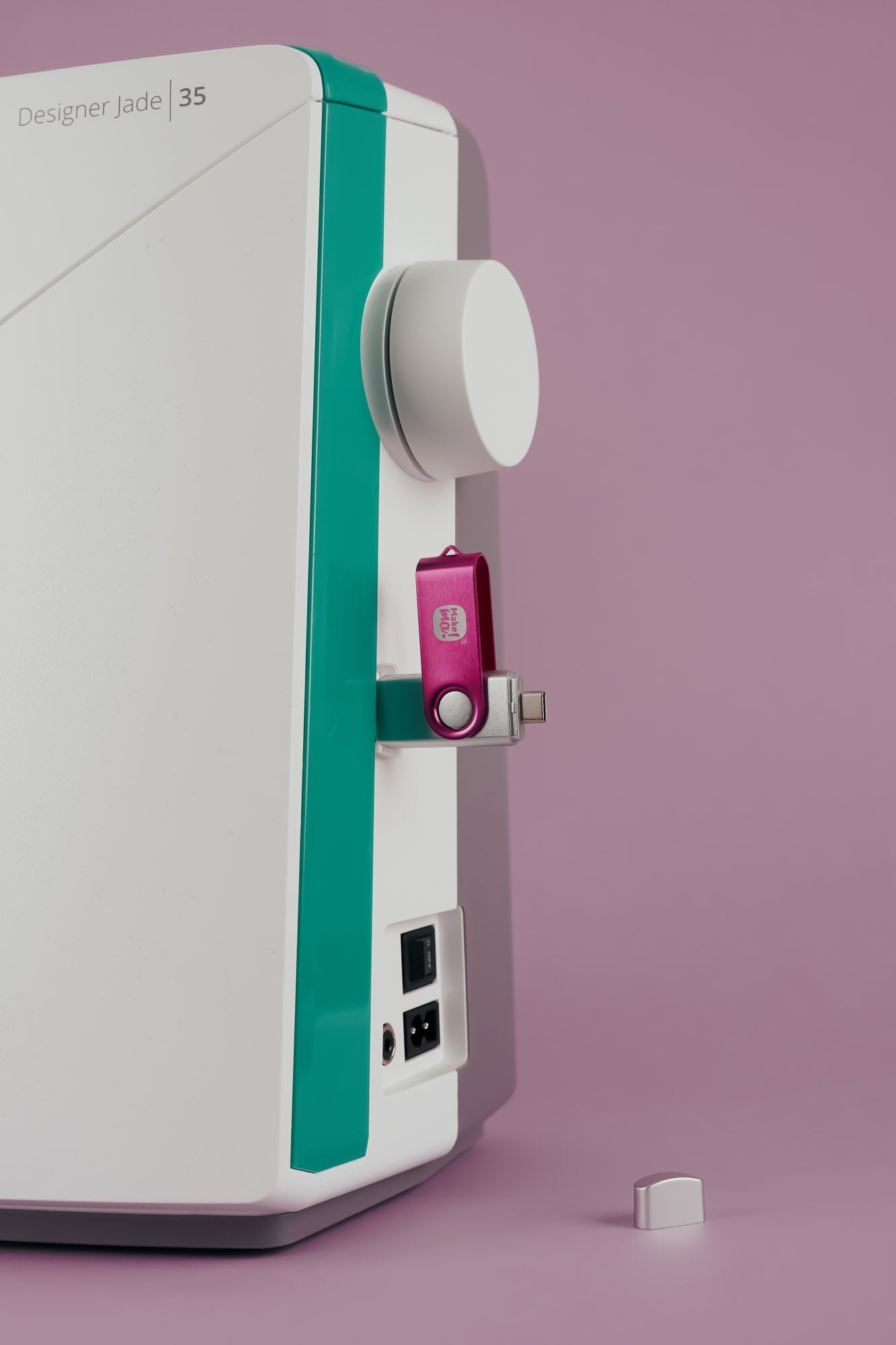
How do I transfer embroidery files by USB?
This guide takes you from the unzipped download to selecting the design on your embroidery machine. Always check formatting, folders and drive size in your model manual.