

- 0 commentson Why does my embroidery machine display different colors?
- by Mark Angilowski
Why does my embroidery machine display different colors?
- 0 commentson Why does my embroidery machine display different colors?
- by Mark Angilowski
If your embroidery machine displays different colors than expected, it's not a malfunction, but rather a missing color code. Learn why embroidery machines display colors differently and how to deal with it.
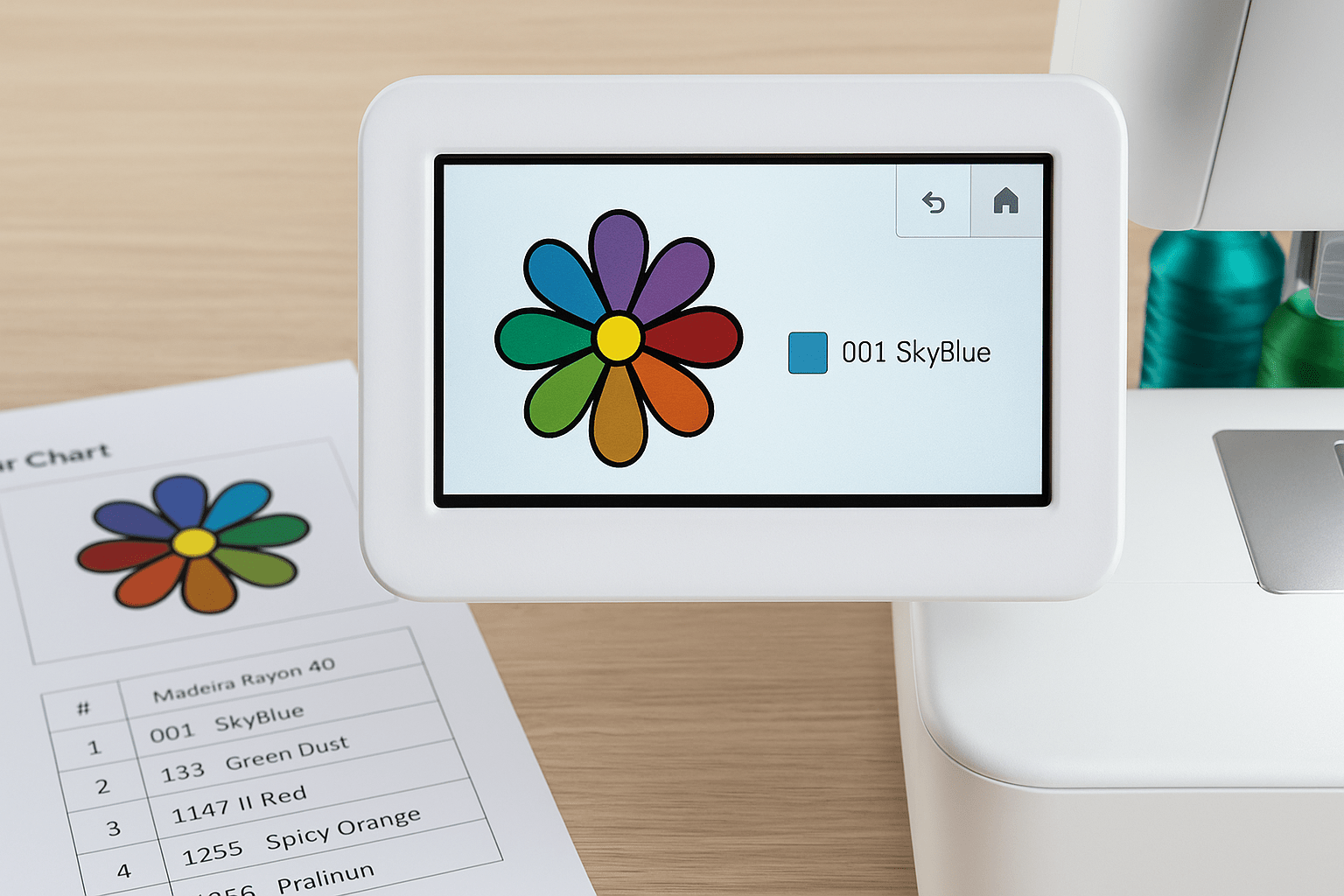
The color result displayed in your embroidery machine is based on a combination of file format, machine-specific color system, and the internal color table. Unfortunately, there is no uniform industry standard for embroidery files or color definitions.
That's why we offer every embroidery file in up to 11 different file formats —including PES, DST, JEF, VP3, EXP, and HUS. However, each machine interprets the color information contained in them differently. In particular, formats like DST or EXP do not transmit color information.
In addition, there are more than 60,000 different thread colors from over 30 manufacturers. Even commonly used qualities like "Madeira Rayon 40" or "Gunold Poly 40" each offer over 200 shades. However, your embroidery machine only displays the colors stored in its internal color palette —usually based on a standard thread brand from the manufacturer.
Each of our embroidery files includes a PDF with the original color chart . This lists the actual colors used, including the thread manufacturer, color number, and quality.
When embroidering, use the information from the PDF, not the colors on your machine's display. This will ensure the best possible result.
If you work with embroidery software like Creativate (formerly mySewnet) , you can permanently adjust the color display to your preferred thread brand. Here's how it works:
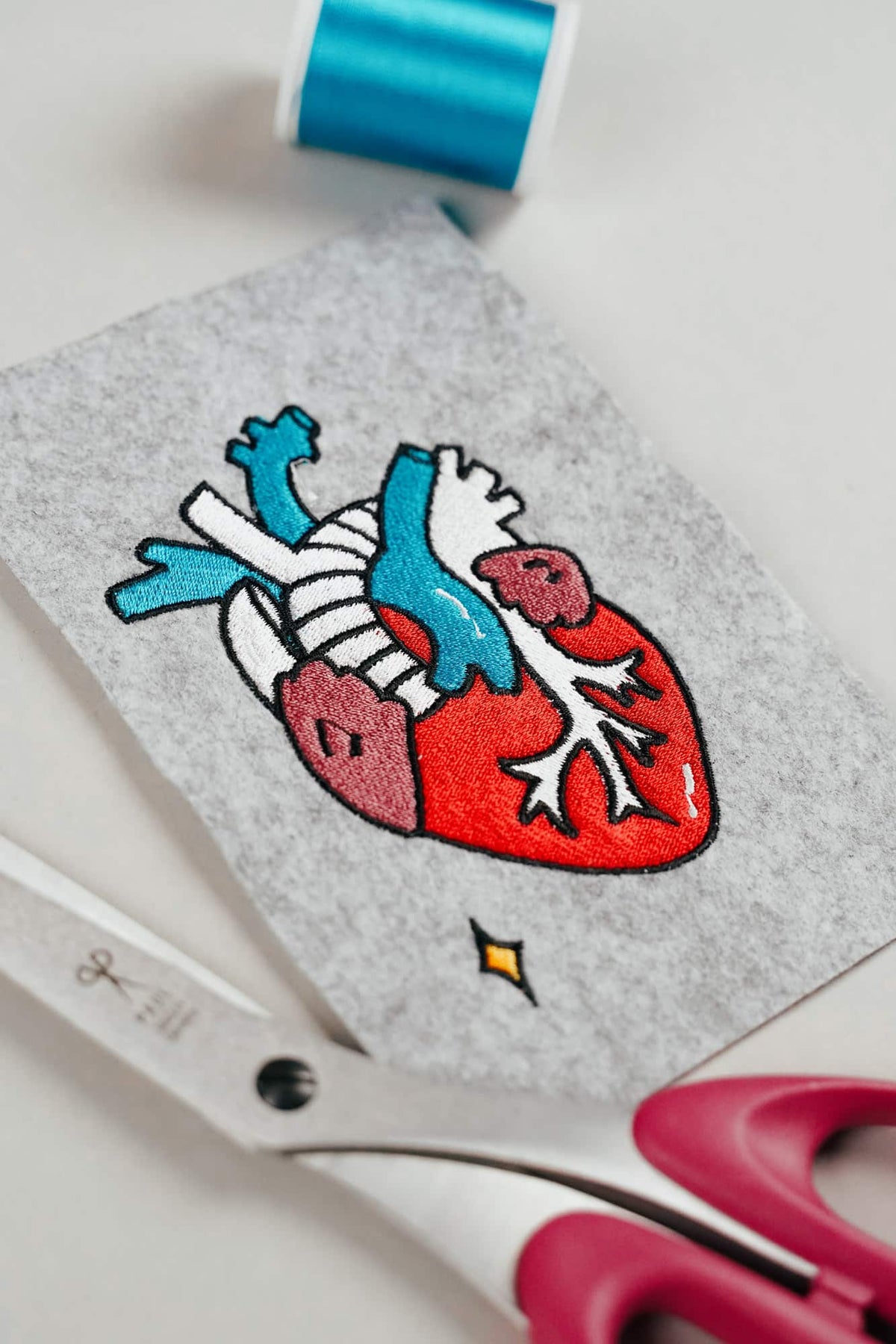
AI embroidery designs look great – but as embroidery files, they're often completely useless
AI images often look like perfect embroidery, but are frequently unsuitable as a template for a real embroidery file. We'll show you which mistakes to avoid with AI-generated motifs, how to formulate better prompts, and how to recognise well-digitised embroidery files.
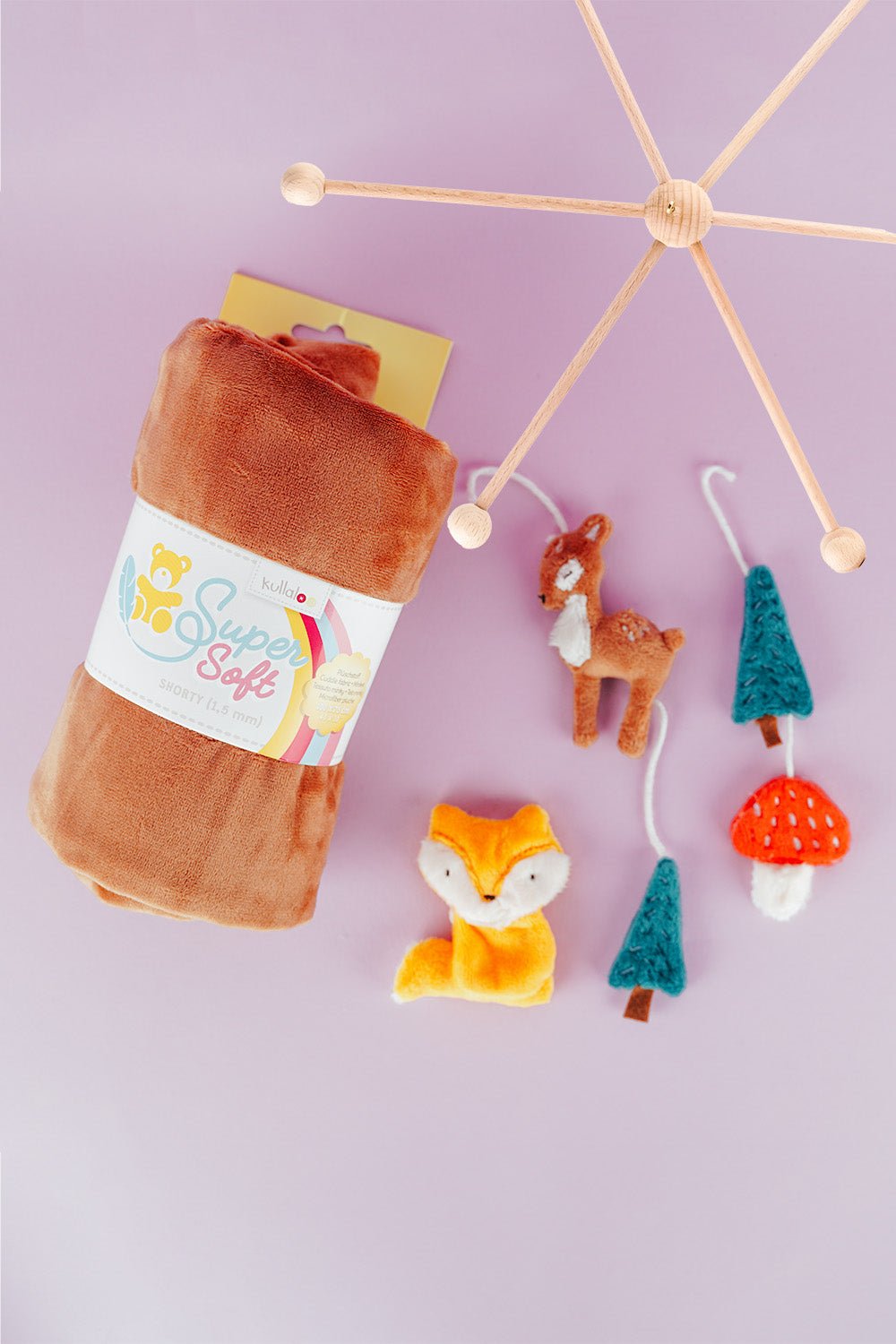
Embroider a woodland mobile: ITH ornaments step by step
Embroider fox, deer, fir tree and mushroom in a 10 × 10 cm hoop, then turn them into a woodland mobile or garland.
Read moreabout Embroider a woodland mobile: ITH ornaments step by step
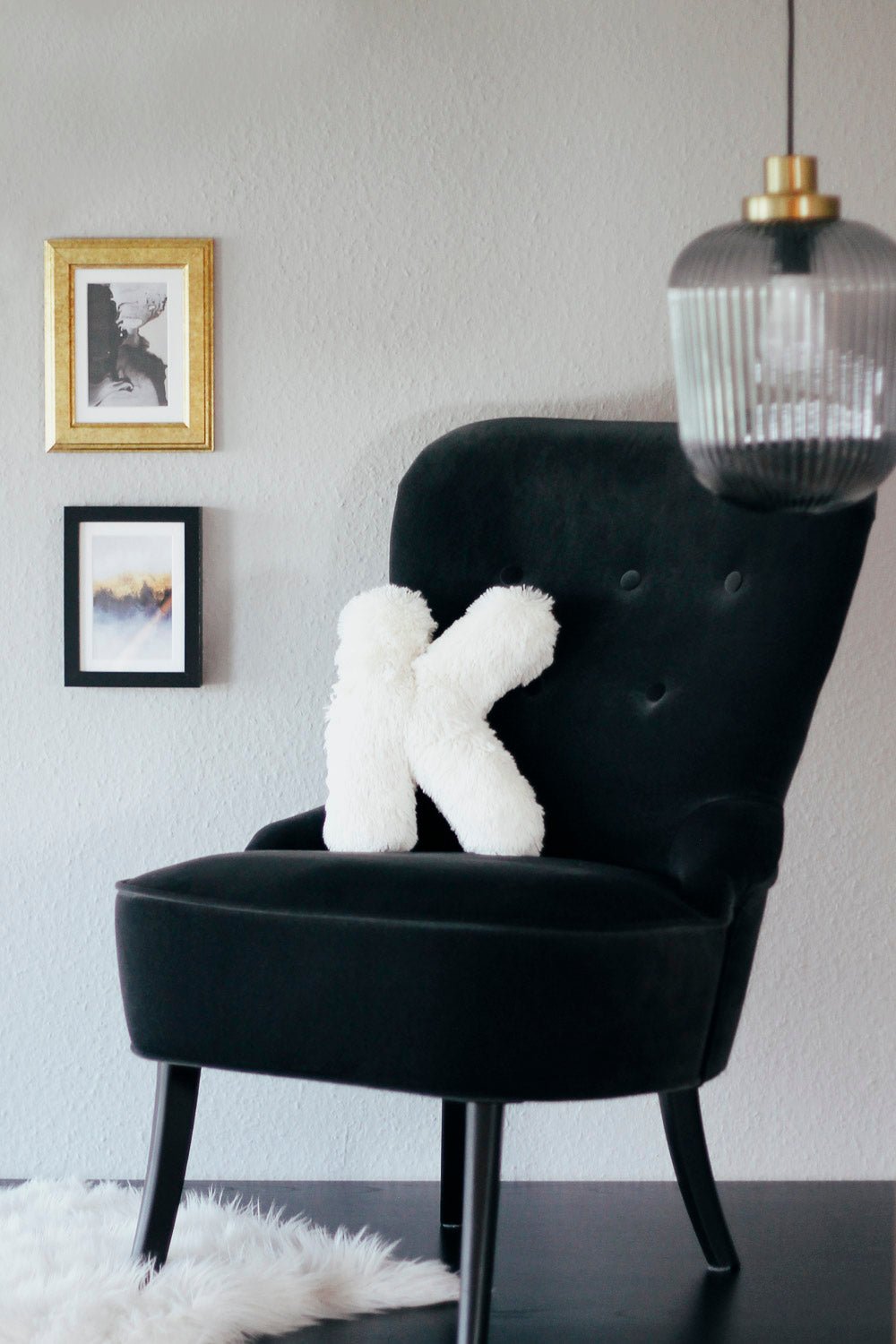
Sew an alphabet cushion: personal pillows from A to Z
Sew an alphabet cushion with neat curves, even filling and a hidden ladder stitch, using a digital pattern that includes every letter from A to Z.
Read moreabout Sew an alphabet cushion: personal pillows from A to Z


Split:
How to transfer embroidery files to your machine
Gaps in the embroidery file: causes and solutions