

How can we help you?
Frequently Asked Questions
FAQ
Here you'll find answers to the most frequently asked questions about machine embroidery, accessories, software, and our shop. Clearly explained, practical, and always there for you – so you can focus fully on your next project.
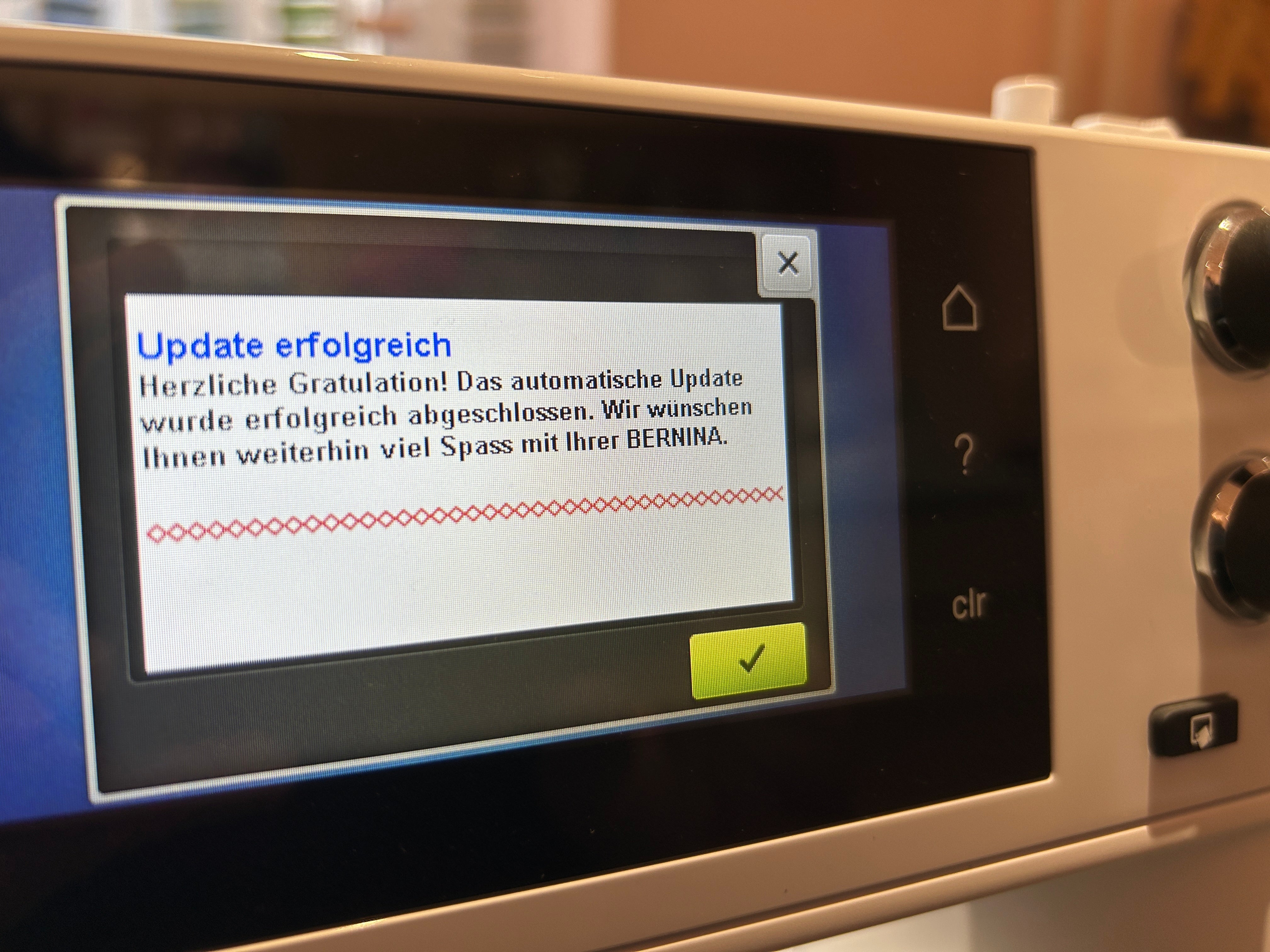
Firmware update for BERNINA 5 and 7 series
A firmware update at BERNINA is more than just bug fixing. Depending on the version, Bernina can use it to correct software bugs, refine functions, and add content/features (e.g., new stitches, additional embroidery designs, or support for accessories like embroidery hoops). An update is particularly worthwhile if you experience error messages, irregularities in the sewing/embroidery process, or compatibility issues (accessories, formats, designs) – or if Bernina unlocks new features.
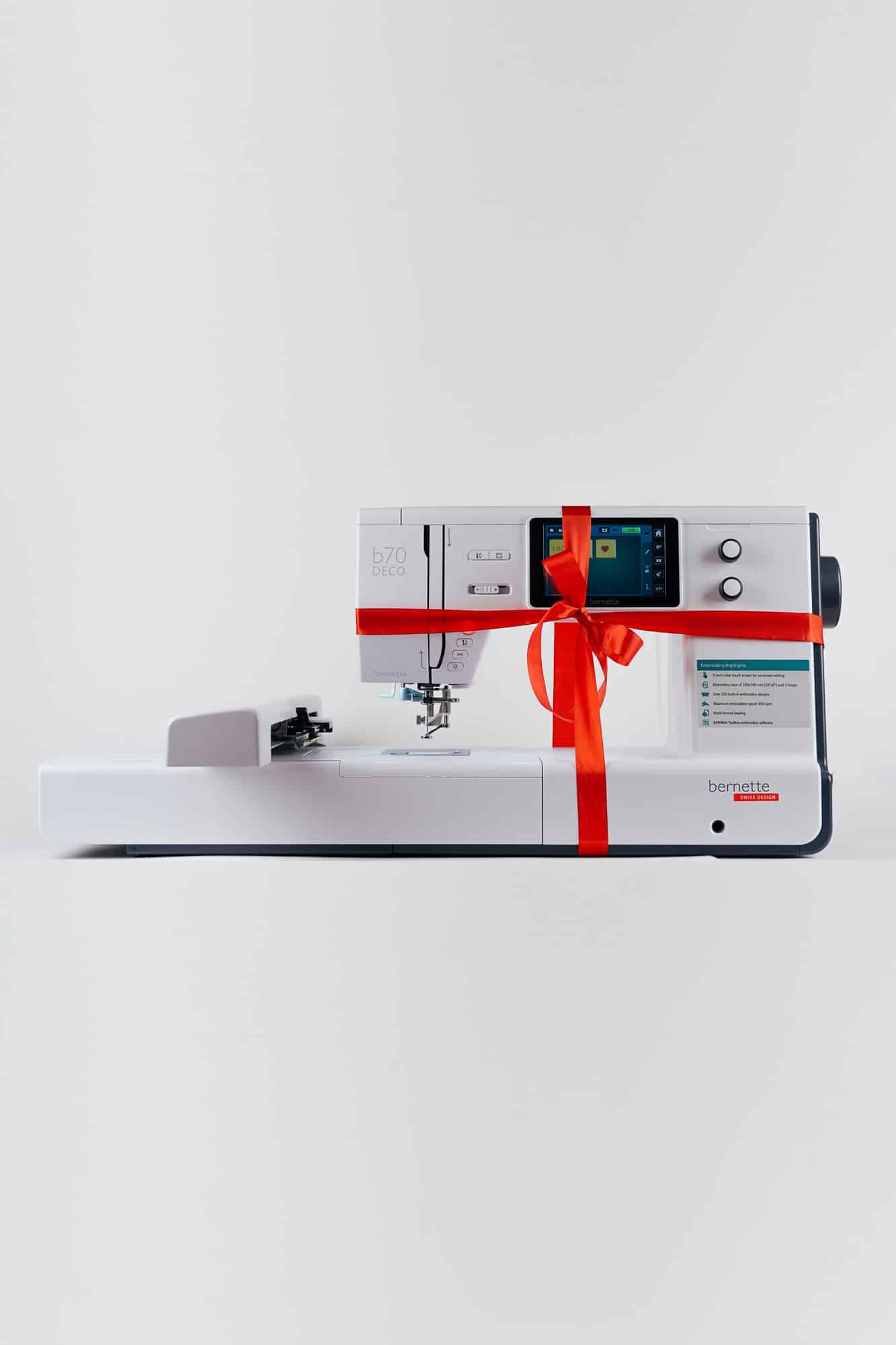
Bernette B70 / B79 warranty extension
Secure a 4-year warranty on your Bernette B70 or B79: By simply registering online with Bernette and listing Make ma GmbH as your authorized dealer, you can benefit from the extended manufacturer's warranty free of charge.
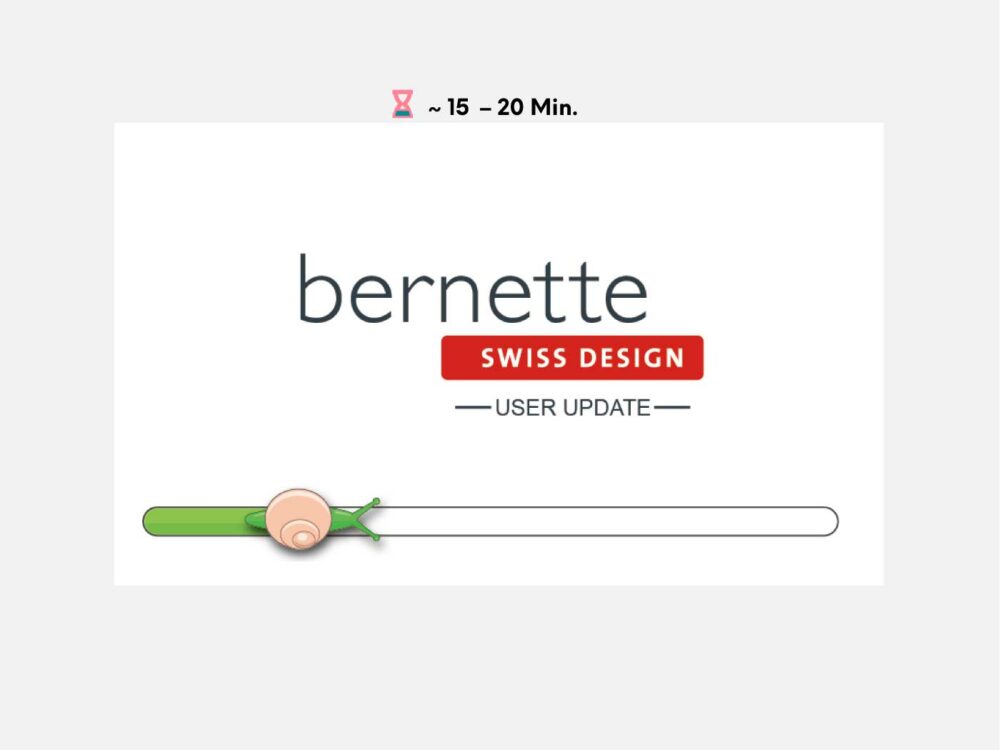
Firmware update Bernette B70 / B79
Keep your Bernette B70 or B79 up to date: Here you will find all information about the firmware update, including step-by-step instructions and the official download link to the manufacturer's website.
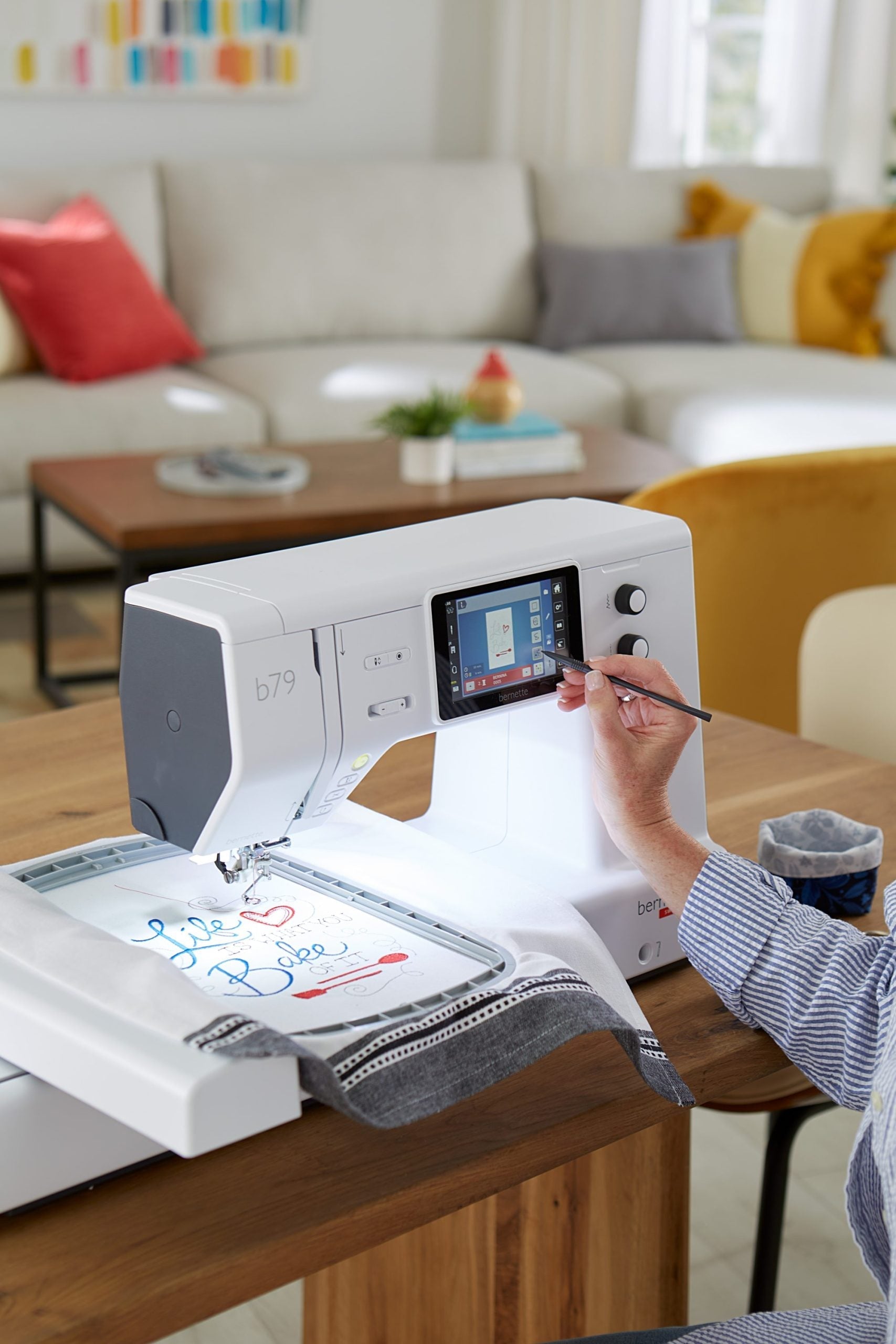
Operating instructions Bernette B70 / B79
Here you can find the original operating instructions for the Bernette B70 and B79 as a PDF download as well as a structured overview of the most important functions and information on commissioning, maintenance and troubleshooting.
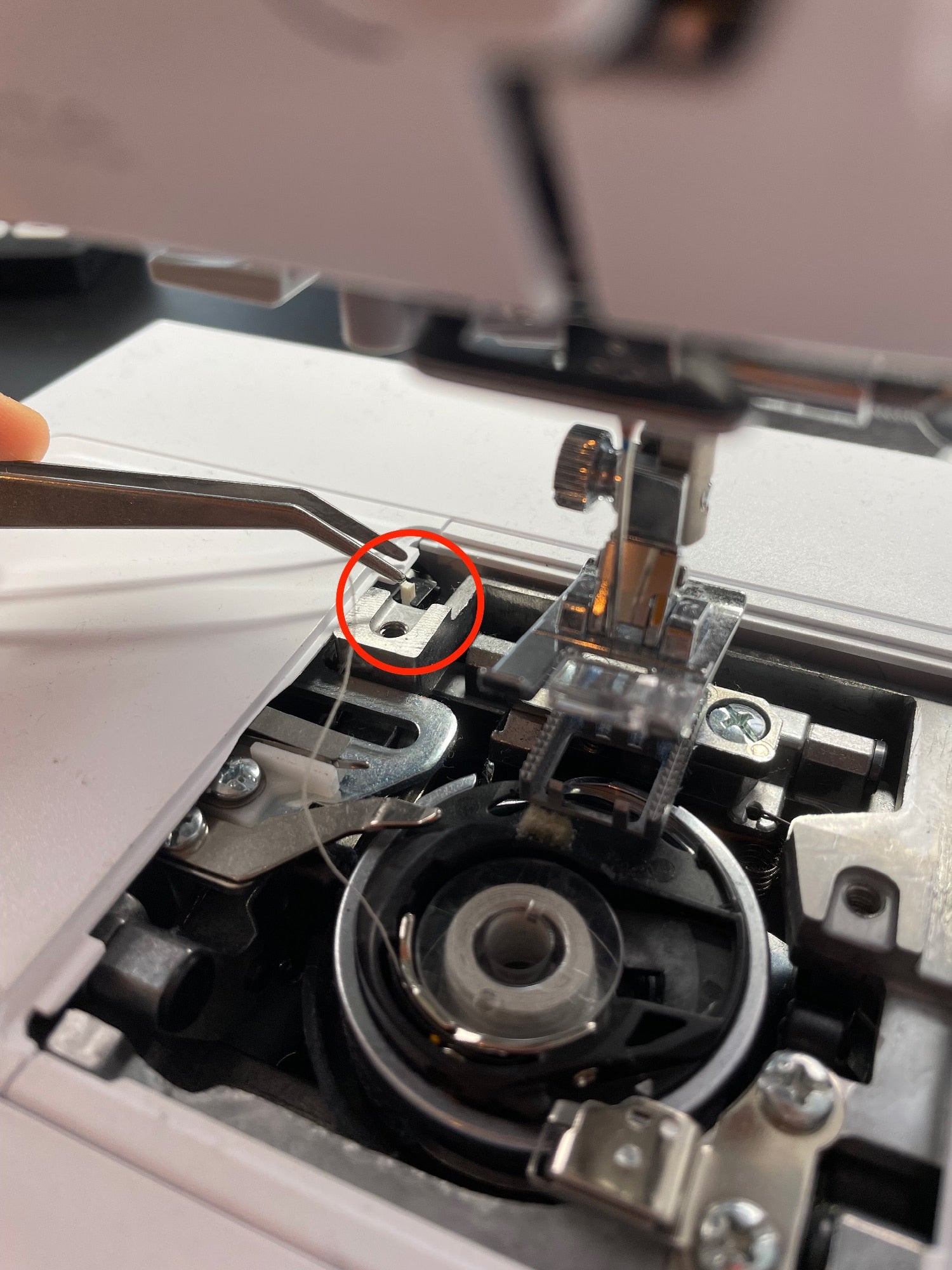
Needle plate is not recognized
If your embroidery machine's stitch plate isn't recognized, it's usually due to a missing signal from the sensor underneath. In this article, we'll show you how the detection works, what to look out for, and how to quickly fix the problem.
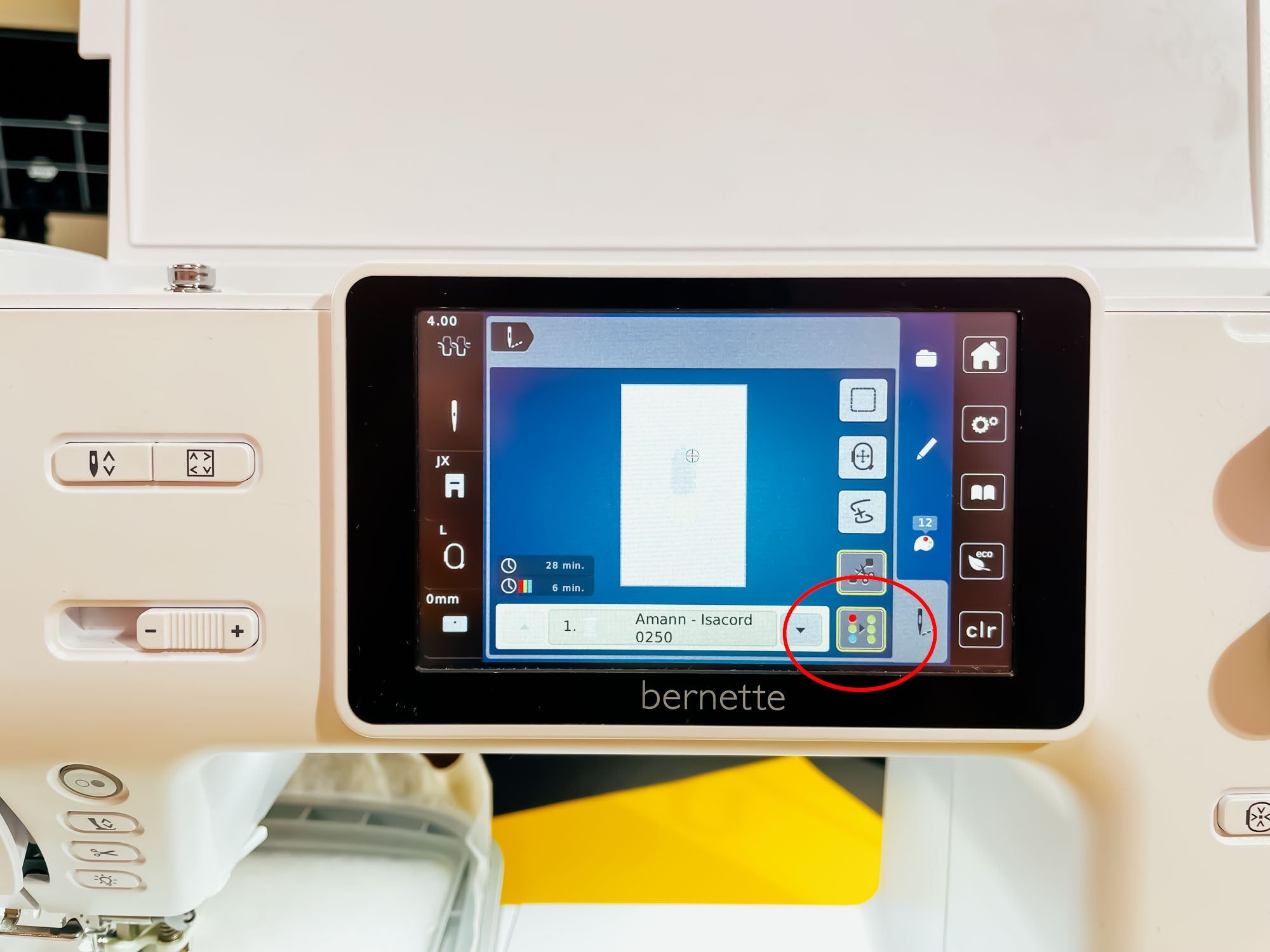
Embroidery machine does not stop
If your embroidery machine doesn't stop when changing colors as usual, the monochrome setting is often activated. In this guide, we'll show you what the monochrome setting does, how to recognize it, and how to deactivate it specifically.
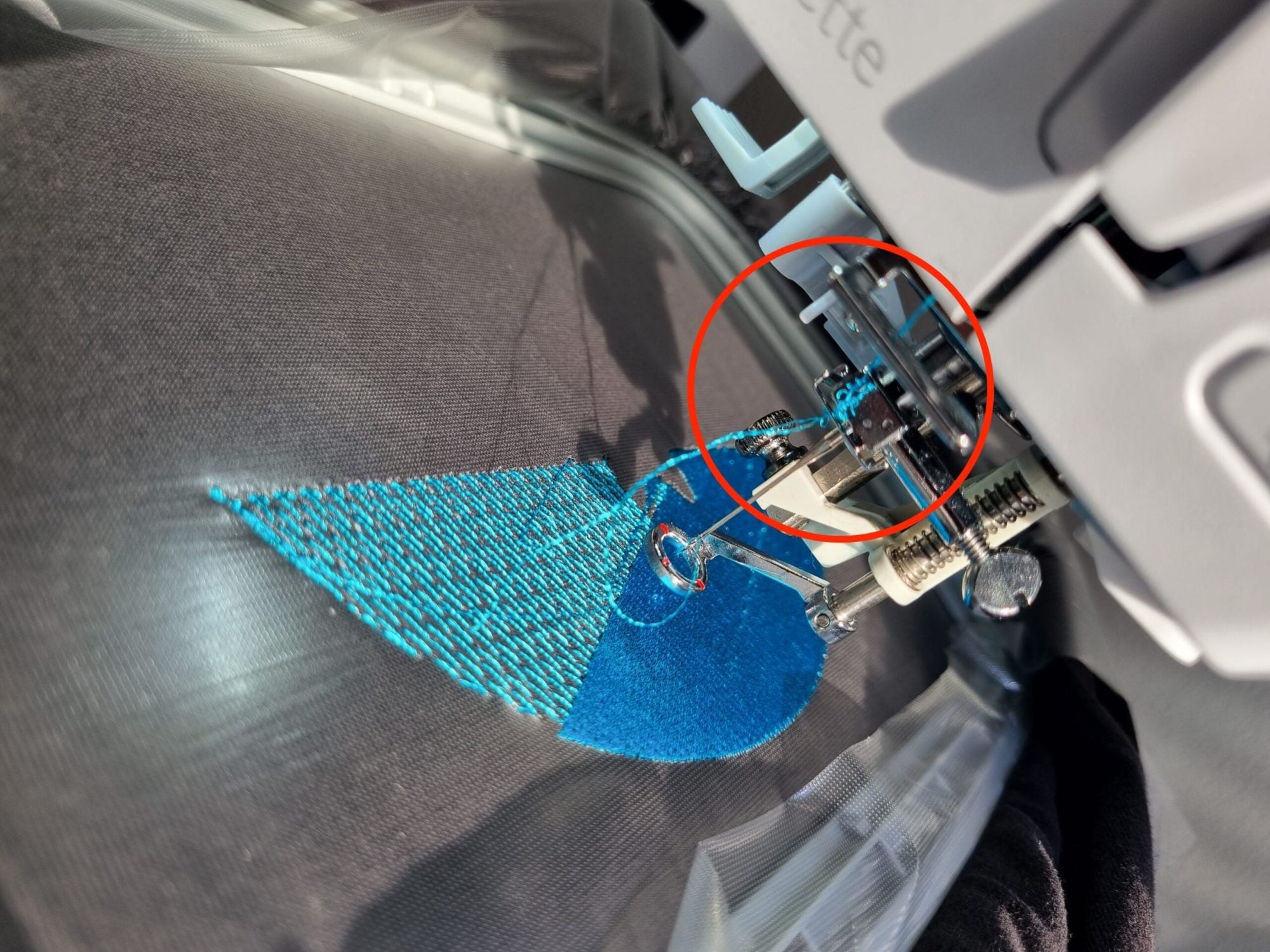
Embroidery thread fluffs, frays or tears
If the upper thread frays or breaks, do not change tension first. Work from the simplest test towards the machine: fit a suitable new needle, rethread completely, test another thread, reduce speed and only then assess tension in small steps.
Automatically cut jump stitches
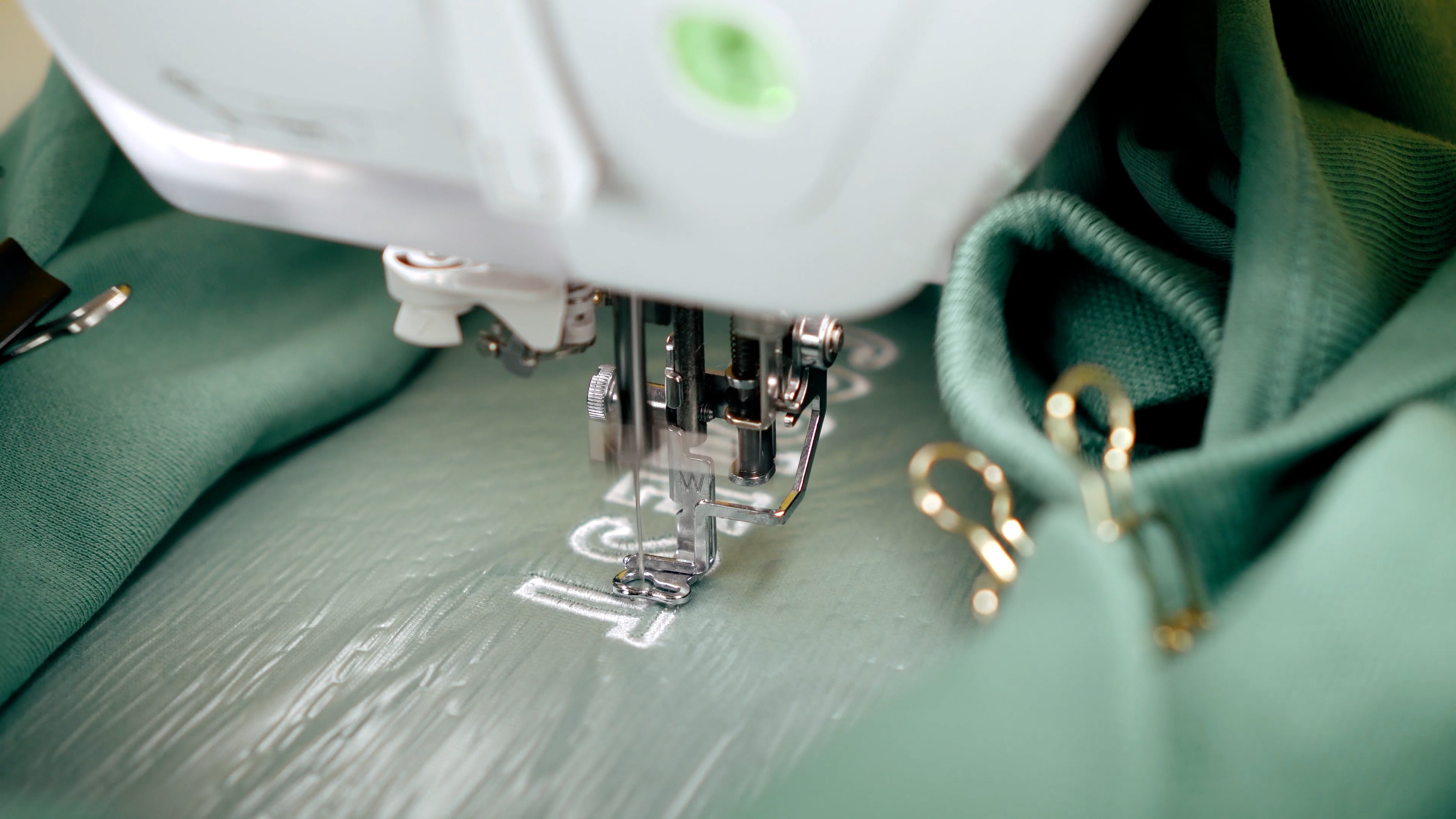
Jump stitches can only be trimmed automatically when both machine and design support the command. Names and behaviour vary by model and format, so your machine manual takes priority over generic menu paths.

Cleaning your embroidery machine: How to care for your device properly
Regularly cleaning your embroidery machine prevents malfunctions, improves embroidery quality, and protects against damage. In this guide, we'll show you how to clean your machine safely and thoroughly—regardless of the model.
Read moreabout Cleaning your embroidery machine: How to care for your device properly