

Combination or embroidery-only machine? This guide compares hoop size, file transfer, usability and five current beginner models by project needs.
The best embroidery machine for a beginner is not automatically the cheapest model or the one with the longest feature list. It has to fit your projects, the space you have and the way you want to work. First decide whether you also want to sew and what design size you genuinely need. That immediately makes the choice easier.
This buying guide brings together our experience from earlier articles about beginner machines, combination sewing and embroidery machines and model comparisons. Instead of a “best of” list that quickly becomes outdated, it gives you a transparent decision process. We last checked the models and their availability on 3 September 2026.
Contents
Quick choice: which type of machine fits you?
- You want to sew and embroider but have limited space: choose a combination machine.
- You already own a sewing machine you like: an embroidery-only machine keeps both workstations ready.
- You often want to stitch in-the-hoop projects, wide lettering or back designs: plan for an embroidery area of at least roughly 240 × 150 mm.
- You mainly want names, chest logos and small motifs: 180 × 130 mm may be enough.
- You want wireless transfer: check Wi-Fi, supported apps and your operating system, not just the word “smart”.
You can browse the current range in our embroidery machine collection. The table below explains why each model suits a particular way of working.
Combination or embroidery-only machine?
A combination sewing and embroidery machine saves space and means investing in one machine. It is often the most practical route if you are beginning both crafts or only have one permanent machine station. You cannot sew on that machine while its embroidery module is working, however.
An embroidery-only machine complements the sewing machine you already own. There is no conversion between modes, and you can prepare or sew another part while the design is stitching. That is useful when you already enjoy sewing, expect to embroider frequently or make projects with several production steps. Embroidery-only does not automatically mean “professional”; the design primarily describes your workflow.
Seven buying criteria that matter more than a ranking
- Your projects: names on towels need less room than in-the-hoop bags, jacket backs or large appliqués. Start with three projects you genuinely want to make.
- Maximum embroidery area: this limits the motif that can be stitched in one continuous hooping. A multi-position hoop is not the same as one uninterrupted embroidery area.
- Included hoops: a small hoop saves stabiliser on small designs and can make hooping easier. Do not compare only the largest hoop.
- File transfer: USB works independently of your home network. Wi-Fi is convenient but may require a particular app or a Windows PC. Our guide explains the four common transfer methods.
- File format: the machine brand determines which machine file you load. See our overview of PES, EXP, JEF and VP3 formats.
- Positioning and controls: a colour screen, hoop detection, pointer and editing functions help, but they do not replace accurate hooping.
- Training and service: capable technology is of little use if threading, stabilising or the first error leaves you stuck. Treat guidance and accessible support as part of the purchase.
Current beginner models compared
| Model | Type | Max. embroidery area | A strong fit when … | Important limitation |
|---|---|---|---|---|
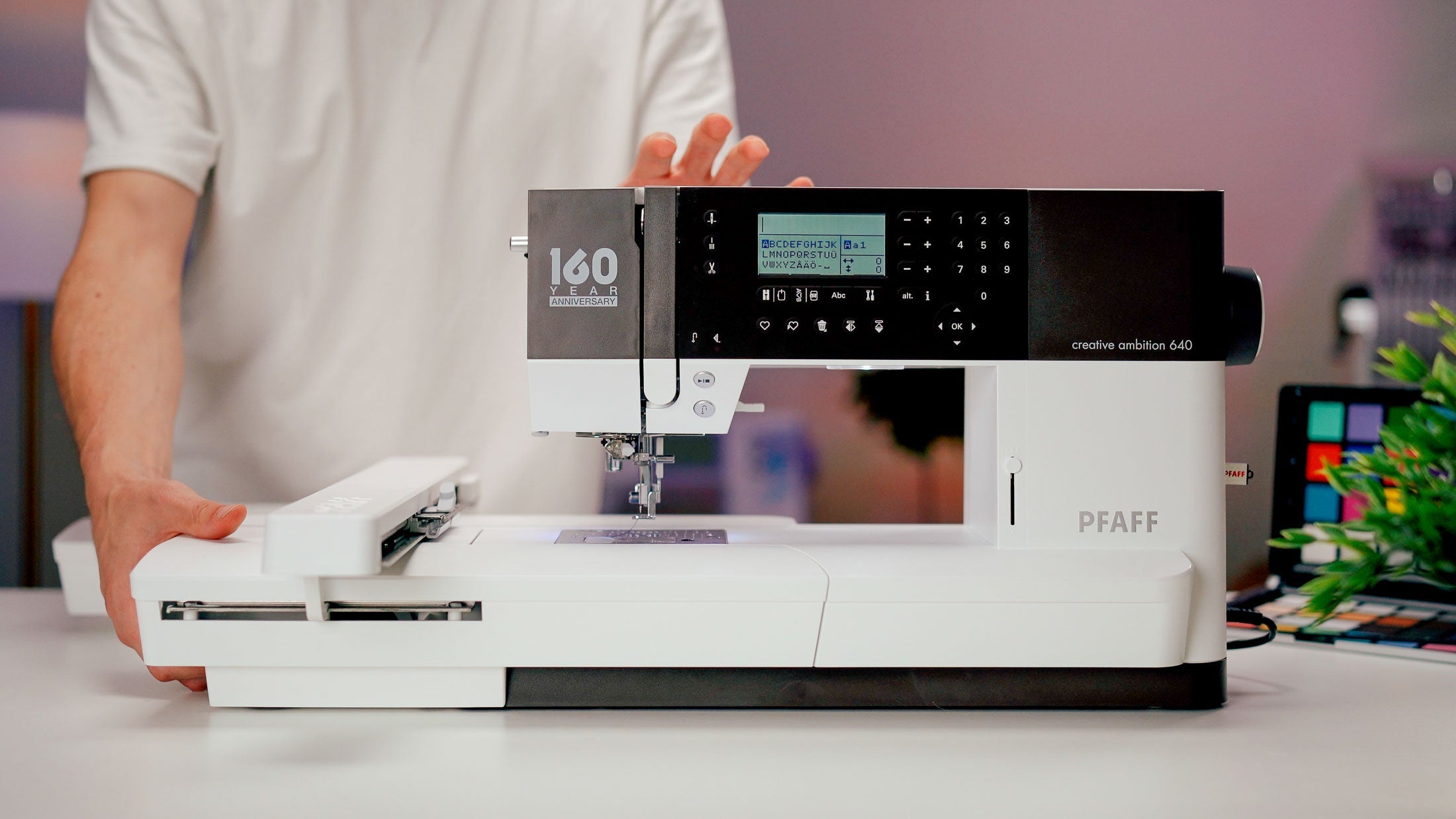
| PFAFF creative ambition 640 | Combination | 240 × 150 mm | you sew a lot and value integrated dual feed for demanding fabrics | classic USB file transfer |
| Brother Innov-is F580 | Combination | 180 × 130 mm | easy controls, Wi-Fi and Artspira matter to you | smaller continuous embroidery area |
| bernette b79 | Combination | 260 × 160 mm | you want a large area, three hoops and extensive sewing features | needs more table space with the module attached |
| bernette b70 DECO | Embroidery only | 260 × 160 mm | you already sew and want a straightforward dedicated machine | no sewing function and USB transfer |
| Brother Innov-is NV880E | Embroidery only | 260 × 160 mm | you want Wi-Fi, an LED pointer and three hoop sizes together | wireless PC transfer requires Windows |
Status checked 3 September 2026. Prices and availability change, so this table focuses on durable differences. Measurements refer to the maximum continuous embroidery area.
The five models explained
PFAFF creative ambition 640: controlled fabric feeding for sewing
The PFAFF 640 combines a 240 × 150 mm embroidery area with the integrated IDT dual-feed system. It is worth considering when clothes, bags or several layers of fabric are as important as embroidery. It is less suitable if wireless file transfer is your main requirement.
A practical bag project for this comparison is our five-step hobo bag tutorial.
Brother Innov-is F580: a convenient Wi-Fi entry
The F580 combines sewing, quilting and embroidery. Designs can be transferred by USB or Wi-Fi, and the machine also supports Brother Artspira. Its 180 × 130 mm maximum embroidery area works well for many names, chest designs and smaller projects, but puts a clear limit on large in-the-hoop files. Read our detailed Brother F580 practical review.
bernette b79: a combination machine with more room to grow
The b79 offers a 260 × 160 mm embroidery area, three included hoops, a colour screen and integrated Dual Feed for sewing. It makes sense when you want to grow in both crafts and leave room for larger motifs. Before buying, check that your table can accommodate the machine, embroidery module and moving hoop.
For a closer decision, our honest bernette b79 practical review adds strengths, limitations and real project experience to the specifications.
bernette b70 DECO: dedicated embroidery without duplicate sewing features
The b70 DECO also offers up to 260 × 160 mm and includes three hoops. It is the clearest choice in this comparison if your current sewing machine already suits you and you do not want to pay for another set of sewing functions or switch modes continually. Your own designs are loaded by USB.
Brother Innov-is NV880E: dedicated embroidery with positioning support
The NV880E also stitches up to 260 × 160 mm and includes three hoops. Wireless transfer, colour sorting and an LED pointer support a digital workflow and accurate positioning. Note that Brother Design Database Transfer for wireless transfer from a PC is intended for Windows; USB remains the operating-system-independent option.
Avoid three common buying mistakes
- Choosing only by entry price: a missing hoop size or accessories you later need can restrict an apparently inexpensive choice.
- Assuming the biggest number wins: a large area only helps when you use it. For small motifs, smaller hoops, good sensors and simple controls may matter more.
- Confusing machine editing with digitising software: the screen usually lets you rotate, mirror, combine and resize within limits. Turning your own logo into clean stitches is a separate task for embroidery software or a digitising service.
What you really need to start
You do not need every accessory for a clean first result. You do need suitable stabiliser, embroidery thread, bobbin thread, the right needle and a test piece of your fabric. Our article Embroidery machine accessories: what you really need separates essential supplies from specialist extras. The stabiliser adviser then helps you match stabilisation to fabric and project.
Frequently asked questions about a first embroidery machine
Is 100 × 100 mm enough for a beginner?
It can be enough for small names and motifs. Many in-the-hoop files, wide lettering and larger appliqués will not fit. Decide by project, not by experience level.
Do I need embroidery software immediately?
No. You can begin with built-in motifs and ready-made embroidery files. Software becomes important when you want substantial editing or need to digitise your own artwork correctly.
Is Wi-Fi better than USB?
Wi-Fi saves steps and can connect apps. USB is simple, stable and independent of your network. The better option is the one that fits the devices you already use.
Can I start a small business with a beginner machine?
It can work for initial one-off orders. Also assess workload, maintenance, hoop changes, pricing and warranty terms for commercial use. Serial production has different requirements.
Next step: compare using three real projects
Write down three projects you genuinely want to complete in the next six months. Add the motif sizes, fabrics and whether you want to sew as part of each project. Only then compare two or three machines. Browse the currently available embroidery machines or use advice and support to resolve the one question still holding you back.
Browse magazine & FAQ
More articles
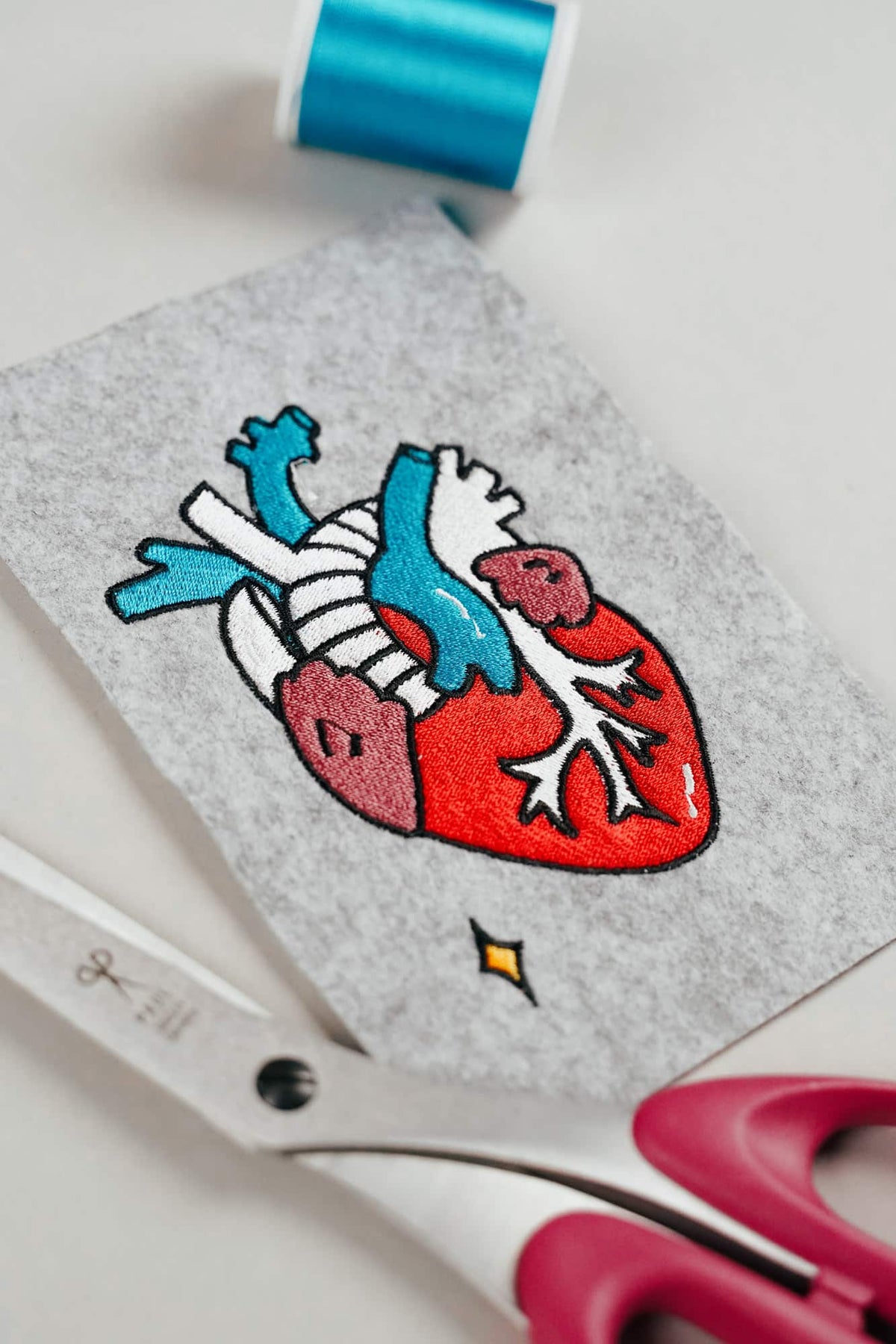
AI embroidery designs look great – but as embroidery files, they're often completely useless
AI images often look like perfect embroidery, but are frequently unsuitable as a template for a real embroidery file. We'll show you which mistakes to avoid with AI-generated motifs, how to formulate better prompts, and how to recognise well-digitised embroidery files.
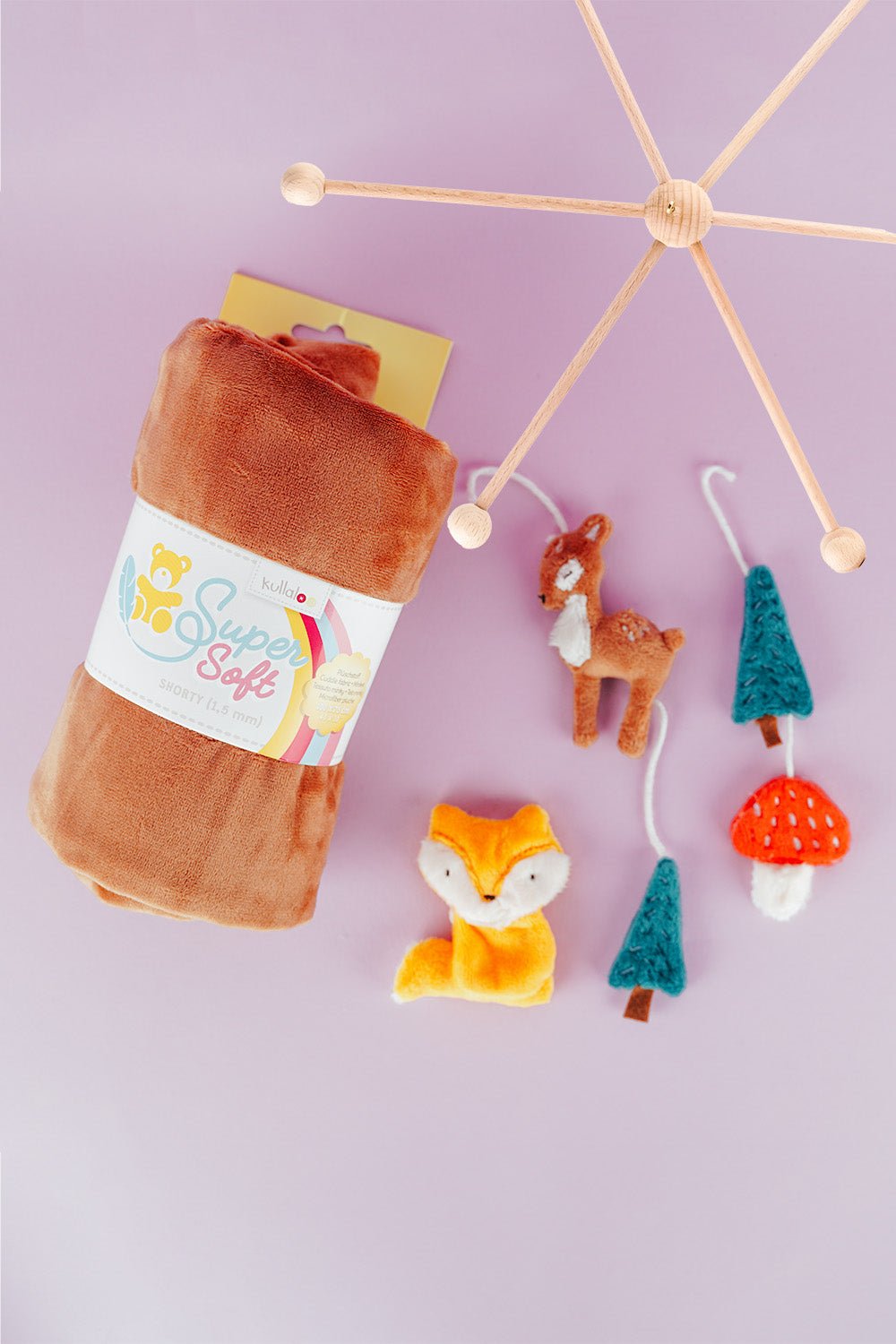
Embroider a woodland mobile: ITH ornaments step by step
Embroider fox, deer, fir tree and mushroom in a 10 × 10 cm hoop, then turn them into a woodland mobile or garland.
Read moreabout Embroider a woodland mobile: ITH ornaments step by step
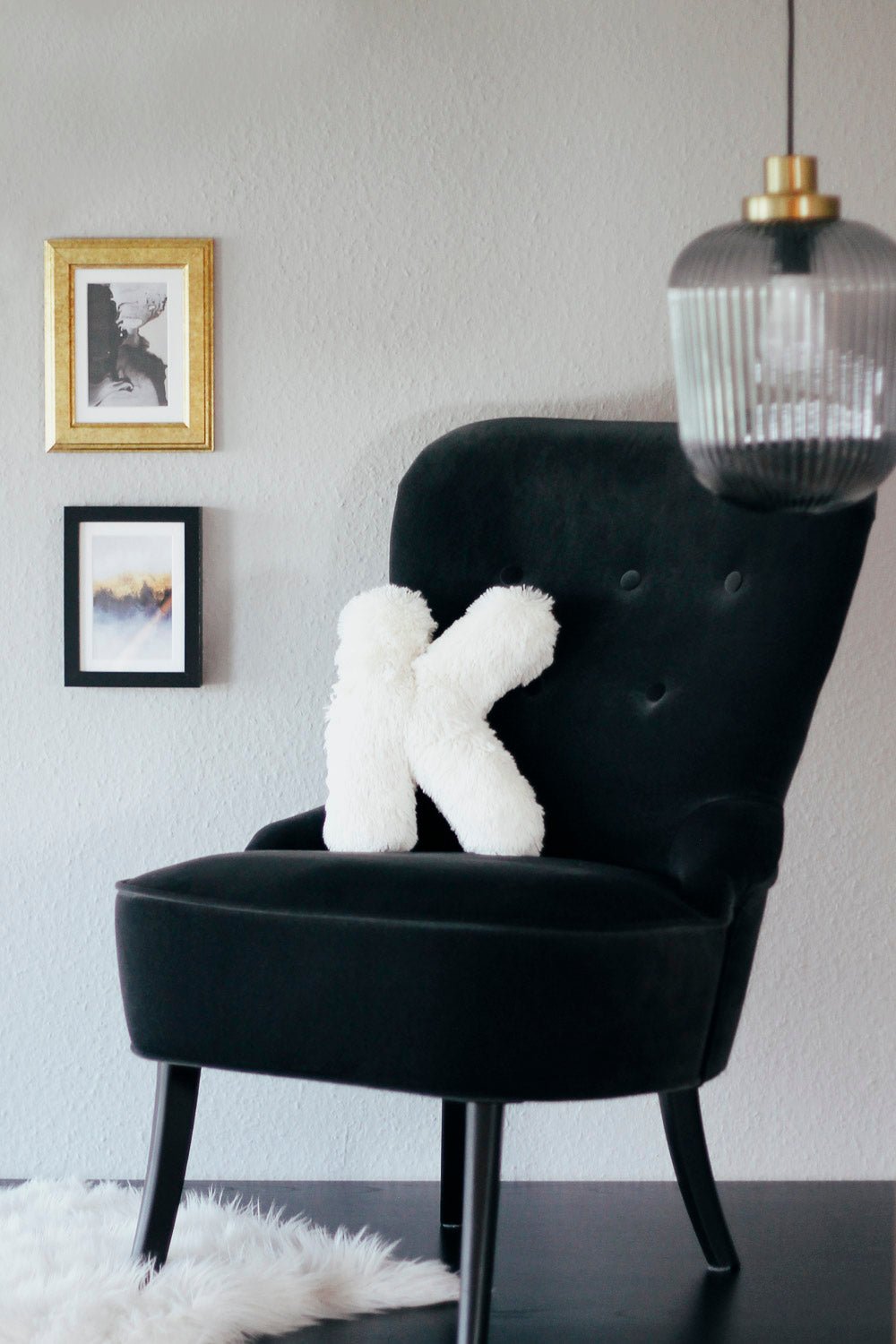
Sew an alphabet cushion: personal pillows from A to Z
Sew an alphabet cushion with neat curves, even filling and a hidden ladder stitch, using a digital pattern that includes every letter from A to Z.
Read moreabout Sew an alphabet cushion: personal pillows from A to Z
Split:
BERNINA L6 Series: The Overlock Revolution Is Here – Threading Now a Breeze
Embroidering T-shirts and jersey: a guide without puckering