

How can we help you?
Frequently Asked Questions
FAQ
Here you'll find answers to the most frequently asked questions about machine embroidery, accessories, software, and our shop. Clearly explained, practical, and always there for you – so you can focus fully on your next project.
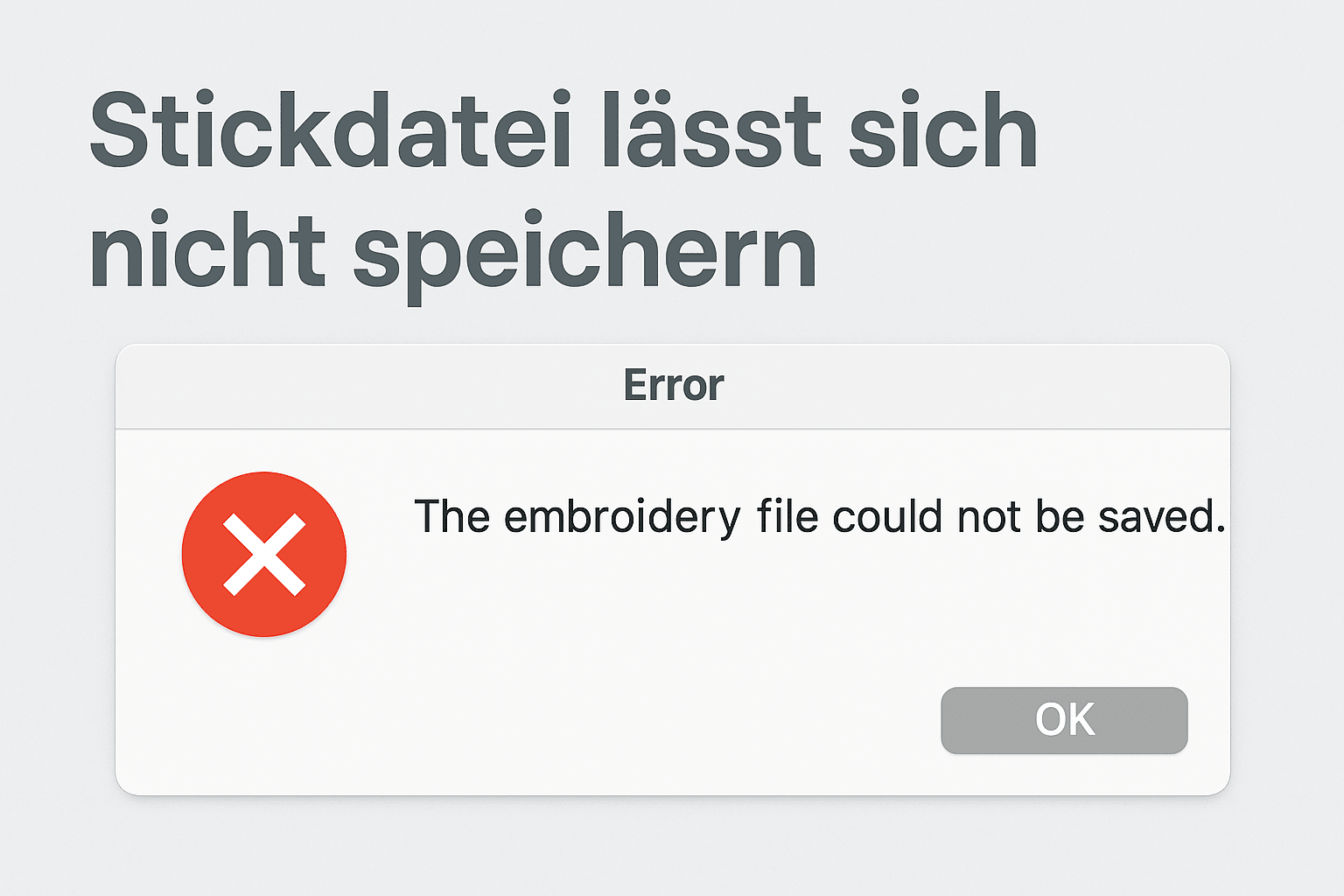
Embroidery file cannot be saved
If an embroidery file cannot be saved in programs such as Creativate, Bernina V9, PE-Design or Hatch, it is rarely due to the software itself. Instead, typical sources of error such as missing administrator rights, special characters in the file name or an incorrect save location are responsible.
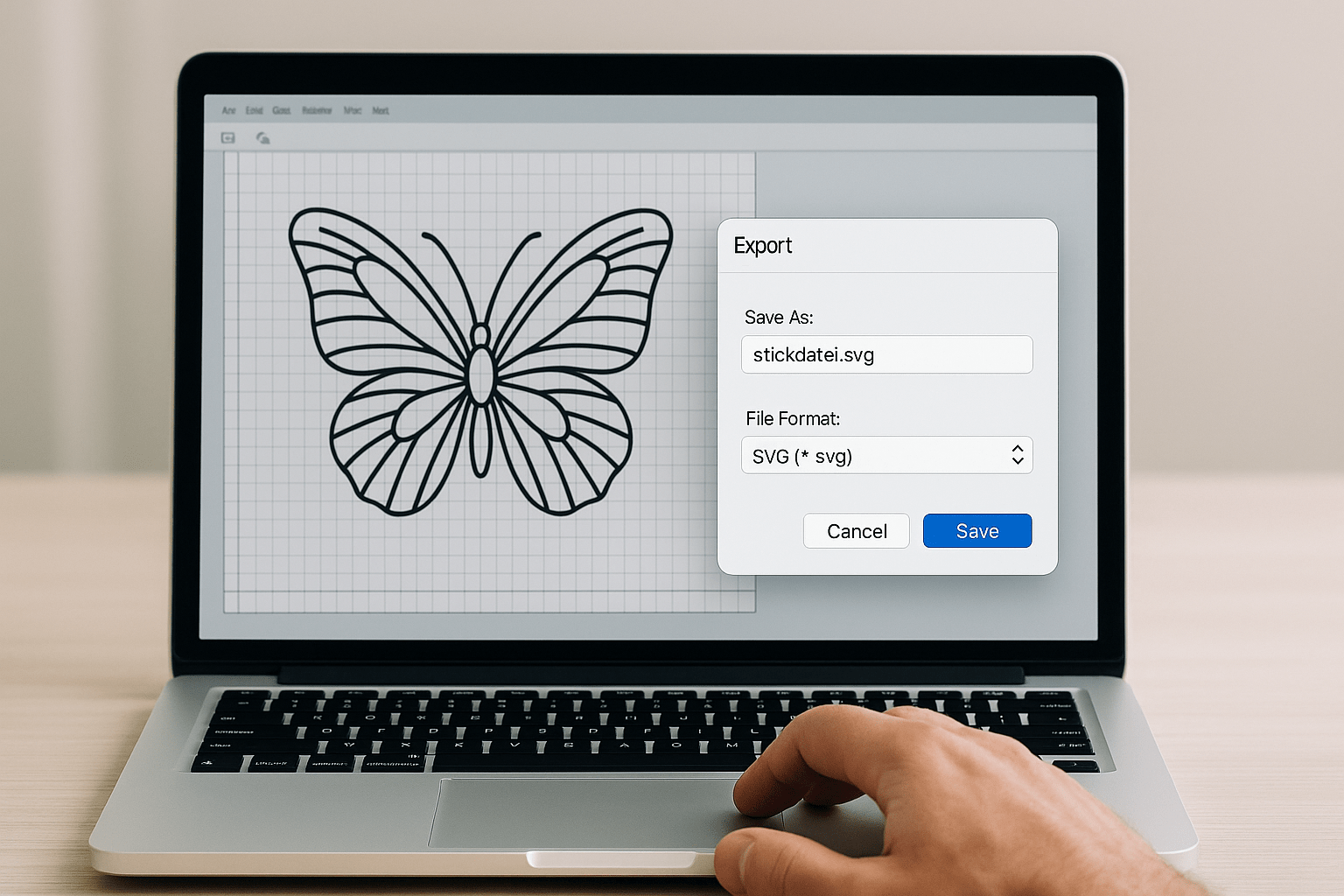
Creativate: Save embroidery file for the plotter
Want to cut an embroidery design with your plotter? Many embroidery files can be exported to a suitable cutting format in just a few steps. Here's how to correctly save embroidery files for your plotter – regardless of the device type.
Read moreabout Creativate: Save embroidery file for the plotter
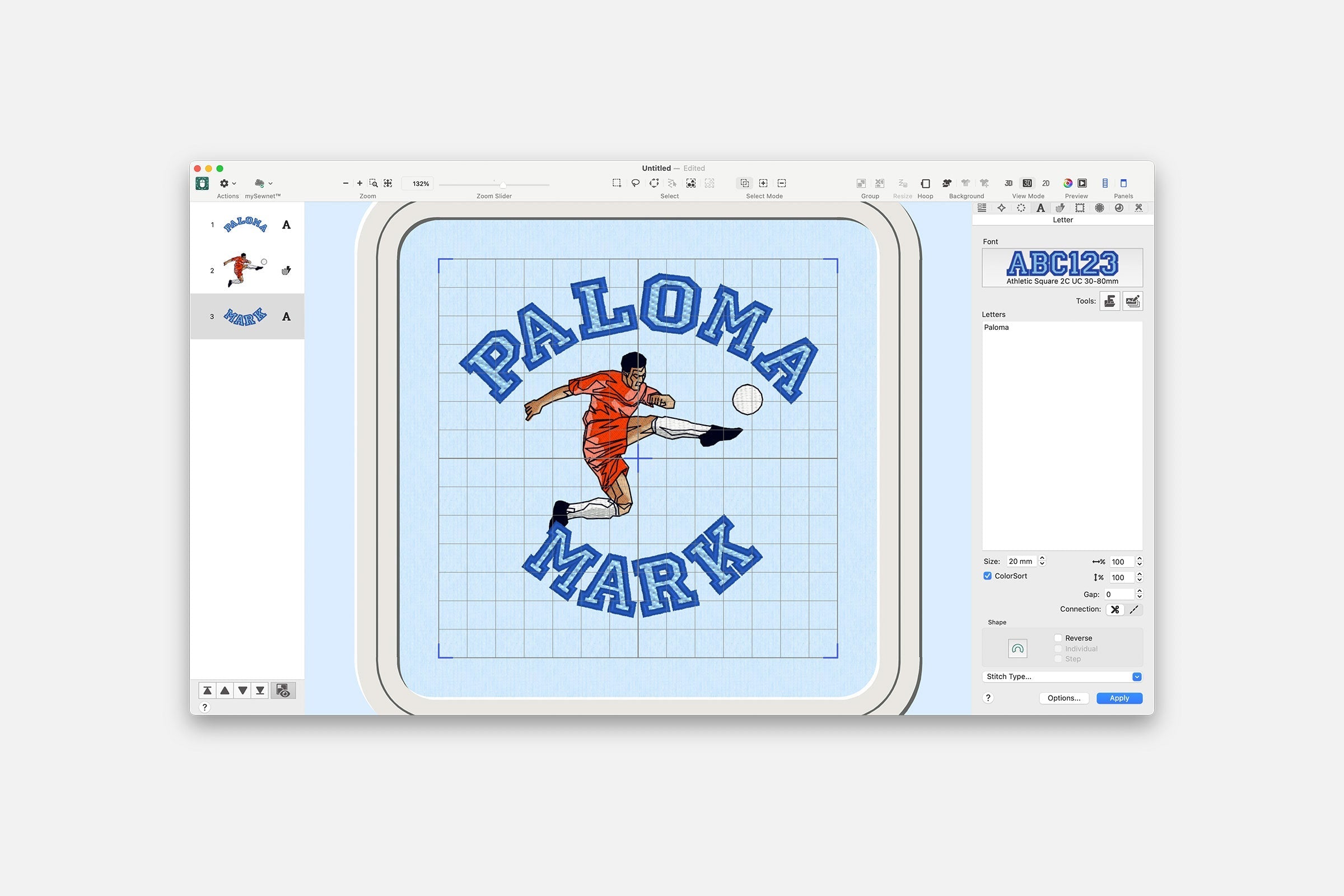
Embroider names in series: Batch processing in Creativate
With Creativate's batch processing, you can automatically insert name lists into embroidery designs. This allows you to create dozens of personalized files with just a few clicks – ideal for labels, name tags, or club uniforms.
Read moreabout Embroider names in series: Batch processing in Creativate
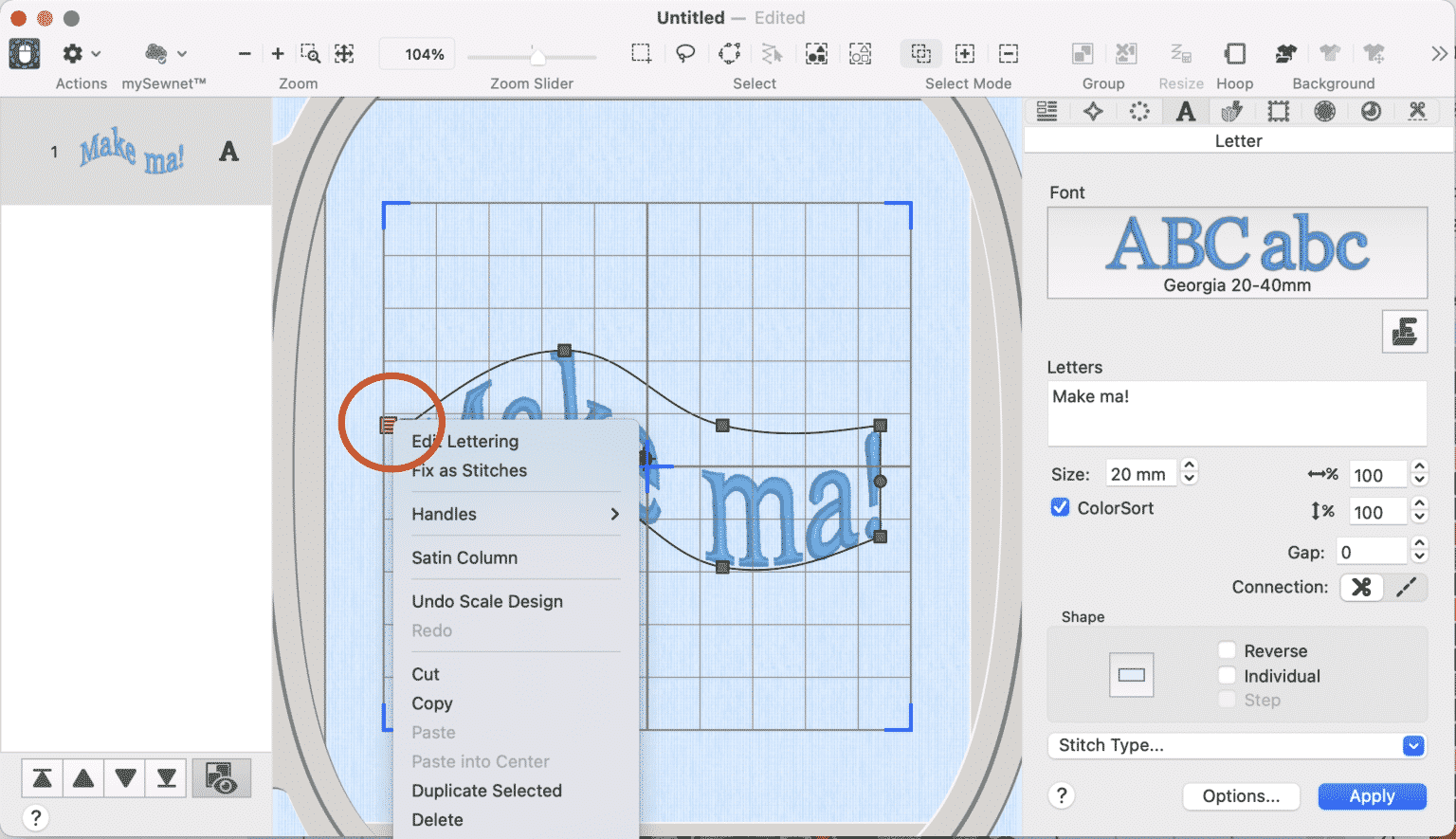
Creativate: Arrange text in a circle and scale it in perspective
With the Creative embroidery software from Pfaff and Husqvarna Viking, you can not only position lettering individually, but also precisely arrange it in a circle or distort it in perspective. In this tutorial, we'll show you how to use both functions effectively.
Read moreabout Creativate: Arrange text in a circle and scale it in perspective
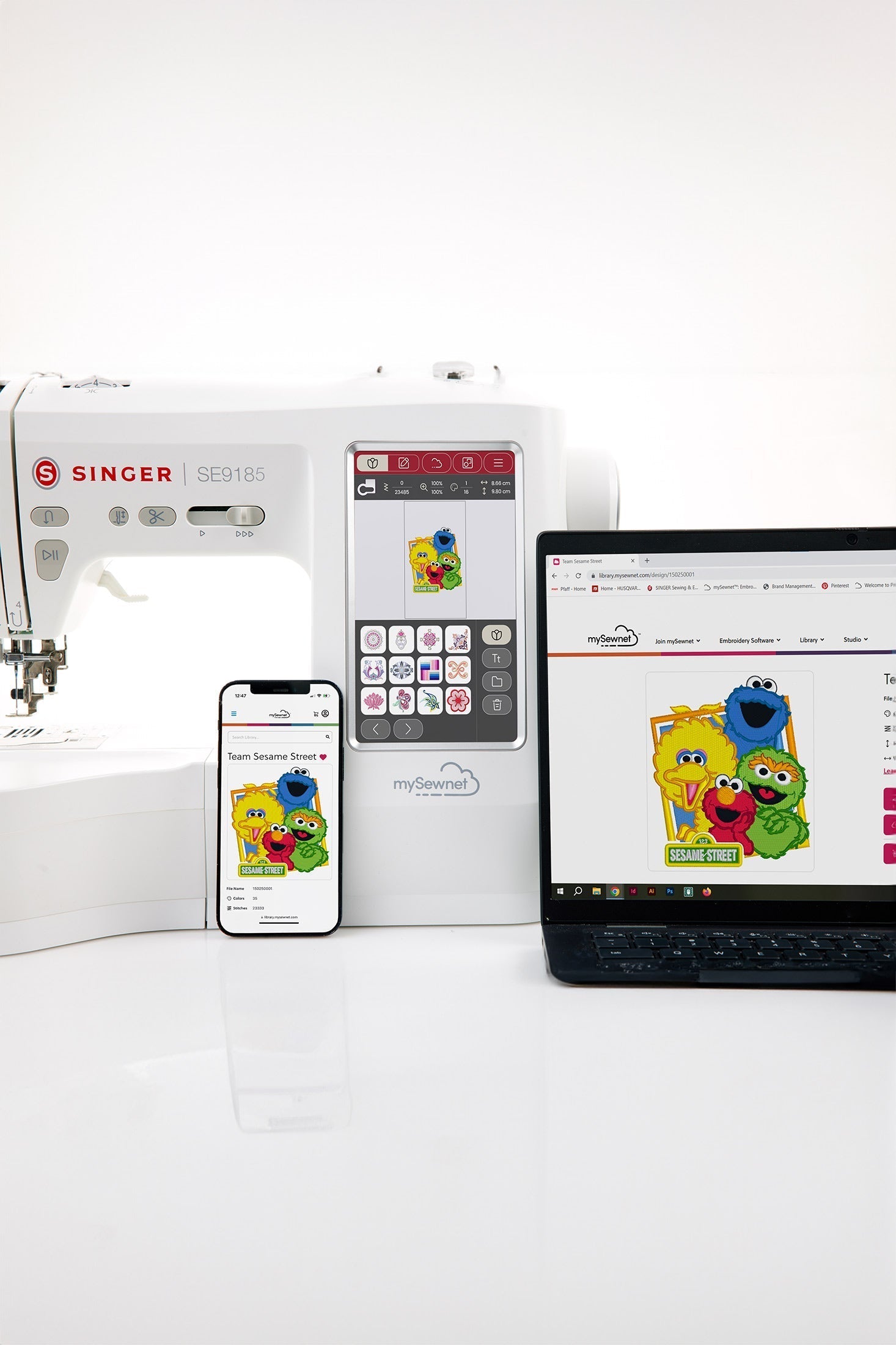
Extend your Creativate subscription – cheaper at your local retailer
Do you use Creativate (formerly mySewnet) regularly? Renewing your subscription is quick and easy – and through us as a certified specialist retailer, it's even significantly cheaper than buying directly from the manufacturer. Here's how to cleverly extend your Creativate subscription.
Read moreabout Extend your Creativate subscription – cheaper at your local retailer
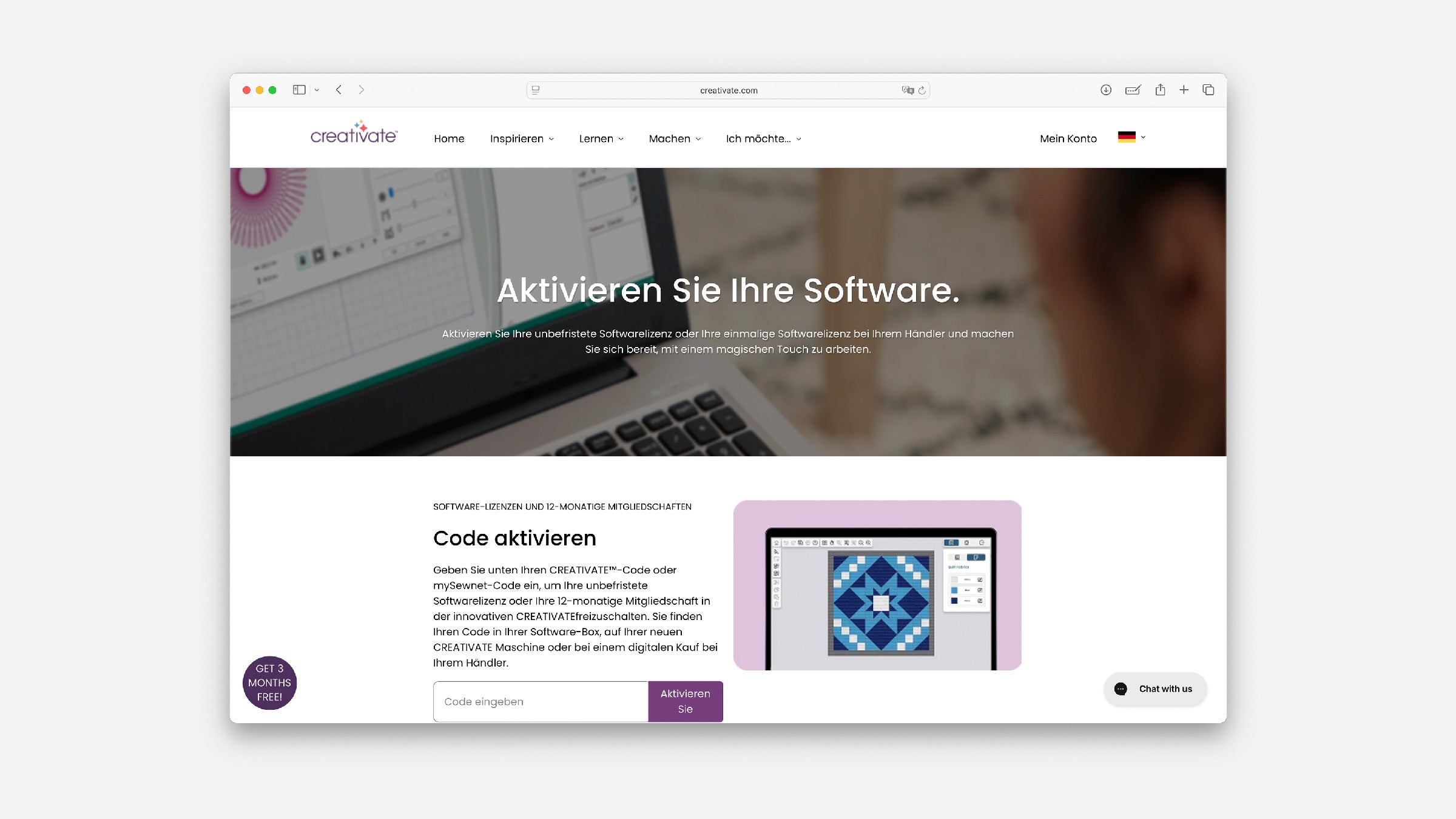
Install and activate CREATIVATE
Install CREATIVATE from the current manufacturer page, sign in with your account and redeem your dealer or boxed code in the right place. The guide covers Windows and Mac.
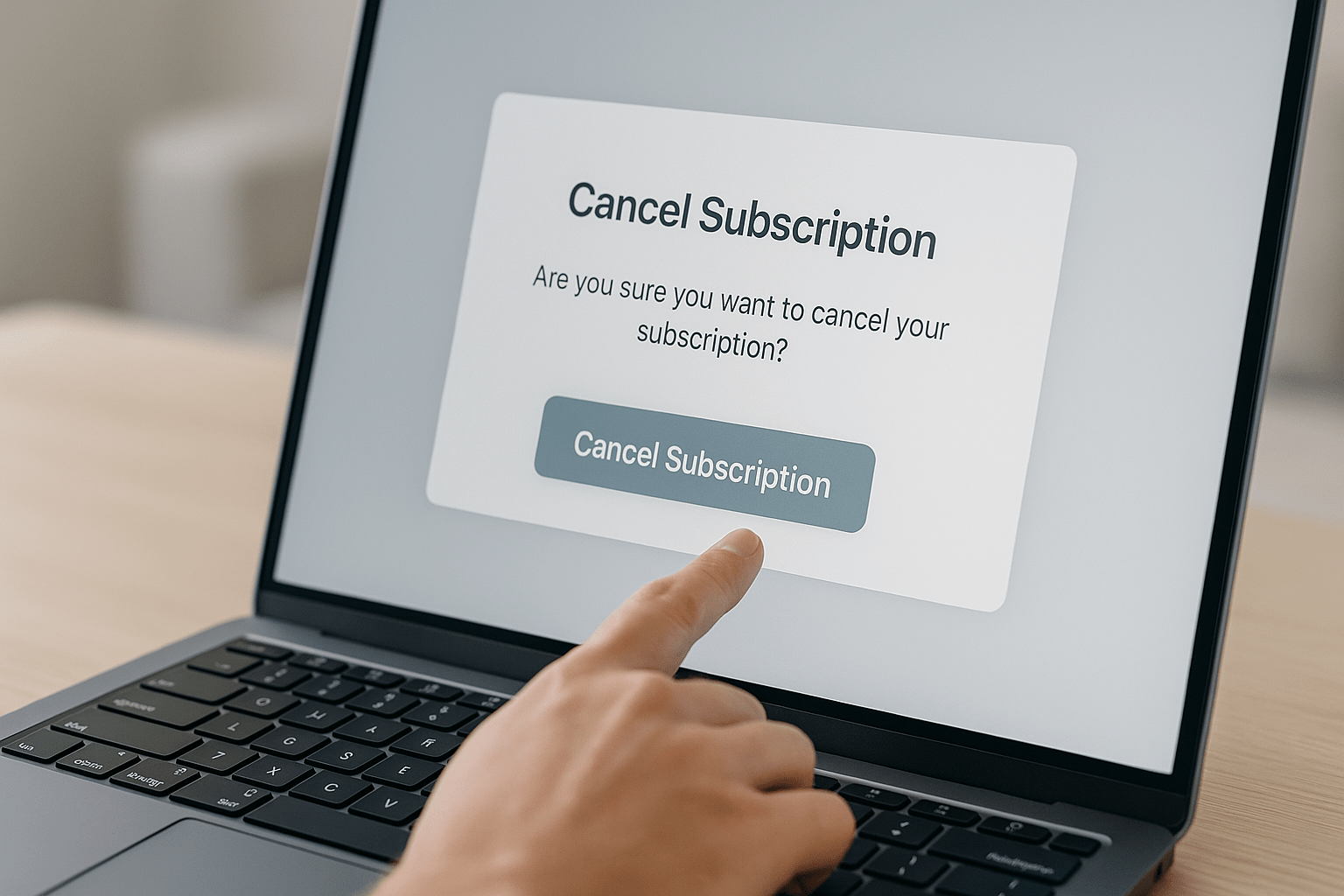
Cancel Creativate subscription – How to end your software subscription
If you no longer wish to use your Creativate (formerly mySewnet) subscription, you can cancel it yourself at any time. Here's how to cancel your subscription step by step – regardless of the software package and operating system.
Read moreabout Cancel Creativate subscription – How to end your software subscription
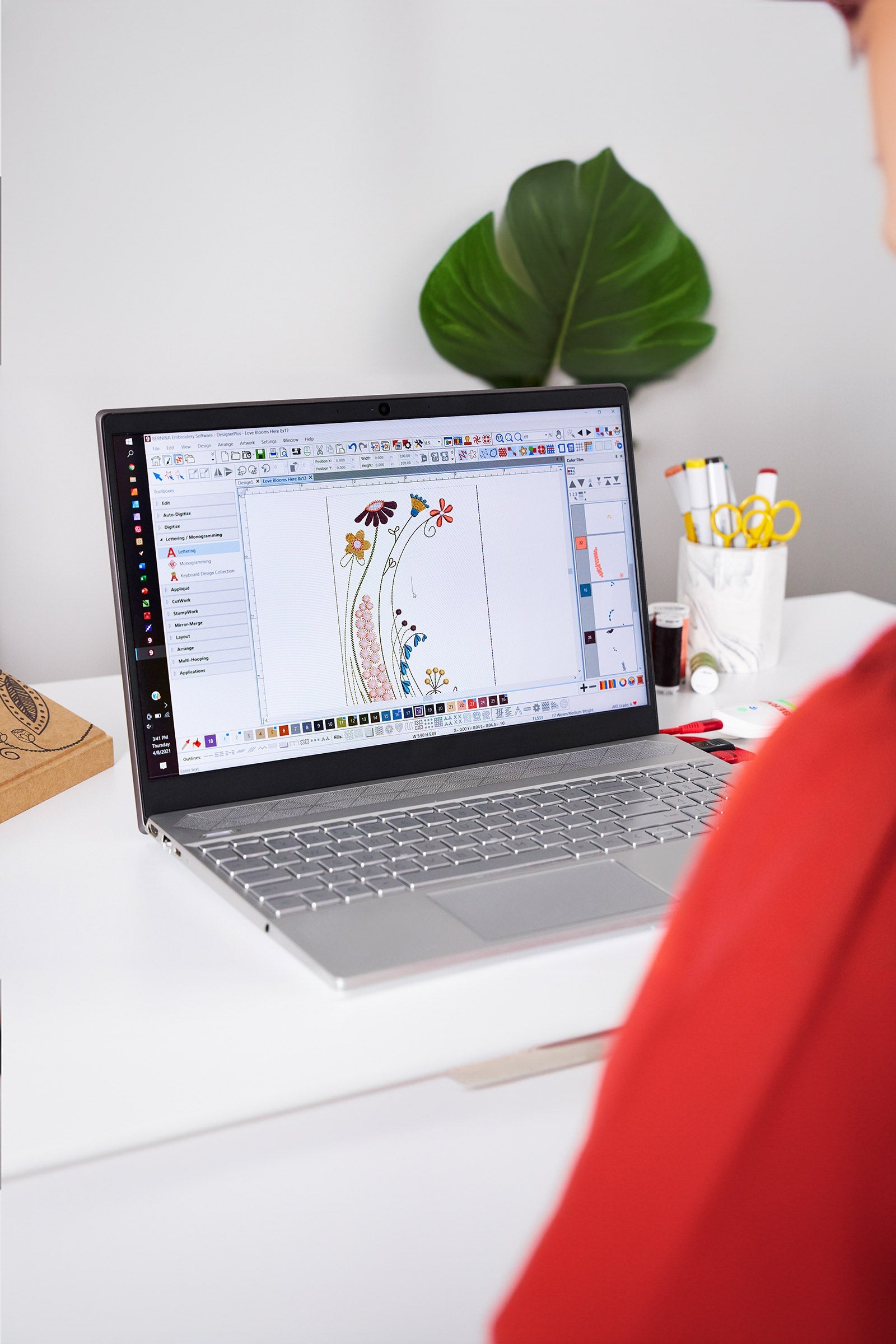
Download Bernina V9 embroidery software
Did you purchase the Bernina V9 embroidery software from us and would like to install the latest version? Here you'll find the official download link and all the information you need to install the latest software version.
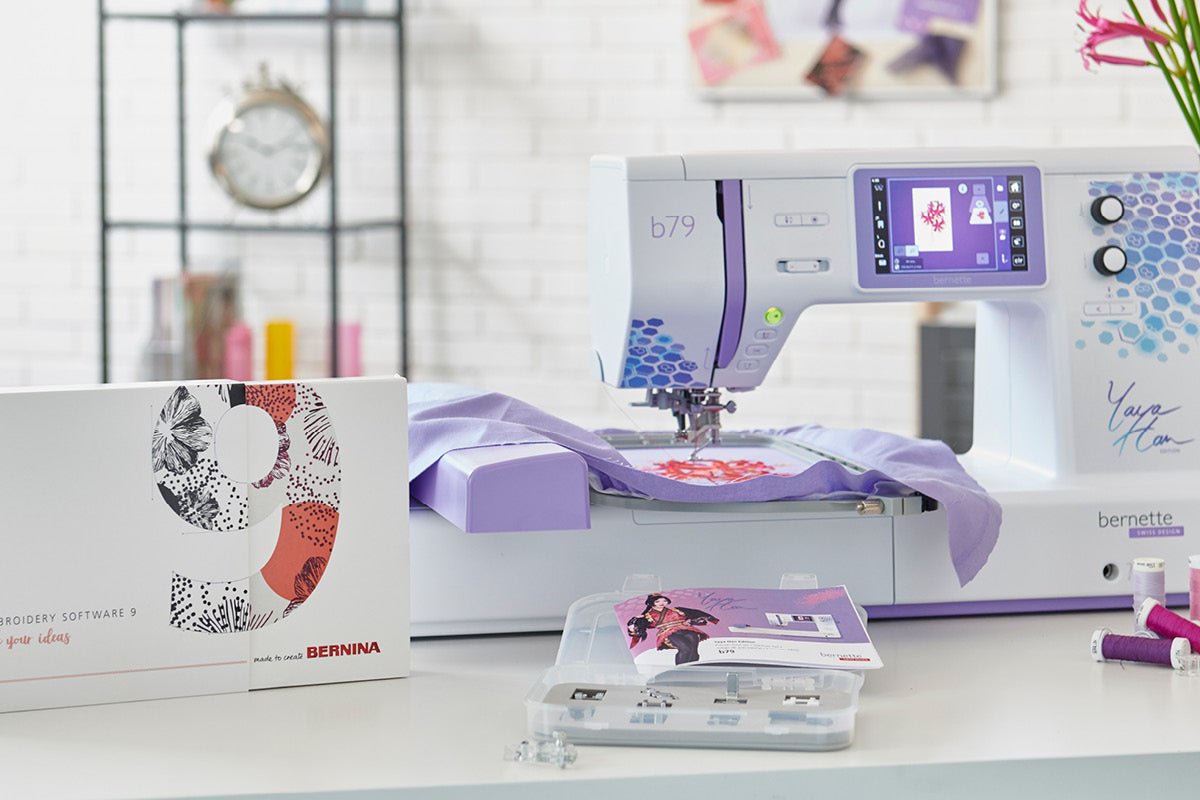
Free 30-day trial version of the Bernina V9 embroidery software
The Bernina V9 embroidery software offers numerous professional features for creatively creating your own embroidery designs. With the free 30-day trial version, you can test the software to its full potential—without any limitations.
Read moreabout Free 30-day trial version of the Bernina V9 embroidery software
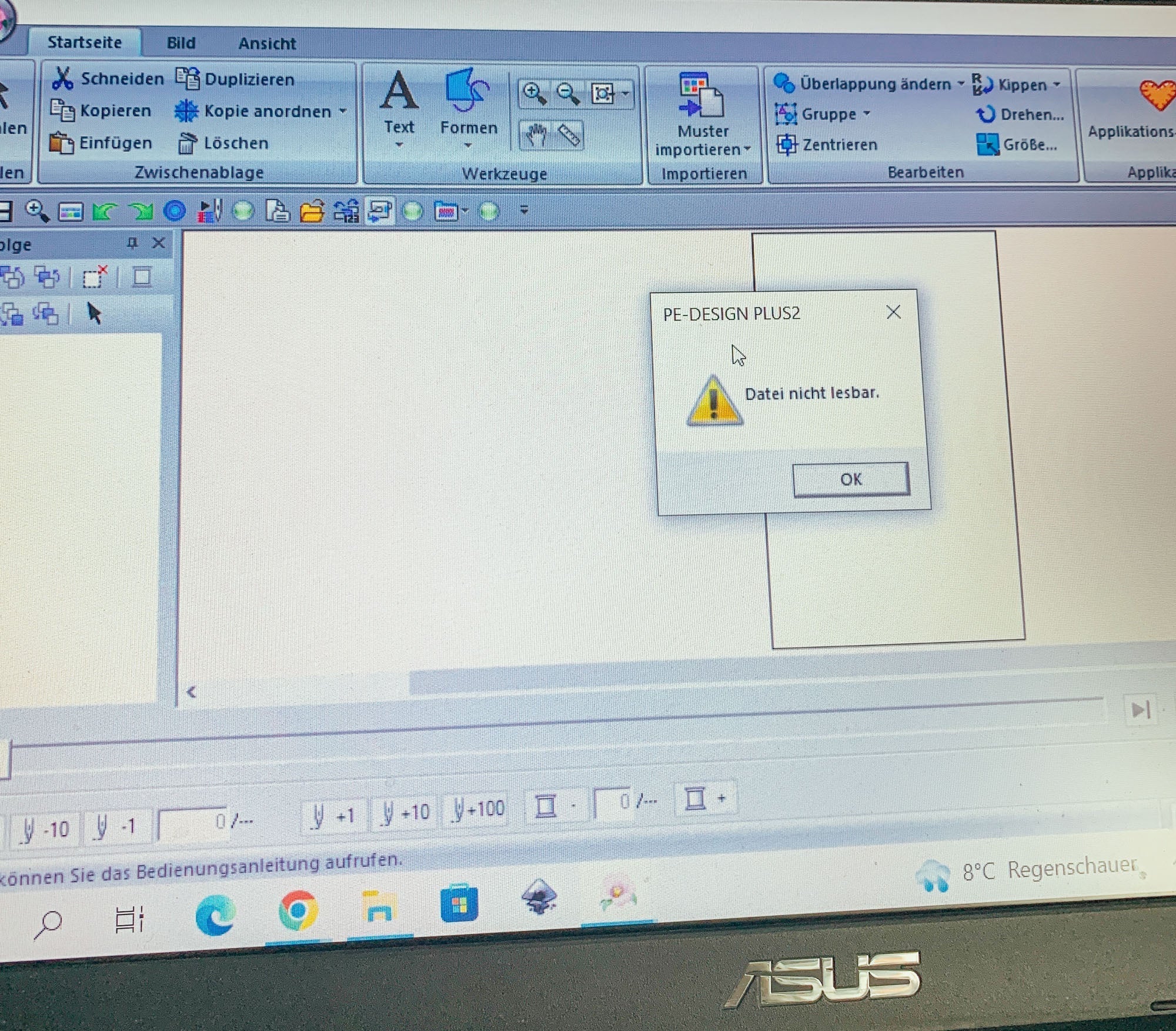
Why can't I open my PES embroidery file in PE Design?
If you try to open a PES embroidery file with Brother PE Design and an error message appears, it's usually due to a version incompatibility. Here's what causes this and how to fix the problem.
Read moreabout Why can't I open my PES embroidery file in PE Design?
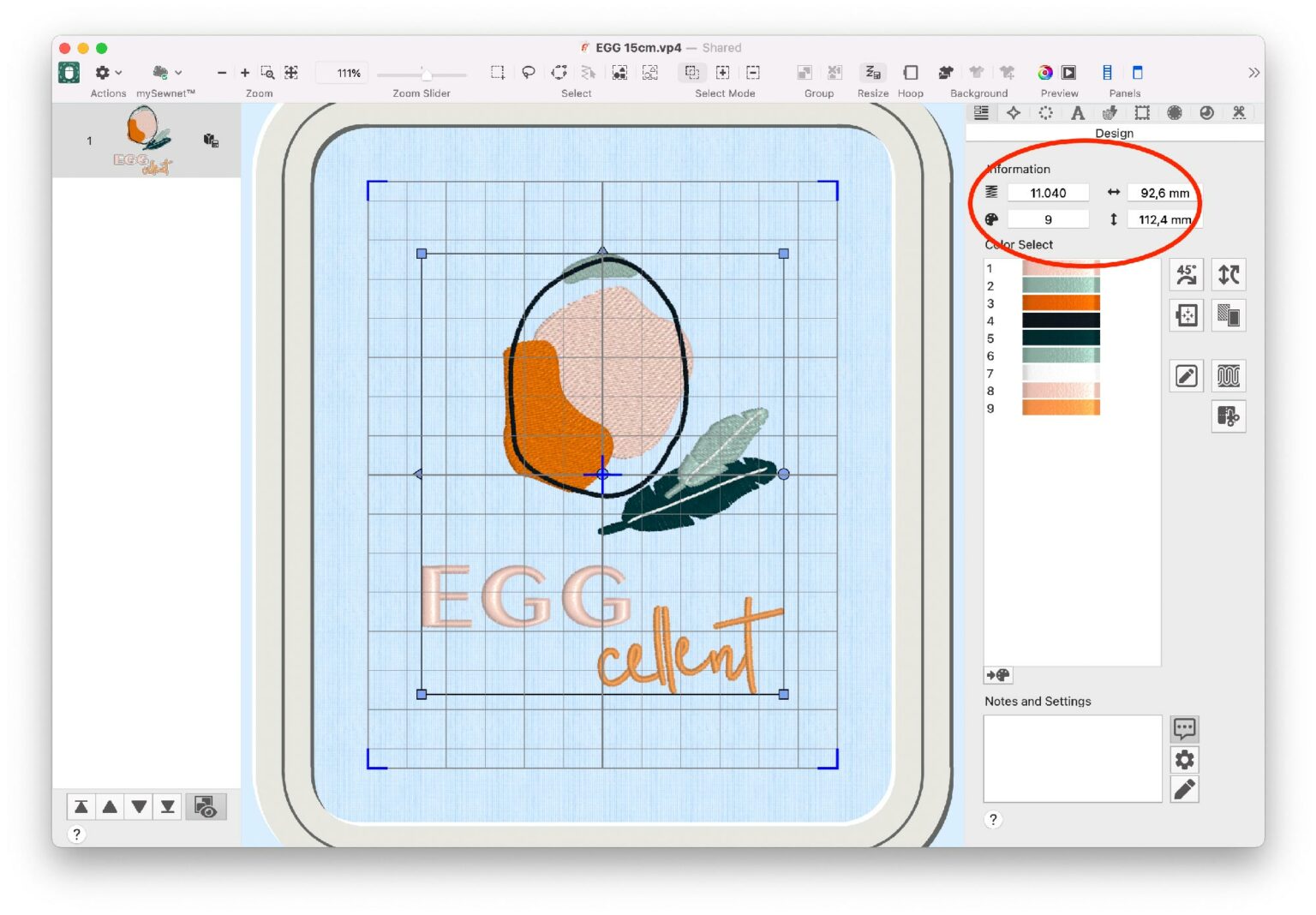
How can I scale embroidery files?
Many embroidery machines allow you to scale embroidery files by ± 20%. However, this doesn't adjust the stitch count, which can lead to messy results. Learn how to correctly enlarge or reduce embroidery files—with and without software.
Which file format does my embroidery machine use?
The correct embroidery file format depends on the exact machine model, not only on the brand. This guide explains PES, EXP, JEF, VP3 and DST and what to check before transferring a design.
Read moreabout Which file format does my embroidery machine use?