

How can we help you?
Frequently Asked Questions
FAQ
Here you'll find answers to the most frequently asked questions about machine embroidery, accessories, software, and our shop. Clearly explained, practical, and always there for you – so you can focus fully on your next project.
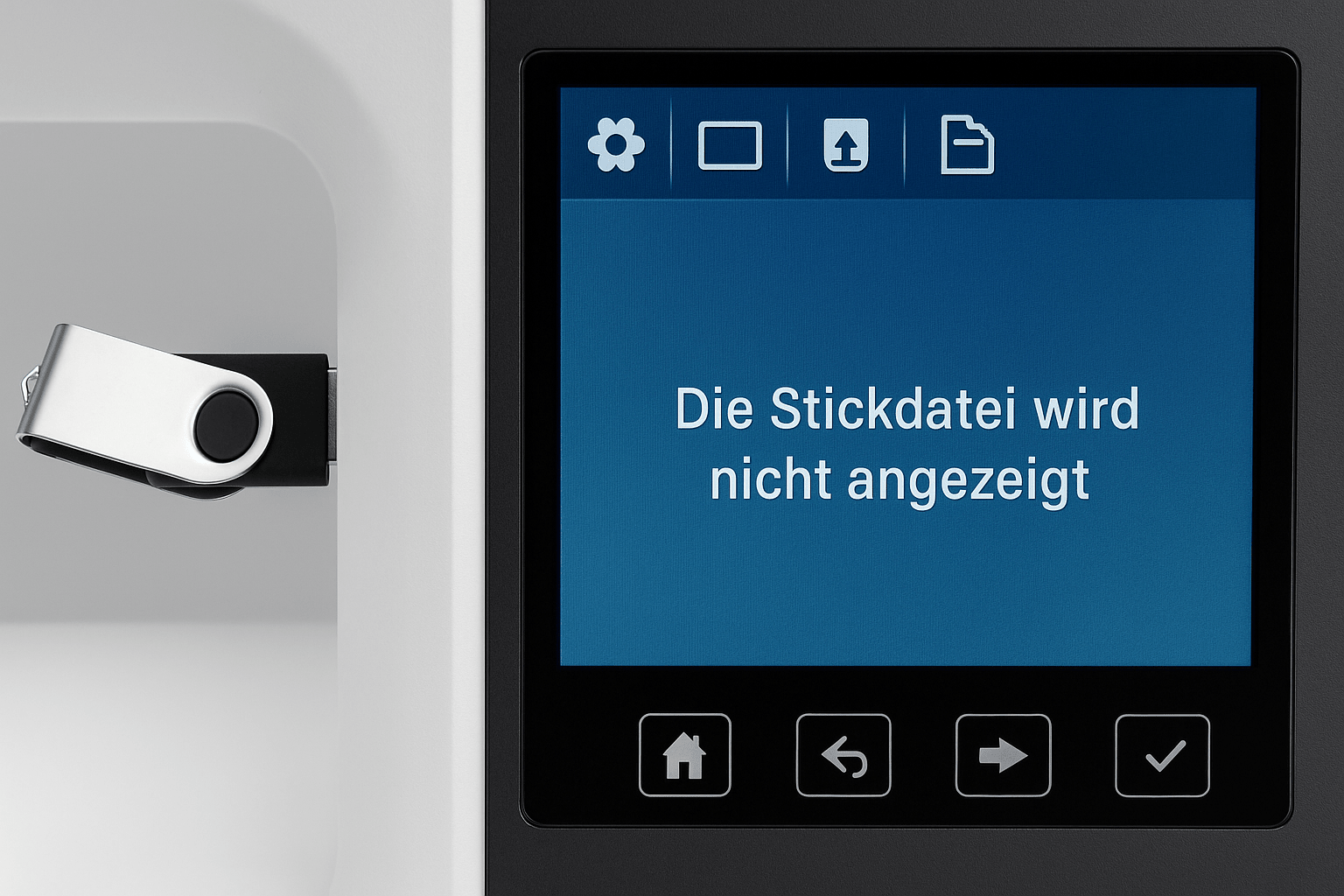
Embroidery file is not displayed
If your embroidery file isn't displaying on your machine, it's usually due to an unsuitable format, an incorrect save location, or a corrupted file. Here's what to look for and how to fix the problem step by step.
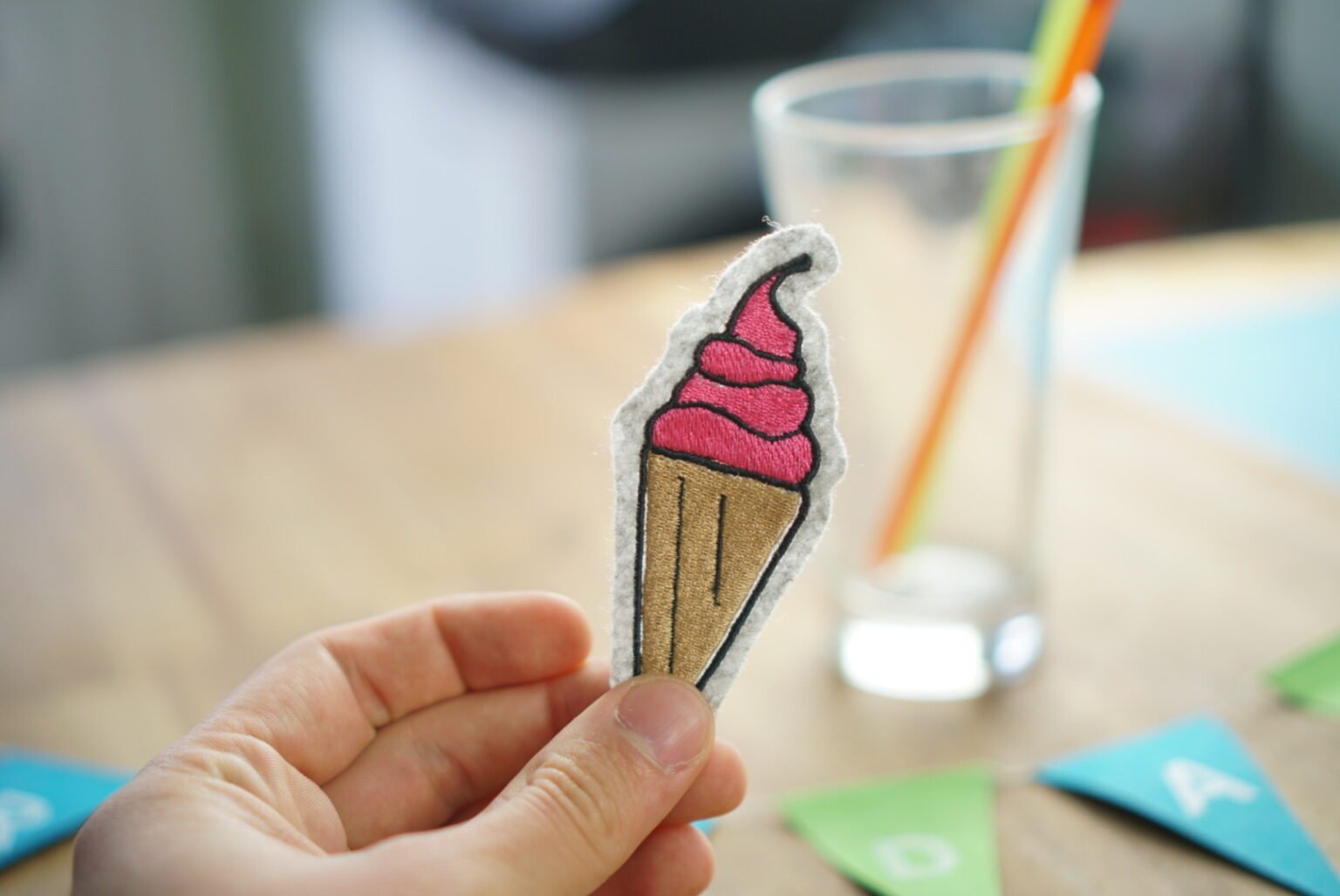
Gaps in the embroidery file: causes and solutions
If outline and fill are offset, a test stitch on stable material determines the next step: if the error changes with fabric or hooping, execution is the likely cause; if it repeats in exactly the same place, inspect the design. Keep the fabric smooth and stable without stretching it.
Read moreabout Gaps in the embroidery file: causes and solutions
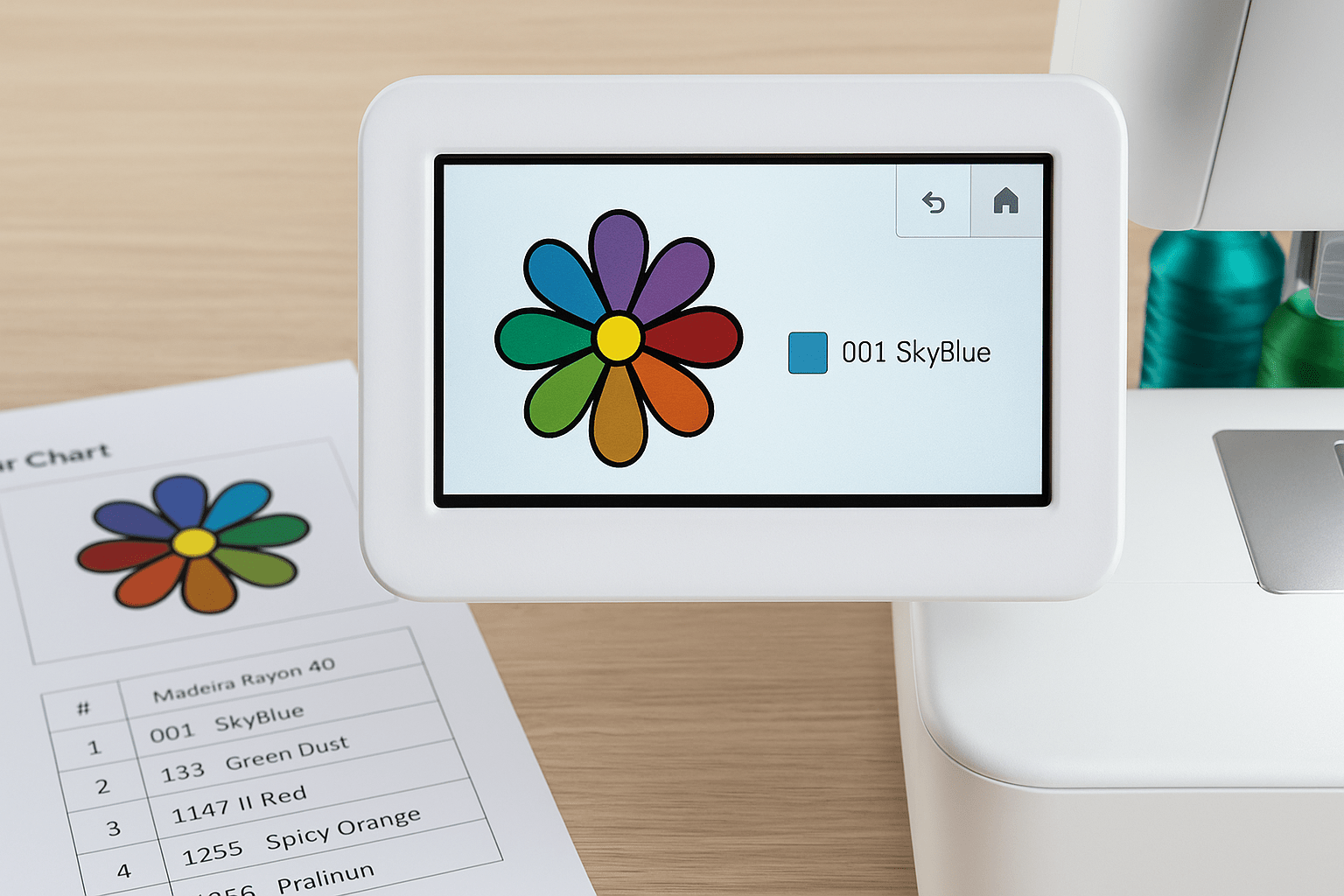
Why does my embroidery machine display different colors?
If your embroidery machine displays different colors than expected, it's not a malfunction, but rather a missing color code. Learn why embroidery machines display colors differently and how to deal with it.
Read moreabout Why does my embroidery machine display different colors?
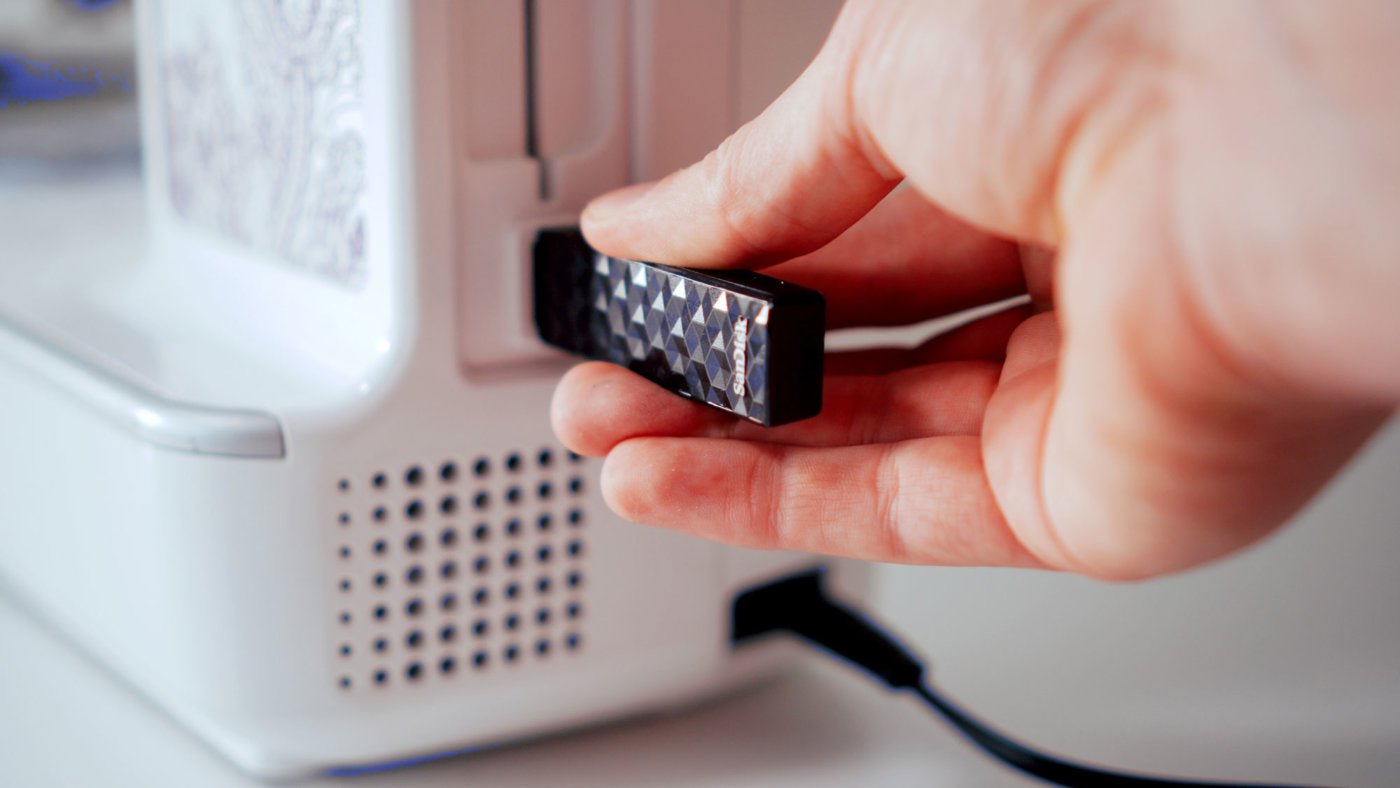
How to transfer embroidery files to your machine
USB drive, Wi-Fi, a manufacturer app or cable: the right transfer method depends on your machine model. This guide helps you choose and gives you a safe checklist.
Read moreabout How to transfer embroidery files to your machine
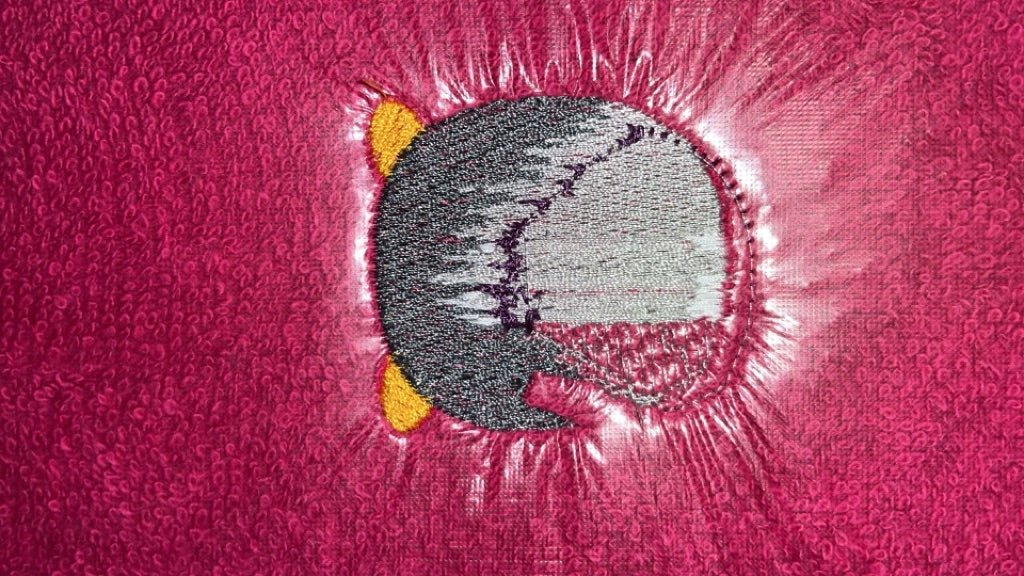
Bobbin thread showing on top: causes and fixes
If the bobbin thread shows on top of the fabric, the tension balance is usually off. Check the bobbin, thread path and default settings first—without immediately adjusting the bobbin case.
Read moreabout Bobbin thread showing on top: causes and fixes
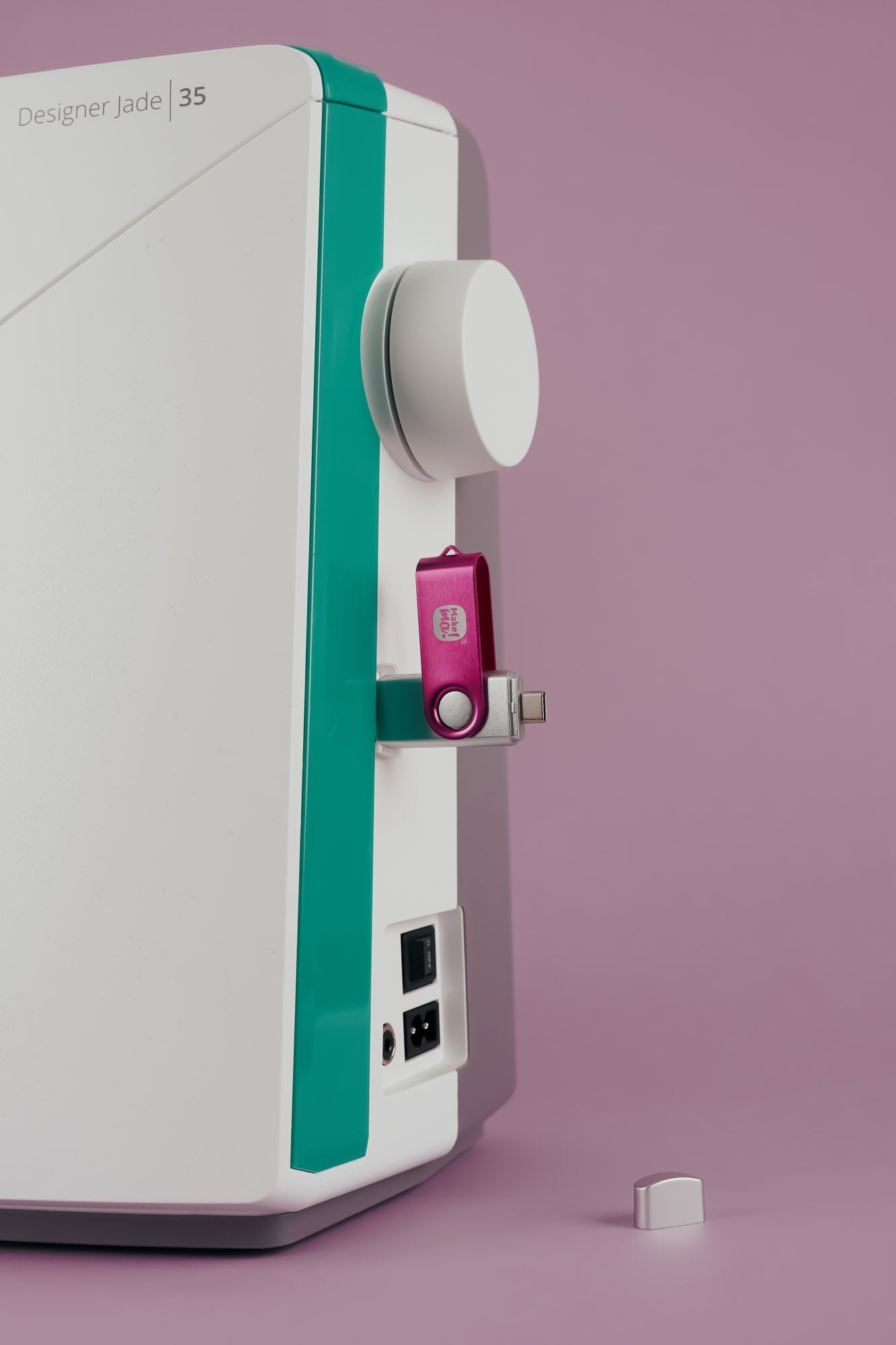
How do I transfer embroidery files by USB?
This guide takes you from the unzipped download to selecting the design on your embroidery machine. Always check formatting, folders and drive size in your model manual.